Free lips SVG files
Free lips SVG files: full closed lips, kiss prints, dripping lips, parted lips with teeth, vampire fangs, leopard print lips and outlines. Each pair is drawn by code, the same on both sides where it should be, and welded into clean closed shapes. Download as SVG, PNG or DXF.
17 designs. Free for personal and commercial use, no sign-up. What you can do with them.
-
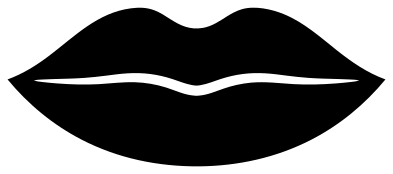 Classic full lips Solid · one piece
 -
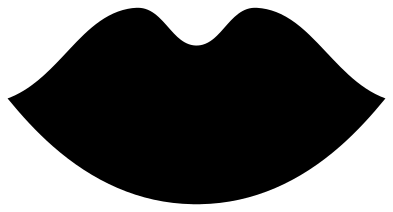 Lips silhouette Solid · one piece
 -
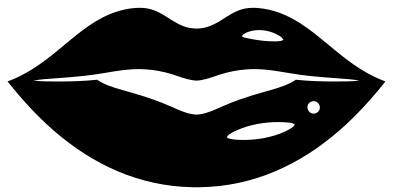 Glossy parted lips Solid · one piece
 -
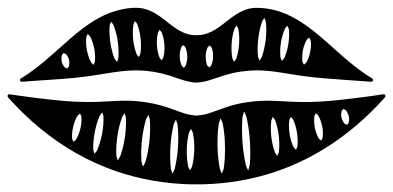 Kiss print lips Solid · 2 pieces
 -
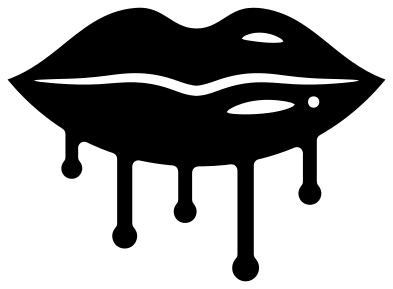 Dripping lips Solid · one piece
 -
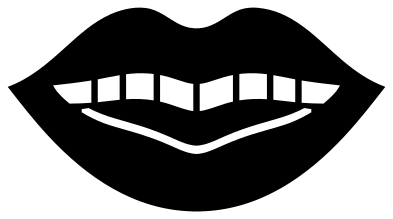 Parted lips with teeth Solid · one piece
 -
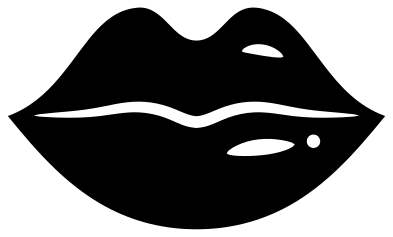 Pouty heart-shaped lips Solid · one piece
 -
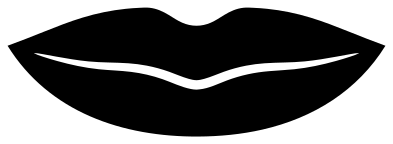 Smiling lips Solid · one piece
 -
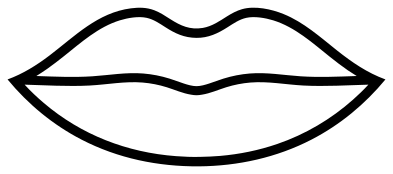 Lips outline Outline · one piece
 -
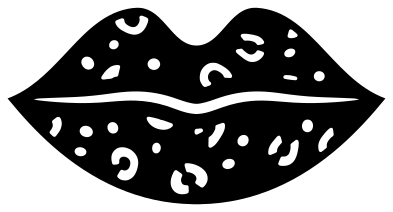 Leopard print lips Solid · one piece
 -
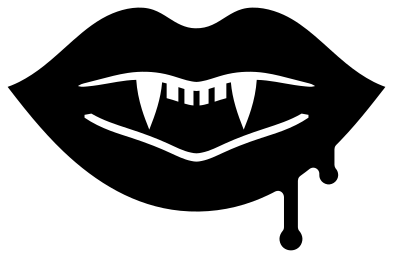 Vampire lips with fangs Solid · one piece
 -
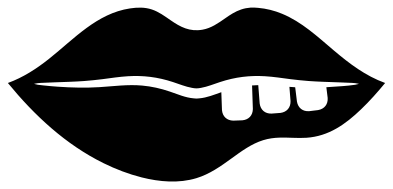 Lips biting the lower lip Solid · one piece
 -
 Sparkling lips Solid · one piece
 -
 Dripping lips with teeth Solid · one piece
 -
 Lips blowing a kiss with hearts Solid · 4 pieces
 -
 Three kiss prints Solid · 6 pieces
 -
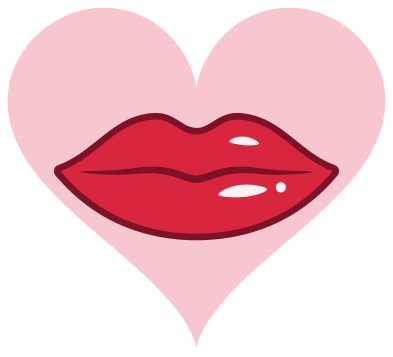 Layered lips on a heart Layered · 6 pieces
Lips that stay in one piece
A pair of lips is two shapes that meet along a line, and on many cut files that line runs from corner to corner, so the upper and lower lip come off the mat as two loose pieces that have to be lined up again. On the closed lips here the parting line is a slit that is widest in the middle and stops a few millimetres short of each corner. The lips stay joined, and they still read as two.
The kiss print is the exception: a real lipstick print has a clear gap between the lips, so it is cut as two pieces. Move both together with transfer tape.
Sizes and colours
For a tumbler or a make-up bag, 60 to 80 mm wide is usual; for the front of a shirt, 150 to 200 mm. The dripping lips and the leopard lips have the finest parts, so keep those at 70 mm wide or more. Red is the obvious colour, but the shine marks and spots are holes, so whatever is underneath shows through: red vinyl on a white mug gives white highlights, and black on gold card gives a gold leopard print.
How to open the files
- Cricut Design Space: choose Upload, pick the SVG, and add it to the canvas. Set the width you want; the shape is already welded.
- Silhouette Studio: Designer Edition and above open the SVG. The free Basic Edition does not, so open the DXF instead.
- LightBurn, xTool Creative Space and Glowforge: import the SVG, then set the layer to cut, score or engrave.
- Inkscape, Illustrator and Affinity: open the SVG. It is a plain filled path, so you can recolour it, add a stroke or combine it with your own work.
- Printing or sublimation: use the PNG, which has a transparent background.
Each design page lists the file’s narrowest part at seven sizes, so you can tell whether it will survive at the size you plan to cut.
Questions
How do I make the lips two colours?
Cut any of the closed lips twice, once in a dark colour and once in a lighter one, weed the parting line and shine marks out of the lighter copy and lay it on the dark one, so the dark colour shows through the line. The layered design has a shadow, lips and highlights ready as separate layers.
Why do the drips have round ends?
A drip of gloss or paint gathers into a bead at its lowest point before it falls. Round ends are also kinder to vinyl: there is no sharp tip to lift when the cup is washed or the shirt is worn.
Which lips work best small?
The silhouette and the classic full lips, which stay clear at 25 mm wide. The pouty lips are the next best. Leave the leopard print and the lips with teeth for 70 mm and above.
 Camera SVG
  Guitar SVG
  Music note SVG
  Stethoscope SVG
  Tooth SVG
  Light bulb SVG