Free light bulb SVG files
Free light bulb SVG files: a clear bulb with a filament, a glowing bulb with rays, a silhouette, an outline, a bold icon, an Edison bulb, a bulb with a heart filament, one with a plant growing in it and a string of bulbs. Each has a proper screw base.
14 designs. Free for personal and commercial use, no sign-up. What you can do with them.
-
 Light bulb with a filament Solid · one piece
 -
 Glowing light bulb with rays Solid · 8 pieces
 -
 Light bulb silhouette Solid · one piece
 -
 Light bulb outline Outline · one piece
 -
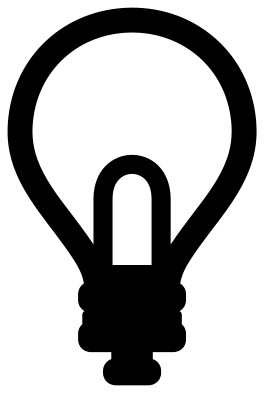 Simple light bulb icon Solid · one piece
 -
 Light bulb moment in a burst Solid · one piece
 -
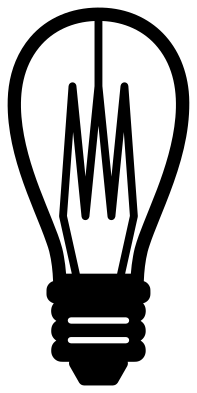 Edison light bulb Solid · one piece
 -
 Light bulb with a heart filament Solid · one piece
 -
 Light bulb with a growing plant Solid · one piece
 -
 Cute light bulb with a face Solid · 6 pieces
 -
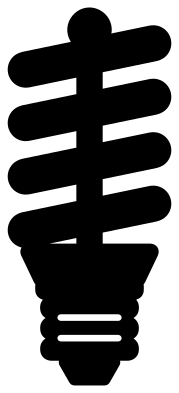 Spiral energy saving light bulb Solid · one piece
 -
 Light bulb monogram frame Solid · one piece
 -
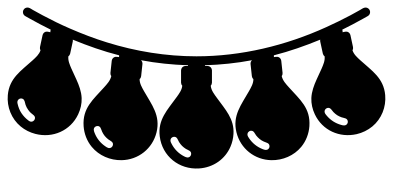 Light bulbs on a string Solid · one piece
 -
 Layered light bulb in four colours Layered · 4 pieces
Clear bulbs and solid bulbs
There are two ways to cut a light bulb. A clear bulb has the glass as a slim band with the filament drawn inside it, so the backing shows through like real glass. A solid bulb is a filled pear with the filament or a highlight cut out of it. The clear bulbs look finer but have thinner parts: the filament wires are about 2.4 mm wide when the bulb is 100 mm tall, so cut them at 80 mm or more. The solid bulbs and the simple icon can go much smaller.
For a bulb that looks lit, cut a solid bulb in yellow or use the layered bulb, and put the rays round it in the same colour.
Rays are loose pieces
Rays of light do not touch the bulb, so on the glowing bulb and the cute bulb they are separate pieces. Lift the whole design with transfer tape and they keep their places. If you are cutting card or wood and would rather have one piece, use the light bulb moment, where the bulb is a hole in a spiky burst, or leave the rays off.
How to open the files
- Cricut Design Space: choose Upload, pick the SVG, and add it to the canvas. Set the width you want; the shape is already welded.
- Silhouette Studio: Designer Edition and above open the SVG. The free Basic Edition does not, so open the DXF instead.
- LightBurn, xTool Creative Space and Glowforge: import the SVG, then set the layer to cut, score or engrave.
- Inkscape, Illustrator and Affinity: open the SVG. It is a plain filled path, so you can recolour it, add a stroke or combine it with your own work.
- Printing or sublimation: use the PNG, which has a transparent background.
Each design page lists the file’s narrowest part at seven sizes, so you can tell whether it will survive at the size you plan to cut.
Questions
How do I stop the rays moving when I apply the glowing bulb?
Weed the design on its backing, then lay transfer tape over the bulb and all seven rays together and lift them in one go. The tape holds the spacing. For iron-on, the carrier sheet does the same job.
Which light bulb is best for a small label or a switch plate?
The simple light bulb icon. Its lines are 5 mm wide or more when the bulb is 100 mm tall, so it stays clear at 25 mm. The silhouette is also safe at that size.
Can I put an initial in a light bulb?
Yes, use the monogram frame. The glass is an open band with nothing inside it, and the space is about 50 mm wide when the bulb is 100 mm tall. Place a letter in the middle and weld it to the band if you want one piece.
 Camera SVG
  Guitar SVG
  Music note SVG
  Stethoscope SVG
  Tooth SVG
  Key SVG