What is a pen plotter? How plotter art is made, from the 1960s to today
A pen plotter draws with a real pen along vector paths. How plotters work, how plotter art began in the 1960s, the machines used today, and what to plot.
Updated
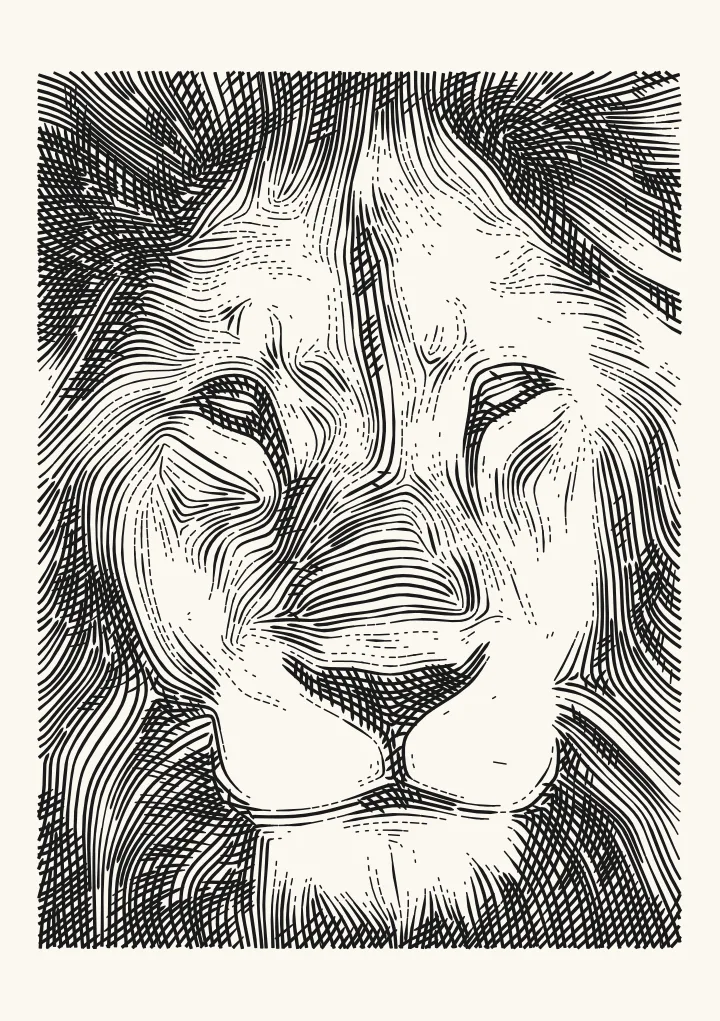

Sample render. Slide to compare the photo with the result.
A pen plotter is a machine that draws with a real pen. A printer builds a picture from dots laid down row by row; a plotter moves a pen across the paper along lines, lowering it to draw and lifting it to move on. Wikipedia’s definition fits in a line: a plotter is “a machine that produces vector graphics drawings”. What comes out is ink from a pen, in continuous strokes you could follow with a finger.
Plotter art is work made for that machine. It began with the first exhibitions of computer drawings in 1965. Today it covers generative prints written in code, and maps and photographs turned into hatching, stipples or a single wandering line.
How a pen plotter works
- Two axes and a lift. Motors move the pen, or the paper, in X and Y, and a third movement lowers and raises the pen. Wikipedia describes an early design: “the Calcomp 565 of 1959, worked by placing the paper over a roller that moved the paper back and forth for X motion, while the pen moved back and forth on a track for Y motion.”
- Commands, not pixels. The machine follows instructions: move here, pen down, draw to there, pen up. HP-GL, Hewlett-Packard’s plotter language, spells them out.
PU0,0;lifts the pen and moves to the corner, andPD100,0,100,100,0,100,0,0;draws a box. - A file of paths. Modern hobby plotters take the drawing as vector paths. An AxiDraw plots an SVG through its Inkscape extensions; a GRBL machine reads G-code, written for it directly or converted from an SVG.
- Time. Every stroke is drawn at a pen’s pace, and every gap between strokes costs a lift, a travel move and a drop. A plot takes minutes or hours, which is why plotting software sorts the paths to cut the travel. The science page shows it happening.
Pen plotter vs printer
| Printer | Pen plotter | |
|---|---|---|
| Marks | Dots on a grid | Continuous lines along paths |
| Tone | Dot density and size | Line density: hatching, stipples, spacing |
| Input | A raster image | Vector paths: SVG, HP-GL or G-code |
| Ink | The printer’s own | Whatever pen fits the holder |
| Speed | Seconds a page | Minutes to hours a drawing |
| Result | A print | A drawing in real ink |
A printer is the better way to reproduce a photograph; a plotter is how you get a drawing. That’s why a photo has to be turned into lines before a plotter can draw it.
A short history of plotters and plotter art
Every date here comes from Wikipedia’s articles on the plotter, HP-GL and computer art.
- 1959. The Calcomp 565, an early pen plotter, moves the paper on a roller and the pen along a track.
- 1965. The first exhibitions of computer art. Generative Computergrafik, in February at the Technische Hochschule in Stuttgart, showed work by Georg Nees. Computer-Generated Pictures, in April at the Howard Wise Gallery in New York, showed Bela Julesz and A. Michael Noll. In November, Galerie Wendelin Niedlich in Stuttgart showed Frieder Nake and Georg Nees. In Wikipedia’s words, “Early machines used pen-and-ink plotters to produce basic hard copy.”
- Late 1960s and 1970s. “Hewlett Packard and Tektronix produced small, desktop-sized flatbed plotters”.
- 1977. HP-GL is “introduced with the plotter HP-9872” and “became a standard for almost all plotters”.
- 1980s. “the small and lightweight HP 7470 introduced the ‘grit wheel’ mechanism”, so paper no longer needed perforated edges.
- Decline. “With the widespread availability of high-resolution inkjet and laser printers, inexpensive memory and computers fast enough to rasterize color images, pen plotters have all but disappeared.”
- Revival. “In the mid-to-late 2000s artists and hackers began to rediscover pen plotters as quirky, customizable output devices.”
Pen plotters people use today
- AxiDraw, from Evil Mad Scientist. Its models include the AxiDraw V3 with an A4 (8½ × 11”) plot area, and the V3/A3 and SE/A3 with an A3 (11 × 17”) area. The maker says “AxiDraw is normally controlled through a set of extensions to Inkscape”, with a stand-alone CLI and Python APIs as well, and “You do not need to purchase any additional software to use AxiDraw.”
- iDraw, from UUNA TEK. Its download page says “All iDraw machines use Inkscape with iDraw extension”.
- DIY and GRBL machines. Home-built plotters often run GRBL, and 3D printers converted to draw run Marlin or Klipper. They read G-code rather than SVG, and Plotcaster can write that G-code for them. Image to G-code for a pen plotter covers the machine presets and pen commands.
- Cutting machines with a pen. With a pen in its holder, a Cricut or Silhouette draws the lines of an SVG like a small plotter. Photo to line drawing for Cricut covers pens, foil and Design Space.
- Vintage HP plotters. vpype can write HPGL for a list of older devices, including the HP 7475A.
Which programs go with which machine: pen plotter software compared.
What makes a drawing plottable
- Strokes, not fills. A plotter follows the outline of a path, so a filled black shape plots as its outline. Tone has to come from lines.
- Tone from line density. Dark areas get lines closer together, extra passes at new angles or more dots; light areas get fewer or none. What matters is the spacing compared with the pen: about 1.2 times the pen’s line width gives a solid dark, and past about 6 times the lines stop reading as tone. Set spacing to the pen has typical values.
- Few pen lifts. Every separate path costs a lift, a travel move and a drop. Long continuous lines plot faster, and look calmer, than thousands of short marks.
- Real units. A plot has a physical size. A file in millimetres, where one unit is one millimetre, arrives at the right size without rescaling.
- Plot time. In Plotcaster’s A5 test renders with a 0.3 mm pen, the estimates run from about 2 minutes for Edges, a few outlines of a cat’s face, to about 114 minutes for Dither, whose 16,481 separate marks each need their own lift. Scribble joins its loops into 39 long paths and takes about 18 minutes.
Plotter art from photos
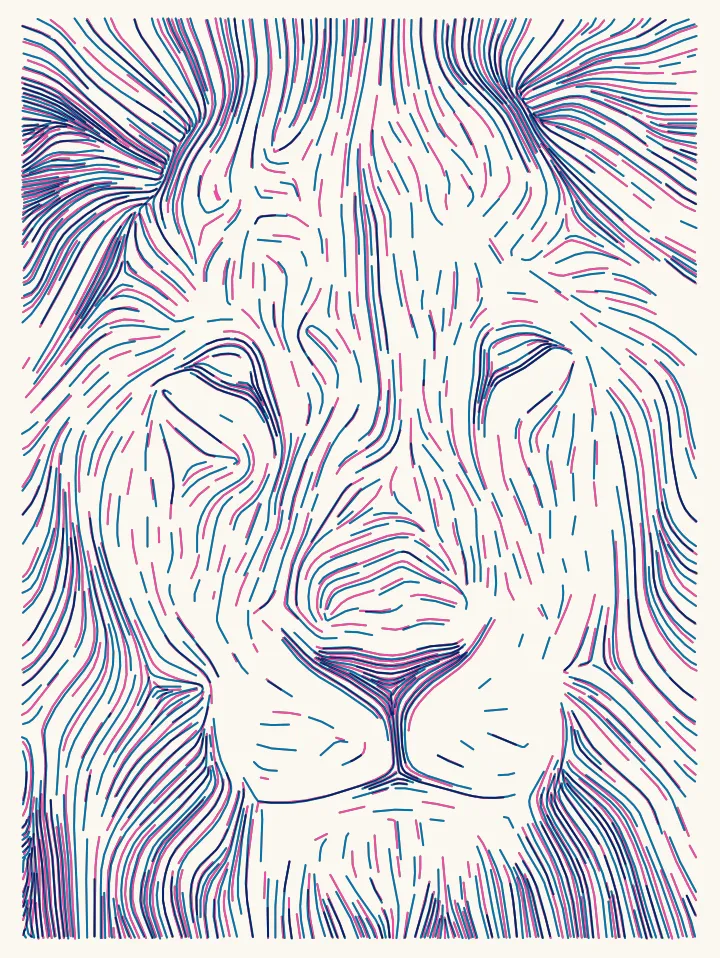
Photos are the usual starting point for people who don’t code. Each drawing below is the lion photo, or a closer crop of it, on an A5 sheet with a 0.3 mm pen, drawn in a different Plotcaster style. The times are the editor’s estimates for an AxiDraw at moderate speed. Compare puts every style and dithering algorithm side by side, and the styles page has the rest.
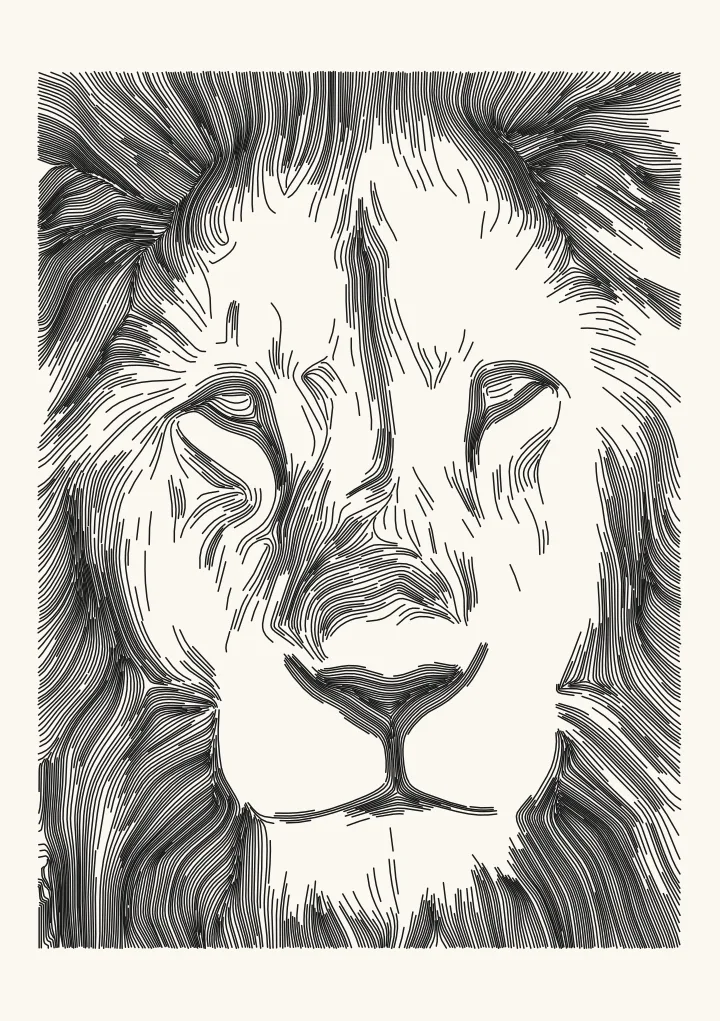
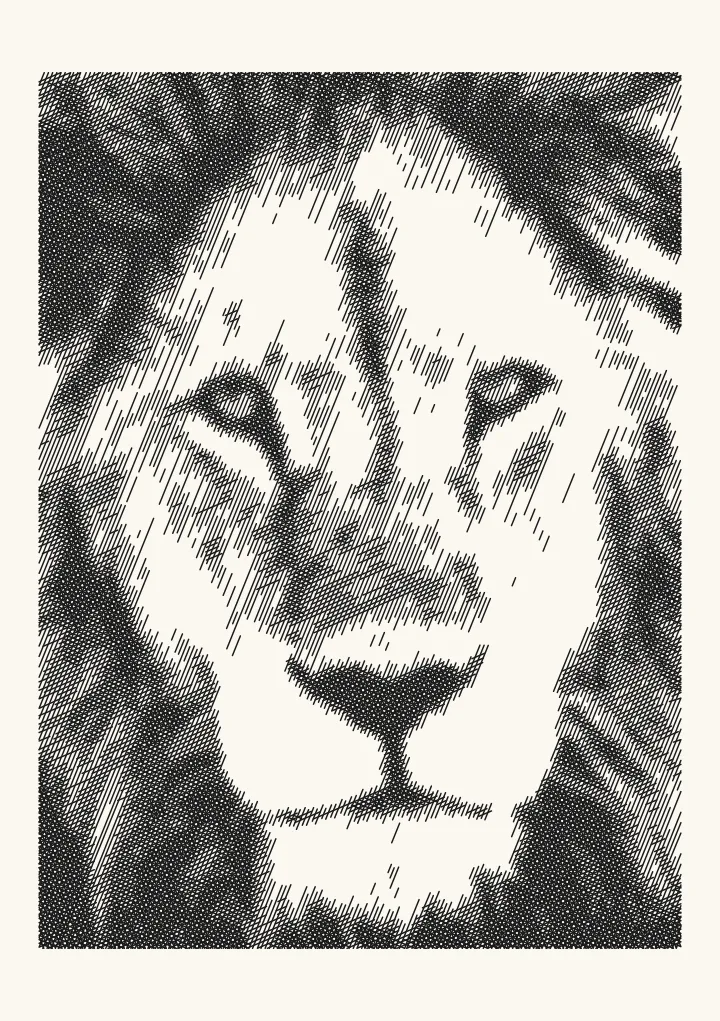
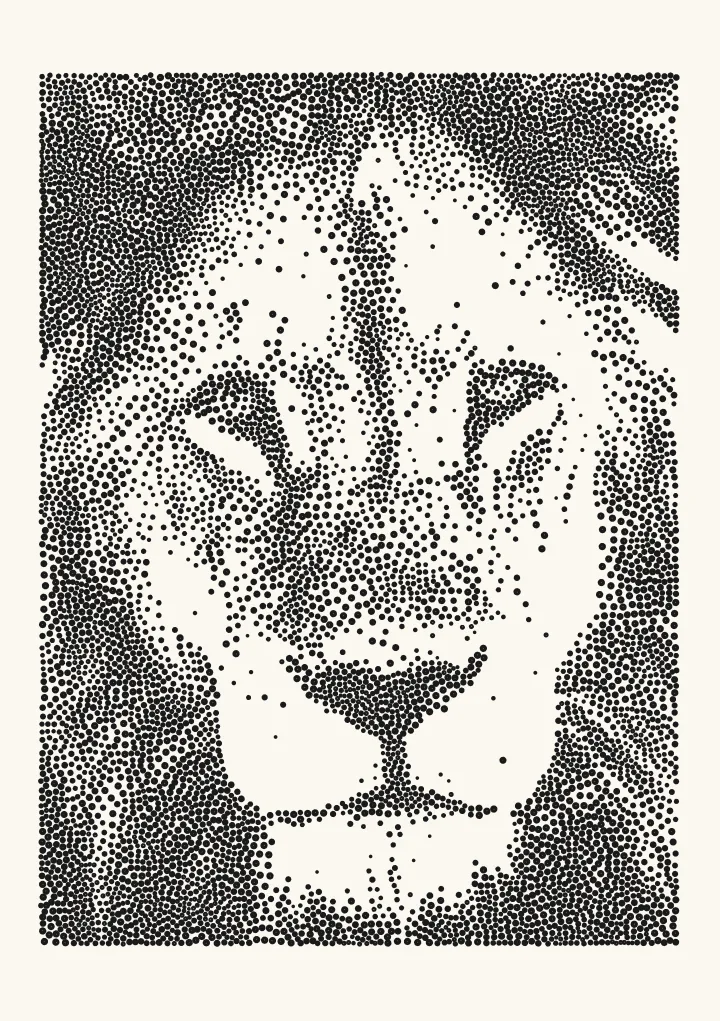
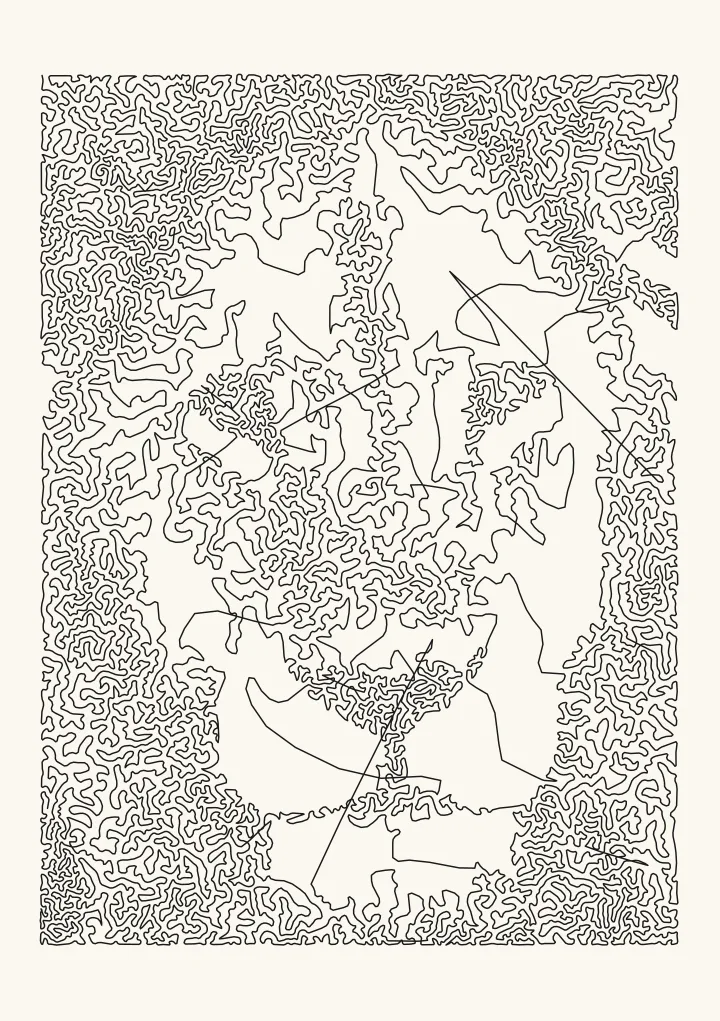
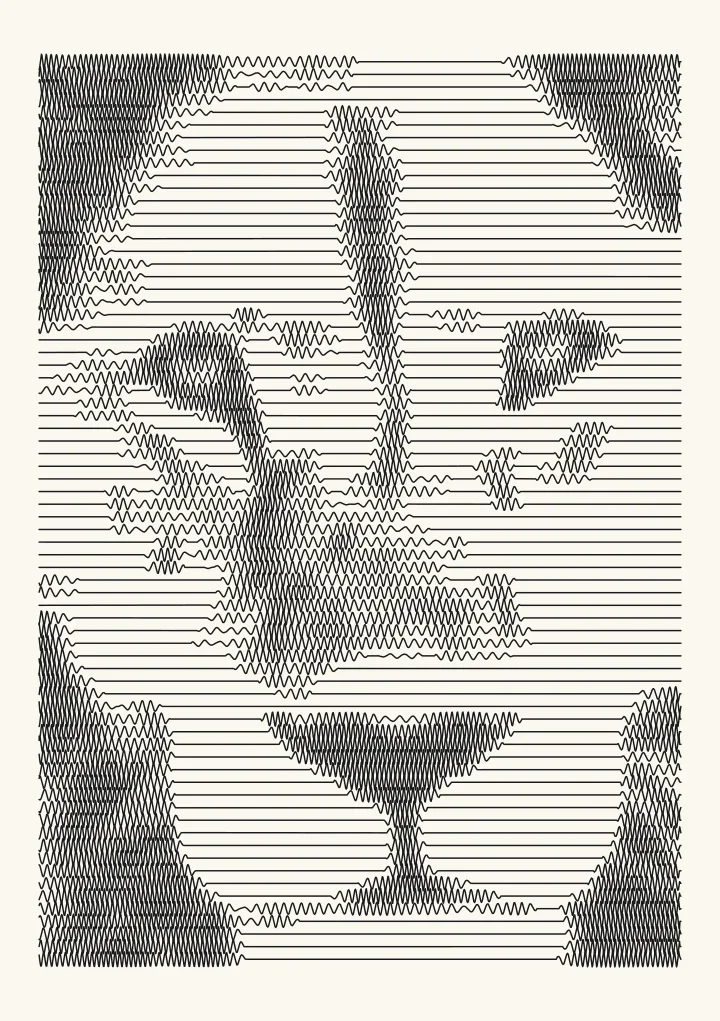
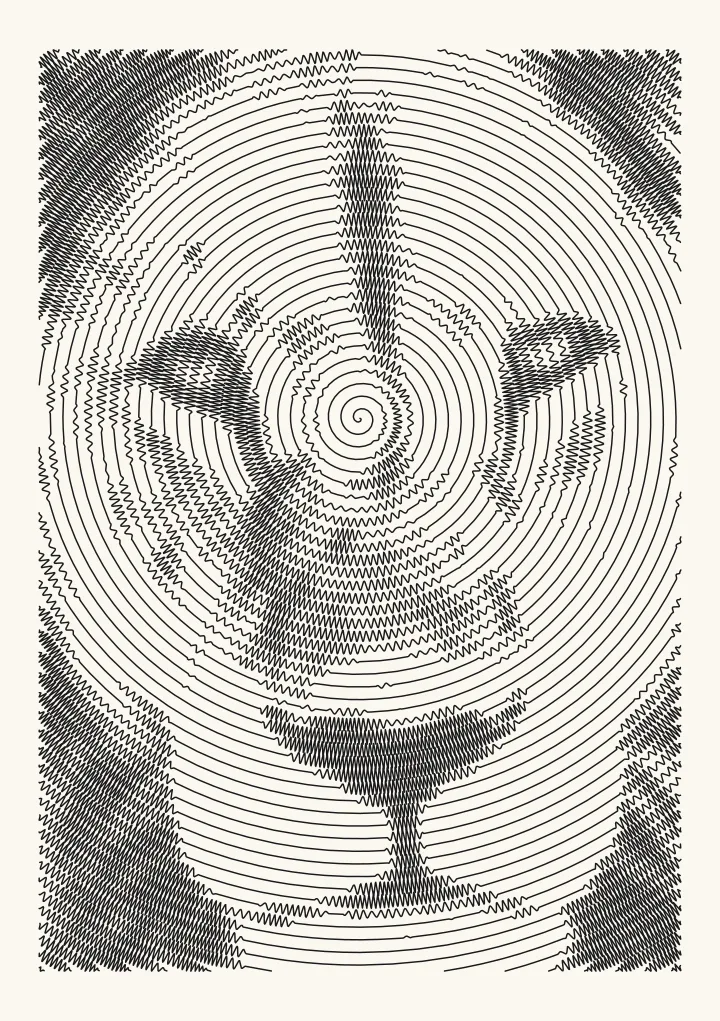
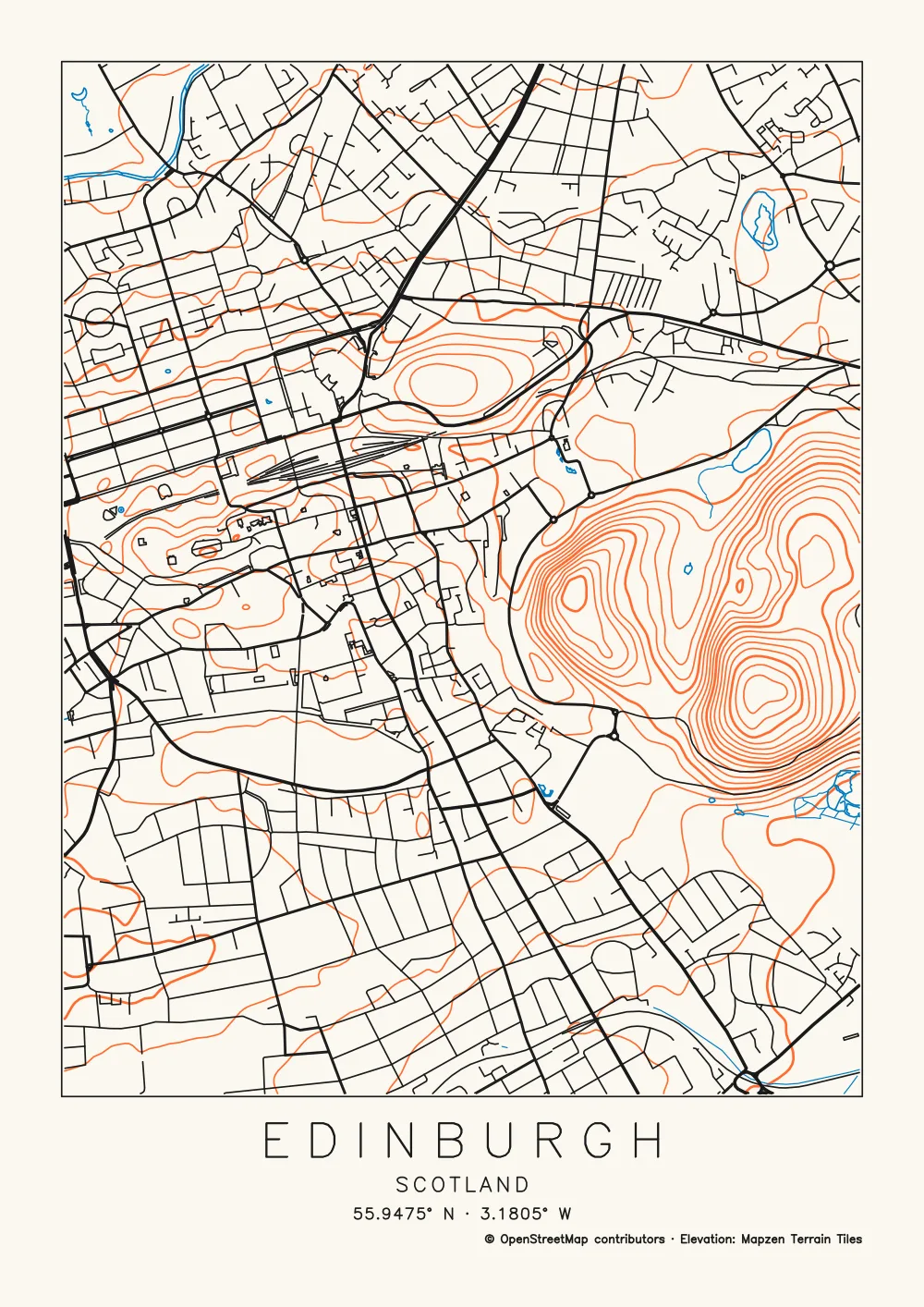
Two more starting points. With two or three inks, the layers overprint like a riso print; with a place instead of a photo, the Map style draws the streets, water and contour lines.
Pens and paper
Start with a pen you already like. Plotcaster’s test renders assume a 0.3 mm fineliner, and the spacing controls are in millimetres so you can match them to it. Dense shading puts a lot of ink in one place, so dark pictures want smooth, heavier paper. Tape the sheet down so it can’t move during the plot, and plot a small test before a big sheet. The pen plotter guide covers spacing, tone and export in detail.
FAQ
What is the difference between a pen plotter and a printer? A printer lays down dots on a grid; a pen plotter draws continuous lines with a real pen along vector paths. That makes a plotter slower and pickier about files, and it gives you a drawing in real ink.
Can a Cricut work as a pen plotter? For drawing, yes. With a pen in its tool holder, a cutting machine follows the lines of an SVG the way a plotter does. Styles with fewer, longer lines suit a broad pen and keep the object count down. See Photo to line drawing for Cricut.
Is plotter art generative art? Often, but not always. Generative art is made by a system of rules, usually code; plotter art is defined by the machine that draws it. Many plotter artists write code, so their work is both. A hatched photo or a plotted map is plotter art made without writing code.
Do I need to code to make plotter art? No. Turn a photo or a place into an SVG in the browser with Plotcaster, then plot it with your machine’s software. Code lets you draw from scratch; how to make flow field art shows one classic algorithm in plain steps.
How long does a plot take? It depends on how much line there is and how often the pen lifts. On A5 with a 0.3 mm pen, a Flow portrait is about 9 minutes and a stipple drawing about 22. An A4 city map is about 17 minutes, and a dithered photo with thousands of separate marks can take well over an hour.