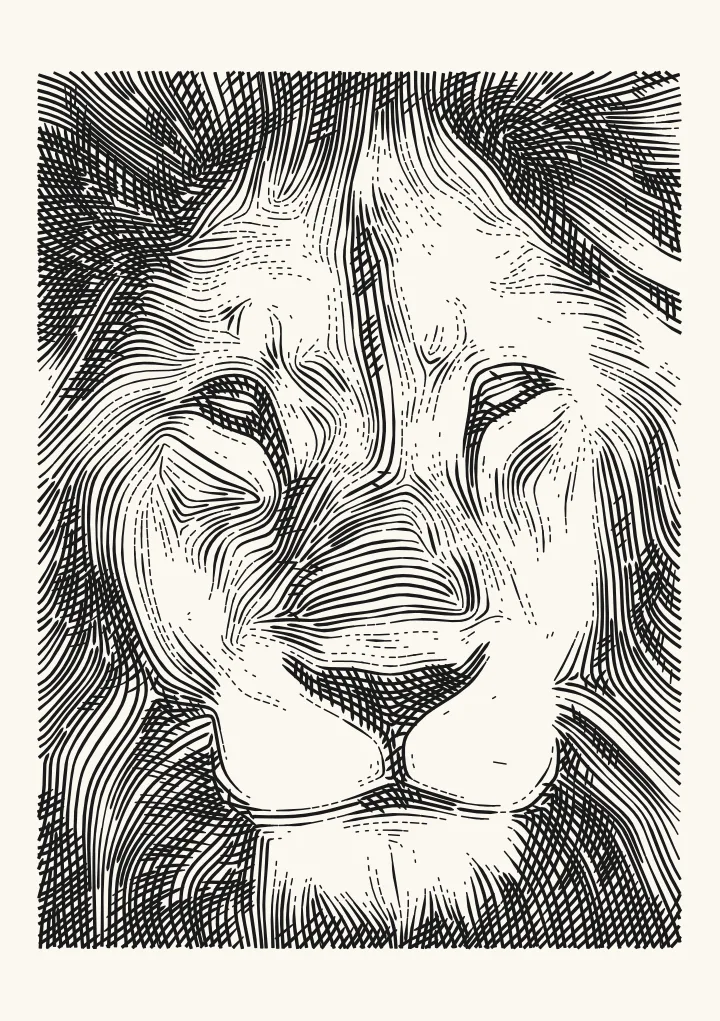
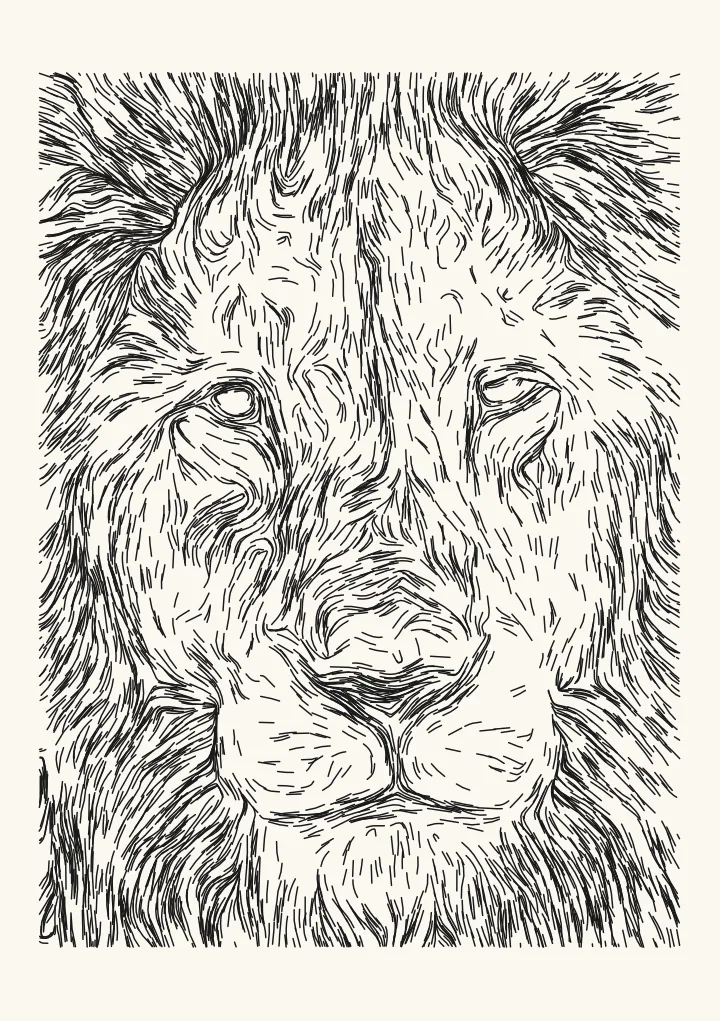
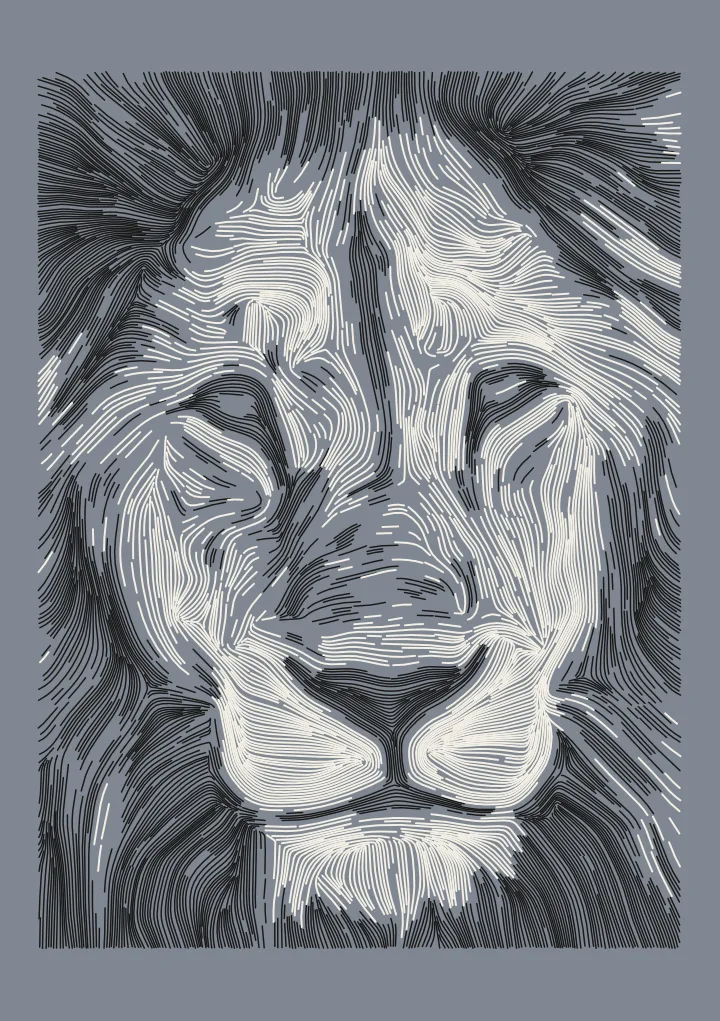
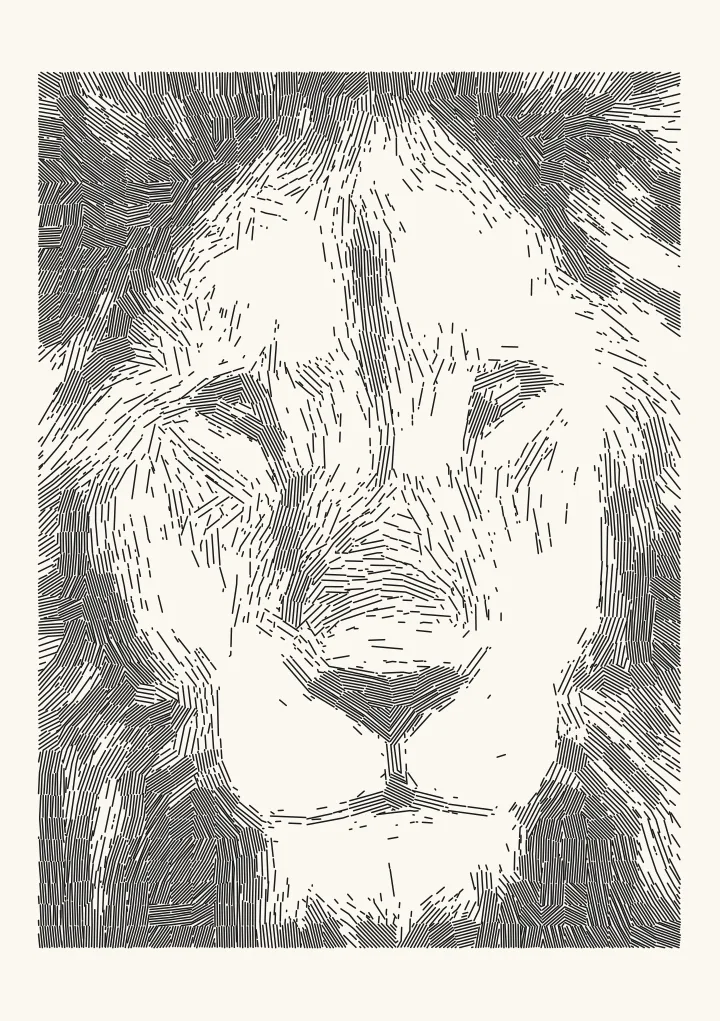
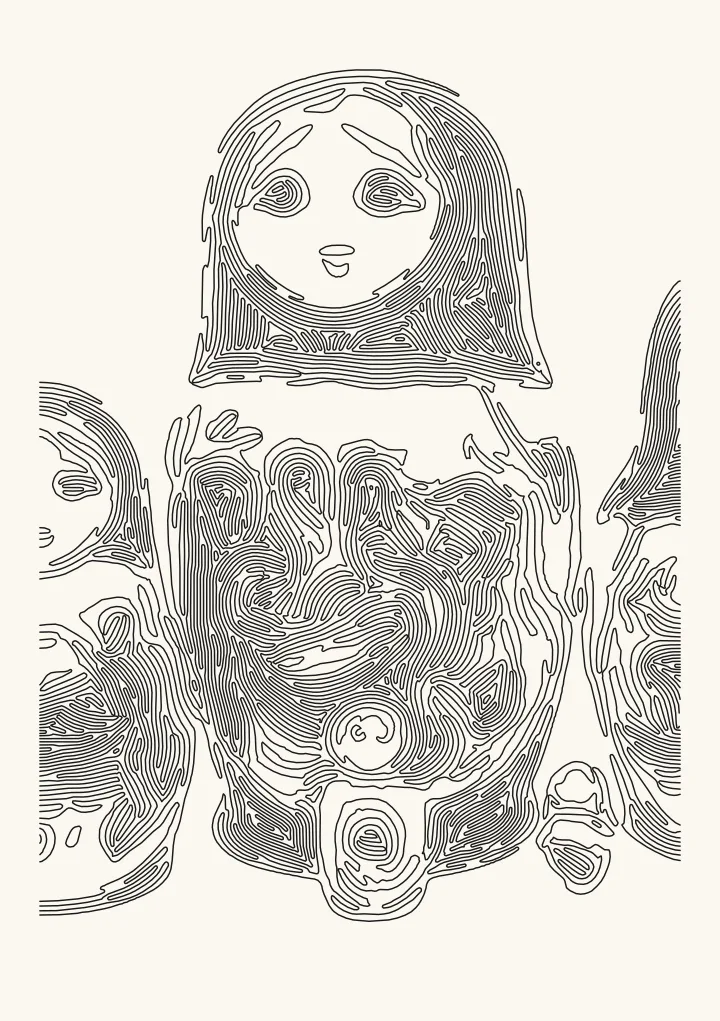
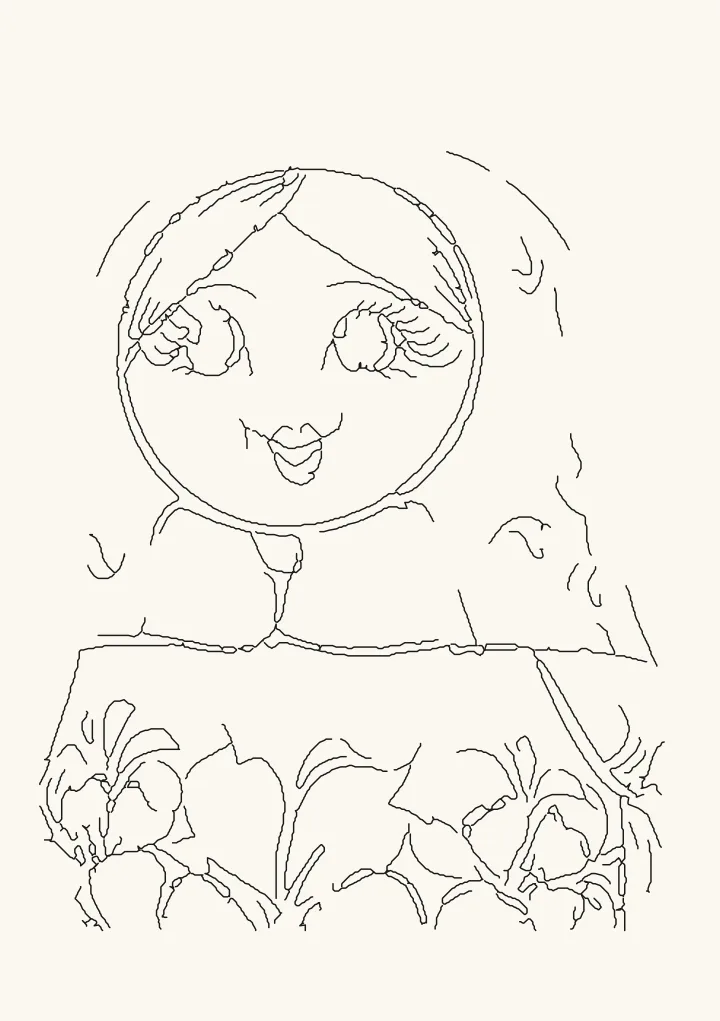
Edges: photo to line art SVG, as clean single-stroke outlines
Clean single-stroke outlines of the main shapes, with no doubled lines and no shading. Suits minimal line drawings. Uses extended difference of Gaussians, thinned to one-pixel lines.
Good for minimal outlines.
Controls
- Detail · Blur radius before finding edges. Smaller finds finer lines.
- Edge threshold · How strong an edge must be to become a line. Lower: fainter edges and more lines. Higher: only the boldest outlines.
More controls
- Edge sharpness · Lower: soft edges thin out and break up. Higher: more edges come through as solid lines.
- Bridge gaps up to · Joins broken line ends closer than this, so strokes read as one.
- Ignore fragments shorter than · Throws away line pieces shorter than this, which are usually noise.
Outlines without AI
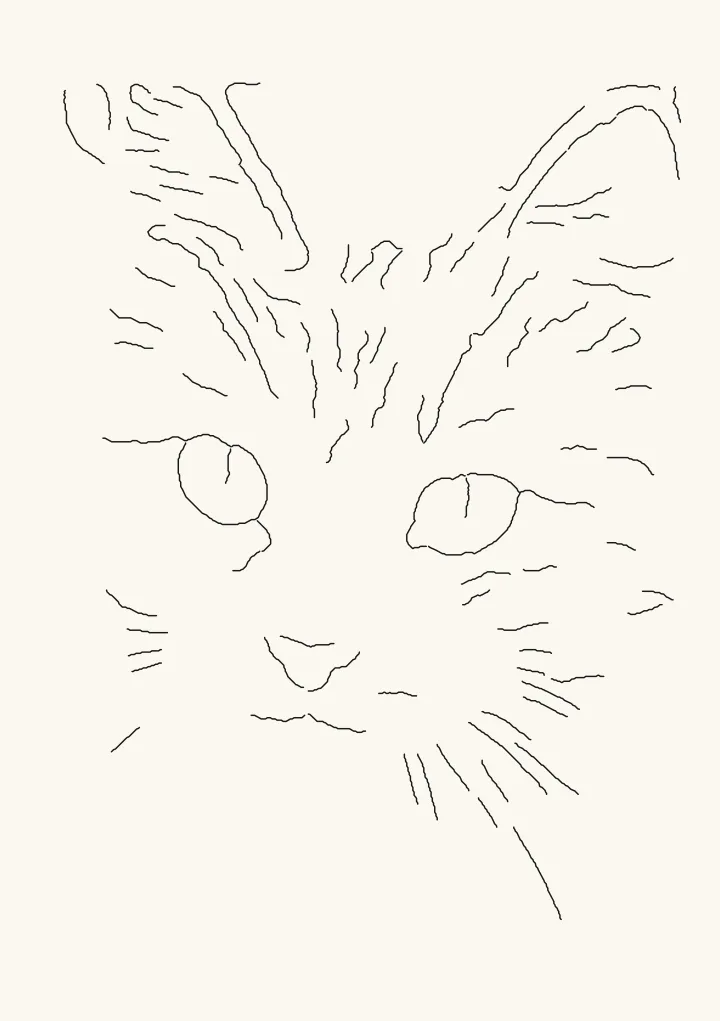
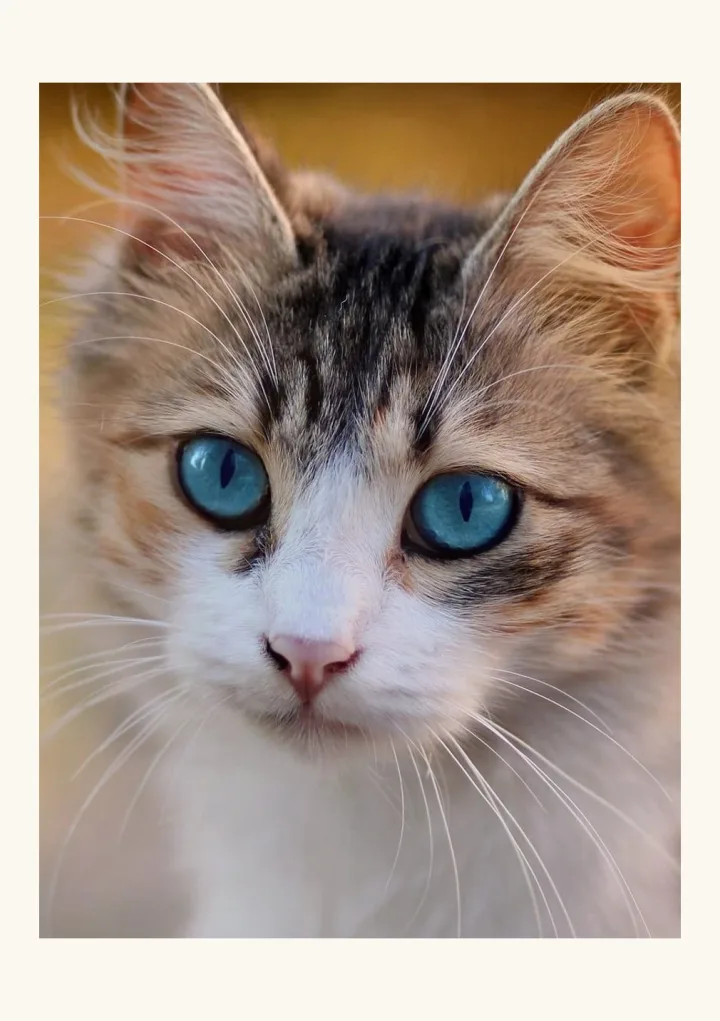
Edges finds the main shapes with an extended difference of Gaussians, a classic image filter, then thins every edge to a one-pixel line and traces it once. There is no neural model and nothing is made up: every line sits on an edge that is in your photo. The result is single-stroke line art with no doubled outlines and no shading, which is what a pen, a Cricut or a laser scoring pass needs.
Getting clean lines
Detail sets how fine an edge can be, and Edge threshold how strong it must be to become a line. Bridge gaps joins broken line ends so strokes read as one, and Ignore fragments throws away specks. Photos with a plain background and good contrast give the cleanest outlines. Edges makes lines, not filled shapes, so a vinyl decal that has to be weeded is a job for a tracer instead.