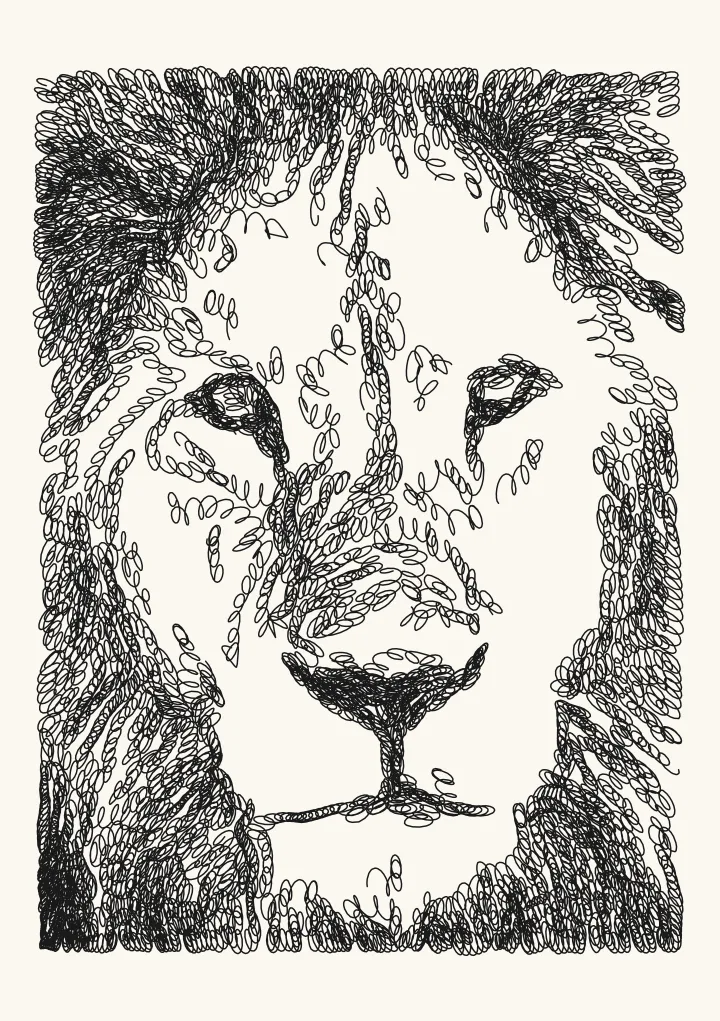
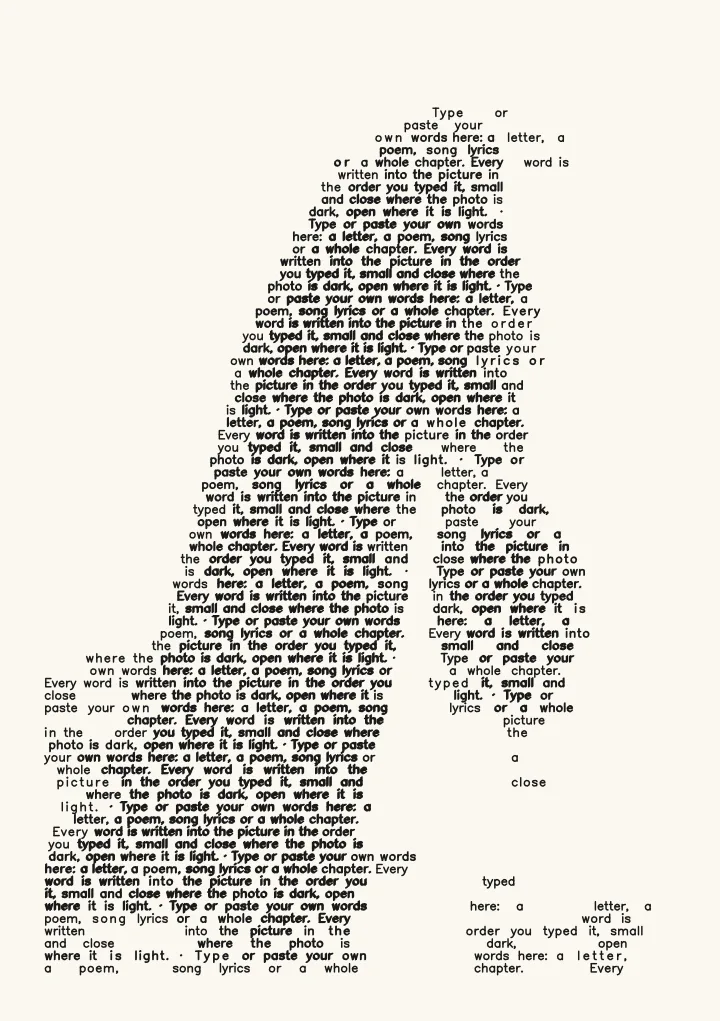
Lines
Draw: photo to line drawing with AI that runs on your device
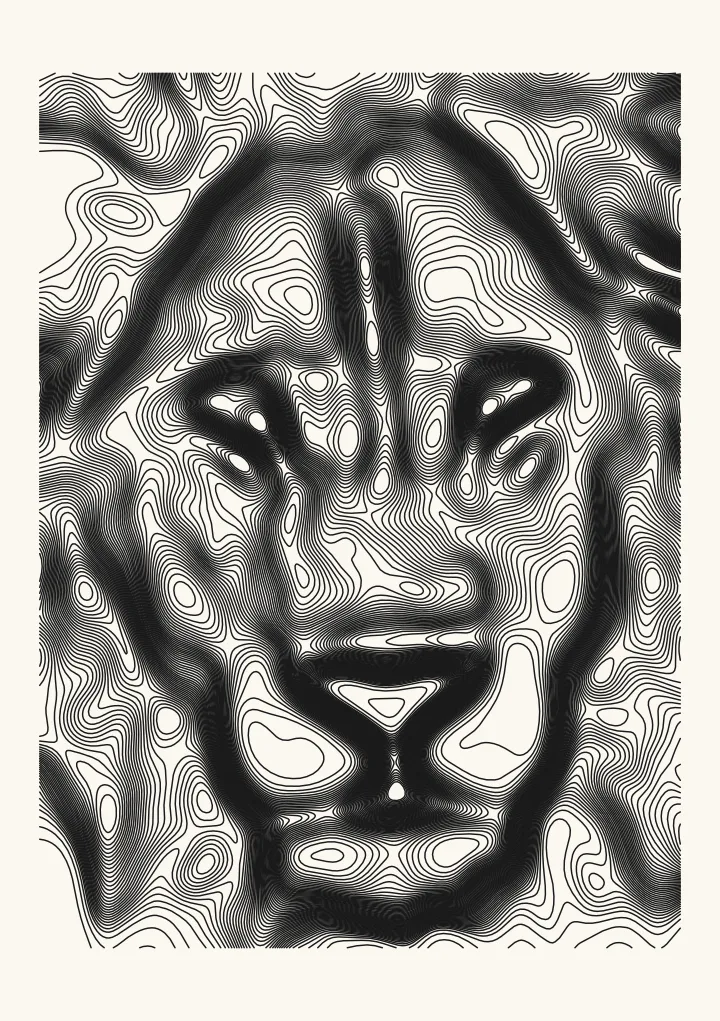
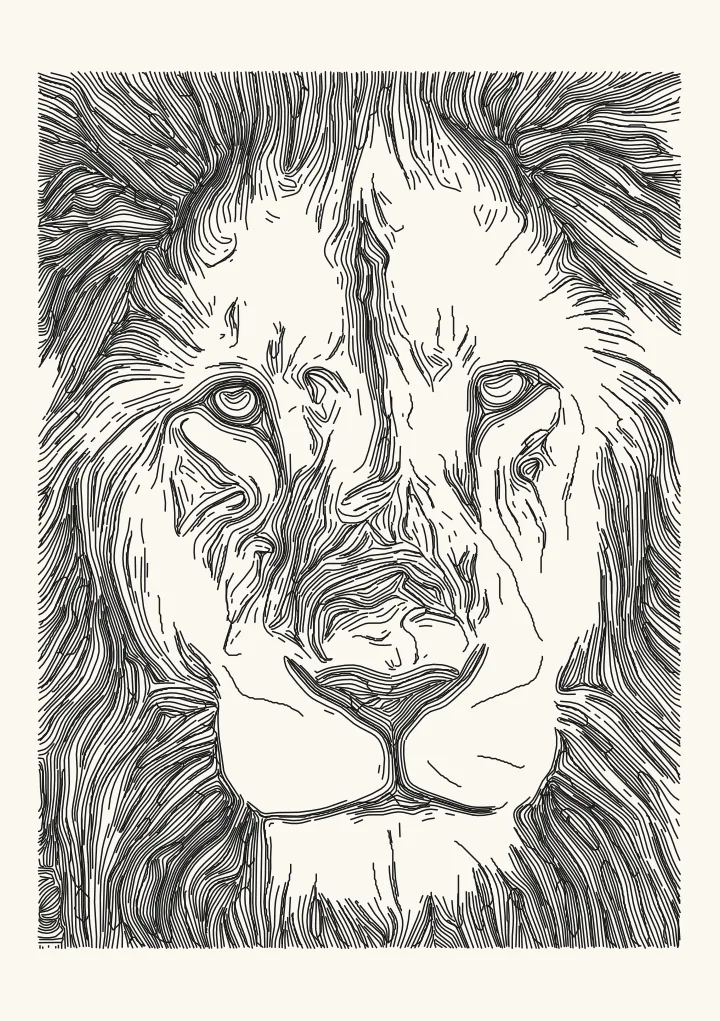
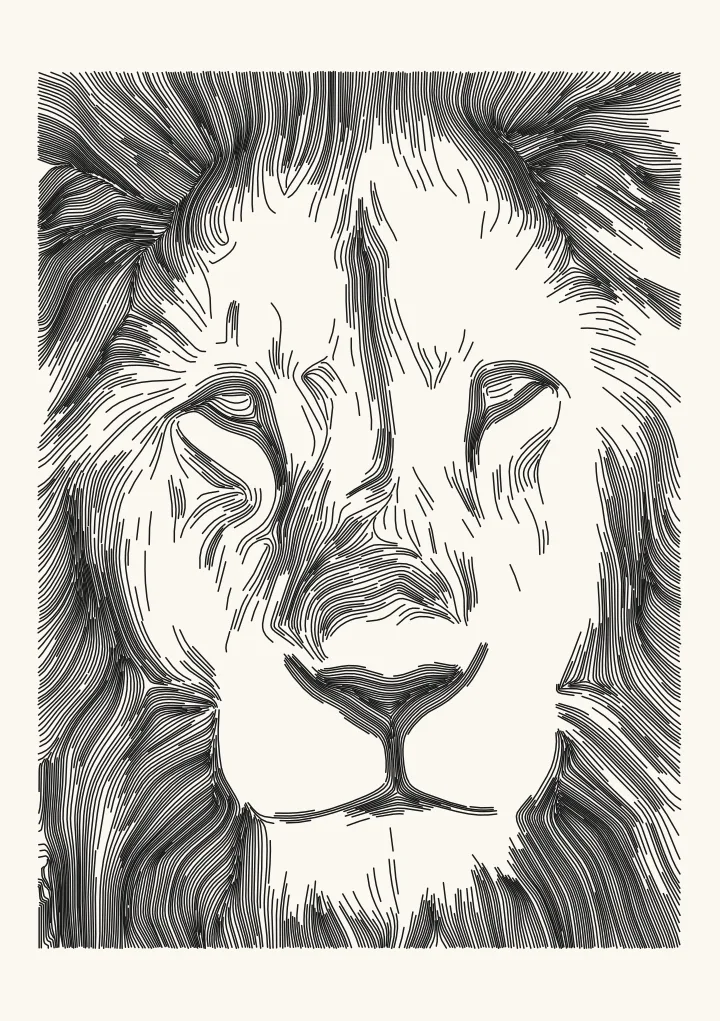
Hand-drawn ink lines, placed where an illustrator would put them, then traced for the pen. Suits portraits and objects. A neural drawing model runs in your browser; the first use downloads it.
Good for a hand-drawn look from a neural model. The first use downloads about 45 MB the first time: a 17 MB drawing model plus the engine that runs it; after that it runs on your device.
Controls
- Look · Which drawing the model makes. Switching look downloads another 17 MB model.
- Line strength · How much of the drawing to keep. Lower keeps only the boldest lines.
More controls
- Bridge gaps up to · Joins broken line ends closer than this, so strokes read as one.
- Ignore fragments shorter than · Throws away line pieces shorter than this, which are usually noise.
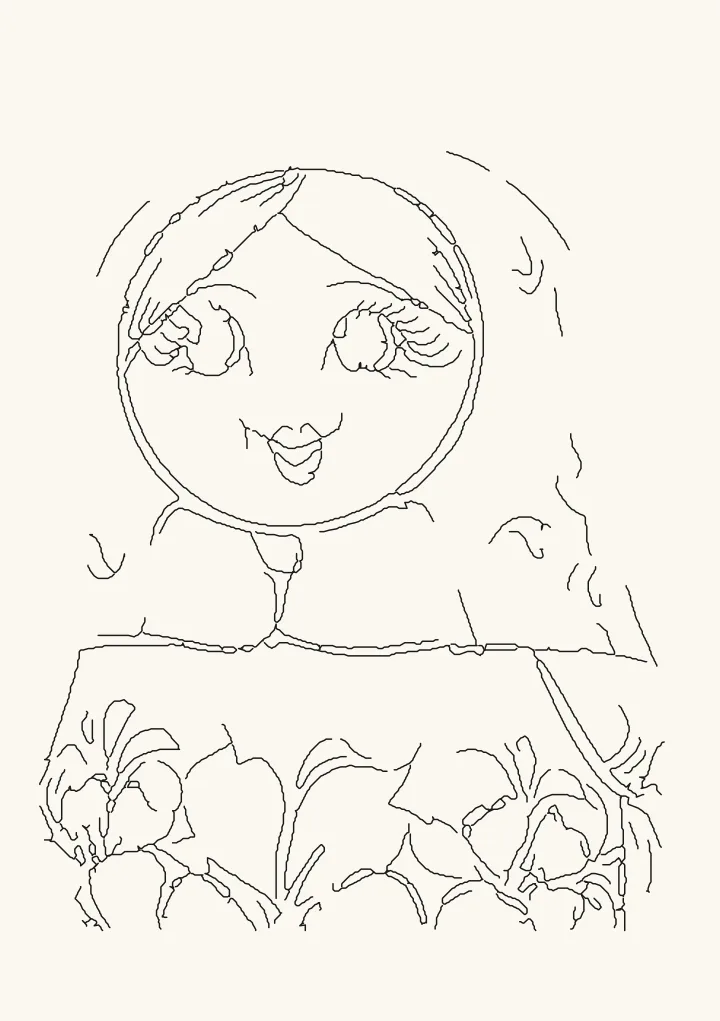
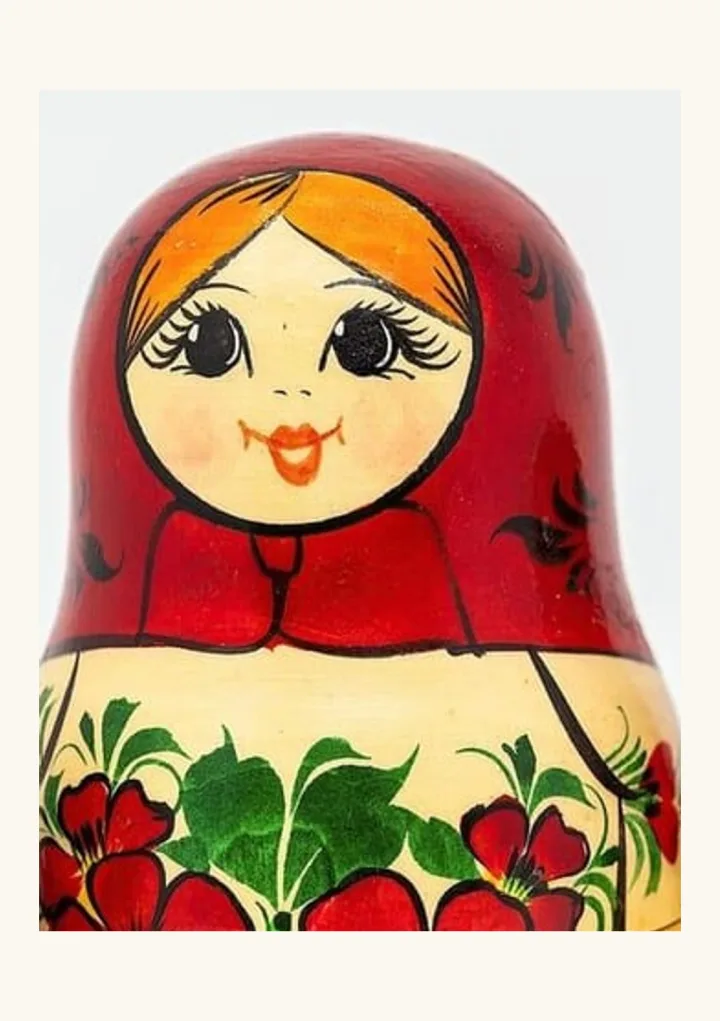
How to turn a photo into a line drawing
- Open Draw in the editor and add a photo. Portraits and single objects on a plain background work best.
- The first time, Draw downloads its drawing model: about 45 MB, a 17 MB model plus the engine that runs it. After that it runs on your device.
- Choose a Look, Clean ink lines or Pencil sketch. Switching look downloads another 17 MB model.
- Use Line strength to keep only the boldest lines or more of the drawing, and Bridge gaps to join broken strokes.
- Download an SVG in millimetres for a pen plotter or a Cricut pen, or a 1-bit PNG for a laser.
What the model does
Draw uses a neural drawing model that puts lines where an illustrator would, instead of on every edge, then traces the drawing into strokes a pen can follow. The model runs inside your browser, so the photo is never uploaded, and there is no account and no watermark.