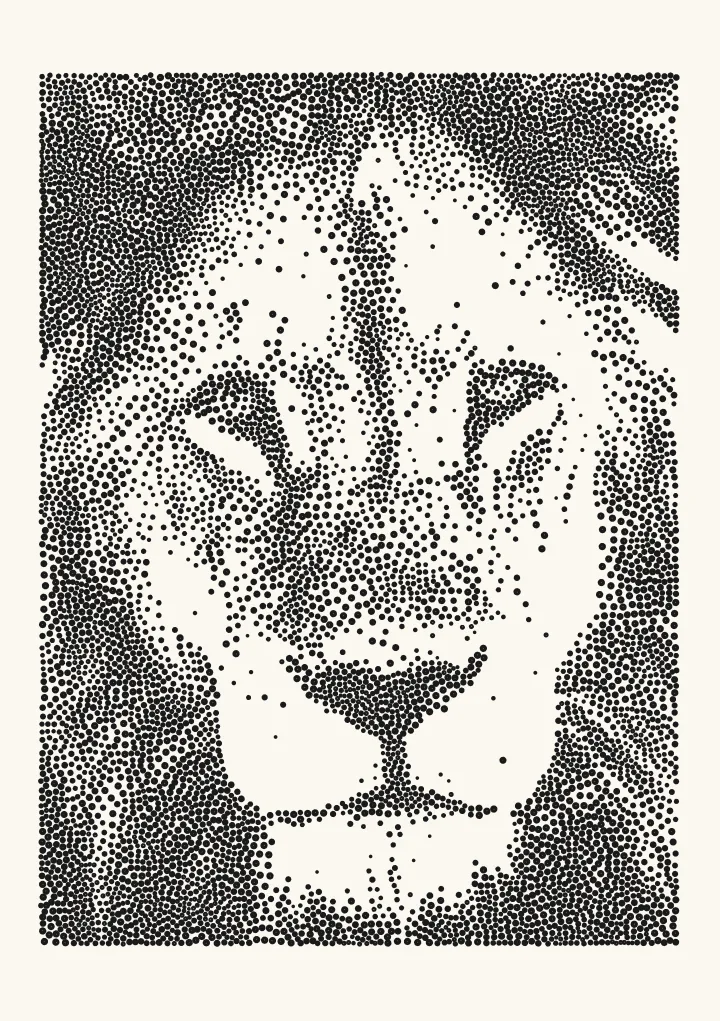
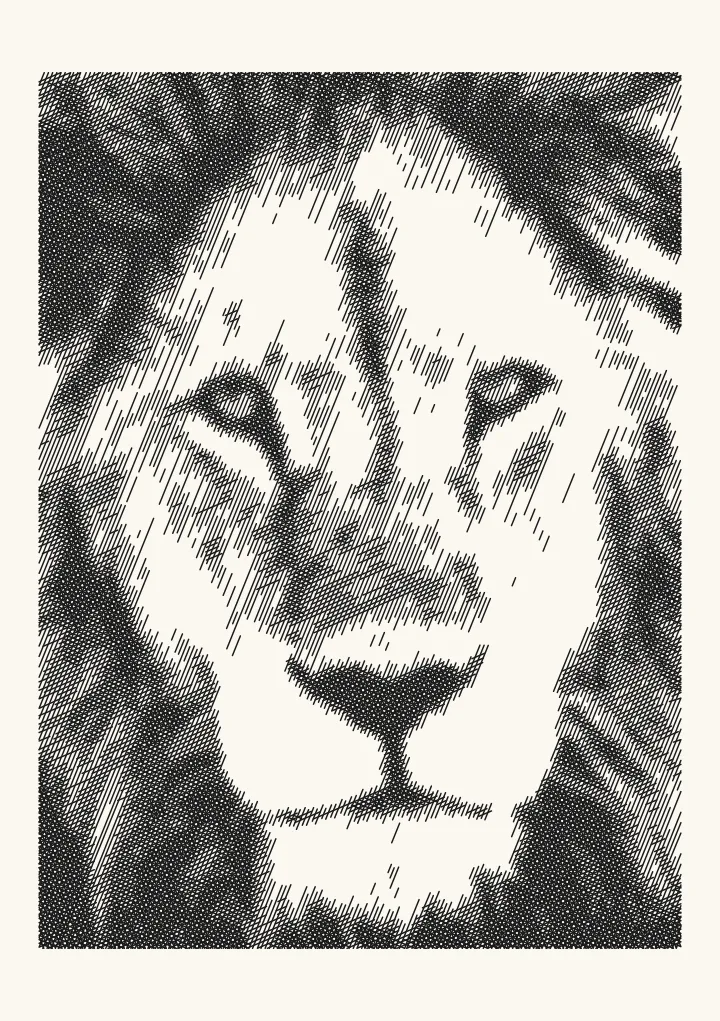
Sketch: photo to ink sketch
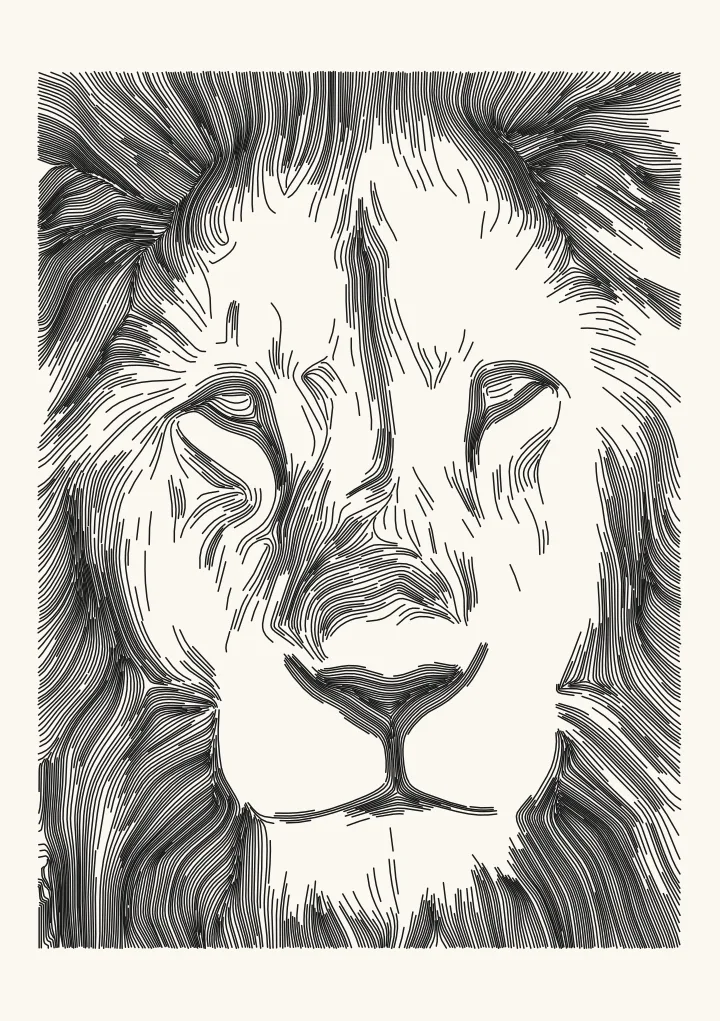
Loose ink-sketch outlines, with shading only in the dark areas. Suits portraits, objects and anything with clear edges. Built on flow-based difference of Gaussians.
Good for portraits, objects, anything with clear edges.
Controls
- Feature size · The size of feature the lines follow. Smaller finds finer detail; larger draws only the big shapes.
- Line density · Lower: only the strongest edges become lines. Higher, close to 1: fainter edges are drawn too, for a busier sketch.
- Shade the shadows · Adds light hatching where the picture is in shadow.
More controls
- Sensitivity · Lower: faint edges fade away and only strong ones become lines. Higher: faint edges turn into crisp lines too.
- Continuity passes · Extra passes along the edge flow make lines longer and more continuous.
- Flow smoothness · How smoothly the lines follow the picture. Higher gives calmer, longer strokes.
- Shade tones darker than · Only areas darker than this get shading.
- Shading spacing · Distance between the shading strokes in the darkest areas. Lighter shadows get wider spacing.
- Ignore fragments shorter than · Throws away line pieces shorter than this, which are usually noise.
- Tone curve · Bends the tones for the shading. Above 1 lightens the mid-tones, which helps when a pen pools ink.
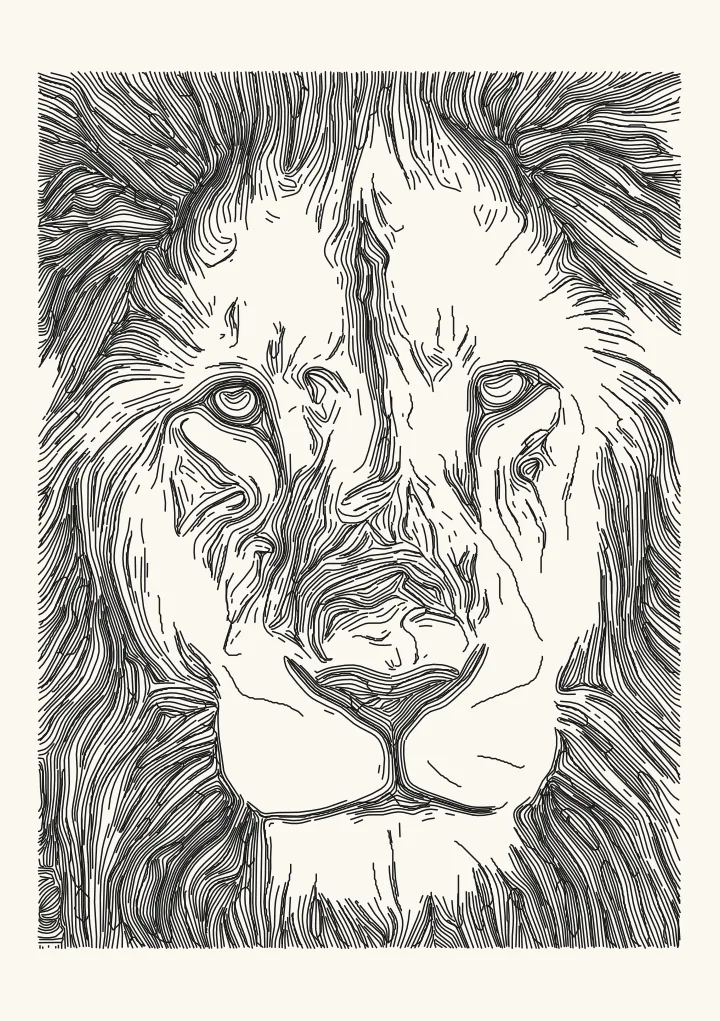

What Sketch draws
Sketch finds the edges that matter with a flow-based difference of Gaussians, a filter that follows the direction of each edge, so lines come out long and continuous instead of breaking into specks. Where the photo falls into shadow it adds light hatching along the same flow. Feature size decides how fine a detail can become a line, and Line density how many of the fainter edges make it in.
Ink lines, not pencil shading
Most photo-to-sketch filters imitate graphite: soft grey tone that no pen can draw. Sketch makes pen lines only, so every mark is a stroke a plotter, a Cricut pen or your own hand could follow. That makes it a good first style for portraits and objects with clear edges, and a quick plot. The editor shows the number of paths and an estimate of plot time as you change settings.