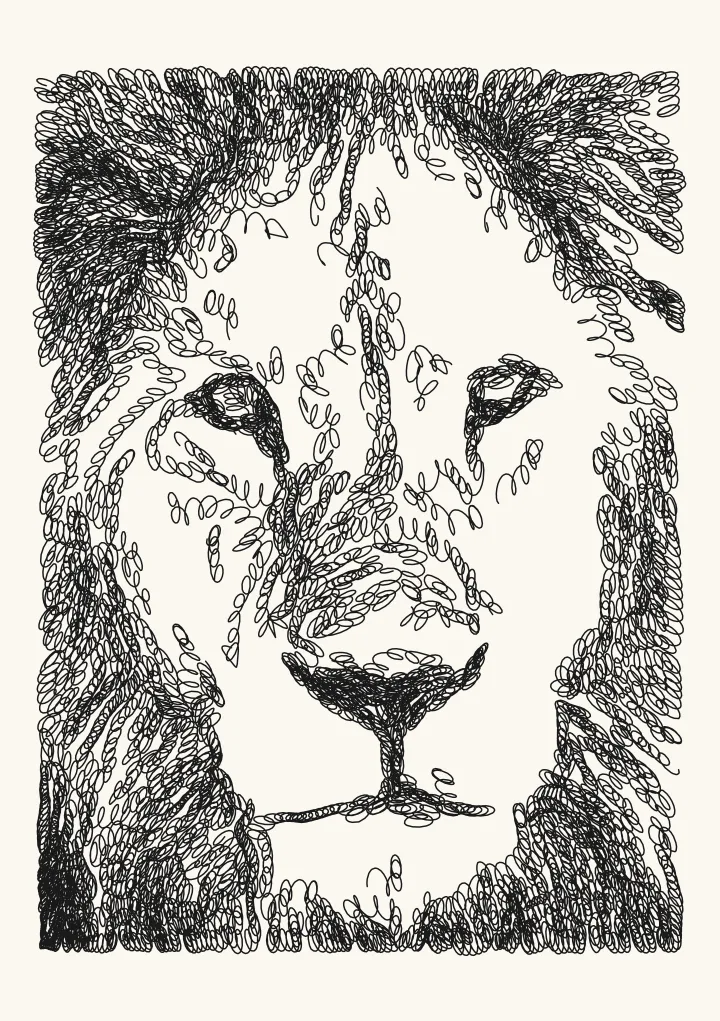
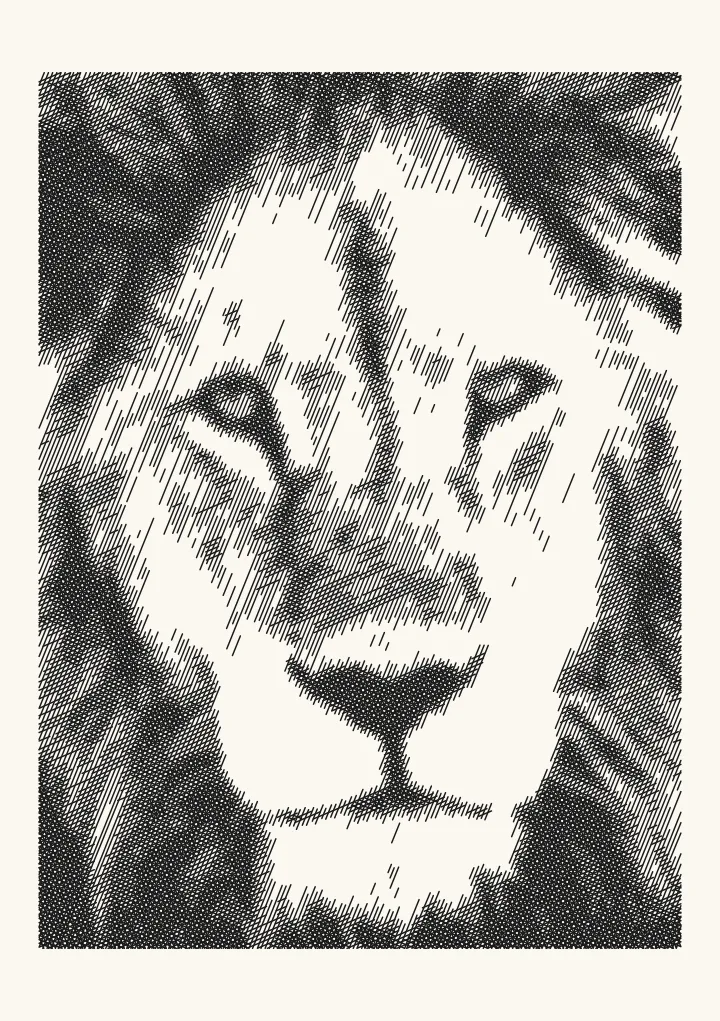
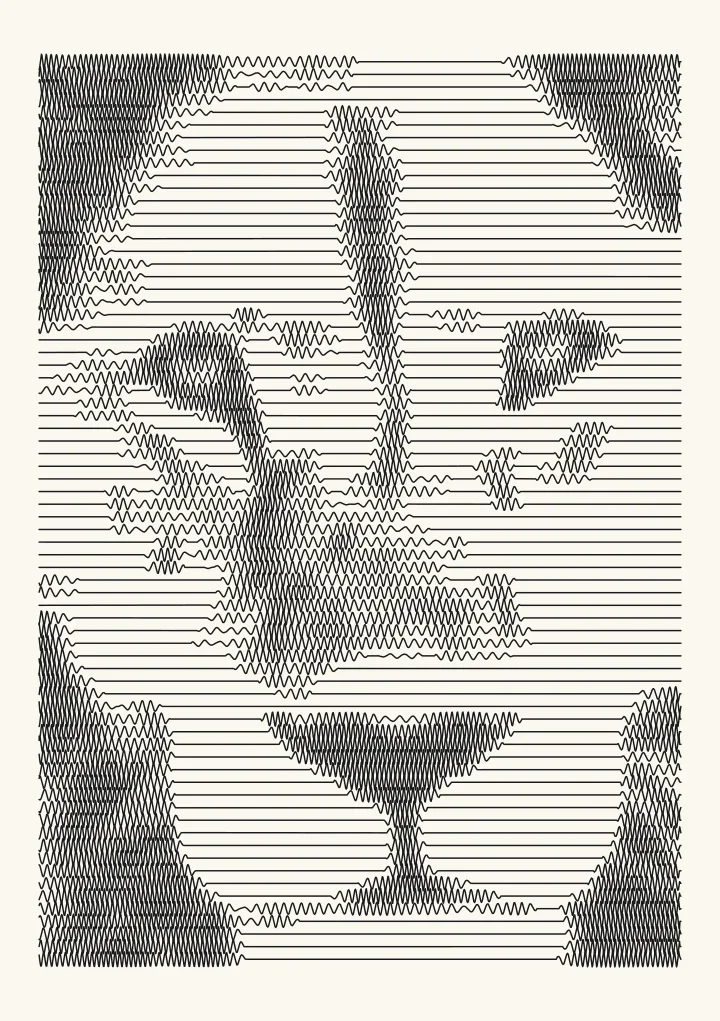
Flow: flow field art from any photo
Evenly spaced lines that follow the shapes in the picture and pack tighter where it is dark. Suits portraits and landscapes: the classic plotter look, with long strokes and few pen lifts. Built on evenly spaced streamlines.
Good for portraits and landscapes, the classic plotter look.
Controls
- Spacing in shadows · Line spacing in the darkest areas.
- Spacing in lights · Line spacing in the lightest areas that still get lines.
- Keep highlights blank · Anything less dark than this stays blank paper. Raise it to keep highlights clean.
More controls
- Flow smoothness · How smoothly the lines follow the picture. Higher gives calmer, longer strokes.
- Ignore fragments shorter than · Drops lines shorter than this. Short stubs squeezed in between longer lines make a picture look dashed.
- Tone curve · Bends the tones before drawing. Above 1 lightens the mid-tones, which helps when a pen pools ink; below 1 darkens them.
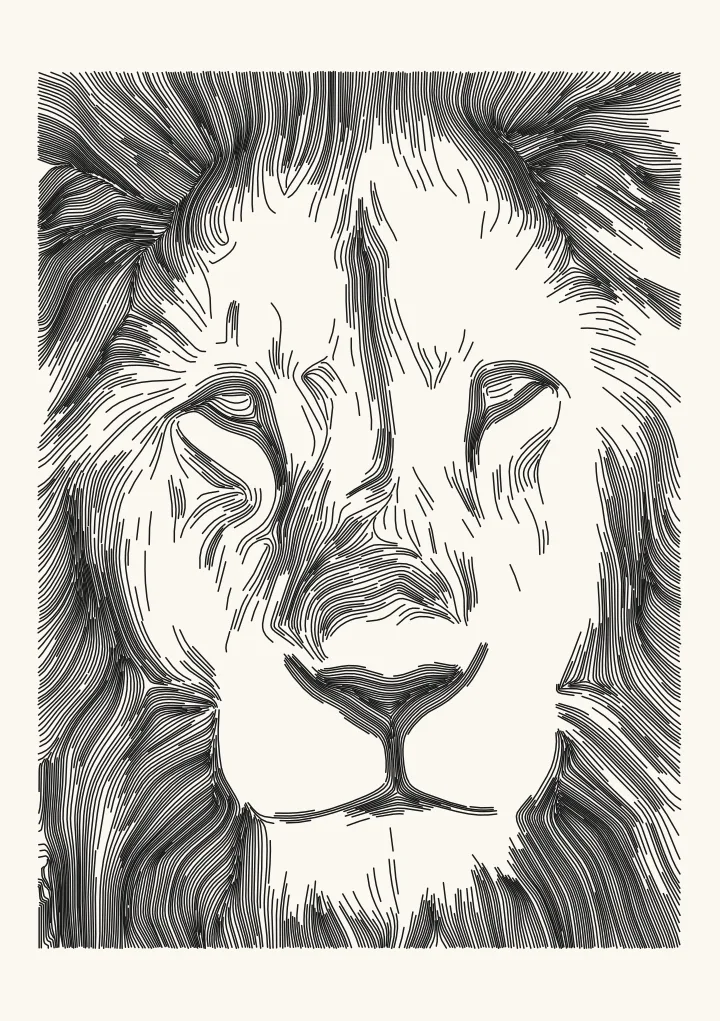

A flow field that follows the picture
Most flow field generators push lines through random noise, so the pattern has nothing to do with any picture. Flow builds its field from your photo. At every pixel it measures the direction in which brightness changes fastest, averages that over a small neighbourhood (a structure tensor) and turns it through 90 degrees, so the field runs along edges rather than across them.
Evenly spaced streamlines are then traced through that field: close together where the photo is dark, far apart where it is light, and almost none in the highlights. The lines read like hatching drawn along the form, with long strokes and few pen lifts. The science page shows the field live: how structure tensors turn edges into a flow. For the whole method, from noise fields to photo fields and the settings that matter, read how to make flow field art.
Spacing, pens and plot time
Set Spacing in shadows a little wider than the line your pen draws, about 0.35 to 0.4 mm for a 0.3 mm fineliner, so the darks stay open instead of flooding. Spacing in lights sets how sparse the highlights get, and Flow smoothness how calm the lines are; raise it for a noisy photo. The editor estimates plot time as you go, and the SVG comes out in millimetres with one layer per pen.