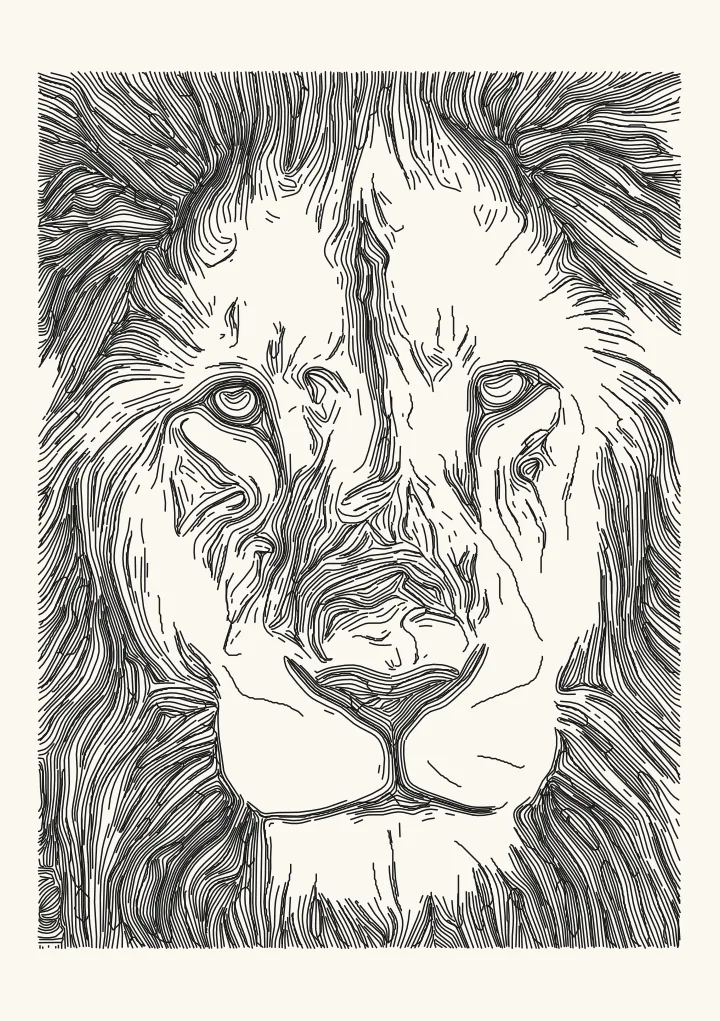
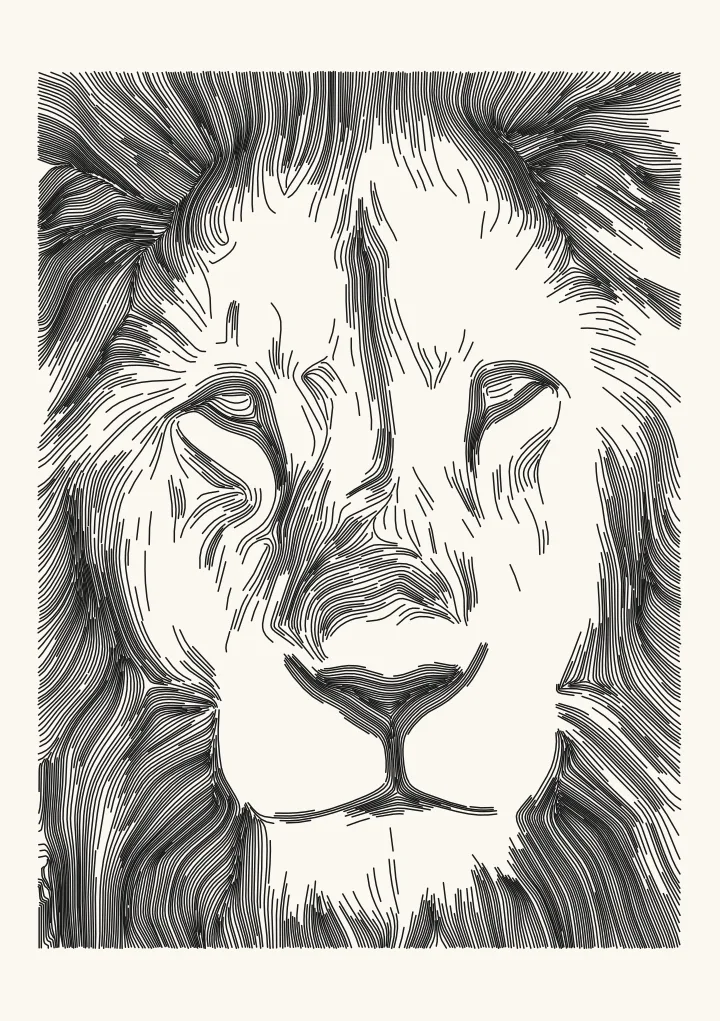
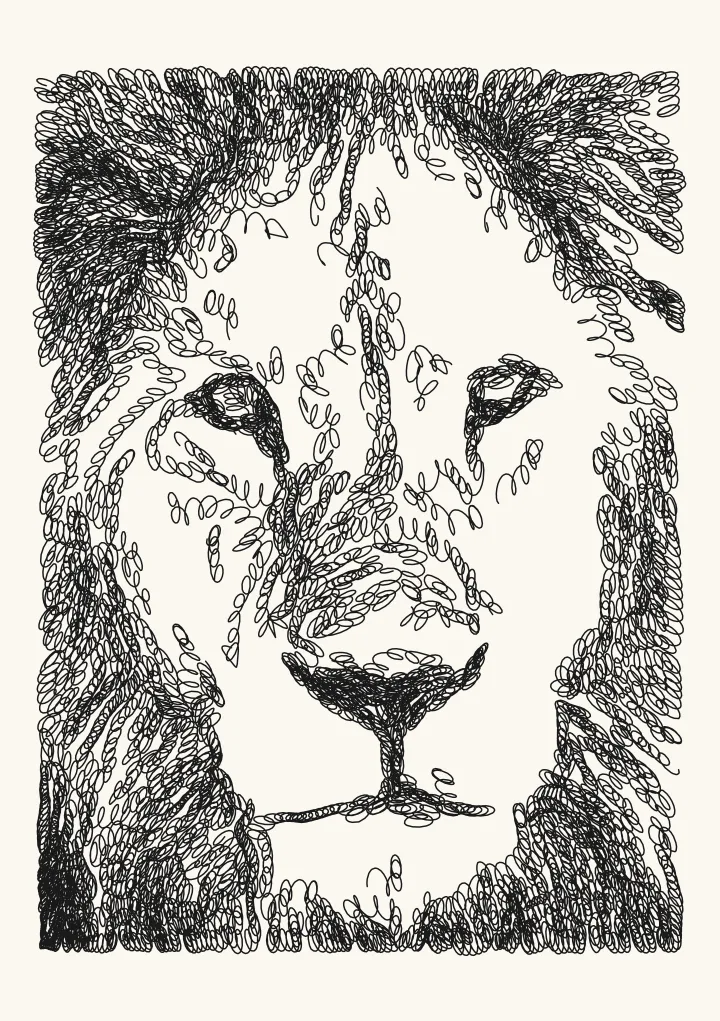
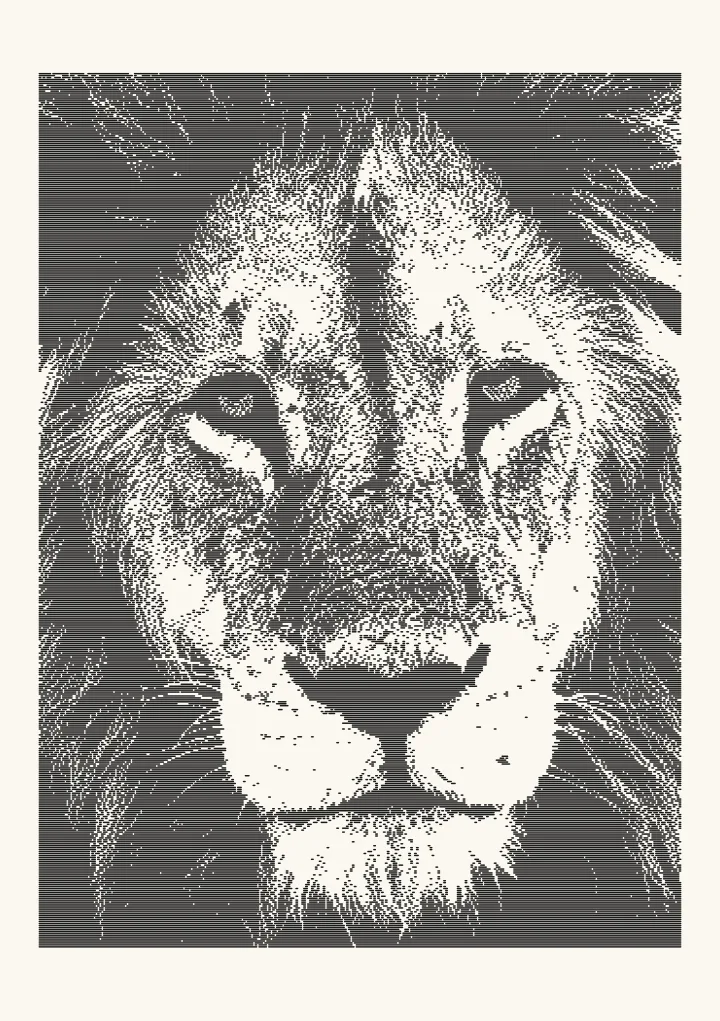
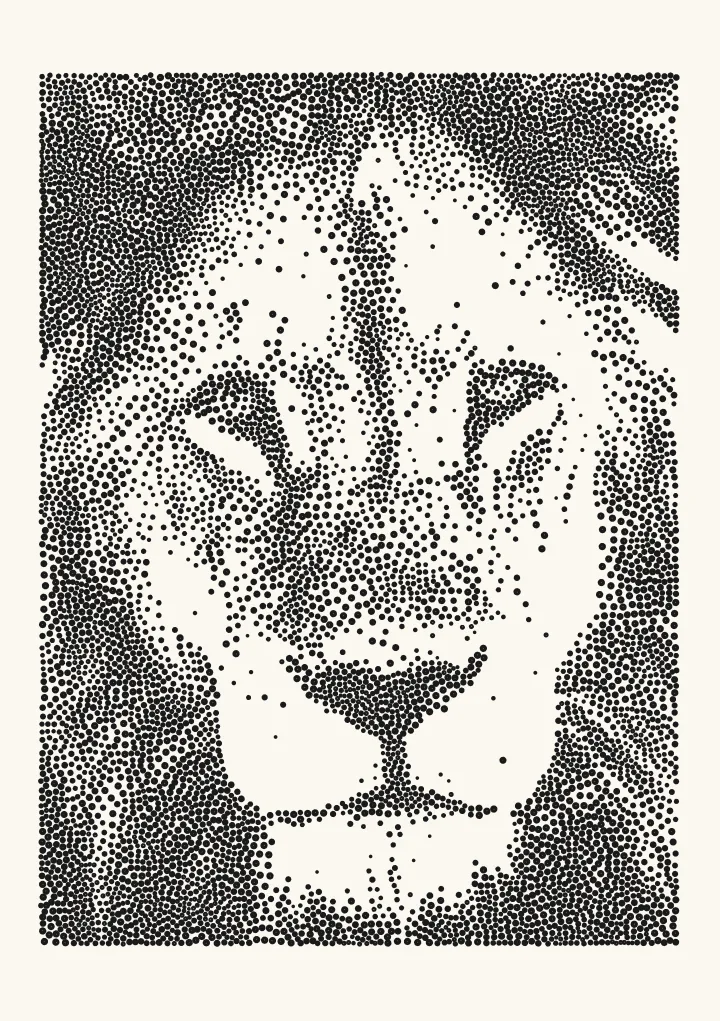
Trace colour: centreline trace for line art and map images
Every line of one colour, traced as single strokes. Suits roads from a map screenshot, contour lines from a scanned topo map or ink from a drawing. Pick the colour from the picture.
Good for roads from map screenshots, scanned topo maps, line art.
Controls
- Line colour · The colour to keep. Use the eyedropper and click a line in the picture.
- Colour tolerance · How far a colour can be from the picked one and still count. Raise it for scans and JPEGs.
- Lines are · Thin lines and roads are traced once down the middle; filled shapes are traced around their edge.
More controls
- Ignore marks smaller than · Drops specks, icons and label letters smaller than this.
- Heal gaps up to · Joins line pieces separated by small gaps, such as breaks for labels.
- Smoothing · Rounds off pixel staircases.
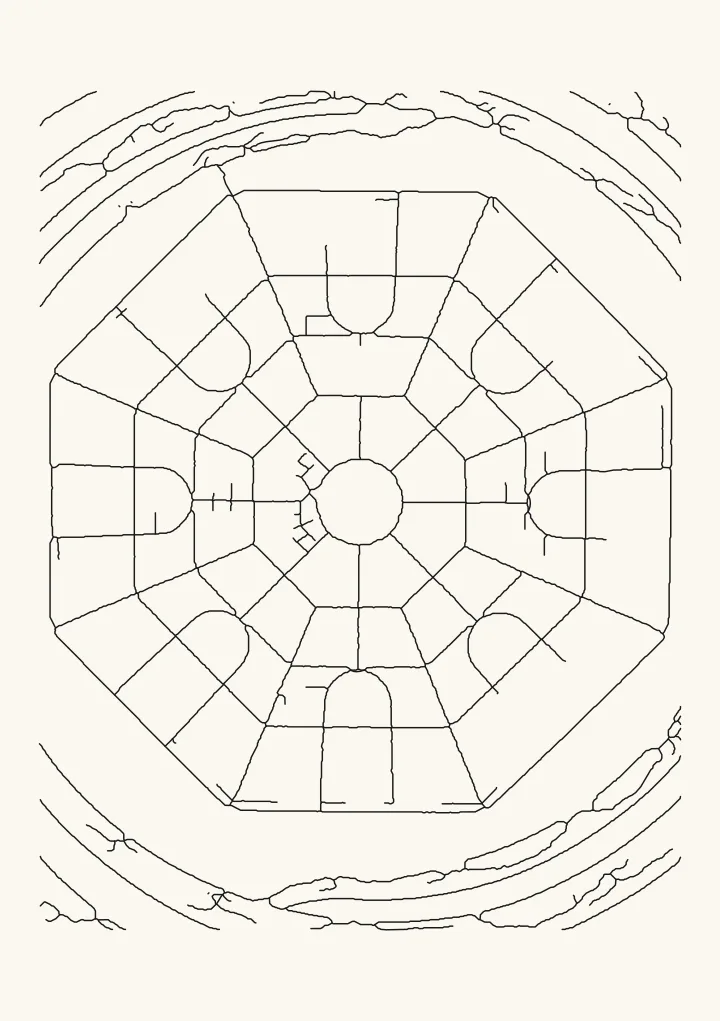
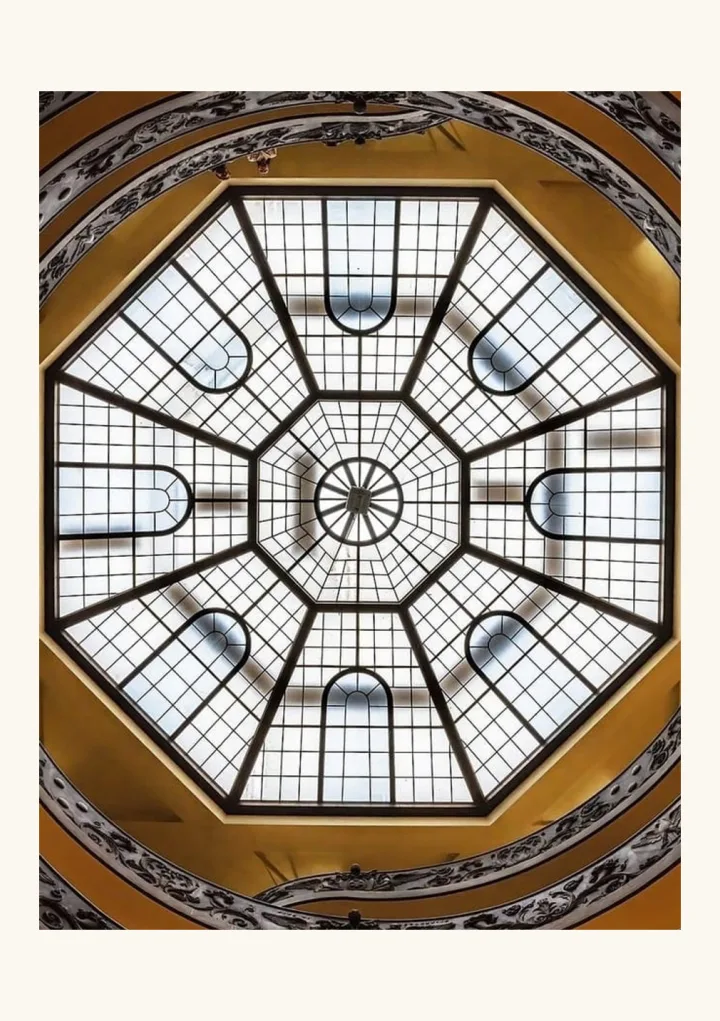
Pick a colour, get single strokes
Trace colour keeps every line of one colour and ignores the rest. Pick the colour with the eyedropper; Colour tolerance decides how far a shade can drift and still count, which matters for scans and JPEGs. Thin lines are traced once down the middle, a centreline trace, so a road becomes one stroke instead of two outlines. Filled shapes can be traced around their edge instead.
What it is good for
Roads from a map screenshot, the brown contour lines on a scanned topo map, or the ink of a drawing you want to plot, cut or score. Ignore marks smaller than drops label letters and icons, and Heal gaps joins lines broken by labels. It all runs in your browser, so the image is never uploaded.