Extract contour lines or roads from a map image
Pull roads out of a map screenshot or contour lines out of a scanned topo map with Trace colour, or turn a heightmap into contours, in your browser.
Updated
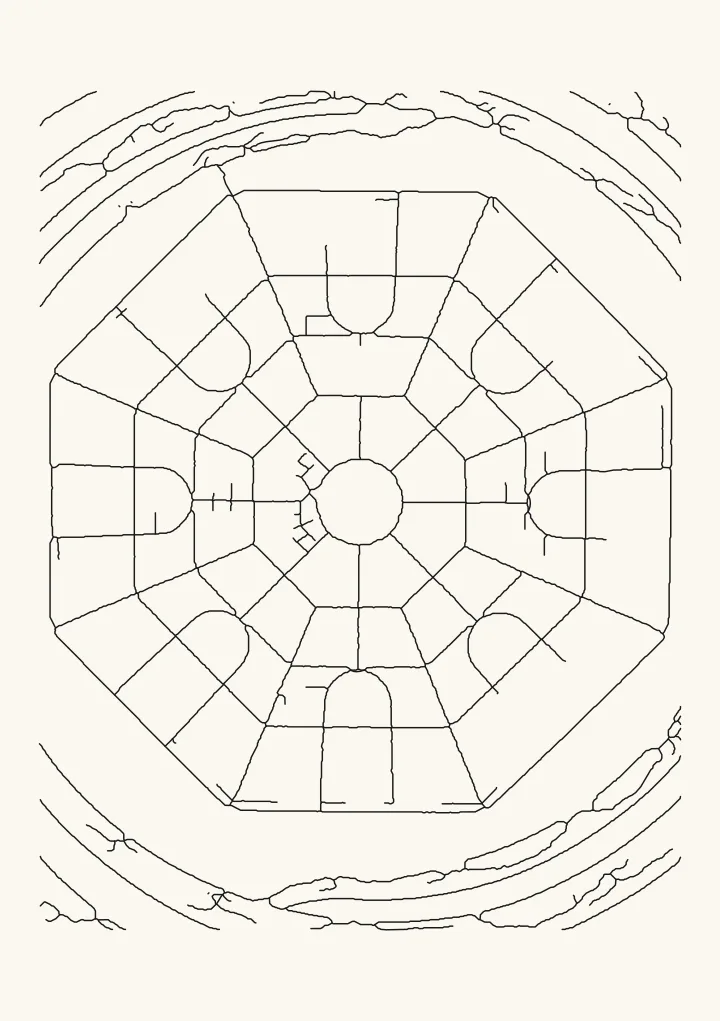
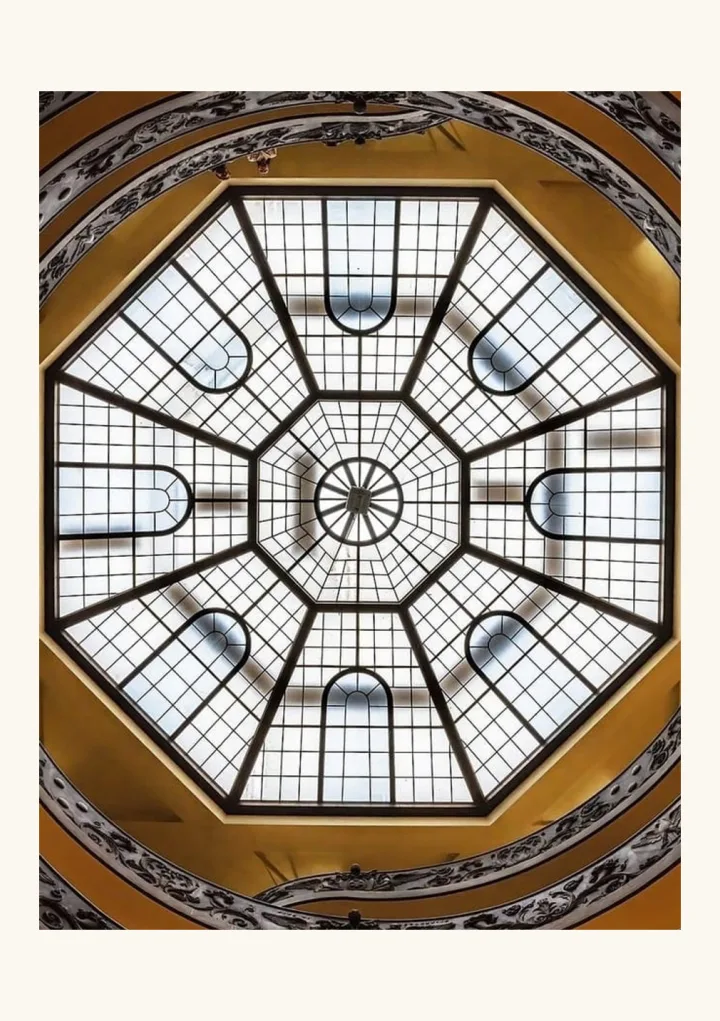
Sample render. Slide to compare the photo with the result.
If you already have the map as a picture, whether a screenshot, a scan or a heightmap, two Plotcaster styles turn it into lines a pen plotter can draw. Everything runs in your browser and the image never leaves your device.
- Trace colour keeps every line of one colour and traces it as single strokes: roads in a map screenshot, the brown contour lines on a scanned topo map, the ink of a drawing.
- Contours treats a picture as a landscape and draws lines of equal height. It reads grayscale heightmaps and elevation tiles, and turns photos into topographic portraits.
If you only have a place name, the Map style fetches open map data for you instead; see Map art for pen plotters.
Roads from a map screenshot
- Open Trace colour and drop in the screenshot.
- Set Line colour with the eyedropper by clicking right on a road.
- Keep Lines are on Thin lines: trace the middle, so each road becomes one stroke down its centre rather than two outlines.
- Adjust Colour tolerance. Raise it until the roads are complete; if parks or text start to come through, lower it again.
- Clean up. Ignore marks smaller than drops icons, letters and specks. Heal gaps up to joins roads that labels have broken. Smoothing rounds off the pixel staircase.
A few things make it easier:
- Maps colour roads by importance, so main roads (often orange, yellow or pink) separate cleanly. Minor streets drawn in white on an off-white background are hard to tell apart by colour; keep the tolerance low for those.
- Hide labels and icons before taking the screenshot, if the map lets you. That saves most of the clean-up.
- Take the screenshot as large as you can. More pixels across each road gives cleaner centre lines.
Contour lines from a scanned topo map
- Scan or photograph the map flat and evenly lit.
- In Trace colour, pick the brown of a contour line.
- Keep Thin lines: trace the middle.
- Raise Colour tolerance further than for a screenshot, often 20 to 30, because scans and JPEGs blur colours.
- Height labels break the lines. Raise Heal gaps up to to about 2 or 3 mm to bridge the gaps, and Ignore marks smaller than to about 2.5 mm so the digits are dropped.
On most topo maps brown contours sit close to red or orange roads and black text. If a road keeps coming through, lower the tolerance a step at a time.
Contour lines from a heightmap
A heightmap stores height as brightness. Open Contours, drop it in and set Height from:
- Light is high for a grayscale heightmap from GIS software or a game engine.
- Terrarium elevation colours for elevation tiles in the Terrarium format, such as AWS Terrain Tiles, which pack the height into the red, green and blue channels.
- Dark is high for photos, where it makes a topographic portrait.
Then set Contour lines for how many levels to trace and Smoothness to calm jittery lines. Level spacing decides whether the lines are spread for balanced ink or placed at even steps in tone; on a real heightmap, Even steps in tone keeps equal height intervals. Bold every puts every 4th, 5th or 10th line on its own layer for a thicker pen, and Ignore loops shorter than removes tiny rings.
Whose map is it?
A screenshot of an online map is someone else’s copyrighted work, and most map services do not allow tracing their maps for prints you share or sell. OpenStreetMap is open: credit ”© OpenStreetMap contributors” and you can use it, which is what the Map style does for you, credit line included. Survey maps published by some governments, such as the US Geological Survey, are in the public domain. When in doubt, use your own scans of maps you have the rights to, or the Map style.
FAQ
Does my image get uploaded? No. Both styles run in your browser, and the picture stays on your device.
Why does Trace colour pick up text? Letters are often the same colour as the lines. Raise Ignore marks smaller than until they drop out, then heal the gaps they leave.
My roads come out as double lines. Set Lines are to Thin lines: trace the middle. Filled shapes: trace the outline traces both edges, which suits solid shapes rather than lines.
Can I trace two colours, like roads and rivers? Trace colour keeps one colour at a time. Trace and export each colour separately, then plot the files one after another with different pens.