Contours: topographic line art from any image or heightmap
Contour lines like a topographic map, treating the picture as a landscape. Suits topographic portraits and heightmaps; works on photos, grayscale heightmaps and Terrarium elevation tiles.
Good for topographic portraits and heightmaps.
Controls
- Contour lines · How many height levels are traced.
- Smoothness · Blurs the picture before tracing so lines are calm instead of jittery.
- Level spacing · Balanced spreads the lines evenly across the picture; even steps follow the tones exactly.
- Height from · Which parts count as high ground. Automatic uses the real heights of Terrarium elevation tiles, from AWS or Mapzen, and treats dark as high in anything else.
More controls
- Bold every · Puts every Nth contour in its own layer so you can plot it with a thicker pen.
- Ignore loops shorter than · Drops tiny closed rings, which are usually noise.

Any picture as a landscape
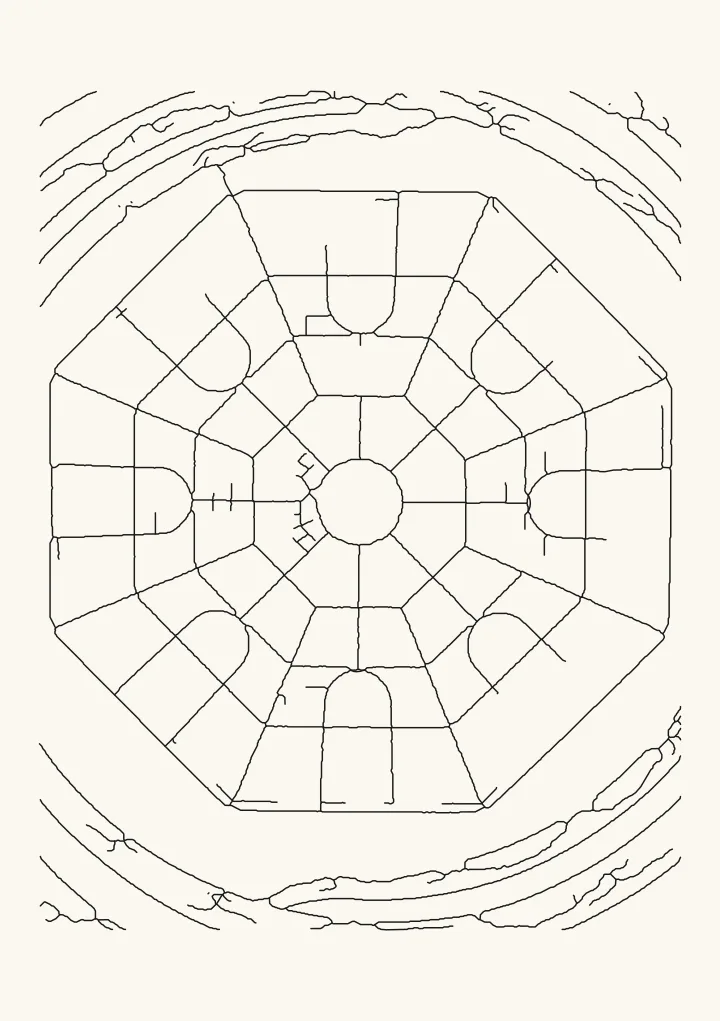
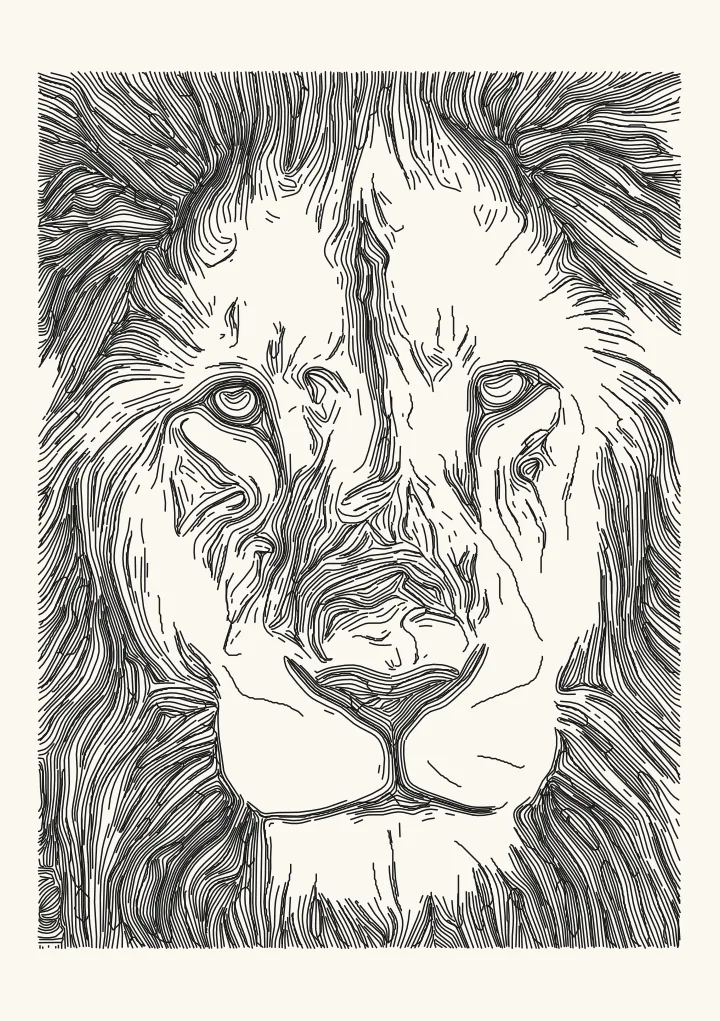
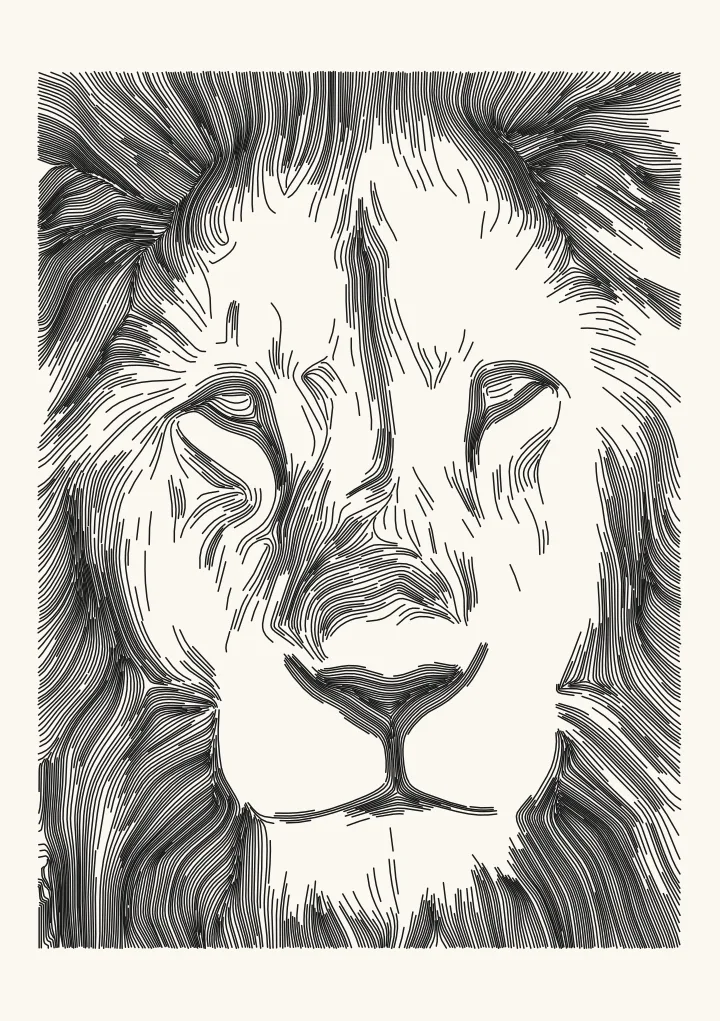
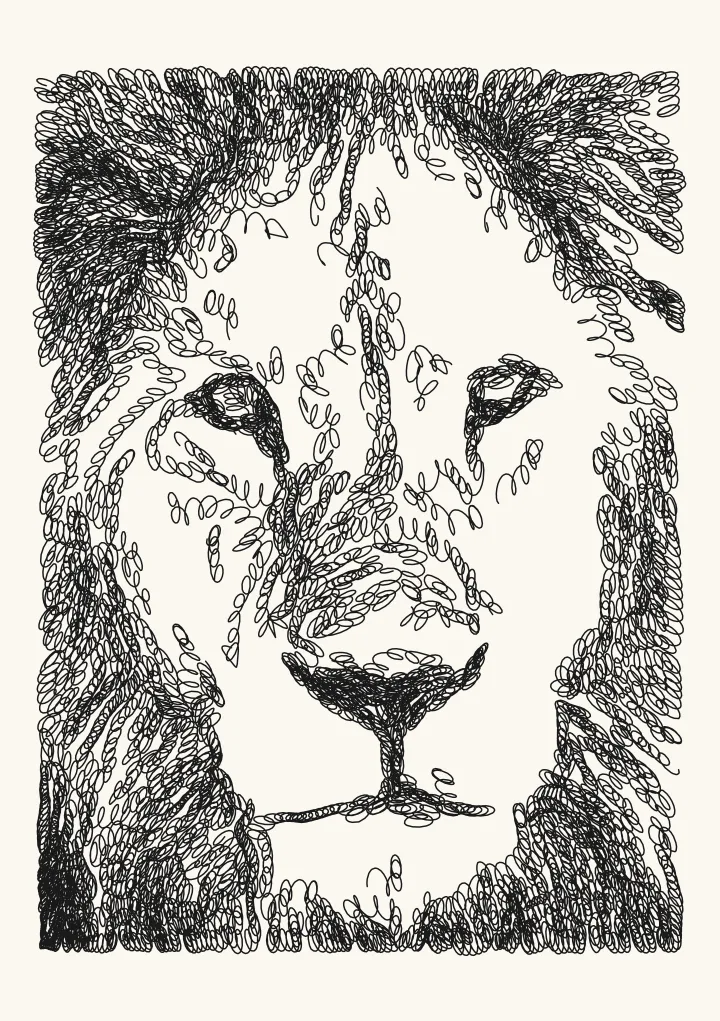
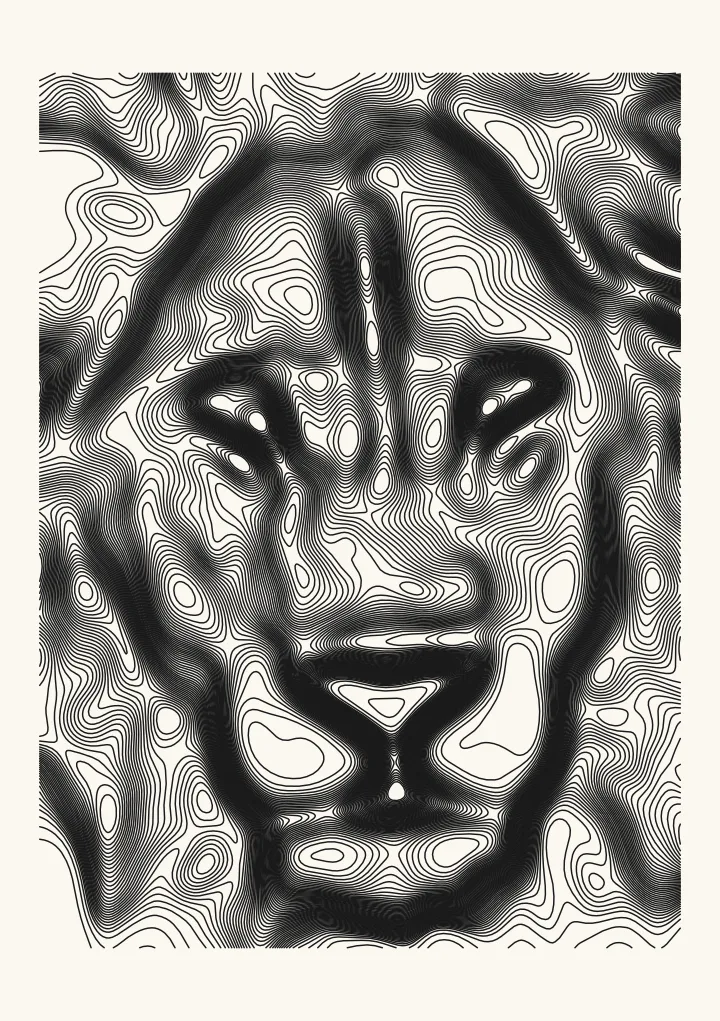
Contours treats the picture as a landscape and traces lines of equal height through it, like a topographic map. On a photo, dark counts as high ground by default, so a portrait turns into nested contour lines. On a greyscale heightmap the lines follow the terrain, and Terrarium elevation tiles are read as real heights.
Settings
Contour lines sets how many levels are traced, and Smoothness how calm they are. Balanced ink spreads the lines evenly across the picture; Even steps in tone follows the tones exactly. Bold every puts every 4th, 5th or 10th contour in its own layer so you can plot it with a thicker pen, the way index contours are drawn on real maps.
A real place instead of a picture
For the contours of a real mountain or town, use the topographic map generator, which draws contour lines from open elevation data for any place on Earth.