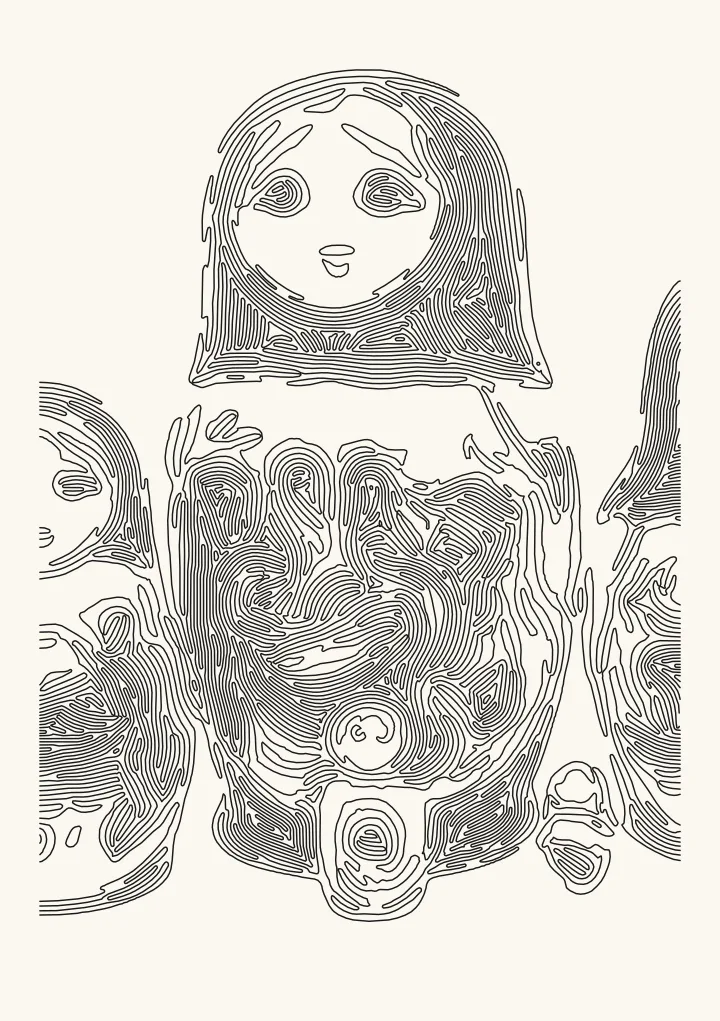
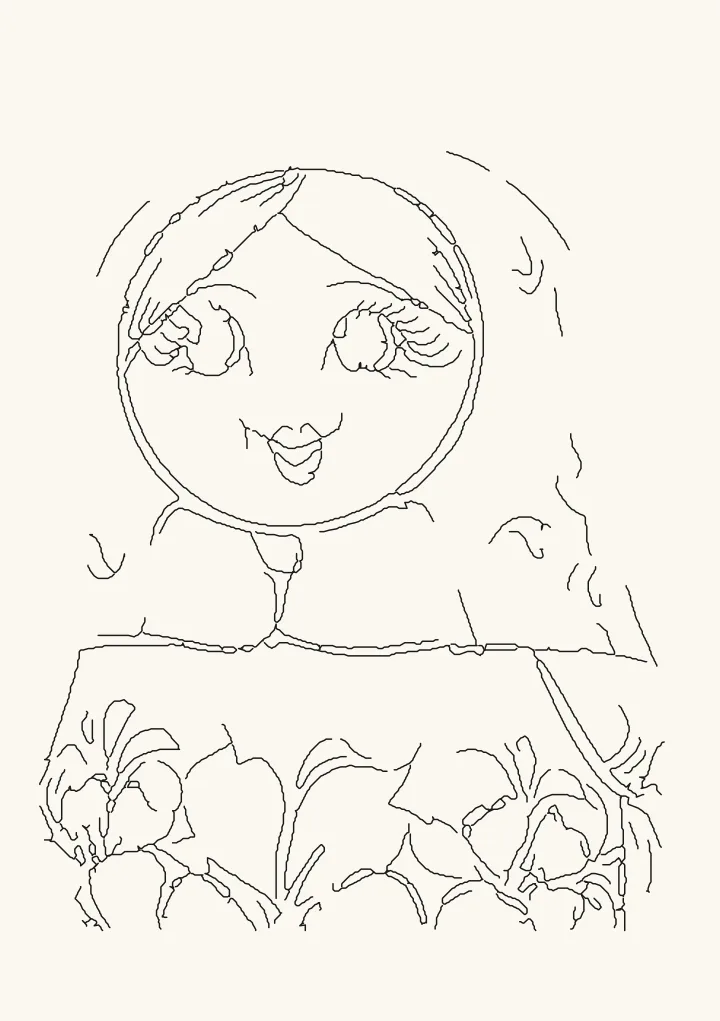
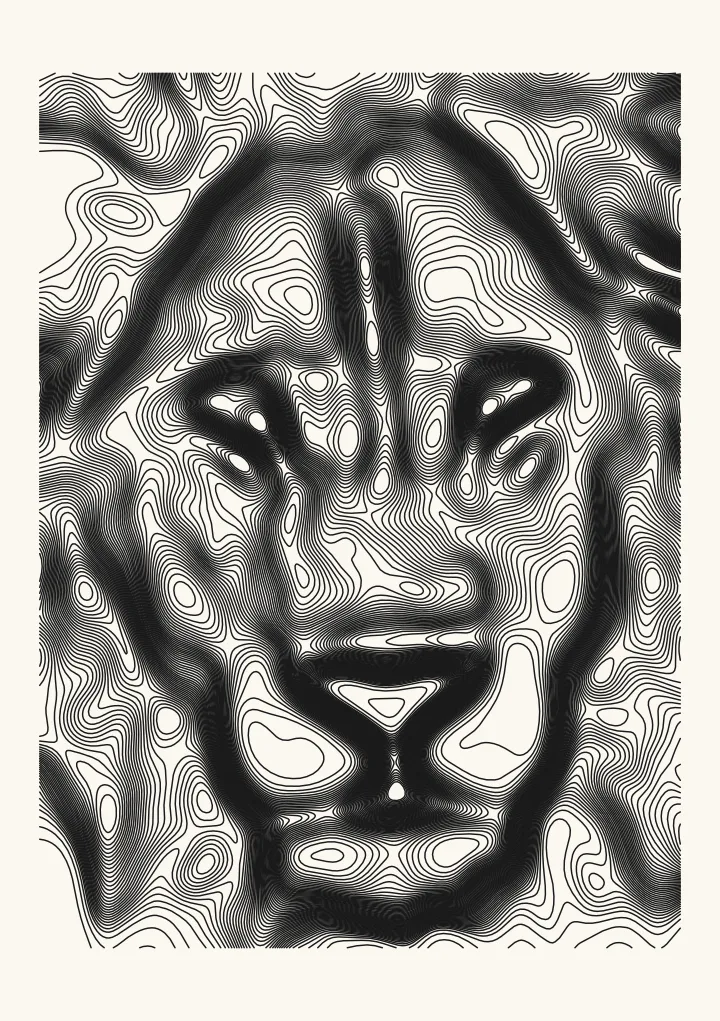
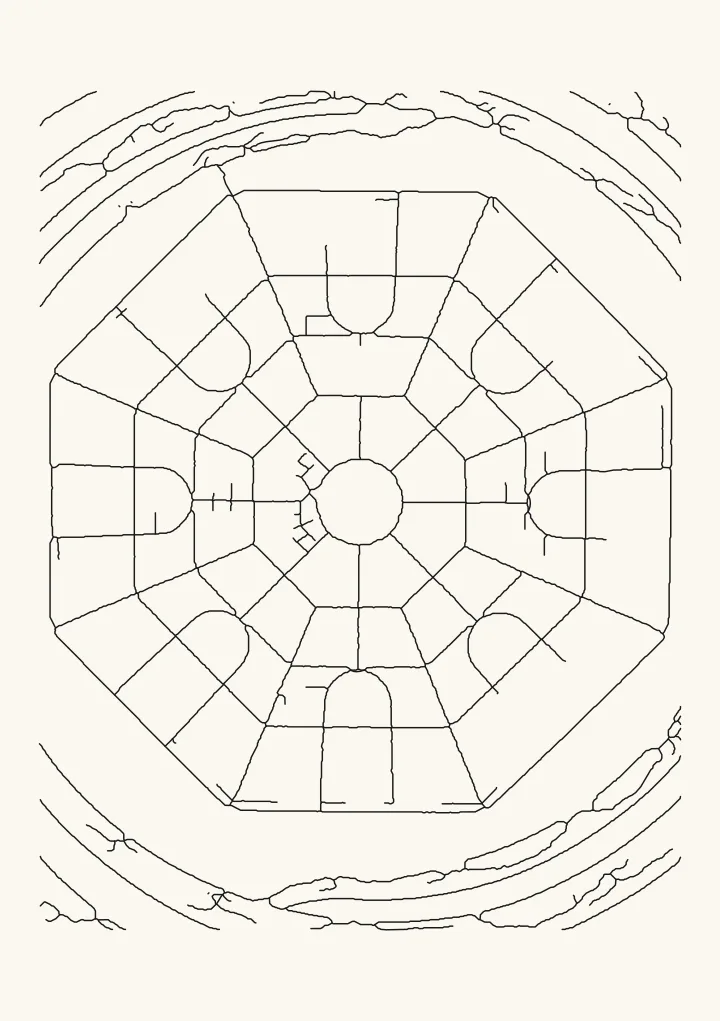
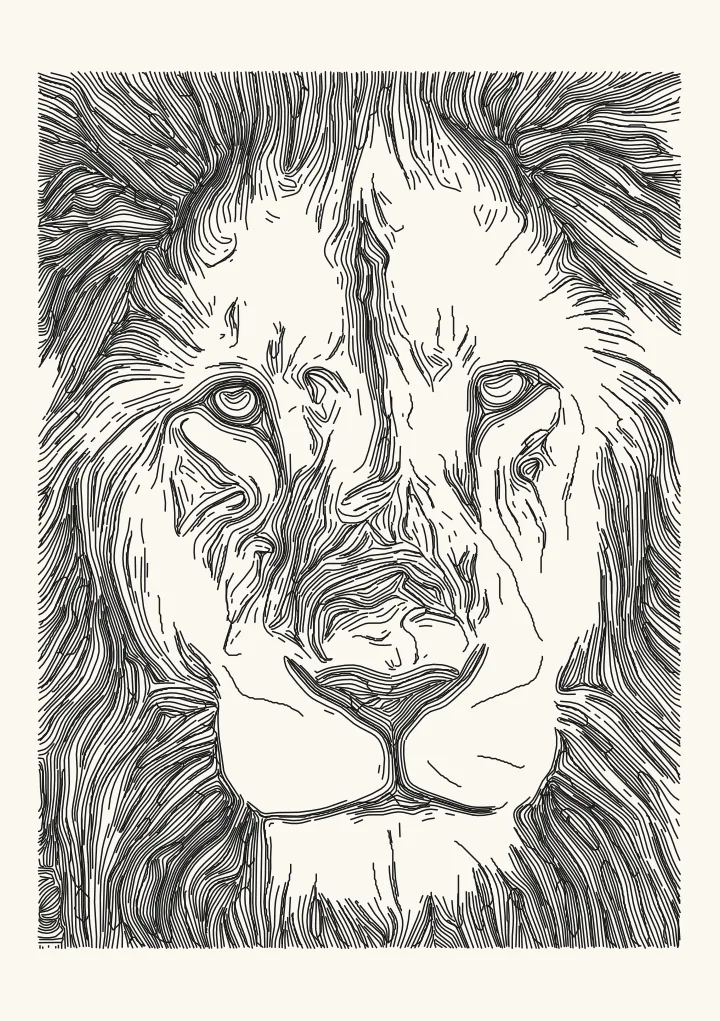
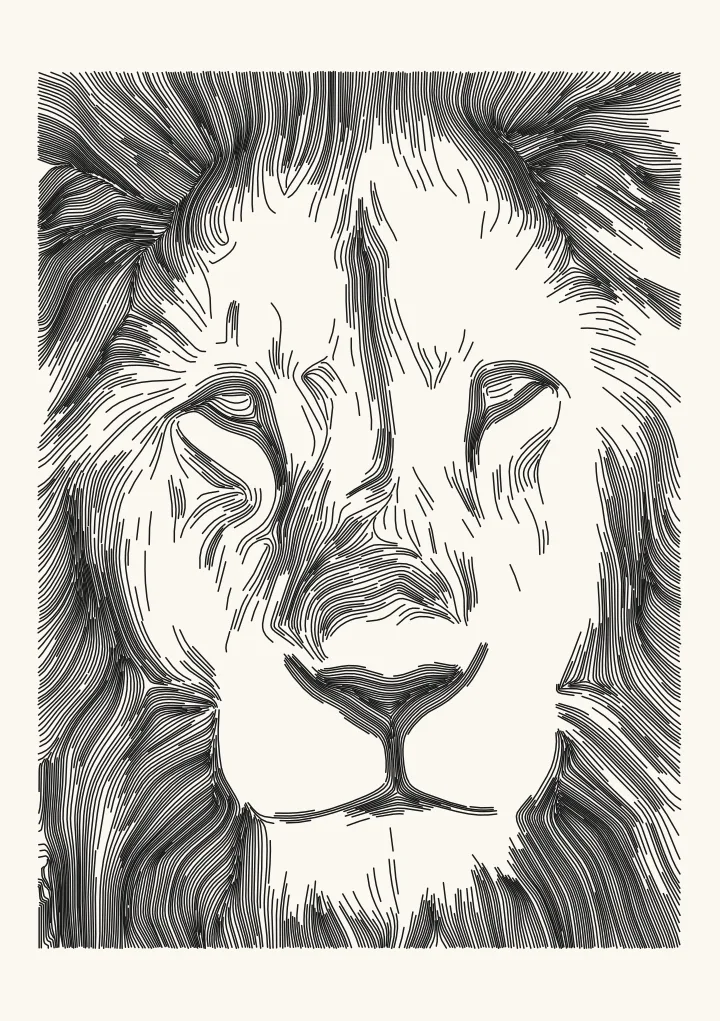
Facets: a hatched woodcut effect from a photo
The picture is cut into angular facets, each hatched at its own angle and spacing: a woodcut with a cubist streak. Suits bold, graphic portraits. Uses superpixels and the local structure of the picture.
Good for woodcut and cubist looks.
Controls
- Facet size · Average size of each facet.
- Spacing in shadows · Hatch spacing inside the darkest facets.
- Angle · How each facet picks its hatch direction.
More controls
- Spacing in lights · Hatch spacing inside the lightest facets that still get hatching.
- Facet fitting passes · More passes make the facets hug the shapes in the picture. Slower.
- Tone curve · Bends the tones before drawing. Above 1 lightens the mid-tones, which helps when a pen pools ink; below 1 darkens them.
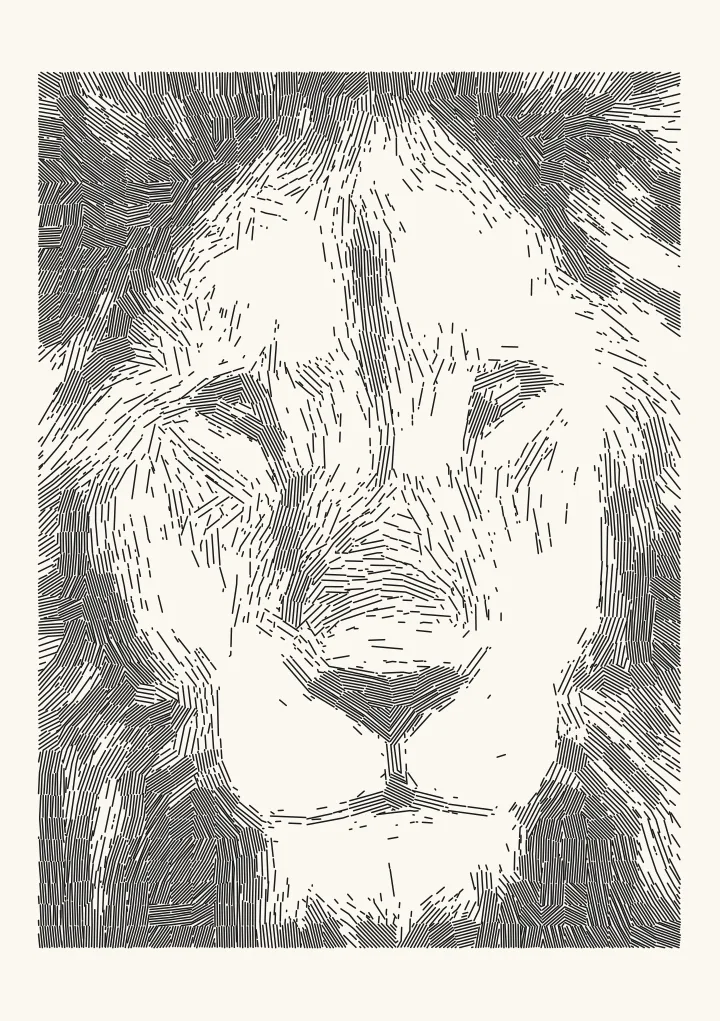

How the facets are cut
Facets splits the picture into superpixels, small regions of similar tone that hug the shapes, and hatches each one separately. Darker facets get tighter hatching, lighter ones wider hatching or none. By default each facet takes its hatch angle from the local structure of the picture, so the lines still follow the form; Random per facet gives a looser, cubist look and Fixed 45° a uniform print.
Settings
Facet size sets how big the pieces are: small facets keep a face recognisable, large ones abstract it. Spacing in shadows and Spacing in lights set how dark and how light a facet can get. More Facet fitting passes make the facets follow the picture more closely, at the cost of speed.