TSP art: how to draw a photo with one continuous line
What TSP art is, where it came from, how stipples become one travelling-salesman line, how many dots to use, and how to plot it with the pen down once.
Updated
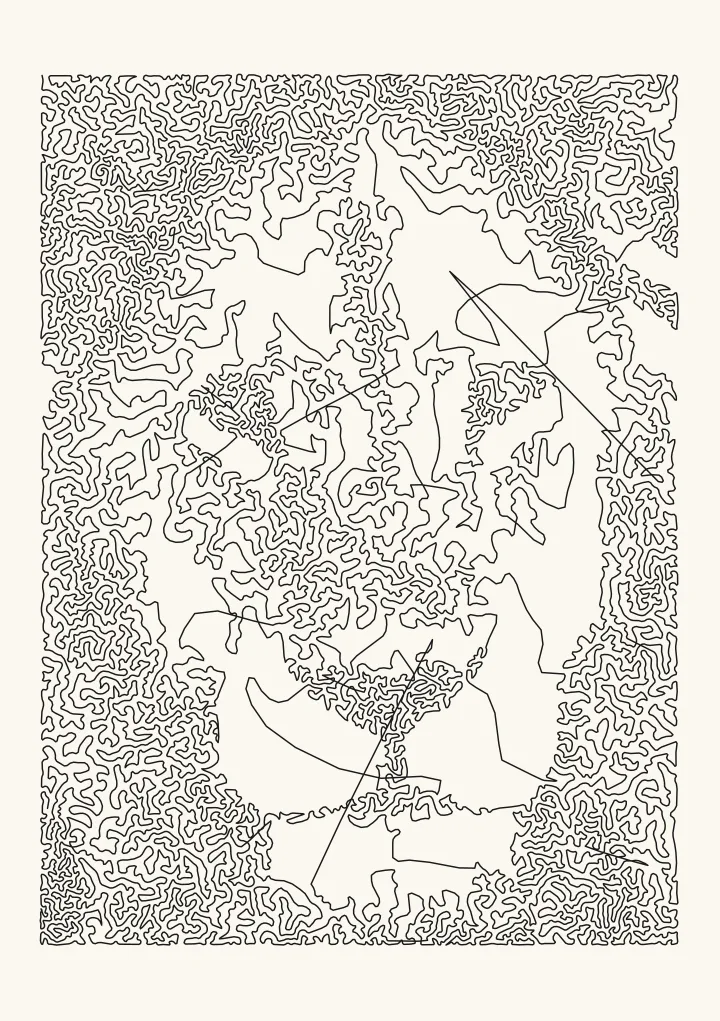

Sample render. Slide to compare the photo with the result.
TSP art draws a picture with one line that never lifts. Evil Mad Scientist’s wiki describes it as art “in which an image’s tonal quality is reproduced with a single, continuous path”. The line wanders over the whole sheet and passes through dark areas more often than light ones, so from across the room the density of the line becomes the picture. Up close, it’s a maze.
The name comes from the travelling salesman problem, or TSP: find the shortest route that visits every city once. In TSP art the cities are the dots of a stippled photo. That makes it a natural fit for a pen plotter, because the pen goes down at the start, draws one path and lifts at the end.
Make TSP art with Stipple. The link opens Stipple with Draw as already set to One continuous line; if the editor shows Separate dots instead, switch it.
Where TSP art came from
According to Evil Mad Scientist’s TSP art page, “TSP Art was first developed by Robert Bosch”, who, with Craig S. Kaplan, applied the method to stippled images. The page cites two papers:
- Robert Bosch and Adrianne Herman, “Continuous Line Drawings via the Traveling Salesman Problem”, Operations Research Letters 32 (2004).
- Robert Bosch and Craig S. Kaplan, “TSP Art”, Proceedings of Bridges 2005.
Many plotter owners first met it through StippleGen, Evil Mad Scientist’s “free, open source, and cross-platform application” that makes stipple drawings and TSP art from image files. It’s written in Processing, uses Adrian Secord’s weighted Voronoi stippling and saves Inkscape SVG files.
How a photo becomes one line
The wiki gives the recipe in two sentences: “we first produce a stippled representation of the image. We then ask, ‘What is the shortest possible path that visits each and every stipple exactly once and then returns to the starting point?’” Plotcaster’s Stipple style follows the same recipe in three steps.
1. Stipple the photo
Stipple places the dots with LBG stippling, a successor to Secord’s method. Each dot owns the patch of picture nearest to it and moves to the centre of that patch’s darkness. A dot whose patch holds more than one dot’s worth of darkness splits in two, and one whose patch holds too little is removed. After enough rounds every dot covers about the same amount of tone. So you don’t choose how many dots there are: you set the gap between dots in solid black with Dot spacing in black, and the photo decides how many it needs. With Draw as set to One continuous line, Stipple packs the dots a quarter closer than that setting, because joined dots cost no pen lifts. StippleGen works the other way round, from a stipple count you choose.
2. Route one line through every dot
The shortest possible route through thousands of dots takes a dedicated solver. The Mona Lisa on the wiki’s TSP art page was routed with linkern, part of the Concorde TSP package. A browser needs something quicker, so Stipple builds the route in two passes:
- Nearest neighbour. Start at the top-left dot and always walk to the nearest dot not yet visited. It’s fast and mostly good, but when the nearby dots run out it has to jump, and the jumps cross other parts of the route.
- 2-opt. In Wikipedia’s words, “The 2-opt algorithm was first proposed by Croes in 1958”, and “The main idea behind it is to take a route that crosses over itself and reorder it so that it does not” (2-opt). It reverses a stretch of the route whenever doing so makes the route shorter. Stipple runs a fixed number of these checks, so the same photo and settings give the same line on any computer.
The result is short and uncrossed in most places, not the shortest route there is. A few long straight jumps can survive across the light parts of a picture, where there are no dots to route through. Unlike the wiki’s tour, the line doesn’t return to its start: the pen simply lifts after the last dot. The science page shows nearest-neighbour sorting and 2-opt at work on a plot.
3. Round the line
Straight segments from dot to dot give a jagged line. Round the line cuts the corners: 0 leaves them sharp, and each step from 1 to 3 rounds them more, for a softer, hand-drawn scribble. It also changes the plot time, because a plotter has to slow down for every sharp corner.
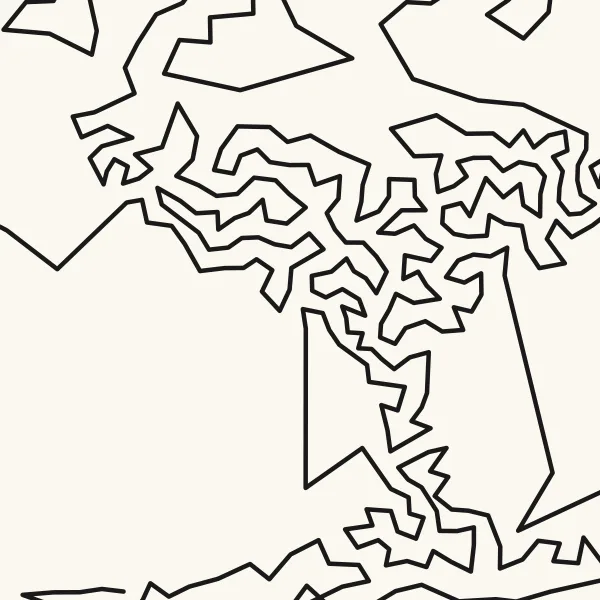
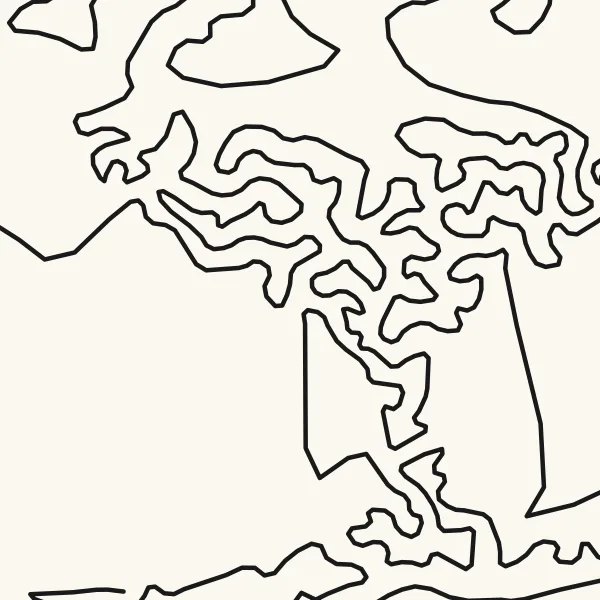
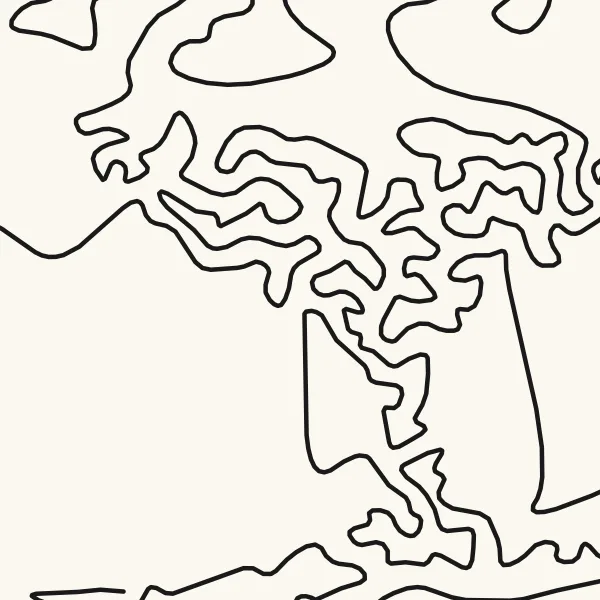
A 40 mm square around the lion's nose, from the whole A5 drawing at 1.4 mm dot spacing. Line lengths and times are for the whole drawing.
Make TSP art in the browser
- Open Stipple as one continuous line and add a photo. Subjects with strong darks and a clear shape work best. A face in flat, even light turns into an even maze.
- Check that Draw as reads One continuous line. The link sets it; if you opened the editor another way, choose it yourself.
- Set Dot spacing in black. Stipple starts at 1.8 mm, or wider for darker photos, which plots quickly. For more detail on A5, try 1.4 mm, or 1.0 mm for the densest line. Leave Number of dots on Automatic, from spacing.
- Set Shadow emphasis. At 1, the default, the dots follow the tones of the picture. Higher values gather the dots in the darkest areas, and lower values spread them into the mid-tones.
- Raise Keep highlights blank until the background stays paper.
- Set Round the line: 0 for a geometric line, 1 or 2 for a scribble, 3 for the smoothest curve.
- Check that the drawing is 1 path, read the plot-time estimate and download the SVG. It’s in millimetres, and the line sits in its own numbered layer.
Dots, line length and plot time
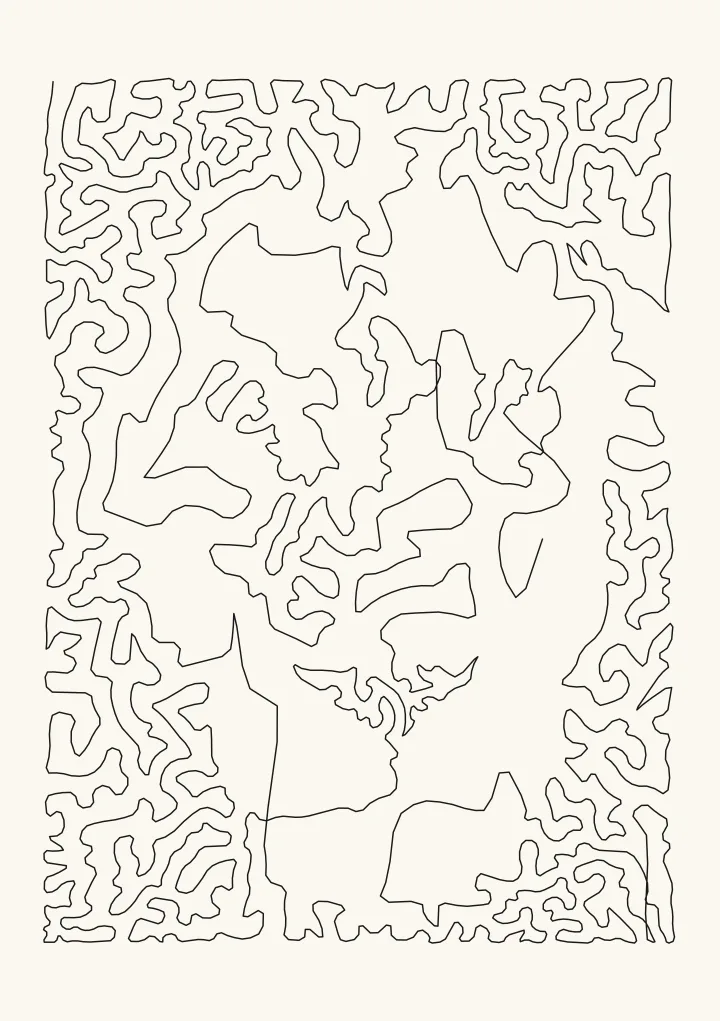
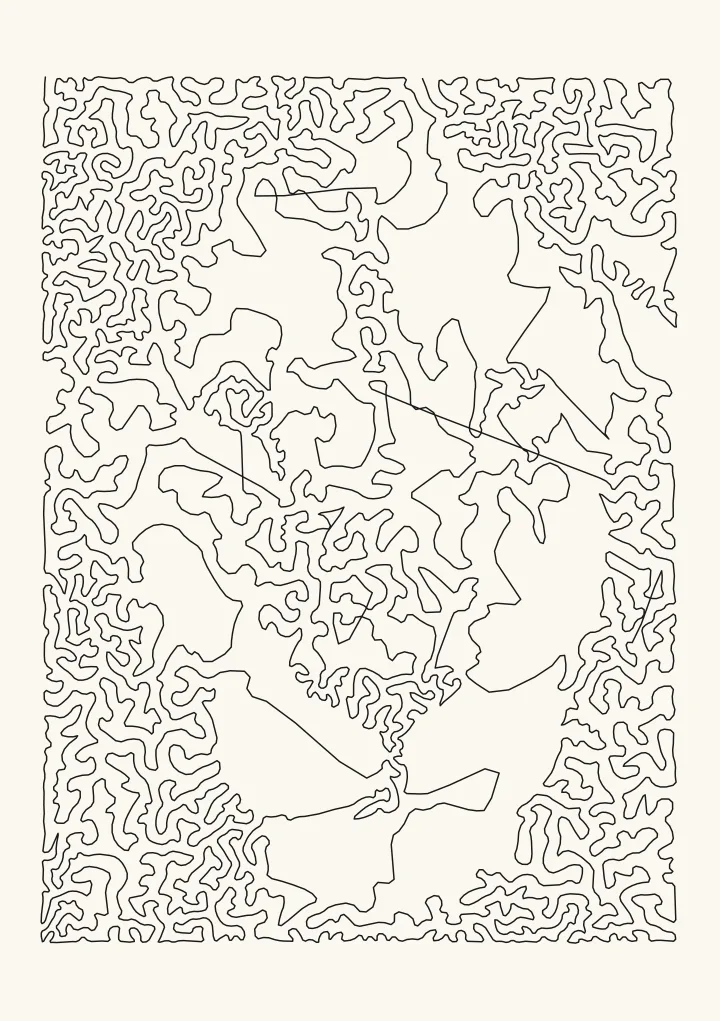
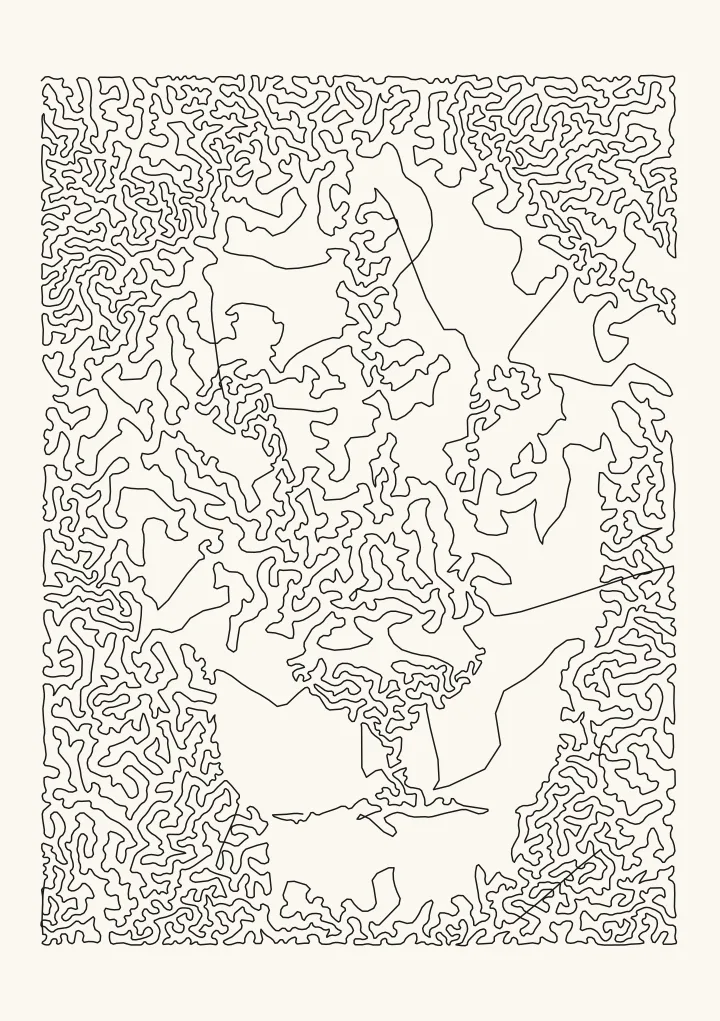
The A5 test lion with a 0.3 mm pen, Shadow emphasis 1 and Round the line 1, at four dot spacings:
| Dot spacing in black | Dots | Line drawn | Plot time |
|---|---|---|---|
| 2.8 mm | 1,496 | 4.7 m | about 2 minutes |
| 1.8 mm (default) | 3,657 | 7.4 m | about 4 minutes |
| 1.4 mm | 6,192 | 9.5 m | about 5 minutes |
| 1.0 mm | 11,959 | 13.3 m | about 8 minutes |
Plot times are Plotcaster’s estimates for an AxiDraw at moderate speed. Three things stand out:
- Every drawing is one path. One pen-down at the start, one pen-up at the end.
- Dots grow faster than the line. From 2.8 mm to 1.4 mm the spacing is twice as fine, and there are 4.1 times as many dots, but the line only doubles, because the dots sit closer together.
- Joining the dots is what makes it quick. Drawn as separate dots at the default Dot size, the same 3,657 dots are 3,657 paths, about 38 minutes to plot, because every dot needs its own lift and travel. As one line they take about 4.
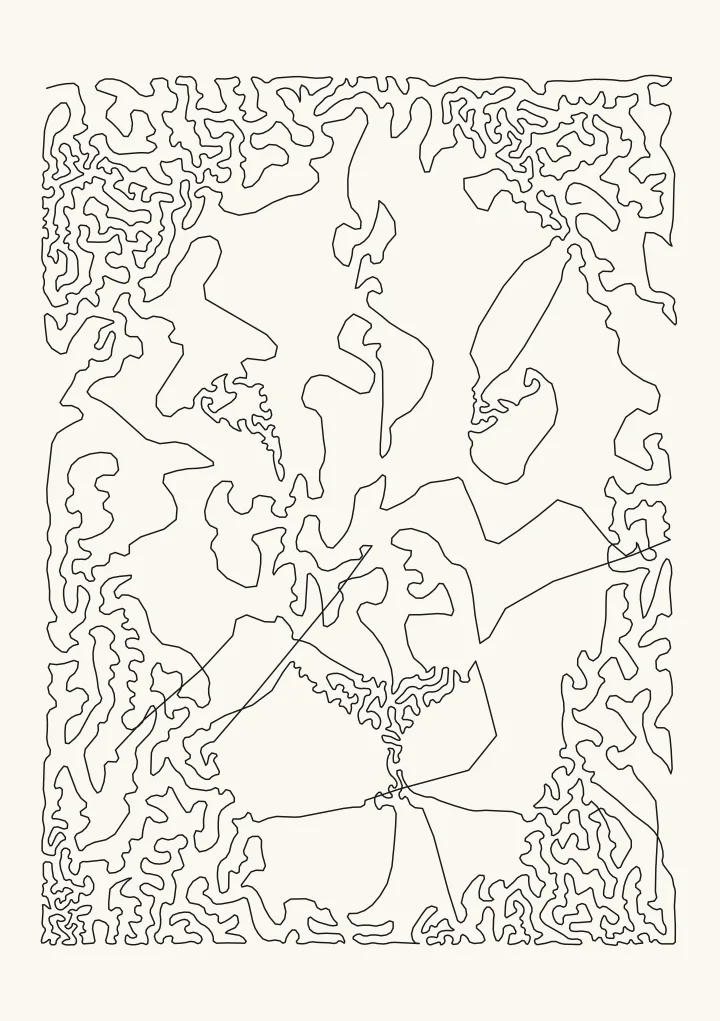
Shadow emphasis matters as much as spacing. At 1.4 mm, raising it from 1 to 2.5 cuts the count from 6,192 dots to 2,733 and gathers them in the darkest parts of the mane and around the nose. The line gets shorter (5.8 m, about 3 minutes), and the mid-tones of the face open up into paper.
Pens and paper for one continuous line
- Choose a pen for distance. The pen stays down for the whole plot: 7.4 m of line at the default spacing, 13 m at 1.0 mm, with no lift to let the nib recover. Use a fineliner or gel pen you’ve already seen draw a long, even line without skipping.
- Watch the corners. The carriage slows down at every sharp turn, so a pen that floods leaves blobs there. Round the line at 1 or more helps, and so does a quicker-drying ink.
- Tape the paper down. A sheet that shifts halfway spoils the whole drawing, because there’s no second layer to restart from.
- Keep the darks open. If neighbouring stretches of line merge in the shadows, widen Dot spacing in black or use a finer pen. Photo to SVG for AxiDraw and iDraw covers spacing against pen width in detail.
- Test small. An A6 version uses the same settings on a fraction of the line.
Other drawings with very few pen lifts
TSP art is the one true single-line style in Plotcaster. These styles get close, with long lines and few lifts. All are the same A5 lion with a 0.3 mm pen:
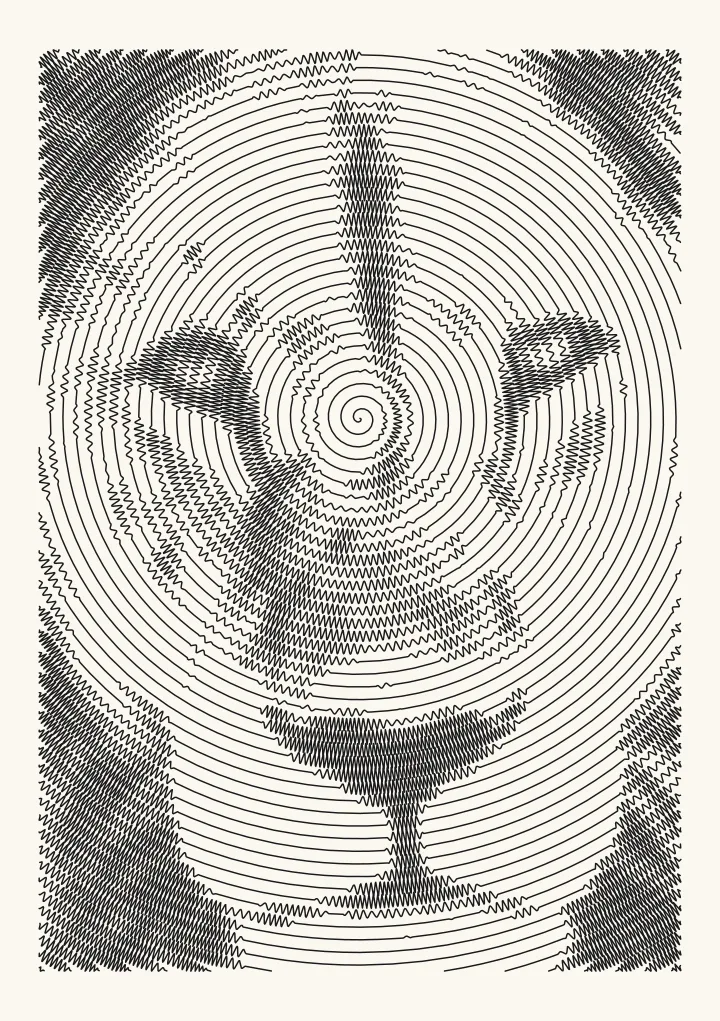
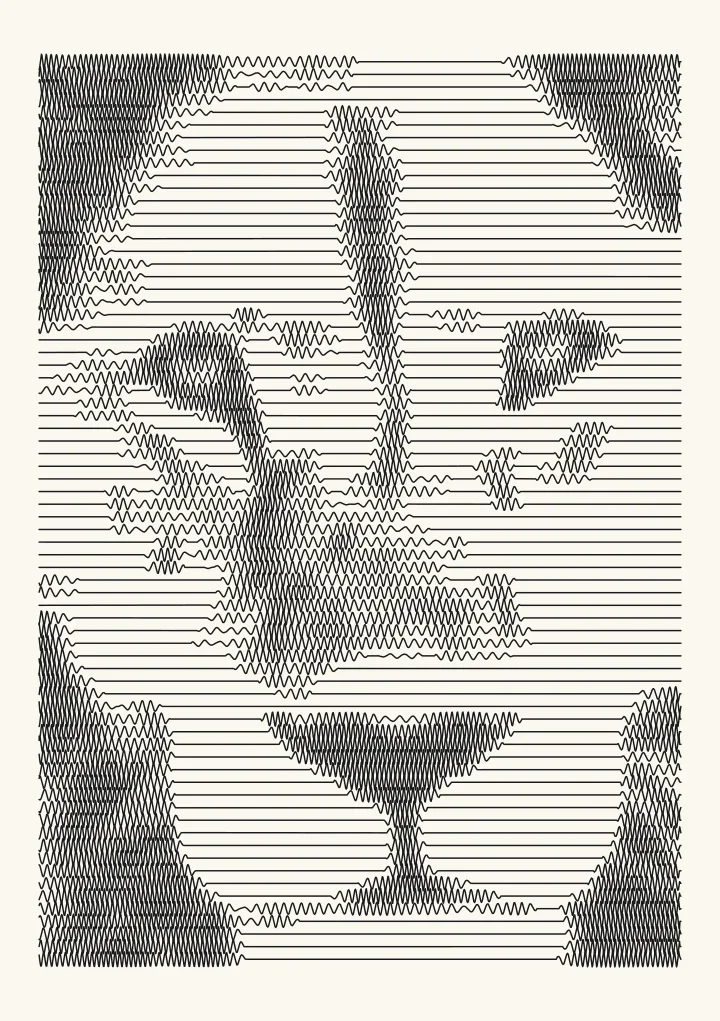
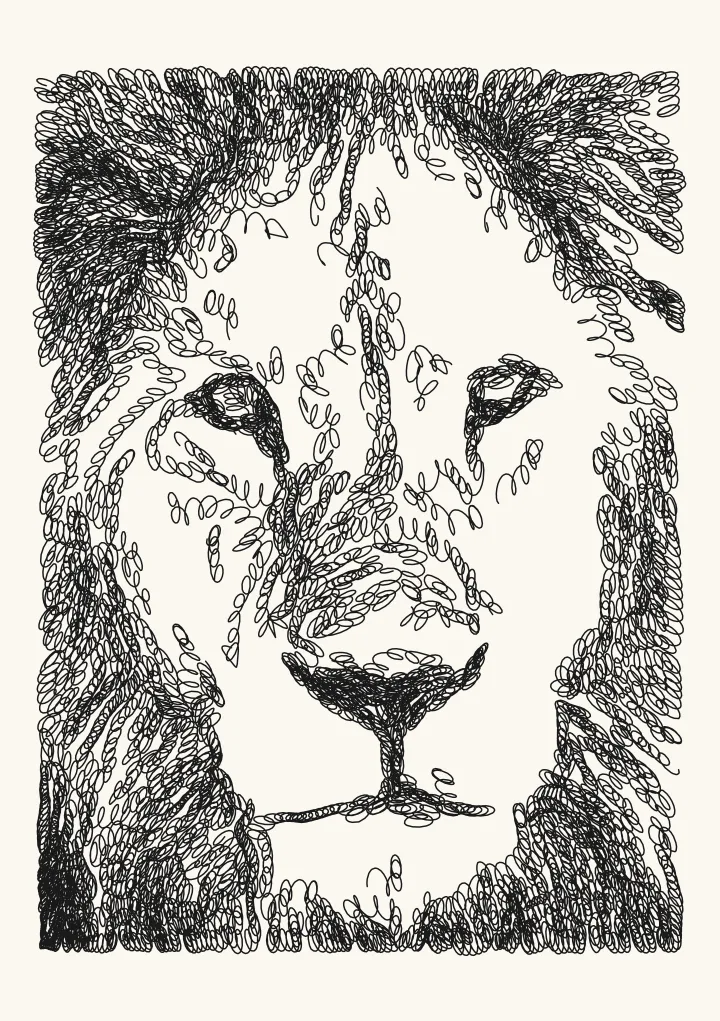
Flow takes a different route to few lifts: long lines that follow the form, 653 paths and about 9 minutes at its default settings. For which programs make, clean and plot these files, see pen plotter software compared.
Is TSP art the same as a one-line portrait?
No. The minimalist one-line portraits sold as prints are contour drawings: a few flowing strokes that trace the outline of a face, drawn by an illustrator or generated by an app. TSP art doesn’t draw outlines at all. It builds tone from how densely one line fills each area, so it reads like a photograph from a distance and like a maze up close. Plotcaster doesn’t make single-stroke contour portraits. If you want clean outlines of a photo, Edges draws them, as many separate strokes. One line drawing from a photo sets out both kinds side by side, with the photos that work best for one line.
FAQ
What does TSP stand for? The travelling salesman problem: finding the shortest route that visits every point in a set once. In TSP art the points are the dots of a stippled picture.
Is TSP art really one line? Yes. With Draw as set to One continuous line, Stipple exports a single path. Every drawing in this guide is 1 path, and the editor shows the path count before you download.
How long does TSP art take to plot? On A5 with a 0.3 mm pen, about 2 to 8 minutes depending on the dot spacing, by Plotcaster’s estimate for an AxiDraw at moderate speed. The same dots drawn separately take about 7 to 15 times as long.
Can a Cricut pen draw TSP art? Yes. It’s one path, so the machine draws it in a single pass without lifting the pen. Set Pen width to your pen, and use a wider Dot spacing in black, 1.8 mm or more, so a broad line doesn’t fill in the darks. See Photo to line drawing for Cricut.
Why does my TSP art look like a scribble instead of a picture? Usually there are too few dots for the size, the dots are spread too evenly, or the subject lacks strong darks. Lower Dot spacing in black, raise Shadow emphasis so the dots gather in the shadows, raise Keep highlights blank and crop tighter on the subject. Then look from a few steps back: TSP art is made to resolve at a distance.