Free tooth SVG files
Free tooth SVG files: the classic tooth with a shine, an outline, a cute tooth with a face, a winged tooth for a tooth fairy bag, a monogram frame, teeth with a bow, a crown, a Santa hat and braces, and a truer molar with long roots.
14 designs. Free for personal and commercial use, no sign-up. What you can do with them.
-
 Tooth with a shine Solid · one piece
 -
 Tooth outline Outline · one piece
 -
 Cute tooth with a face Solid · one piece
 -
 Winged tooth for a tooth fairy bag Solid · one piece
 -
 Tooth monogram frame Solid · one piece
 -
 Tooth with a bow Solid · one piece
 -
 Tooth with a Santa hat Solid · one piece
 -
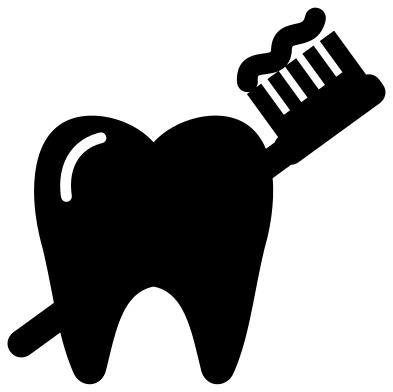 Tooth and toothbrush Solid · one piece
 -
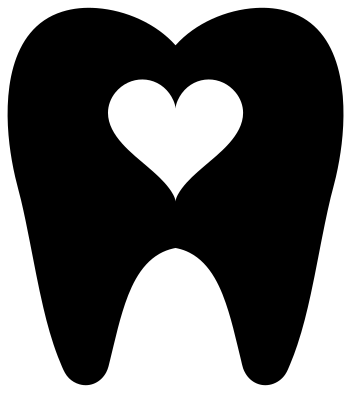 Tooth with a heart Solid · one piece
 -
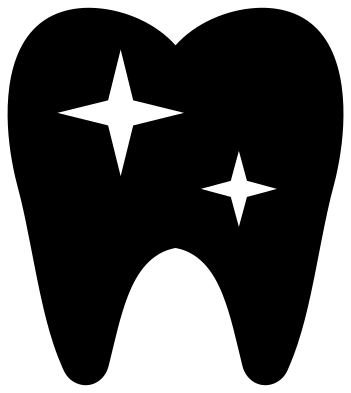 Sparkling clean tooth Solid · one piece
 -
 Tooth wearing a crown Solid · one piece
 -
 Tooth with dentist tools Solid · one piece
 -
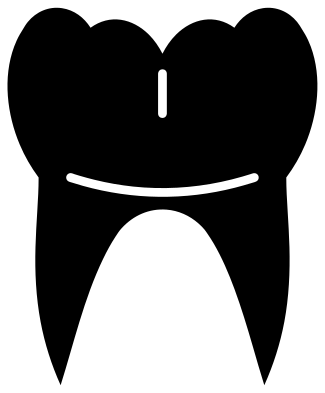 Molar tooth with long roots Solid · one piece
 -
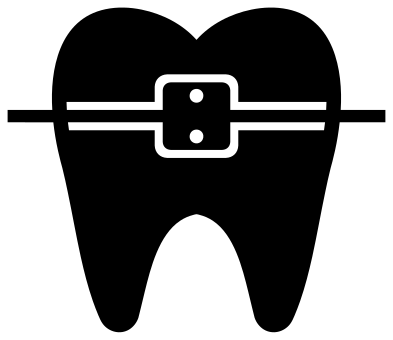 Tooth with braces Solid · one piece
A shape that cuts easily
The tooth is one of the kindest shapes to cut: a smooth outline with no thin parts, apart from the notch between the roots. The solid teeth work in vinyl from about 25 mm tall, which is small enough for a badge reel or the lid of a tooth box. The faces have eyes about 7 mm across when the tooth is 100 mm tall, so keep the teeth with faces at 40 mm or more if you want the eyes to weed cleanly.
For a tooth fairy bag, the winged tooth is drawn to sit in the middle of a small drawstring bag. Cut it in white or glitter heat transfer at about 70 mm wide, and add the child’s name underneath in your own lettering.
For dental teams
The tooth with dentist tools, the tooth and toothbrush, the molar with long roots and the monogram frame are made for the people who work with teeth. The tools and the toothbrush handle are slim, so cut those two at 80 mm or more. The molar has a thin cut at the gum line that stops short of both sides, which lets you see crown and root while the tooth stays in one piece.
How to open the files
- Cricut Design Space: choose Upload, pick the SVG, and add it to the canvas. Set the width you want; the shape is already welded.
- Silhouette Studio: Designer Edition and above open the SVG. The free Basic Edition does not, so open the DXF instead.
- LightBurn, xTool Creative Space and Glowforge: import the SVG, then set the layer to cut, score or engrave.
- Inkscape, Illustrator and Affinity: open the SVG. It is a plain filled path, so you can recolour it, add a stroke or combine it with your own work.
- Printing or sublimation: use the PNG, which has a transparent background.
Each design page lists the file’s narrowest part at seven sizes, so you can tell whether it will survive at the size you plan to cut.
Questions
Which tooth should I use for a tooth fairy bag or pillow?
The winged tooth is made for it. The cute tooth with a face and the tooth with a bow also work well. Cut in heat transfer vinyl, press it on the front of the bag and add a name below with your own letters.
Can I put an initial inside the tooth monogram frame?
Yes. The crown of the tooth is open and the roots are solid, so there is a clear space about 70 mm wide when the tooth is 100 mm tall. Place one bold letter in it, or two or three smaller ones.
What is the difference between the classic tooth and the molar?
The classic tooth is the simple symbol used on signs, with short roots and smooth shoulders. The molar is closer to a real back tooth, with four cusps, a narrower neck and long curved roots, and suits students and dental teams.
 Camera SVG
  Guitar SVG
  Music note SVG
  Stethoscope SVG
  Light bulb SVG
  Key SVG