Free monster SVG files
Free monster SVG files: friendly monsters of our own making with one eye, three eyes, horns, fur, feelers and tentacles, plus a monster face, a mouth, loose teeth and googly eyes. Each is drawn by code and welded into clean shapes.
16 designs. Free for personal and commercial use, no sign-up. What you can do with them.
-
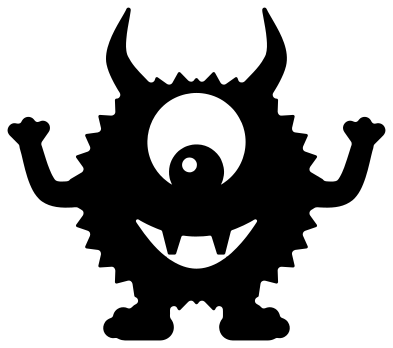 One-eyed monster Solid · one piece
 -
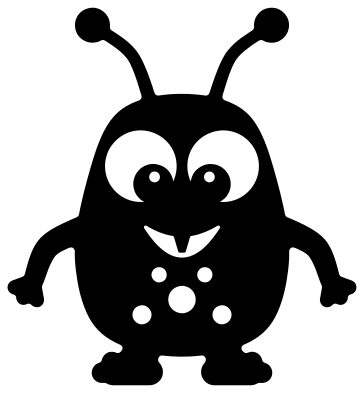 Cute monster with feelers Solid · one piece
 -
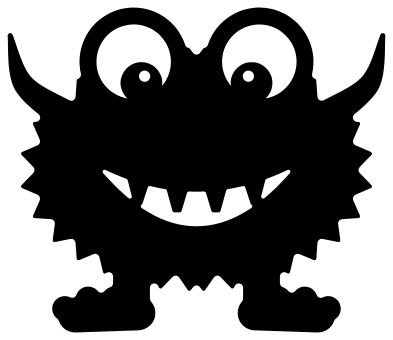 Little monster on big feet Solid · one piece
 -
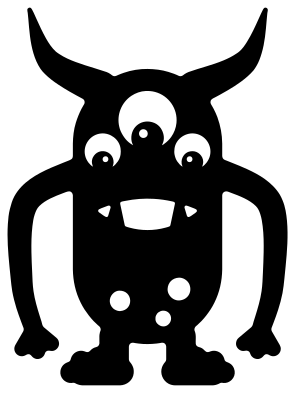 Tall monster with long arms Solid · one piece
 -
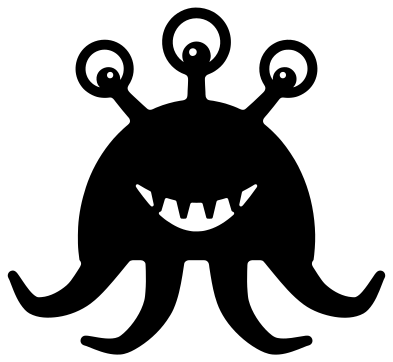 Three-eyed monster with tentacles Solid · one piece
 -
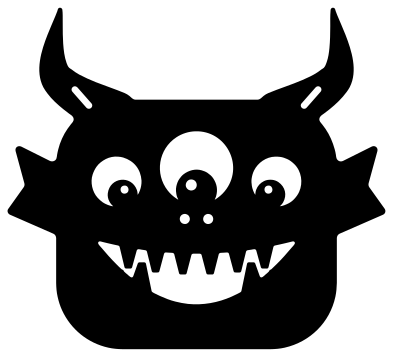 Monster face with three eyes Solid · one piece
 -
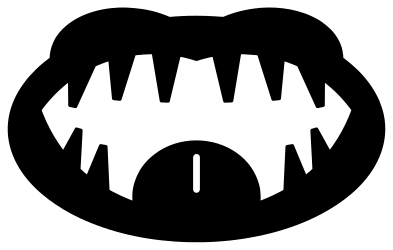 Monster mouth with teeth and tongue Solid · one piece
 -
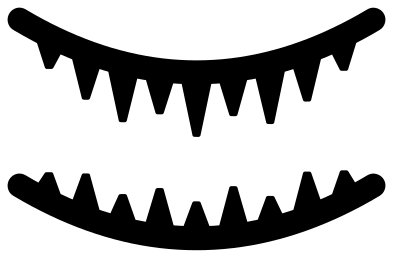 Monster teeth, top and bottom rows Solid · 2 pieces
 -
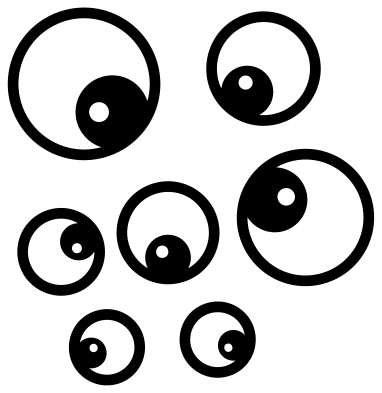 Monster eyes, set of seven Solid · 7 pieces
 -
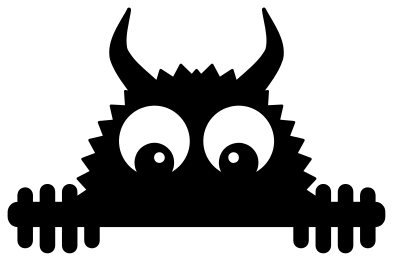 Peeking monster Solid · one piece
 -
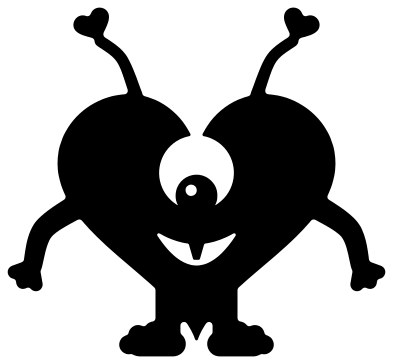 Valentine monster shaped like a heart Solid · one piece
 -
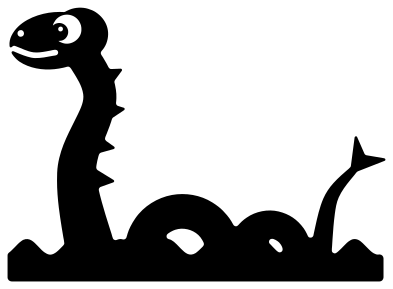 Sea monster in the waves Solid · one piece
 -
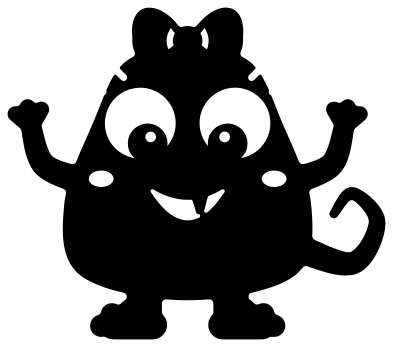 Girl monster with a bow Solid · one piece
 -
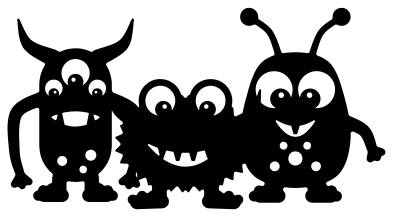 Three little monsters in a row Solid · one piece
 -
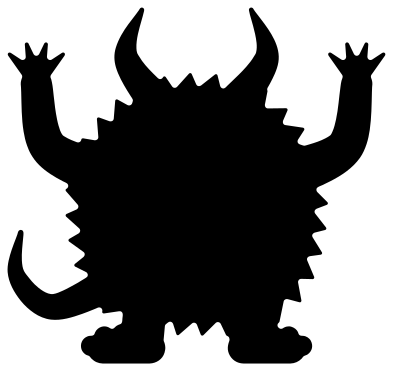 Furry monster silhouette Solid · one piece
 -
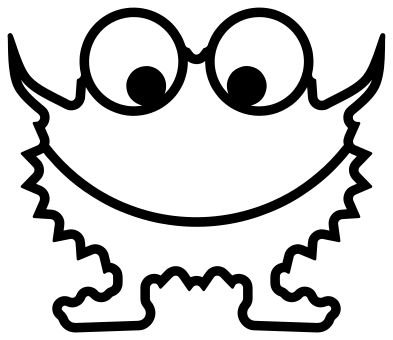 Monster outline Outline · one piece
How the eyes and teeth hold together
A monster is mostly eyes and teeth, and both are a problem for a cutting machine: the pupil of an eye and the teeth in a mouth are islands that fall out when the white round them is cut away. In these files every pupil is joined to the rim of its eye on the side the monster is looking, and every tooth grows from the lip. So each monster comes off the mat as one piece, and a sheet of white or yellow card behind it fills in the eyes and the mouth.
Every file is 100 mm on its longer side. The furry monsters have tufts about 3 mm high, which cut well in vinyl and card down to about 60 mm. For felt, foam or thin plywood pick the cute monster with feelers or the tall monster, which have smooth edges.
Turning a box or a door into a monster
The monster mouth, the monster teeth and the monster eyes are made to be stuck on things. Cut the teeth from white card and fix one row to the lid of a box and the other to its body, add a pair of eyes above, and the box becomes a monster that eats what you post into it. The same pieces scaled up to 400 mm or more turn a classroom door or a wheelie bin into a face.
How to open the files
- Cricut Design Space: choose Upload, pick the SVG, and add it to the canvas. Set the width you want; the shape is already welded.
- Silhouette Studio: Designer Edition and above open the SVG. The free Basic Edition does not, so open the DXF instead.
- LightBurn, xTool Creative Space and Glowforge: import the SVG, then set the layer to cut, score or engrave.
- Inkscape, Illustrator and Affinity: open the SVG. It is a plain filled path, so you can recolour it, add a stroke or combine it with your own work.
- Printing or sublimation: use the PNG, which has a transparent background.
Each design page lists the file’s narrowest part at seven sizes, so you can tell whether it will survive at the size you plan to cut.
Questions
Are these monsters from a film or a game?
No. Every monster here was drawn for this library and belongs to no film, television programme, game or brand. That is why you can use them freely on things you make and sell.
How do I make a monster in more than one colour?
Cut the monster once in a bright colour, then cut the same file again in a second colour and keep only the parts you want, such as the horns or the feet, to glue on top. White card behind the eye and mouth windows gives you the whites of the eyes and the gaps between the teeth with no extra cutting.
Which monster is best for small children to weed and stick?
The furry monster silhouette has no inside cuts at all, and the cute monster with feelers has smooth edges and only a few large windows. Leave the monster face and the three little monsters for an adult, since they have the most small pieces to pick out.
 Owl SVG
  Bird SVG
  Cat SVG
  Dog SVG
  Elephant SVG
  Fish SVG