Free pig SVG files
Free pig SVG files: a farm pig silhouette, a show pig, a wild hog, pig faces with a snout and folded ears, a piggy bank, a flying pig, a butcher’s diagram, and a snout, ears and curly tail on their own. Each is drawn by code as clean closed shapes.
17 designs. Free for personal and commercial use, no sign-up. What you can do with them.
-
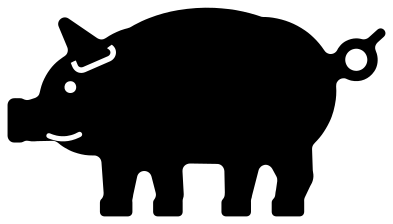 Pig silhouette Solid · one piece
 -
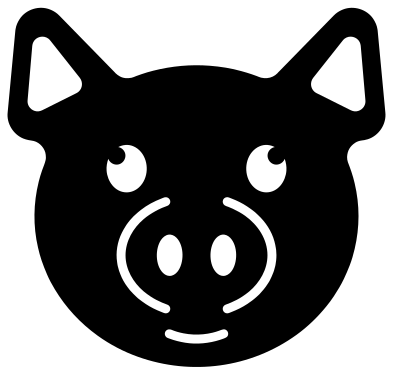 Pig face Solid · one piece
 -
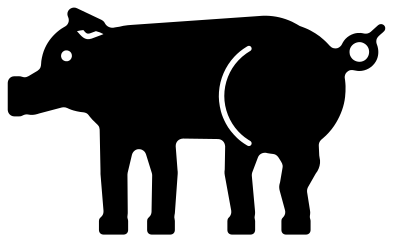 Show pig Solid · one piece
 -
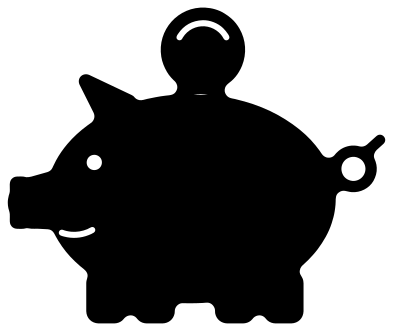 Piggy bank with a coin Solid · one piece
 -
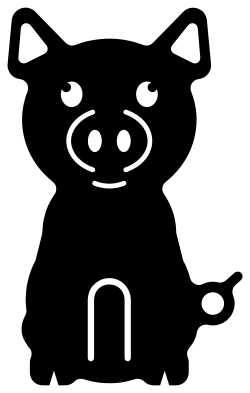 Cute pig sitting Solid · one piece
 -
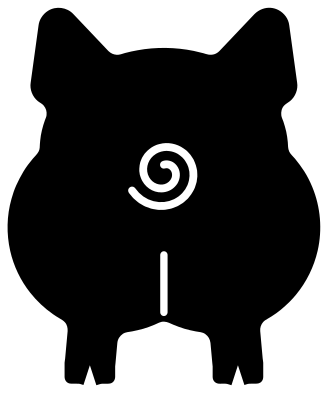 Pig butt Solid · one piece
 -
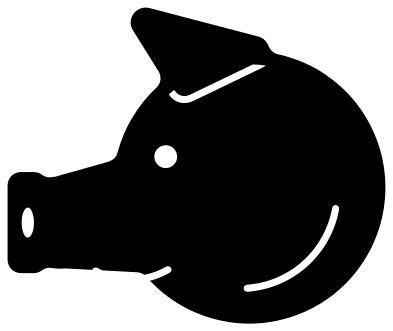 Pig head from the side Solid · one piece
 -
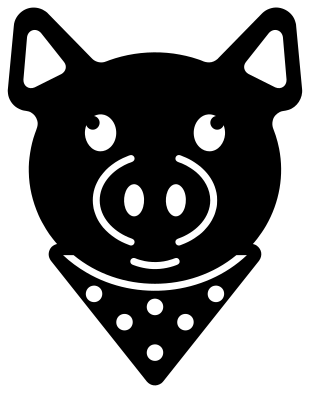 Pig with a bandana Solid · one piece
 -
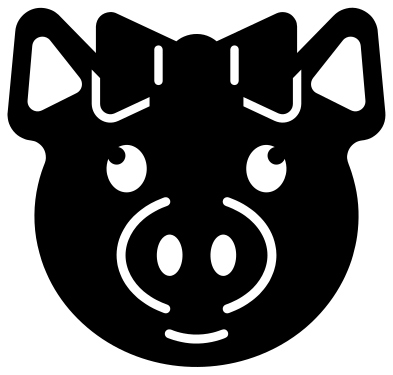 Pig with a bow Solid · one piece
 -
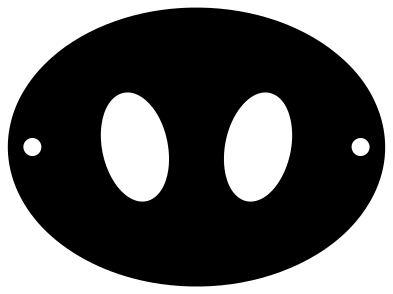 Pig snout Solid · one piece
 -
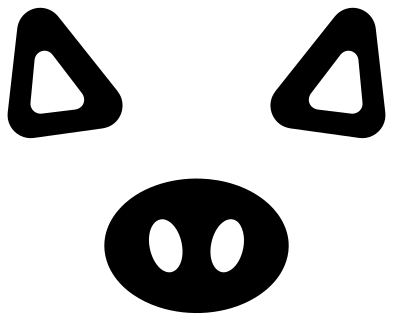 Pig ears and snout Solid · 3 pieces
 -
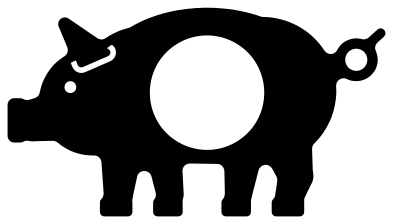 Pig monogram frame Solid · one piece
 -
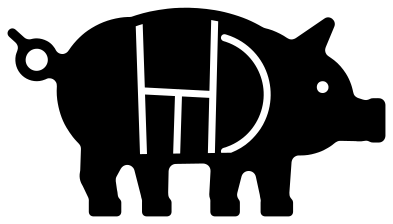 Pig with butcher cuts Solid · one piece
 -
 Flying pig Solid · one piece
 -
 Wild hog pig silhouette Solid · one piece
 -
 Sow and two piglets Solid · one piece
 -
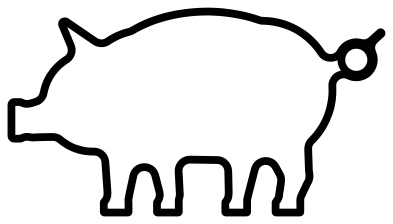 Pig outline Outline · one piece
Cutting a pig: the tail and the trotters
Every file is 100 mm on its longer side. A pig is an easy animal to cut: the body is one big round shape and the legs are short and thick. The part to watch is the curled tail, which is drawn as a ring about 2.5 mm wide. In vinyl and card it cuts well down to a 50 mm pig. In 3 mm plywood or acrylic keep the pig at 100 mm or wider, or snip the tail off in your software and glue on a twist of pipe cleaner.
The faces have the snout drawn as two curved slits with a gap above and below, which is what keeps the middle of the snout attached. Those slits and the folds of the ears are about 1.5 mm wide, so cut a face at 70 mm or wider in vinyl. For a pink pig on a dark shirt, mirror nothing and weed the slits out; for a dark pig on a light surface the slits show the surface through.
Show pigs, BBQ and party makes
The show pig stands taller and squarer than the farm pig, the way a pig is set up in the ring, and suits stock show shirts and pen signs. The pig with butcher cuts and the pig butt are the two for BBQ aprons and smoker signs. For a party, the snout and the ears are sized to work as a mask and a headband at 70 to 90 mm wide.
How to open the files
- Cricut Design Space: choose Upload, pick the SVG, and add it to the canvas. Set the width you want; the shape is already welded.
- Silhouette Studio: Designer Edition and above open the SVG. The free Basic Edition does not, so open the DXF instead.
- LightBurn, xTool Creative Space and Glowforge: import the SVG, then set the layer to cut, score or engrave.
- Inkscape, Illustrator and Affinity: open the SVG. It is a plain filled path, so you can recolour it, add a stroke or combine it with your own work.
- Printing or sublimation: use the PNG, which has a transparent background.
Each design page lists the file’s narrowest part at seven sizes, so you can tell whether it will survive at the size you plan to cut.
Questions
Which pig is the right one for a stock show shirt?
The show pig. It has a level back, a deep ham, the head carried up and the ears forward, which is how a market hog is shown. Put the exhibitor’s name under it or along the back. The farm pig silhouette is rounder and reads as a pet or a barnyard pig.
How do I use the pig monogram frame?
Open it in your cutting software, type one letter in a bold font and scale it until it overlaps the ring of the window on at least two sides, then weld. The window is about 30 mm across when the pig is 100 mm long, so a single capital works better than a name.
Will the butcher cuts fall apart when I cut them?
No. Every line is a slit that stops about 2.5 mm short of the outline, so the head, shoulder, loin, belly and ham stay joined to one another. In card and vinyl treat it as one piece. If you want separate cuts in different colours, extend the slits to the edge in your software.
 Owl SVG
  Bird SVG
  Cat SVG
  Dog SVG
  Elephant SVG
  Fish SVG