Free tiger SVG files
Free tiger SVG files: tigers walking, roaring, sitting and lying down, a cub, heads from the front, and tiger stripes on their own as a swatch, a stencil and a heart. Each one is drawn by code as clean closed shapes.
14 designs. Free for personal and commercial use, no sign-up. What you can do with them.
-
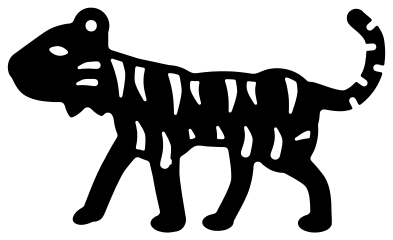 Walking tiger with stripes Solid · one piece
 -
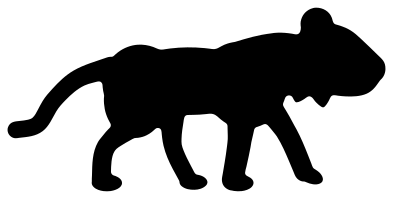 Tiger silhouette Solid · one piece
 -
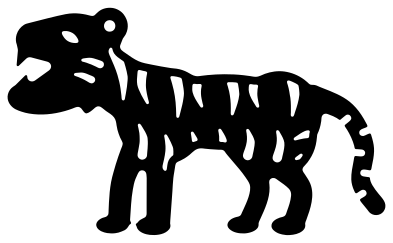 Roaring tiger Solid · one piece
 -
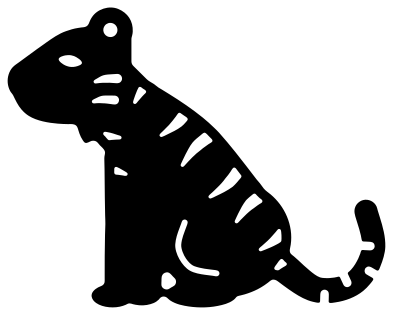 Sitting tiger Solid · one piece
 -
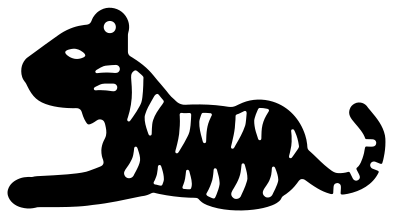 Tiger lying down Solid · one piece
 -
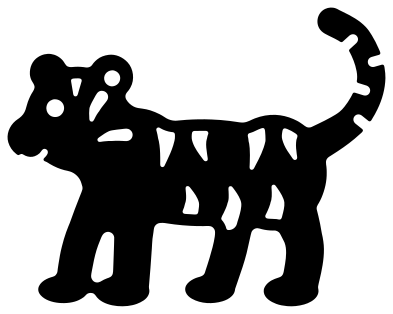 Tiger cub Solid · one piece
 -
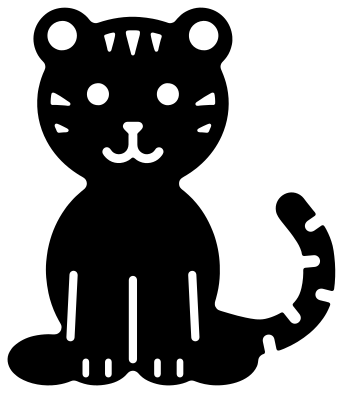 Baby tiger sitting Solid · one piece
 -
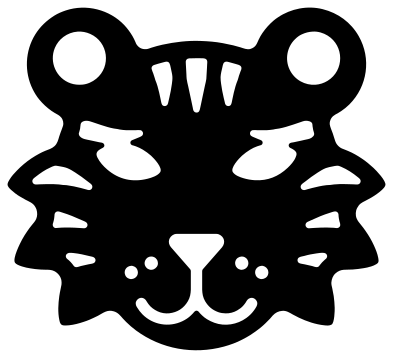 Tiger head with stripes Solid · one piece
 -
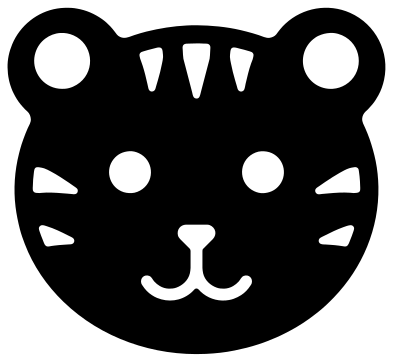 Cute tiger face Solid · one piece
 -
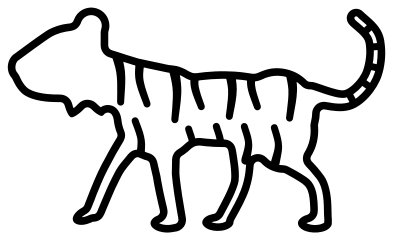 Tiger outline Outline · one piece
 -
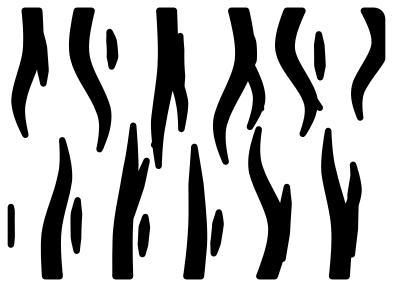 Tiger stripes Solid · 17 pieces
 -
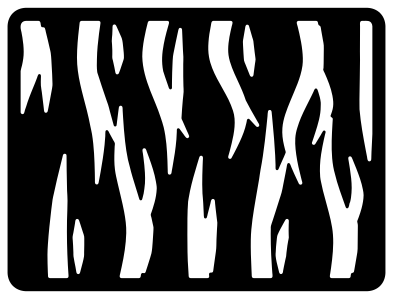 Tiger print stencil Solid · one piece
 -
 Tiger stripe heart Solid · one piece
 -
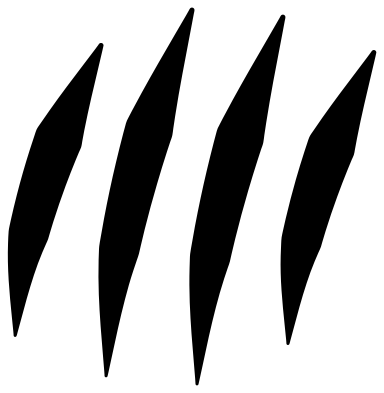 Tiger claw marks Solid · 4 pieces
Cutting the stripes
Every tiger here is 100 mm on its longer side. The stripes are what make it a tiger, and they are also what takes the time. Each one is a separate tapered hole that stops short of the outline, so the edge of the animal stays whole and the tiger lifts as one piece. On the walking tiger the stripes are about 3 mm wide at the broad end. In vinyl, weed the outside first, then pick each stripe out from its broad end with a hook.
The body left between the stripes is narrow too: about 2 mm at the tightest on the walking and roaring tigers. That is fine in vinyl and card at full size, but too fine for 3 mm plywood below about 150 mm. For wood, felt or anything small, use the tiger silhouette, the cute tiger face or the tiger cub, where nothing is narrower than 3.4 mm.
Stripes without the tiger
Three designs are stripes on their own. Tiger stripes is a swatch of loose stripes to lay over a shirt, a letter or a tumbler: cut it from heat transfer vinyl and press it as one sheet so the spacing holds. The tiger print stencil is the reverse, a panel with the stripes cut through it for sponging on paint or fabric bleach. The tiger stripe heart puts the same stripes inside a heart.
How to open the files
- Cricut Design Space: choose Upload, pick the SVG, and add it to the canvas. Set the width you want; the shape is already welded.
- Silhouette Studio: Designer Edition and above open the SVG. The free Basic Edition does not, so open the DXF instead.
- LightBurn, xTool Creative Space and Glowforge: import the SVG, then set the layer to cut, score or engrave.
- Inkscape, Illustrator and Affinity: open the SVG. It is a plain filled path, so you can recolour it, add a stroke or combine it with your own work.
- Printing or sublimation: use the PNG, which has a transparent background.
Each design page lists the file’s narrowest part at seven sizes, so you can tell whether it will survive at the size you plan to cut.
Questions
How do I make an orange tiger with black stripes?
Cut the tiger from orange vinyl or card and put it on something black. The stripes, the eye and the bands on the tail are holes, so the black shows through them. For a black tiger with orange stripes, swap the two colours. Either way it is one cut, not two layers.
Which tiger works at small sizes?
The tiger silhouette has no inside cuts and nothing narrower than 4.6 mm, so it holds at 30 mm long. The cute tiger face is next: seven stripes, all broad, and nothing narrower than 5.4 mm. The striped side views need to be about 80 mm long before the stripes weed cleanly.
Do the claw marks come as one piece?
No. They are four loose slashes, set out as a paw would rake them. Cut them together and lift them with one piece of transfer tape so the spacing stays as drawn. To cut them through a shirt-front design instead, place them over your shape and subtract.
 Owl SVG
  Bird SVG
  Cat SVG
  Dog SVG
  Elephant SVG
  Fish SVG