Free Santa SVG files
Free Santa SVG files: faces with hat and beard, the whole figure, Santa in his sleigh, and his boots, belt, suit and footprints on their own. Each is drawn by code as clean closed shapes, with no lettering.
16 designs. Free for personal and commercial use, no sign-up. What you can do with them.
-
 Santa face with hat and beard Solid · one piece
 -
 Santa head with round glasses Solid · one piece
 -
 Cool Santa in sunglasses Solid · one piece
 -
 Santa Claus standing Solid · one piece
 -
 Santa silhouette with a sack Solid · one piece
 -
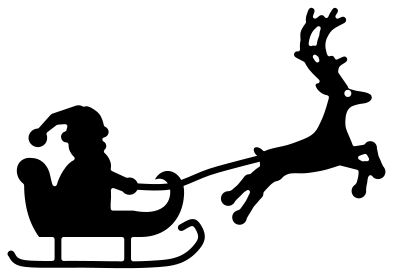 Santa in his sleigh with a reindeer Solid · one piece
 -
 Santa and sleigh Solid · one piece
 -
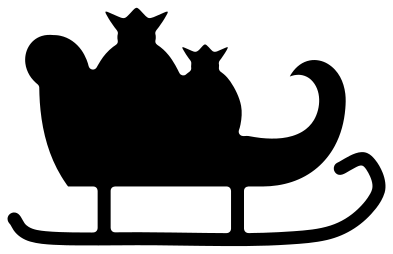 Santa sleigh with a sack Solid · one piece
 -
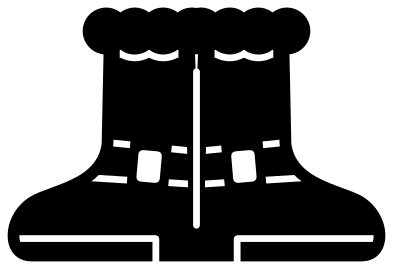 Santa boots Solid · one piece
 -
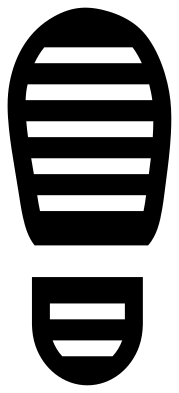 Santa footprint Solid · 2 pieces
 -
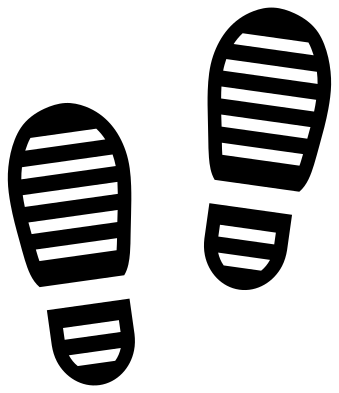 Santa boot prints, left and right Solid · 4 pieces
 -
 Santa belt with a buckle Solid · one piece
 -
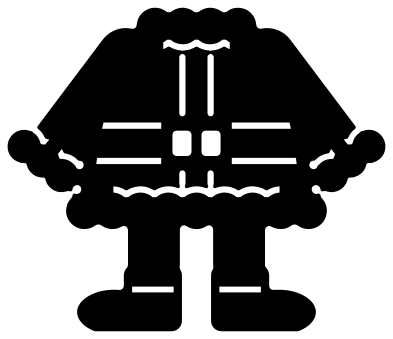 Santa suit with boots Solid · one piece
 -
 Santa beard and moustache Solid · one piece
 -
 Peeking Santa Solid · one piece
 -
 Santa stuck in a chimney Solid · one piece
How Santa works in one colour
Santa is red cloth, white fur and a white beard, which a single colour cannot show. These files tell the parts apart by shape: fur has a tufted edge, the beard is scalloped, and a thin seam is cut wherever fur meets cloth. Each seam stops short of the edge, so the face and the standing figure still lift as one piece.
Those seams are a little over 1 mm wide with the file at 100 mm. Cut the face and the figure at 100 mm or larger in vinyl, and at 150 mm or more in wood, or the lines close up. For small tags use the silhouette with the sack, the boots or the belt, which have no fine lines.
Footprints on Christmas morning
The footprint is made to be used as a stencil. Cut it from card or stencil film at about 250 mm long for a grown-up boot, keep the sheet with the holes in it, lay it on the floor and sift flour, icing sugar or fake snow over it. Lift it straight up and move on a stride. Flip the stencil over for the other foot.
How to open the files
- Cricut Design Space: choose Upload, pick the SVG, and add it to the canvas. Set the width you want; the shape is already welded.
- Silhouette Studio: Designer Edition and above open the SVG. The free Basic Edition does not, so open the DXF instead.
- LightBurn, xTool Creative Space and Glowforge: import the SVG, then set the layer to cut, score or engrave.
- Inkscape, Illustrator and Affinity: open the SVG. It is a plain filled path, so you can recolour it, add a stroke or combine it with your own work.
- Printing or sublimation: use the PNG, which has a transparent background.
Each design page lists the file’s narrowest part at seven sizes, so you can tell whether it will survive at the size you plan to cut.
Questions
How do I make Santa red and white?
Cut the whole design once in red and once in white, then keep the hat, coat and legs from the red and the brim, pompom, beard, cuffs and hem from the white. The seams show where to trim. The open-faced heads are simpler: cut one piece and lay it over skin-coloured card.
How big should the Santa footprint be?
The file is 100 mm long, which suits a doll or an elf. Scale it to about 250 mm for an adult boot, or 300 mm if you want Santa to seem very large. The tread bars stay in proportion.
Can I add more reindeer to the sleigh?
Yes. Use the Santa and sleigh design and place leaping reindeer from the reindeer set in a rising line in front of it. Draw a thin rectangle from his hand to the first collar for the reins and weld it all together.
 Snowflake SVG
  Christmas tree SVG
  Ornament SVG
  Snowman SVG
  Santa hat SVG
  Candy cane SVG