Free Santa hat SVG files
Free Santa hat SVG files: floppy hats with fur brims and pompoms, as single pieces, as outlines and as three loose pieces for red and white layering. Each is drawn by code as clean closed shapes.
12 designs. Free for personal and commercial use, no sign-up. What you can do with them.
-
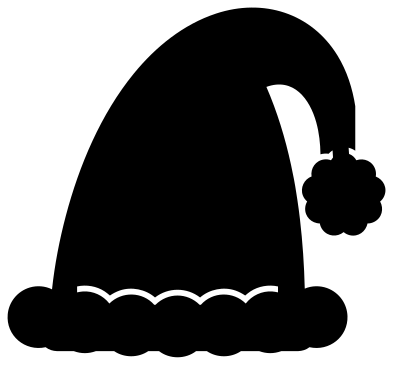 Classic Santa hat Solid · one piece
 -
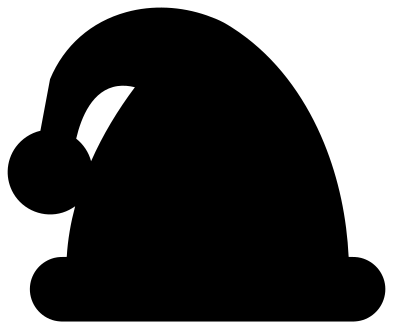 Simple Santa hat Solid · one piece
 -
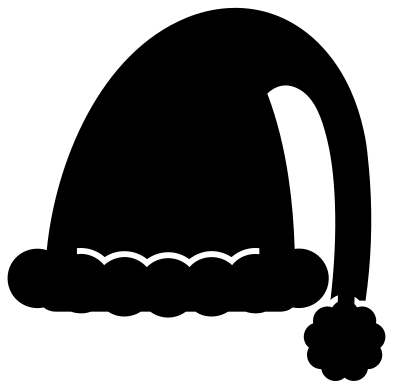 Santa hat with a long tail Solid · one piece
 -
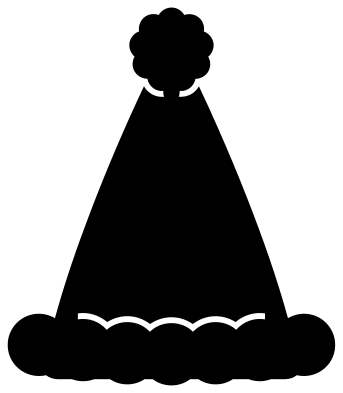 Christmas hat from the front Solid · one piece
 -
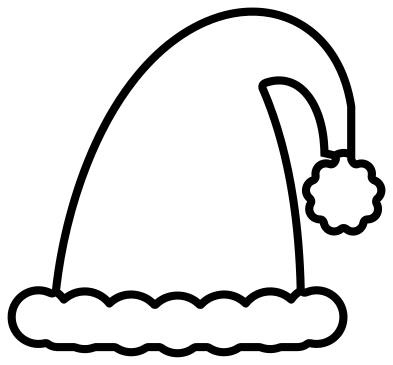 Santa hat outline Outline · one piece
 -
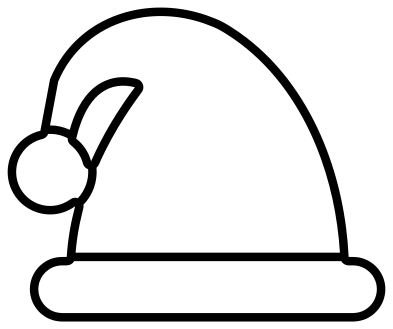 Simple Santa hat outline Outline · one piece
 -
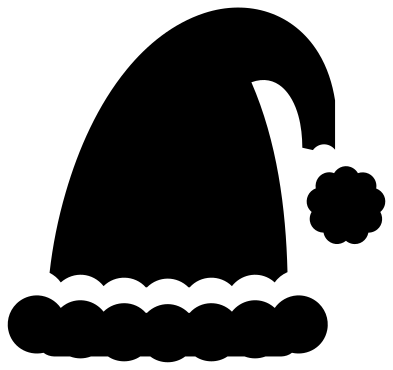 Santa hat in three pieces Solid · 3 pieces
 -
 Santa hat with star cut-outs Solid · one piece
 -
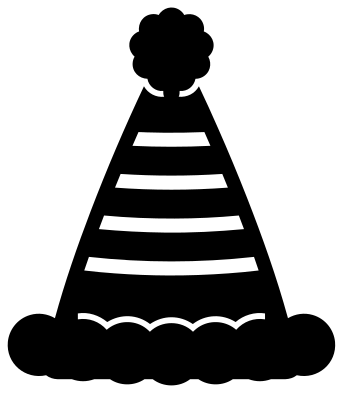 Striped Christmas hat Solid · one piece
 -
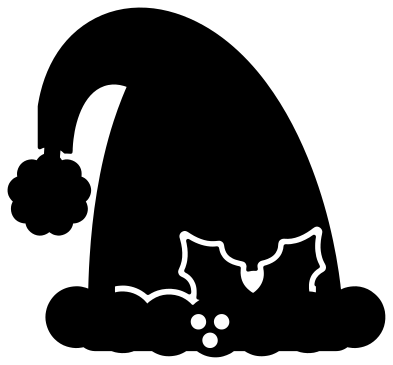 Santa hat with holly Solid · one piece
 -
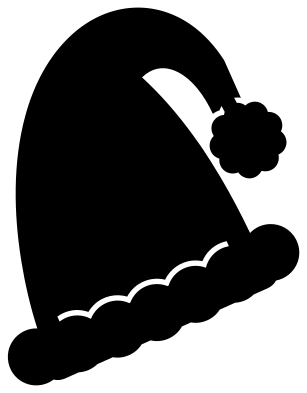 Tilted Santa hat for a letter Solid · one piece
 -
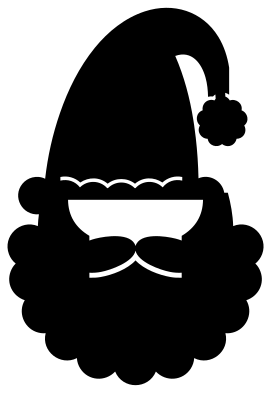 Santa hat and beard Solid · one piece
Making a hat read in one colour
A Santa hat is red cloth with white fur, which a single colour cannot show. These files get round it in two ways. The fur is drawn as round tufts, so the brim and the pompom look soft next to the smooth cone. And a thin line, 1.5 mm wide at 100 mm, is cut where fur meets cloth. The line stops short of the edges, so the hat is still one piece.
For real red and white, use the hat in three pieces: cut the cone from red and the brim and pompom from white, and let the white overlap the red by a millimetre or two when you stick them down.
Putting a hat on a letter or a photo
The tilted hat is turned 24 degrees so that its brim can sit across the top corner of an initial. Scale the hat until the brim is about as wide as the top of the letter, overlap them slightly and weld. For iron-on, mirror the whole design before you cut, as with any heat transfer.
How to open the files
- Cricut Design Space: choose Upload, pick the SVG, and add it to the canvas. Set the width you want; the shape is already welded.
- Silhouette Studio: Designer Edition and above open the SVG. The free Basic Edition does not, so open the DXF instead.
- LightBurn, xTool Creative Space and Glowforge: import the SVG, then set the layer to cut, score or engrave.
- Inkscape, Illustrator and Affinity: open the SVG. It is a plain filled path, so you can recolour it, add a stroke or combine it with your own work.
- Printing or sublimation: use the PNG, which has a transparent background.
Each design page lists the file’s narrowest part at seven sizes, so you can tell whether it will survive at the size you plan to cut.
Questions
How do I cut the Santa hat in red and white?
Use the Santa hat in three pieces. Put the cone on a red mat and the brim and pompom on a white mat in your cutting software, cut both, then lay the brim over the bottom edge of the cone and the pompom over its tip.
How small can I cut these hats?
The simple Santa hat has no thin parts and works down to about 20 mm, for gift tags and name labels. The hats with seam lines need to be 60 mm or more across, or the lines close up in vinyl and burn through in wood.
Can I put the hat on an animal or a face in my own design?
Yes. The Christmas hat from the front suits anything that faces you squarely, and the classic or tilted hat suits a head in profile or at an angle. Weld the hat to your shape where they overlap, or keep it as a second colour on top.
 Snowflake SVG
  Christmas tree SVG
  Ornament SVG
  Snowman SVG
  Candy cane SVG
  Reindeer SVG