Free snowflake SVG files
Free snowflake SVG files, each drawn by code as one welded shape with six-fold symmetry that is exact rather than eyeballed. Download any of them as SVG, PNG or DXF.
24 designs. Free for personal and commercial use, no sign-up. What you can do with them.
-
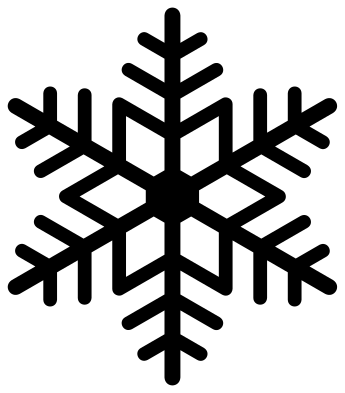 Classic six-arm snowflake Solid · one piece
 -
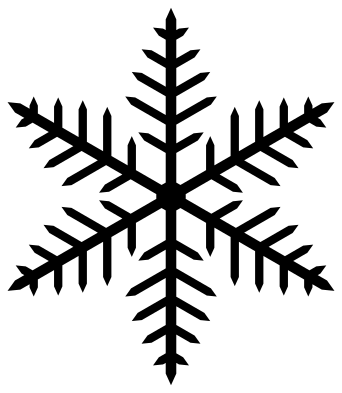 Fern snowflake Solid · one piece
 -
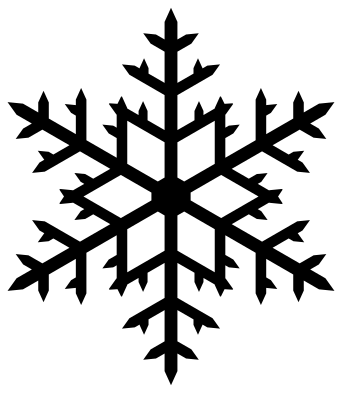 Dendrite snowflake with twigs Solid · one piece
 -
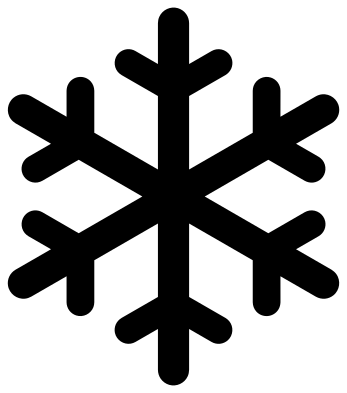 Simple chunky snowflake Solid · one piece
 -
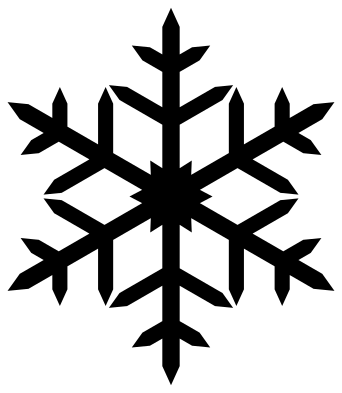 Sharp crystal snowflake Solid · one piece
 -
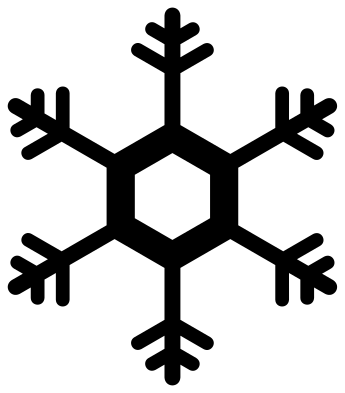 Hexagon plate snowflake Solid · one piece
 -
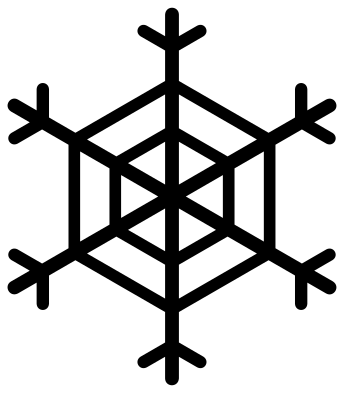 Snowflake with a hexagon web Solid · one piece
 -
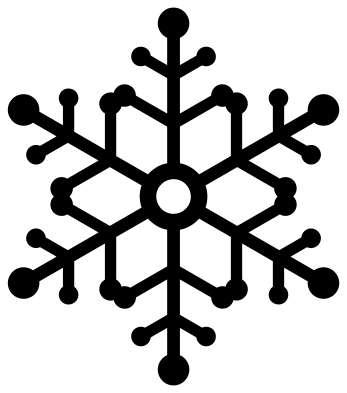 Ball-tipped snowflake Solid · one piece
 -
 Arrow-tip snowflake Solid · one piece
 -
 Twelve-arm snowflake Solid · one piece
 -
 Diamond-chain snowflake Solid · one piece
 -
 Feathered snowflake Solid · one piece
 -
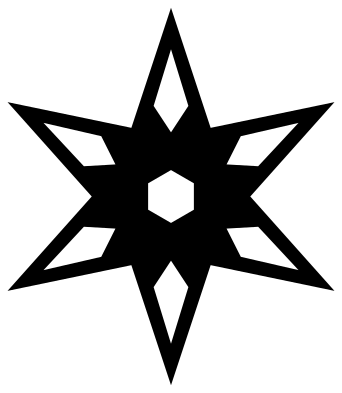 Stellar plate snowflake Solid · one piece
 -
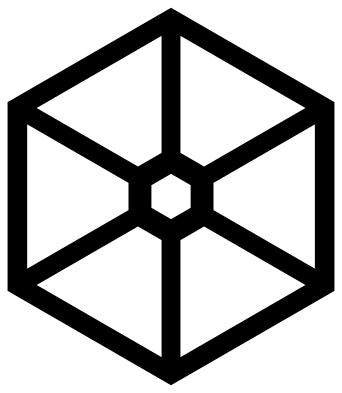 Hexagonal plate with six windows Solid · one piece
 -
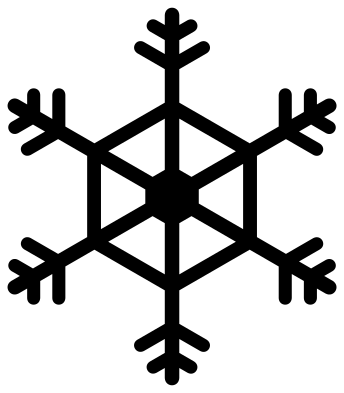 Sectored plate snowflake with arms Solid · one piece
 -
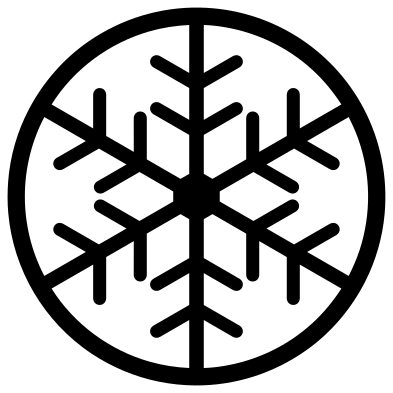 Snowflake in a hoop Solid · one piece
 -
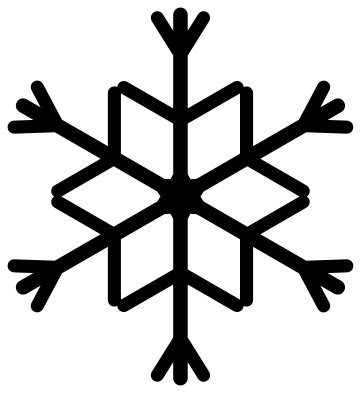 Forked snowflake Solid · one piece
 -
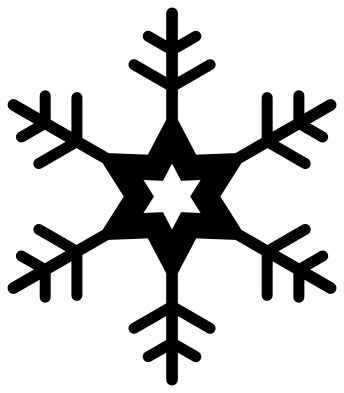 Snowflake with a star centre Solid · one piece
 -
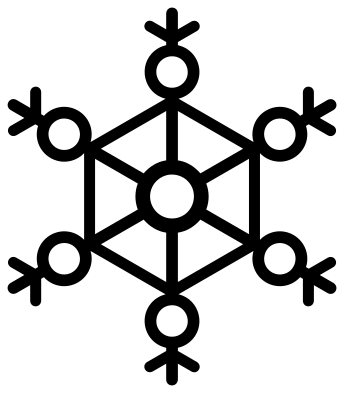 Lace snowflake with rings Solid · one piece
 -
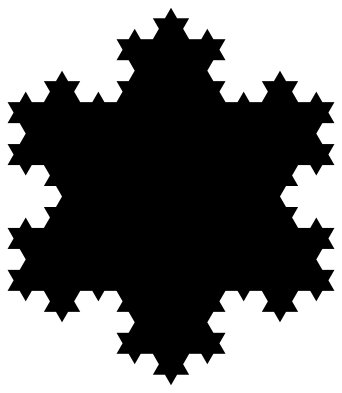 Koch snowflake Solid · one piece
 -
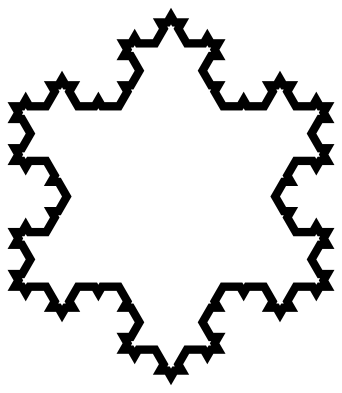 Koch snowflake outline Outline · one piece
 -
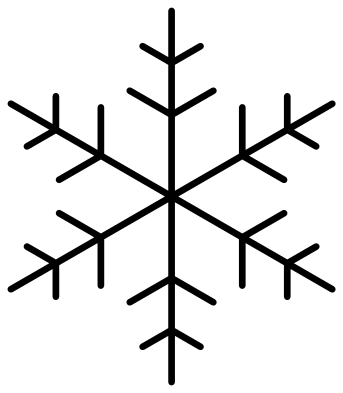 Thin line snowflake Outline · one piece
 -
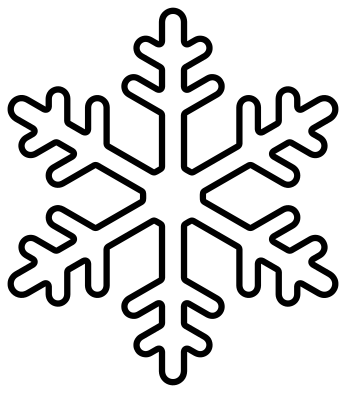 Snowflake outline Outline · one piece
 -
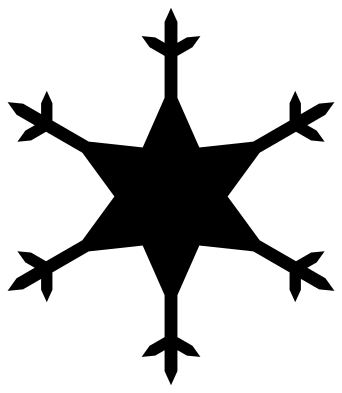 Snow star Solid · one piece
Choosing a snowflake for your size and material
A snowflake is mostly thin arms, so the size you cut it at decides which design will work. Every file here is 100 mm across, and each design page lists its narrowest part at that size. Halve the size and that part halves too.
For vinyl and card, parts down to about 1 mm cut cleanly. For 3 mm plywood or acrylic on a laser, keep the narrowest part at 2 mm or more, or the arms will be fragile. The chunky, plate and web designs are the safe ones to cut small; the fern and dendrite need room.
Why six arms
Ice crystals grow on a hexagonal lattice, so a real snowflake has six arms, sometimes twelve, never five or eight. Branches leave each arm at 60 degrees. The designs here keep to that, apart from the feathered one, which sweeps its branches forward for effect.
How to open the files
- Cricut Design Space: choose Upload, pick the SVG, and add it to the canvas. Set the width you want; the shape is already welded.
- Silhouette Studio: Designer Edition and above open the SVG. The free Basic Edition does not, so open the DXF instead.
- LightBurn, xTool Creative Space and Glowforge: import the SVG, then set the layer to cut, score or engrave.
- Inkscape, Illustrator and Affinity: open the SVG. It is a plain filled path, so you can recolour it, add a stroke or combine it with your own work.
- Printing or sublimation: use the PNG, which has a transparent background.
Each design page lists the file’s narrowest part at seven sizes, so you can tell whether it will survive at the size you plan to cut.
Questions
Which snowflake is best for a small ornament?
One with thick parts or bracing: the simple chunky snowflake, the hexagonal plate with six windows, the hexagon web or the snowflake in a hoop. Their narrowest parts stay above 1.5 mm at 50 mm across, so they survive in 3 mm plywood.
Can I layer two snowflakes?
Yes. The outline designs are made for it: cut the solid Koch snowflake in one colour and the Koch outline in another and stack them, or put any fine design on top of the stellar plate.
How do I add a hole for hanging?
In your cutting software, add a 3 mm circle near the tip of one arm and set it to cut. On the hoop, web and plate designs you do not need one: thread the ribbon through a gap.
 Christmas tree SVG
  Ornament SVG
  Snowman SVG
  Santa hat SVG
  Candy cane SVG
  Reindeer SVG