Free candy cane SVG files
Free candy cane SVG files: plain and striped canes, crossed canes, a candy cane heart, canes with bows, a striped ring and a border bar. The stripes are drawn along the cane, so they turn with the hook as they do on a real one.
15 designs. Free for personal and commercial use, no sign-up. What you can do with them.
-
 Solid candy cane Solid · one piece
 -
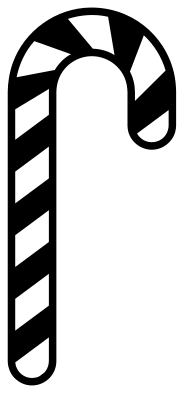 Striped candy cane Solid · one piece
 -
 Candy cane stripes for layering Solid · 9 pieces
 -
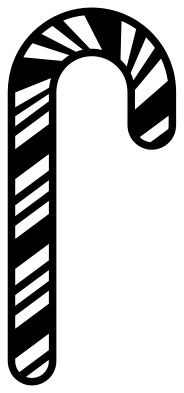 Peppermint candy cane with thin stripes Solid · one piece
 -
 Candy cane outline Outline · one piece
 -
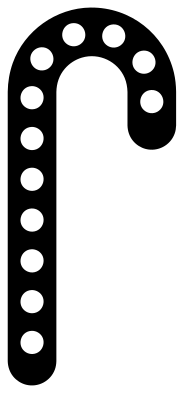 Candy cane with polka dots Solid · one piece
 -
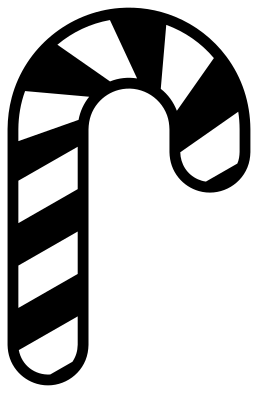 Chunky striped candy cane Solid · one piece
 -
 Crossed candy canes Solid · one piece
 -
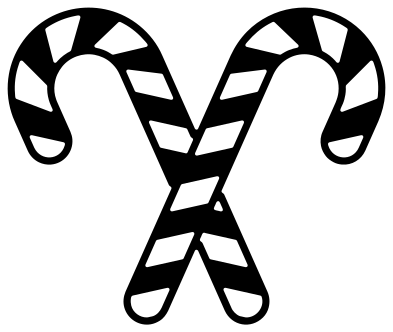 Crossed striped candy canes Solid · one piece
 -
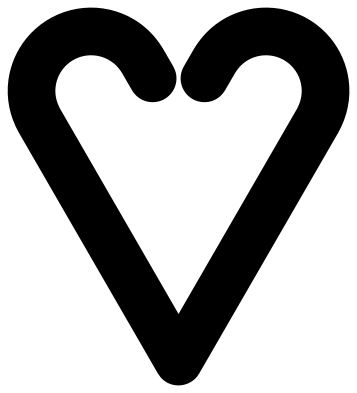 Candy cane heart Solid · one piece
 -
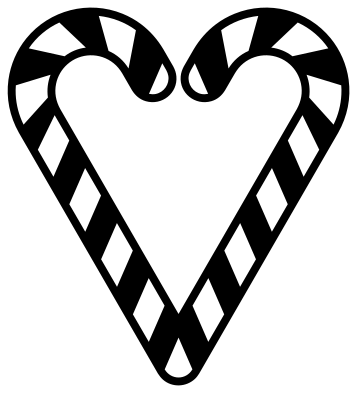 Striped candy cane heart Solid · one piece
 -
 Candy cane with a bow Solid · one piece
 -
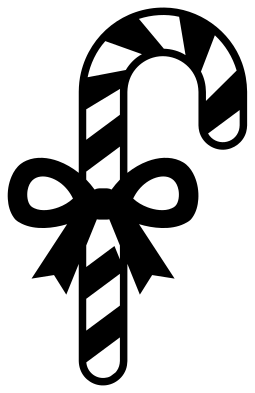 Striped candy cane with a bow Solid · one piece
 -
 Candy cane ring for a monogram Solid · one piece
 -
 Candy cane border bar Solid · one piece
One piece or two colours
A candy cane wants two colours, and there are two ways to get them. The striped designs here are single pieces: a thin rail down each edge holds the stripes together, so you cut once in red and put it on a white surface. The rails are 2 mm wide when the cane is 100 mm tall.
For a true two-colour cane, cut the solid candy cane in white and the stripes for layering in red. The stripes are loose pieces, so lift them all at once with transfer tape to keep their spacing, and lay them over the white cane.
Sizes that work
A real candy cane is about 130 to 150 mm tall, and these files look right from 60 mm upwards. Below that the rails on the striped canes get too thin to weed, so switch to the chunky striped cane or a plain one. The plain canes, the crossed canes and the heart have no thin parts and cut well in wood, acrylic and felt.
How to open the files
- Cricut Design Space: choose Upload, pick the SVG, and add it to the canvas. Set the width you want; the shape is already welded.
- Silhouette Studio: Designer Edition and above open the SVG. The free Basic Edition does not, so open the DXF instead.
- LightBurn, xTool Creative Space and Glowforge: import the SVG, then set the layer to cut, score or engrave.
- Inkscape, Illustrator and Affinity: open the SVG. It is a plain filled path, so you can recolour it, add a stroke or combine it with your own work.
- Printing or sublimation: use the PNG, which has a transparent background.
Each design page lists the file’s narrowest part at seven sizes, so you can tell whether it will survive at the size you plan to cut.
Questions
How do I make the candy cane red and white?
Either cut a striped cane in red and apply it to something white, or layer two cuts: the solid candy cane in white underneath and the stripes for layering in red on top. Both files are the same size, so the stripes line up with the edge of the cane.
Why do the stripes have a line along each edge?
Without it every stripe would be a separate piece. The rail joins them, so a striped cane cuts, weeds and transfers as one piece. If you would rather have loose stripes with no rails, use the stripes for layering.
Can I turn the cane to hook the other way?
Yes. Mirror it in your cutting software; nothing in the designs depends on which way the hook faces. The crossed canes and the heart are made from a cane and its mirror image.
 Snowflake SVG
  Christmas tree SVG
  Ornament SVG
  Snowman SVG
  Santa hat SVG
  Reindeer SVG