Free reindeer SVG files
Free reindeer SVG files: standing and leaping reindeer in profile, faces with a round nose, a head in a ring, and pairs of antlers on their own. Each is drawn by code as clean closed shapes and cuts as one piece unless the note says otherwise.
19 designs. Free for personal and commercial use, no sign-up. What you can do with them.
-
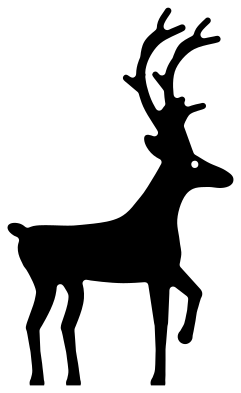 Reindeer silhouette standing Solid · one piece
 -
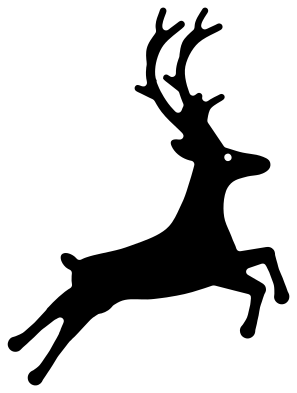 Leaping reindeer Solid · one piece
 -
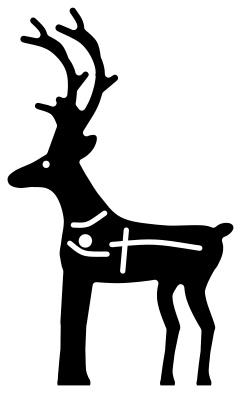 Christmas reindeer in harness Solid · one piece
 -
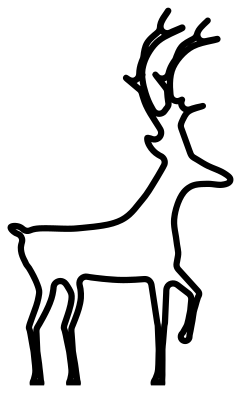 Reindeer outline Outline · one piece
 -
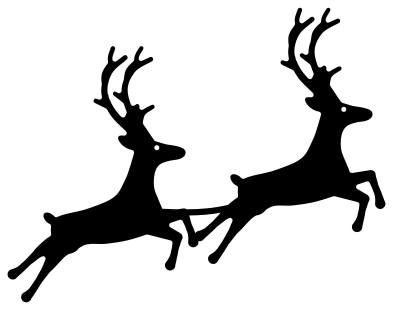 Pair of flying reindeer Solid · one piece
 -
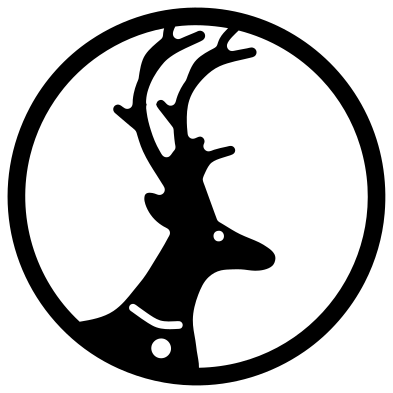 Reindeer head in a ring Solid · one piece
 -
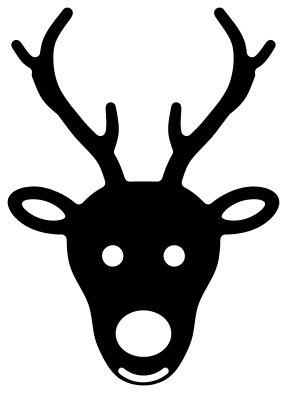 Reindeer face with a round nose Solid · one piece
 -
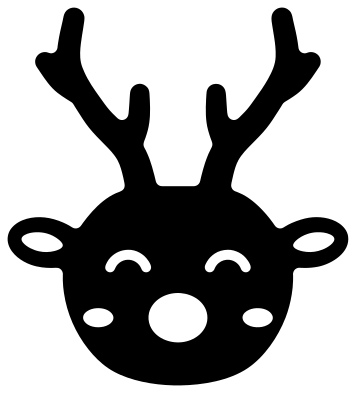 Cute reindeer face Solid · one piece
 -
 Girl reindeer with a bow Solid · one piece
 -
 Boy reindeer with a bow tie Solid · one piece
 -
 Baby reindeer sitting Solid · one piece
 -
 Peeking reindeer Solid · one piece
 -
 Reindeer antlers Solid · 2 pieces
 -
 Tall reindeer antlers Solid · one piece
 -
 Simple reindeer antlers Solid · one piece
 -
 Reindeer antlers with ornaments Solid · one piece
 -
 Reindeer monogram frame Solid · one piece
 -
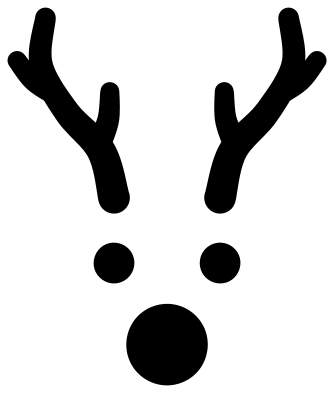 Reindeer face pieces for an ornament Solid · 5 pieces
 -
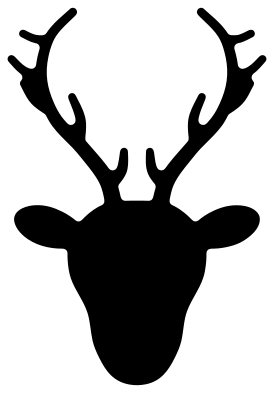 Reindeer head silhouette Solid · one piece
Cutting antlers and legs cleanly
A reindeer is a solid body carried on thin parts: four legs and a pair of branching antlers. With the whole standing reindeer at 100 mm tall, the tines of the antlers are about 2 mm wide and the lower legs between 2 and 3 mm. That is comfortable in vinyl and card. In 3 mm plywood or acrylic, cut the full reindeer at 180 mm or more so those parts keep some strength, or choose the reindeer head in a ring, where the frame supports every tine.
Weed antlers from the base towards the tips, and peel transfer tape the same way, so a tine is never pulled against its own root. The simple antlers and the cute face have nothing thin in them and are the ones to use for small tags and stickers.
The round nose
On the faces the nose is a hole, so whatever lies behind it gives the colour: red card behind a brown face, or a red glitter dot stuck on afterwards. The eyes work the same way with black or white backing. The face pieces are the other way round: antlers, eyes and nose are loose shapes to cut in brown, black and red and stick on a bauble or a jar.
How to open the files
- Cricut Design Space: choose Upload, pick the SVG, and add it to the canvas. Set the width you want; the shape is already welded.
- Silhouette Studio: Designer Edition and above open the SVG. The free Basic Edition does not, so open the DXF instead.
- LightBurn, xTool Creative Space and Glowforge: import the SVG, then set the layer to cut, score or engrave.
- Inkscape, Illustrator and Affinity: open the SVG. It is a plain filled path, so you can recolour it, add a stroke or combine it with your own work.
- Printing or sublimation: use the PNG, which has a transparent background.
Each design page lists the file’s narrowest part at seven sizes, so you can tell whether it will survive at the size you plan to cut.
Questions
How do I give the reindeer a red nose?
The nose on each face is a round hole. Glue a scrap of red card behind it, or cut a circle a little larger than the hole from red vinyl and lay it on top. On the face pieces the nose is its own circle, so cut that one piece from red.
Can I put the antlers on a name or a monogram?
Yes. Use the reindeer antlers, which are two loose pieces, and scale them so the two bases sit over the top of the first letter. For a ready-made version, the reindeer monogram frame has antlers, ears and a nose round an open ring that takes an initial.
How do I make a team of reindeer for a sleigh?
Duplicate the leaping reindeer in your cutting software and set the copies in a rising line, each one a little higher than the one behind. Overlap a hind hoof with the next foreleg and weld if you want the team in one piece, as in the pair of flying reindeer.
 Snowflake SVG
  Christmas tree SVG
  Ornament SVG
  Snowman SVG
  Santa hat SVG
  Candy cane SVG