Free earring SVG files
Free earring SVG templates, drawn in pairs with the hanging hole already in place: leaves, petals, arches, hoops, hearts, feathers, fringe and geometric shapes, a layered set and two display cards. Cut them from faux leather, cork, wood or acrylic. Download as SVG, PNG or DXF.
18 designs. Free for personal and commercial use, no sign-up. What you can do with them.
-
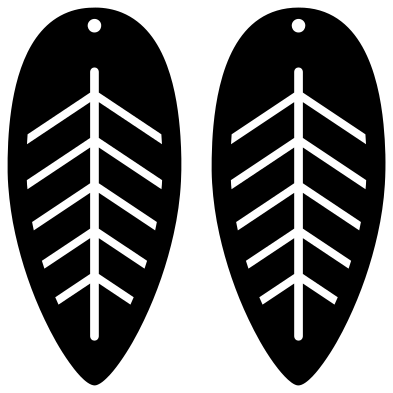 Leaf earring templates Solid · 2 pieces
 -
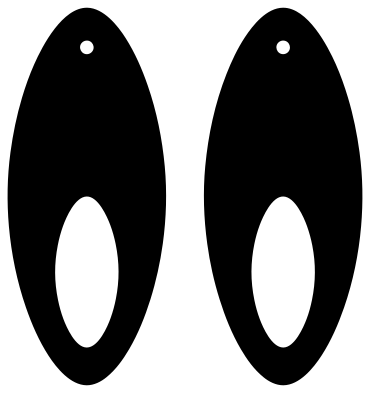 Petal earring blanks Solid · 2 pieces
 -
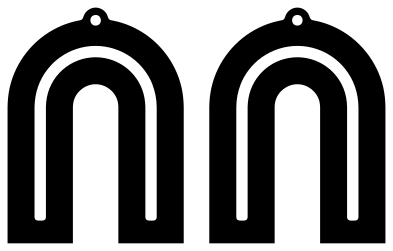 Rainbow arch earrings Solid · 2 pieces
 -
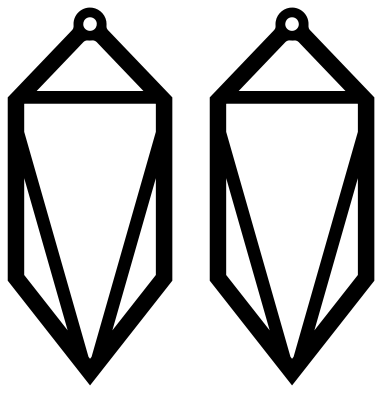 Geometric crystal earrings Outline · 2 pieces
 -
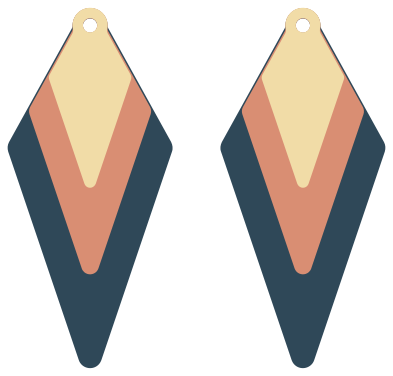 Layered kite earrings Layered · 6 pieces
 -
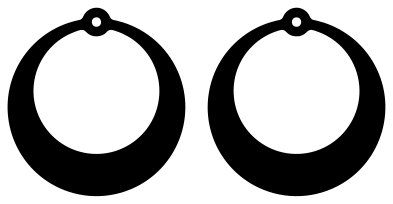 Crescent hoop earrings Solid · 2 pieces
 -
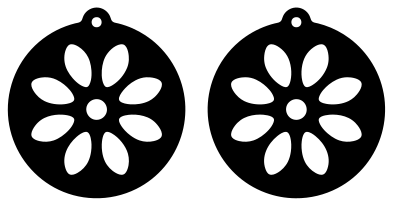 Circle earrings with petal windows Solid · 2 pieces
 -
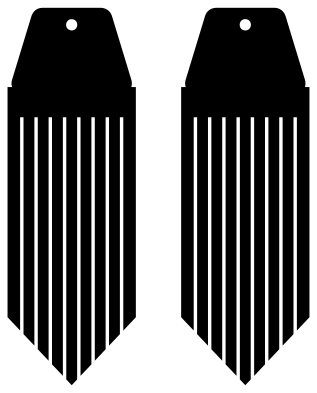 Fringe earring templates Solid · 2 pieces
 -
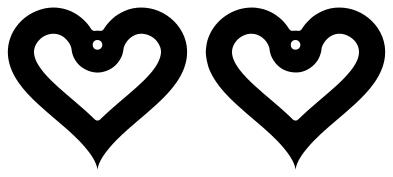 Open heart earrings Solid · 2 pieces
 -
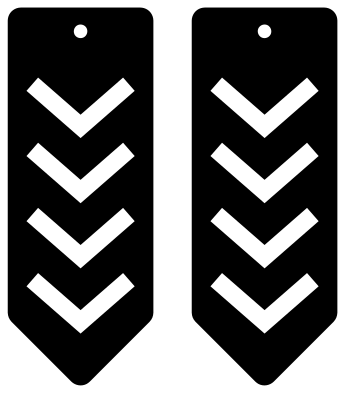 Chevron earring templates Solid · 2 pieces
 -
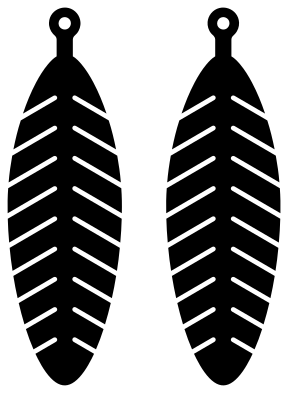 Feather earring templates Solid · 2 pieces
 -
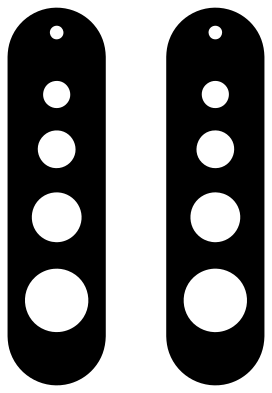 Bar earrings with circle cut-outs Solid · 2 pieces
 -
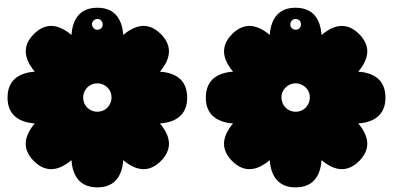 Flower earring templates Solid · 2 pieces
 -
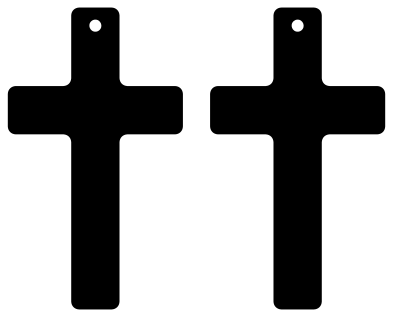 Cross earring blanks Solid · 2 pieces
 -
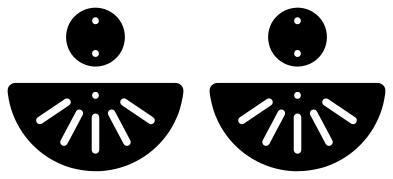 Stacked half moon earrings in two parts Solid · 4 pieces
 -
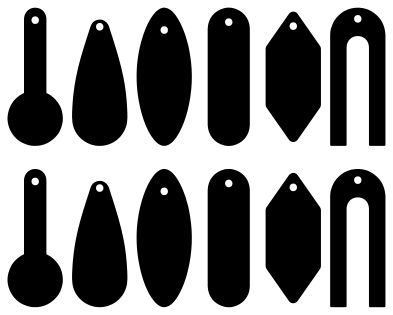 Six earring shapes as blanks Solid · 12 pieces
 -
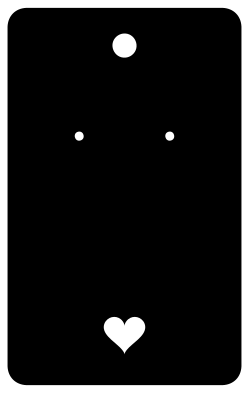 Earring display card Solid · one piece
 -
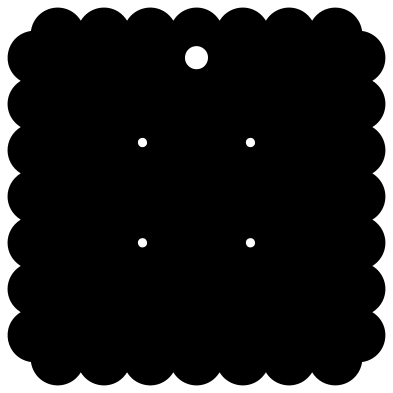 Scalloped earring card for two pairs Solid · one piece
Scaling an earring file
Every file in the library is 100 mm on its longer side, which is far bigger than an earring, so the first step is always to scale the pair down with the proportions locked. Each note gives the height the design was drawn for: 50 mm for the long drops, about 40 mm for the arch and 30 to 36 mm for the hearts, flowers and hoops. At that height the hanging hole is 1.8 mm across, which takes a standard jump ring or ear wire.
If you cut smaller than that, the hole shrinks too. Below about 1.2 mm it is easier to delete the hole in your software and punch it by hand with a 1.5 mm leather punch.
Materials
Faux leather and cork cut on a Cricut or Silhouette with a deep-cut blade: mirror nothing, tape the sheet down well and use two passes. The fringe and the feather want a soft material so the strips move. The crystal frame, the chevrons and the bar are meant for 3 mm wood or acrylic on a laser, where slim parts stay stiff. The left and right earrings are mirror images, which only matters for material with a right side and a wrong side.
How to open the files
- Cricut Design Space: choose Upload, pick the SVG, and add it to the canvas. Set the width you want; the shape is already welded.
- Silhouette Studio: Designer Edition and above open the SVG. The free Basic Edition does not, so open the DXF instead.
- LightBurn, xTool Creative Space and Glowforge: import the SVG, then set the layer to cut, score or engrave.
- Inkscape, Illustrator and Affinity: open the SVG. It is a plain filled path, so you can recolour it, add a stroke or combine it with your own work.
- Printing or sublimation: use the PNG, which has a transparent background.
Each design page lists the file’s narrowest part at seven sizes, so you can tell whether it will survive at the size you plan to cut.
Questions
How big is the hanging hole?
It is drawn to be 1.8 mm across when the earring is cut at the height given in its note. In the 100 mm file it is larger: about 3.6 mm on the long drops. Scale the whole file and the hole scales with it.
How do I cut the layered earrings?
Cut each of the three layers from a different material, two of each. Line up the holes, smallest kite on top, and hang all three on one jump ring. They are not glued, so the layers swing against each other.
What are the display cards made from?
Card of 250 to 300 gsm, or kraft board. The two small holes take ear wires and posts; push a post through and put its back on behind the card. The round hole at the top fits a shop peg or a ribbon.
 Camera SVG
  Guitar SVG
  Music note SVG
  Stethoscope SVG
  Tooth SVG
  Light bulb SVG