Free ironworker SVG files
Free ironworker SVG files with no lettering and no union seal: an ironworker on a beam with a spud wrench, a silhouette on a flat base, lunch on a hanging beam, a beam on the hook, a tower crane, a steel frame going up, the tools of the trade, a hard hat over crossed wrenches, a heart and two frames for a name.
15 designs. Free for personal and commercial use, no sign-up. What you can do with them.
Or choose one below for its PNG, DXF and cutting sizes.
-
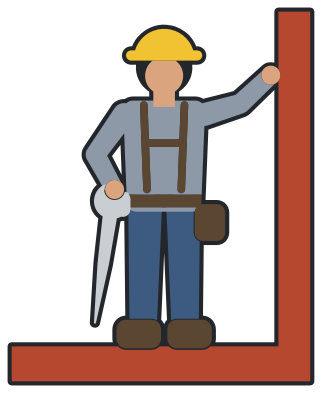
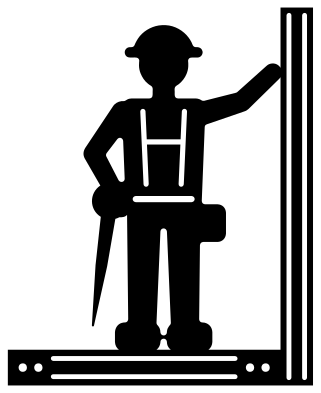 Ironworker on a beam with a spud wrench Solid · one piece
 -
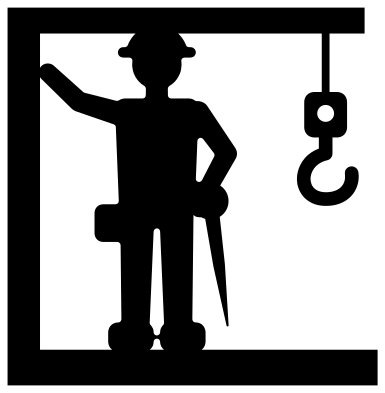 Ironworker silhouette on a flat base Solid · one piece
 -
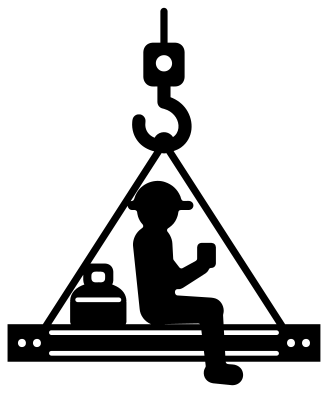 Ironworker at lunch on a beam Solid · one piece
 -
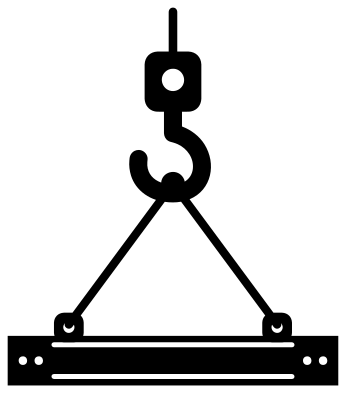 Ironworker beam on the hook Solid · one piece
 -
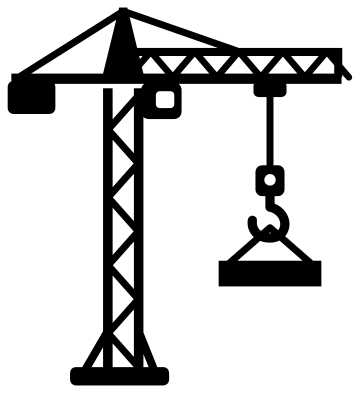 Ironworker tower crane lifting a beam Solid · one piece
 -
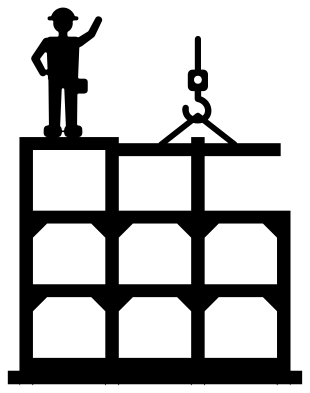 Ironworker steel frame going up Solid · one piece
 -
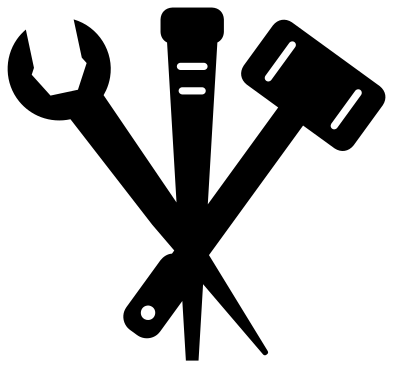 Ironworker tools, spud wrench, pin and beater Solid · one piece
 -
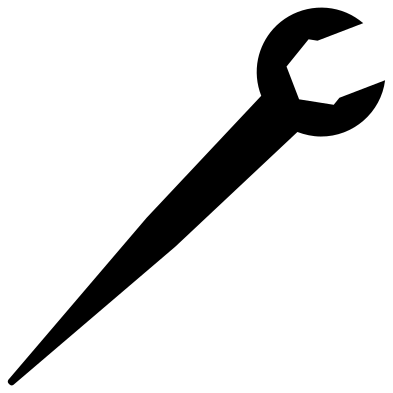 Ironworker spud wrench Solid · one piece
 -
 Ironworker structural bolt and nut Solid · one piece
 -
 Ironworker hard hat over crossed spud wrenches Solid · one piece
 -
 Ironworker in a heart Solid · one piece
 -
 Ironworker beam name frame on a hook Solid · one piece
 -
 Ironworker monogram ring with nuts Solid · one piece
 -
 Ironworker outline Outline · one piece
 -
 Layered ironworker in eight colours Layered · 15 pieces
Thin steel and how large to cut it
Steel work is all long, thin lines, so the beams, cables and bracing here are drawn stouter than life. On the ironworker on a beam the flanges of the beam are lines about 1.3 mm wide when the design is 100 mm tall, and the straps of the harness are much the same. Cut that design at 100 mm or more in vinyl. The tower crane and the steel frame have bracing and cables about 2 mm wide at 100 mm and want 150 mm or more: both suit wood, acrylic and card better than small iron-on.
For small work use the spud wrench, the structural bolt, the hard hat over crossed wrenches or the silhouette, which have nothing fine in them. The beam on the hook is wide and level, so it sits well over a name.
Adding a local, a name or a year
Union seals and local numbers belong to the unions, so none is drawn here. The beam name frame is open in the middle for a name, a local number or a year of service that you set yourself, and the monogram ring takes one to three initials. On the heart, a short name fits under the beam.
How to open the files
- Cricut Design Space: choose Upload, pick the SVG, and add it to the canvas. Set the width you want; the shape is already welded.
- Silhouette Studio: Designer Edition and above open the SVG. The free Basic Edition does not, so open the DXF instead.
- LightBurn, xTool Creative Space and Glowforge: import the SVG, then set the layer to cut, score or engrave.
- Inkscape, Illustrator and Affinity: open the SVG. It is a plain filled path, so you can recolour it, add a stroke or combine it with your own work.
- Printing or sublimation: use the PNG, which has a transparent background.
Each design page lists the file’s narrowest part at seven sizes, so you can tell whether it will survive at the size you plan to cut.
Questions
What is the pointed wrench in these designs?
A spud wrench, the tool most tied to the trade. One end is an open jaw for structural bolts. The other tapers to a spike, which is pushed through the bolt holes of two pieces of steel to line them up before the bolts go in.
Is the worker eating lunch on a beam copied from the famous photograph?
No. It is one generic figure in a hard hat, drawn from the side on a beam that hangs from a crane hook, with a cup and a lunch box. It has no face and copies no person, pose or picture.
Can I add a union local number?
Yes, in your own cutting software. Set the numerals in a bold face and place them inside the beam name frame or the monogram ring, or under the hard hat over crossed wrenches. The designs carry no seal, so check your local’s own rules before using its emblem.
 Camera SVG
  Guitar SVG
  Music note SVG
  Stethoscope SVG
  Tooth SVG
  Light bulb SVG