Free swirl SVG files
Free swirl SVG files: single, double and three-armed swirls, sprigs and swirly lines, wind gusts, a heart, a frame, a border, an arch, a corner, a candy swirl and a lollipop. Every spiral is drawn by code, so the coils are evenly spaced and end in a neat round ball.
15 designs. Free for personal and commercial use, no sign-up. What you can do with them.
-
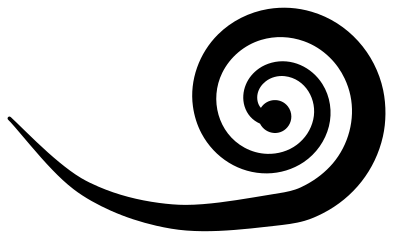 Single swirl Solid · one piece
 -
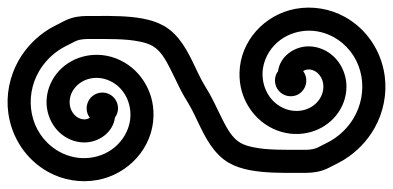 Rounded double swirl Solid · one piece
 -
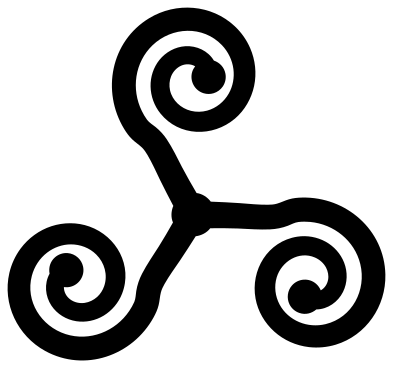 Three-armed swirl Solid · one piece
 -
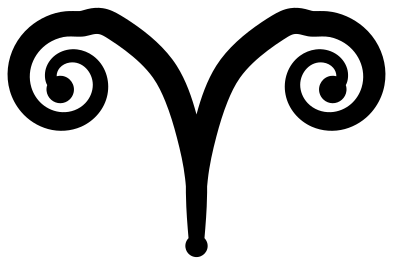 Twin swirl on a stem Solid · one piece
 -
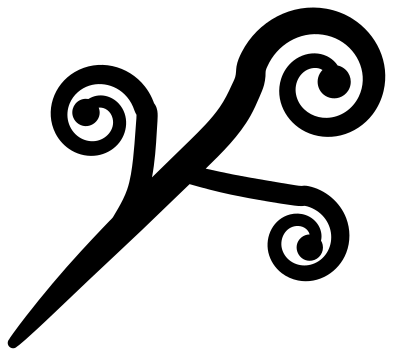 Sprig of three swirls Solid · one piece
 -
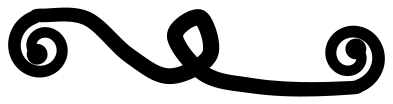 Swirly line with a loop Solid · one piece
 -
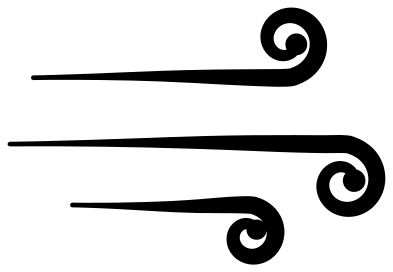 Wind swirl with three gusts Solid · 3 pieces
 -
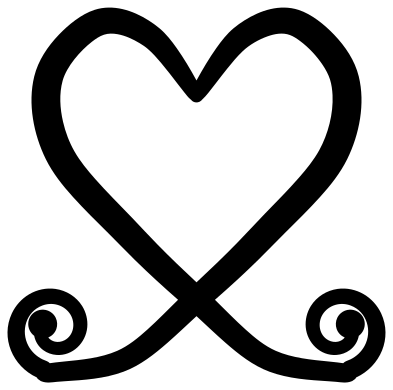 Heart swirl Solid · one piece
 -
 Swirl frame Solid · one piece
 -
 Swirl border Solid · one piece
 -
 Candy swirl Solid · one piece
 -
 Swirl lollipop Solid · one piece
 -
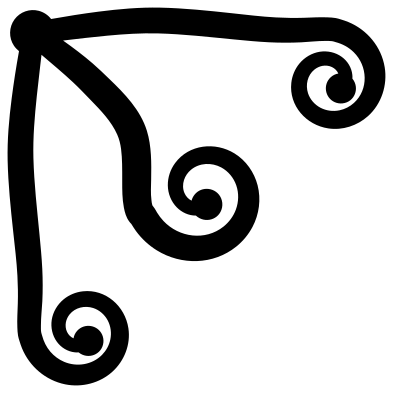 Swirl corner Solid · one piece
 -
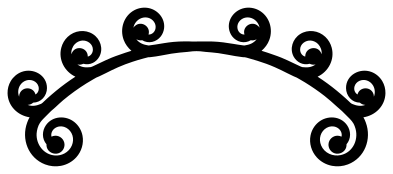 Swirl arch Solid · one piece
 -
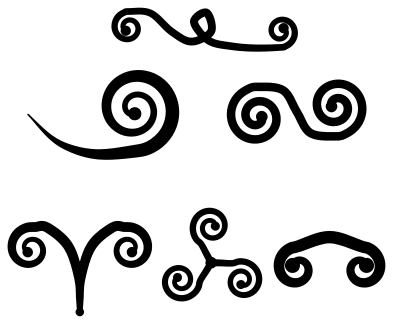 Set of six swirls Solid · 6 pieces
How the swirls are made
A swirl is a line that winds in on itself. Each one here is a stroke with a width that changes along its length: full where the line sweeps, lighter inside the coil, and finished with a ball in the eye. The gap between one coil and the next is kept wide enough to weed, so the coils do not close up when the design is cut small.
The rounded double swirl and the lollipop are drawn in a line of one even width instead, which gives them a bolder, more modern look.
Using swirls
Swirls are fillers and finishers. Tuck a sprig into the corner of a card, run the border under a title, set the arch over a name, or let a single swirl trail from the last letter of a word. Mirrored pairs look deliberate: copy a swirl, flip it, and place the two either side of a monogram.
For vinyl, most of these cut well from about 50 mm across. The set of six is drawn small on purpose, so scale the sheet up to 200 mm before cutting and then separate the pieces. On a laser, the even-width designs are the strongest.
How to open the files
- Cricut Design Space: choose Upload, pick the SVG, and add it to the canvas. Set the width you want; the shape is already welded.
- Silhouette Studio: Designer Edition and above open the SVG. The free Basic Edition does not, so open the DXF instead.
- LightBurn, xTool Creative Space and Glowforge: import the SVG, then set the layer to cut, score or engrave.
- Inkscape, Illustrator and Affinity: open the SVG. It is a plain filled path, so you can recolour it, add a stroke or combine it with your own work.
- Printing or sublimation: use the PNG, which has a transparent background.
Each design page lists the file’s narrowest part at seven sizes, so you can tell whether it will survive at the size you plan to cut.
Questions
What is the difference between a swirl and a flourish?
A swirl is the spiral itself, usually bold and simple. A flourish is penmanship: longer strokes with more contrast between thick and thin, often with leaves, in the manner of copperplate writing. The two mix well in one design.
How do I weed a tight spiral?
Start from the outside end of the gap and peel inwards, following the coil, so the waste comes away in one strip. Use reverse weeding for small swirls: put the transfer tape on first, then peel the backing and the waste away together.
Can I attach a swirl to a letter?
Yes. Overlap the tail of the swirl with a stroke of the letter and weld the two. The single swirl and the sprig have tails that thin to a point, which blend into script letters most easily.
 Mandala SVG
  Frame SVG
  Circle SVG
  Wreath SVG
  Border SVG
  Flourish SVG