Free circle SVG files
Free circle SVG files for frames and borders, each drawn by code so every ring is truly round and every repeat is evenly spaced: outlines, double and monogram frames, scalloped, beaded, dotted and dashed circles, sunbursts and rope. Download any of them as SVG, PNG or DXF.
24 designs. Free for personal and commercial use, no sign-up. What you can do with them.
-
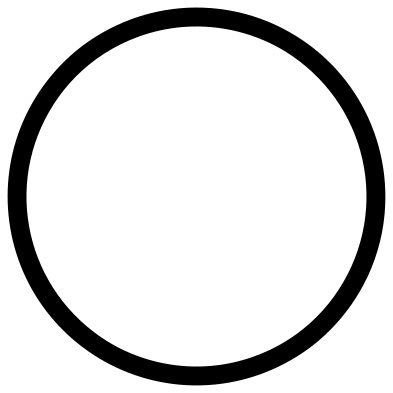 Circle outline Outline · one piece
 -
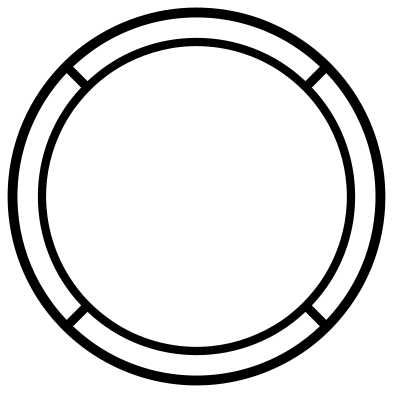 Double circle frame Outline · one piece
 -
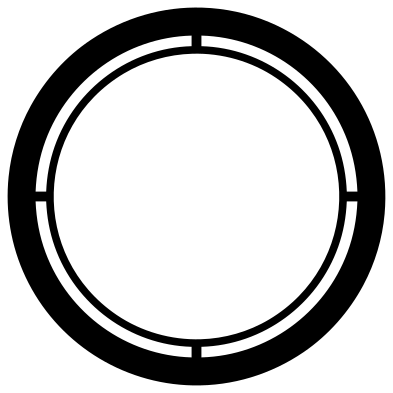 Monogram circle frame Outline · one piece
 -
 Circle frame with a row of holes Outline · one piece
 -
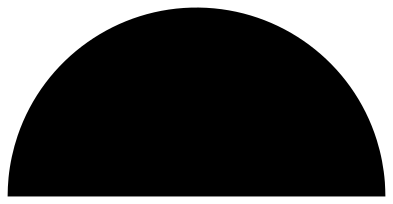 Half circle Solid · one piece
 -
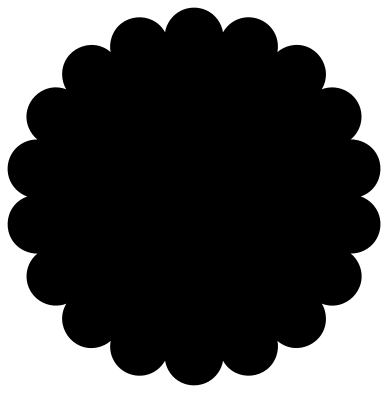 Scalloped circle Solid · one piece
 -
 Scalloped circle frame with eyelets Outline · one piece
 -
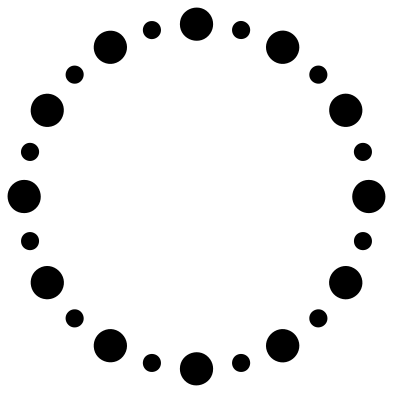 Circle of dots Outline · 24 pieces
 -
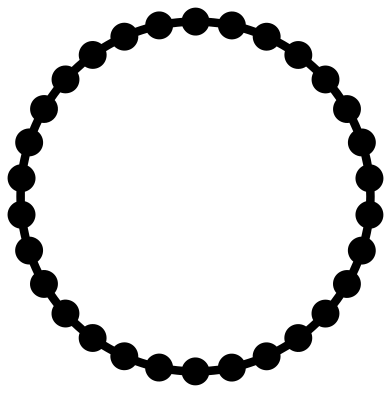 Beaded circle frame Outline · one piece
 -
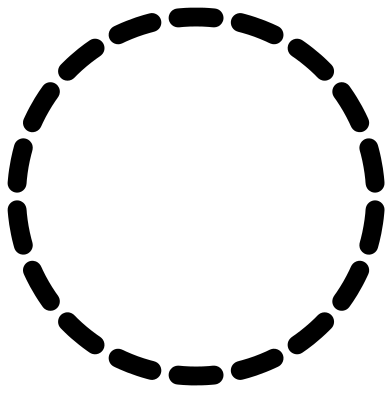 Dashed circle Outline · 18 pieces
 -
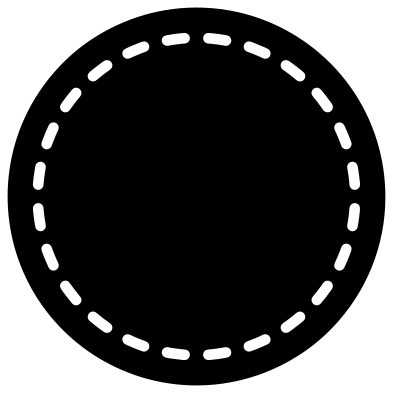 Stitched circle patch Solid · one piece
 -
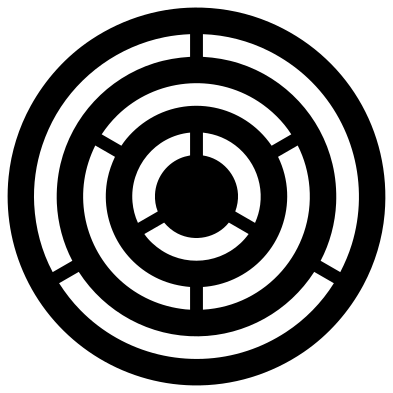 Concentric circles Solid · one piece
 -
 Sunburst circle Solid · one piece
 -
 Circle of sun rays Outline · one piece
 -
 Half sun on the horizon Solid · one piece
 -
 Rope circle Outline · one piece
 -
 Hand-drawn circle Outline · one piece
 -
 Open circle Outline · one piece
 -
 Decorative circle with diamonds Outline · one piece
 -
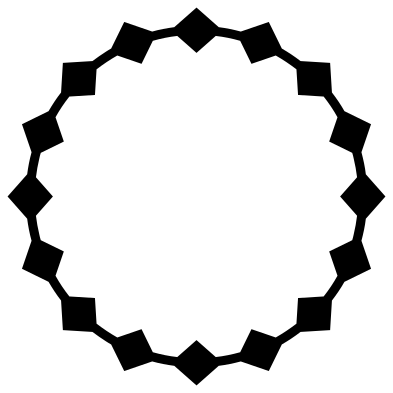 Circle of diamonds Outline · one piece
 -
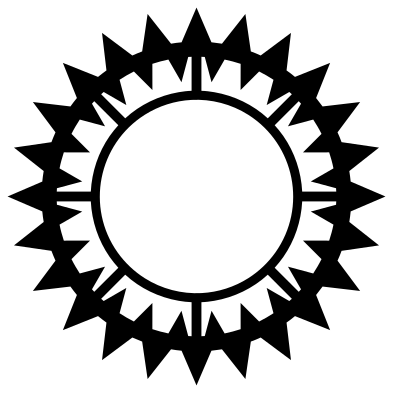 Tribal circle Solid · one piece
 -
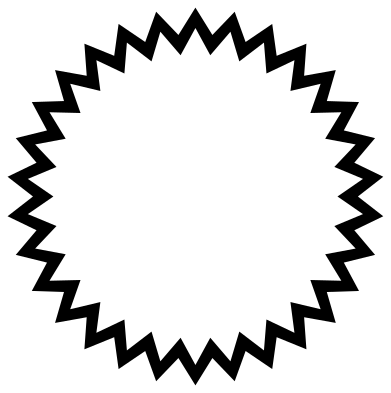 Zigzag circle border Outline · one piece
 -
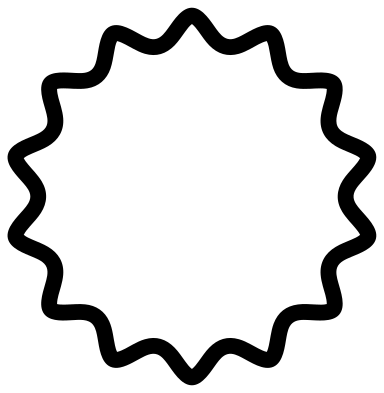 Wavy circle outline Outline · one piece
 -
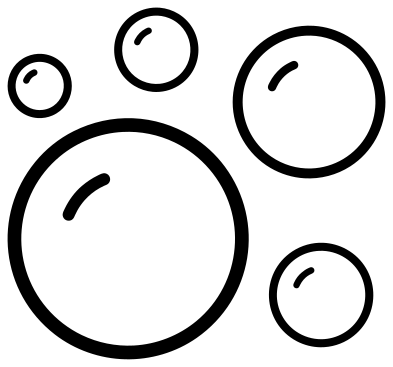 Soap bubbles Outline · 10 pieces
Using a circle as a frame
Most of these circles are frames: a ring of something round an open middle. To use one, place your monogram, name or picture in the centre in your cutting software, size it to leave a little air inside the ring, and group the two before cutting. Every file is 100 mm across, so a frame scaled to 75 percent fits a 3 inch round sticker, and one scaled to 250 percent makes a sign about 10 inches wide.
Thin rings are the fragile part. Each design page lists its narrowest part at 100 mm: from just under 2 mm to 5 mm for the frames here. In vinyl and card that is plenty. In 3 mm plywood or acrylic, keep the narrowest part at 2 mm or more after scaling, which means cutting the finer frames (double, monogram, decorative, beaded and sun rays) at full size or larger.
Circles with loose pieces
The circle of dots, the dashed circle and the soap bubbles are made of separate pieces, because that is what they are. Cut them in adhesive vinyl or iron-on and lift the whole ring with transfer tape so the spacing stays exact. For paper or wood, choose the beaded circle or the stitched patch instead: they give a similar look in one piece.
How to open the files
- Cricut Design Space: choose Upload, pick the SVG, and add it to the canvas. Set the width you want; the shape is already welded.
- Silhouette Studio: Designer Edition and above open the SVG. The free Basic Edition does not, so open the DXF instead.
- LightBurn, xTool Creative Space and Glowforge: import the SVG, then set the layer to cut, score or engrave.
- Inkscape, Illustrator and Affinity: open the SVG. It is a plain filled path, so you can recolour it, add a stroke or combine it with your own work.
- Printing or sublimation: use the PNG, which has a transparent background.
Each design page lists the file’s narrowest part at seven sizes, so you can tell whether it will survive at the size you plan to cut.
Questions
How do I put a monogram inside a circle frame?
Open the frame in your cutting software, type your letters, and scale them until they sit inside the inner edge with a small gap all round. Centre one on the other, then group or attach them so they cut in place. The double, monogram and decorative frames leave the most open room.
Why do some rings have small ties across them?
A ring inside a ring has nothing to hold it, so the inner one would fall away from the outer one as soon as it is cut. The double and monogram frames have four small ties, and the concentric circles have bridges, so each cuts as a single piece with its rings held in place.
Will the circles cut smoothly, without flat spots?
In the SVG the outlines are written as smooth curves, not as many short straight lines, so the cut is smooth at any size. If your machine still leaves a flat spot where a circle starts and ends, lower the speed and check that the blade turns freely.
 Mandala SVG
  Frame SVG
  Wreath SVG
  Border SVG
  Flourish SVG
  Swirl SVG