Free scroll engraving patterns
Free scroll engraving patterns as SVG files: single scrolls, S-scrolls and C-scrolls, running borders, a corner, panels, a frame, a cartouche and a medallion of leafy scrollwork, drawn by code as clean closed shapes that a laser can fill or a hand engraver can trace.
16 designs. Free for personal and commercial use, no sign-up. What you can do with them.
Or choose one below for its PNG, DXF and cutting sizes.
-
 Single engraving scroll with leaves Solid · one piece
 -
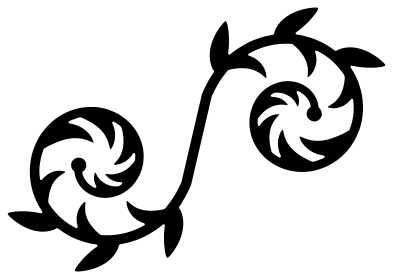 S-scroll with leaves for engraving Solid · one piece
 -
 C-scroll with leaves on an arch Solid · one piece
 -
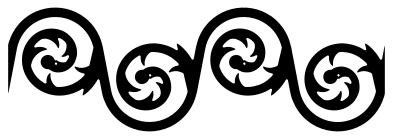 Running scroll engraving border Solid · one piece
 -
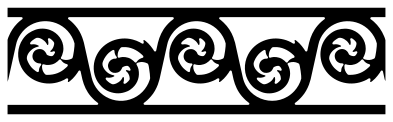 Scroll band between two rails Solid · one piece
 -
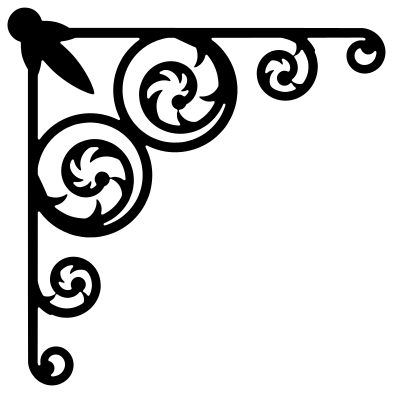 Corner scroll engraving pattern Solid · one piece
 -
 Scroll engraving panel with a palmette Solid · one piece
 -
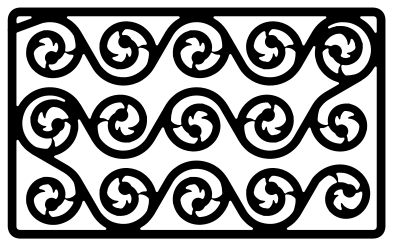 English scroll engraving pattern Solid · one piece
 -
 Scroll frame with an oval centre Solid · one piece
 -
 Baroque scroll cartouche Solid · one piece
 -
 Split scroll for a name Solid · one piece
 -
 Round scroll engraving medallion Solid · one piece
 -
 Upright scroll ornament in three tiers Solid · one piece
 -
 Scroll engraving set of four Solid · 4 pieces
 -
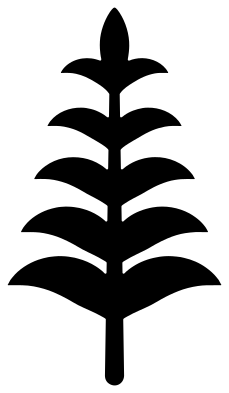 Acanthus leaf for scroll engraving Solid · one piece
 -
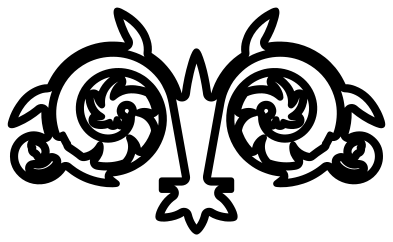 Scroll engraving template in outline Outline · one piece
How a scroll is built
Engraved scrollwork is one idea repeated: a stem that winds in on itself for about a turn and a half and ends in a bud, with leaves growing from the inside of the coil and getting smaller as it tightens. A border is a row of these on one stem, winding clockwise and anticlockwise by turns. In an S-scroll the two coils wind opposite ways; in a C-scroll they face each other. Every design here is built from that unit, so the pieces sit together if you combine them.
These are flat patterns: the stems and leaves are solid shapes with clean edges and no shading. A hand engraver would add shading cuts inside each leaf and often a stippled or lined background. A laser fills the shapes as they are, which gives the bright scroll on a dark ground, or the reverse, that suits anodised aluminium, slate, leather and close-grained wood.
Sizes for engraving and for cutting
At 100 mm on the longer side the stems are about 2.5 mm wide and thin to about 1.9 mm where they reach the bud; each design page gives the narrowest part. Engraving copes with much finer lines than cutting, so a laser can run the borders at 40 mm long, where the stems are about 1 mm. To cut a design out of vinyl, card or thin plywood, keep it at 100 mm or more and choose one with a rim, rails or bars, such as the medallion, the band or the split scroll, which hold the coils in place.
The running border is 100 by 33 mm with four scrolls and the band is 100 by 28 mm with five. Both start and end on the stem alone, so copies butted end to end carry the pattern on. For a hand tool or a diamond drag, use the outline template: it traces the edge of every stem and leaf as a line about 2 mm wide.
How to open the files
- Cricut Design Space: choose Upload, pick the SVG, and add it to the canvas. Set the width you want; the shape is already welded.
- Silhouette Studio: Designer Edition and above open the SVG. The free Basic Edition does not, so open the DXF instead.
- LightBurn, xTool Creative Space and Glowforge: import the SVG, then set the layer to cut, score or engrave.
- Inkscape, Illustrator and Affinity: open the SVG. It is a plain filled path, so you can recolour it, add a stroke or combine it with your own work.
- Printing or sublimation: use the PNG, which has a transparent background.
Each design page lists the file’s narrowest part at seven sizes, so you can tell whether it will survive at the size you plan to cut.
Questions
Can I use these patterns for hand engraving on metal?
Yes. Print the pattern at the size of the work, transfer it to the metal, and cut the outlines first: the stems, then the leaves from the stem outwards. The outline template is drawn for this. The shading inside the leaves is left to you, as it depends on your tools and style.
How do I make a matching pair of scrolls?
Flip a copy left to right in your software. A single scroll and its mirror image, set either side of a name or a monogram, read as one symmetrical ornament. The set of four already holds such a pair.
What is the difference between English scroll and the larger scrolls here?
English fine scroll covers a surface with many small, tight scrolls of equal size, each with only a few leaves, so the effect is an even texture. The larger style gives each scroll room for more leaves and lets the scrolls vary in size. The English scroll panel here has fifteen coils in three rows inside a border.
 Mandala SVG
  Frame SVG
  Circle SVG
  Wreath SVG
  Border SVG
  Flourish SVG