Free flame SVG files
Free fire and flame SVG files drawn by code: single flames, a row of flames, hot rod flames, a campfire, a bonfire, a fire pit, a candle, a torch and a flaming heart. Every curve is smooth and every design is one welded piece.
15 designs. Free for personal and commercial use, no sign-up. What you can do with them.
-
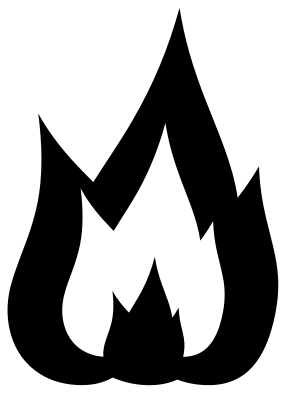 Flame with an inner flame Solid · one piece
 -
 Simple flame silhouette Solid · one piece
 -
 Row of flames Solid · one piece
 -
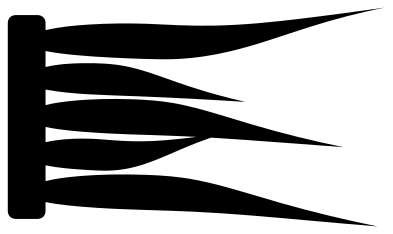 Hot rod flames Solid · one piece
 -
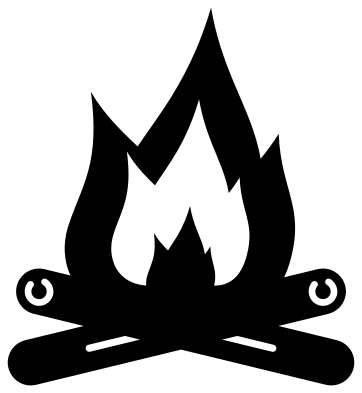 Campfire with flames Solid · one piece
 -
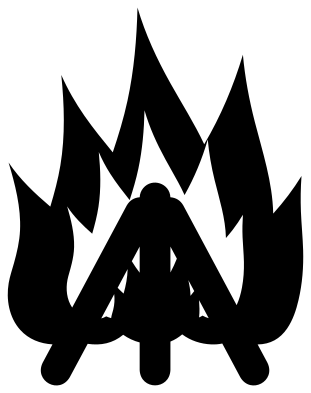 Bonfire flames on a stack of logs Solid · one piece
 -
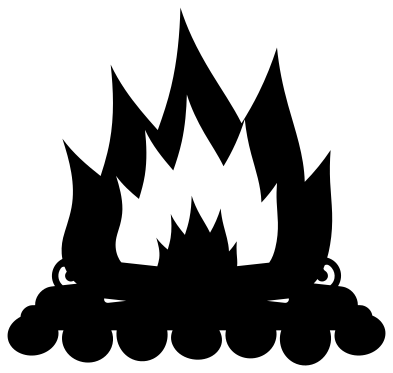 Camp fire flames in a ring of stones Solid · one piece
 -
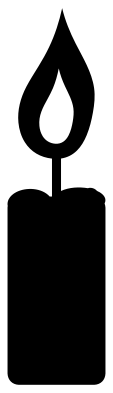 Candle flame Solid · one piece
 -
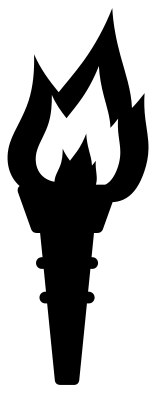 Torch with a flame Solid · one piece
 -
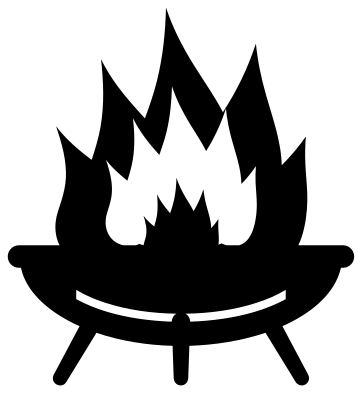 Fire pit with flames Solid · one piece
 -
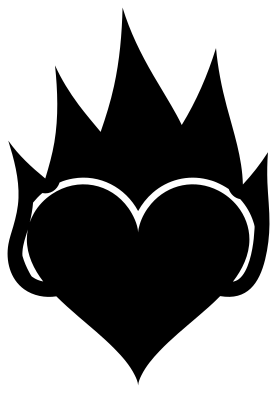 Heart with flames Solid · one piece
 -
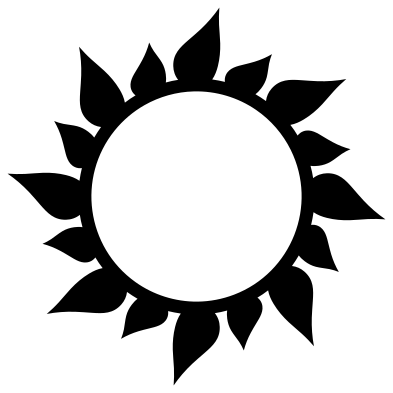 Flame ring frame Solid · one piece
 -
 Match with a flame Solid · one piece
 -
 Flame outline Outline · one piece
 -
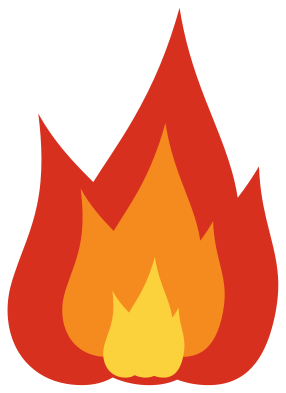 Layered flame in three colours Layered · 3 pieces
How the inner flame stays in
A flame drawn in one colour needs something inside it to look hot. Here the larger fires have a smaller flame cut out of them, and a core left standing inside that. The core is joined to the outer flame at the foot, so it does not drop out when you cut, and the cut-out is a horseshoe of clear space, never a closed ring. The walls between the shapes are 4 mm or more at 100 mm tall, so the fires hold together in card and thin wood as well as vinyl.
Tips of flames are sharp points. In vinyl, weed away from the tips, towards the foot, and they stay down; on a laser, expect the very ends to char a little, which suits the subject.
Colour and heat
Real fire is palest where it is hottest, so the centre should be the lightest colour: yellow inside orange inside red, as in the layered flame. For a single-colour cut on a dark shirt or a black mug, orange or gold reads as fire far better than red. Hot rod flames traditionally fade from yellow at the leading edge to red at the tips, which you can copy by cutting the same file in two colours and overlapping them with a slight offset.
How to open the files
- Cricut Design Space: choose Upload, pick the SVG, and add it to the canvas. Set the width you want; the shape is already welded.
- Silhouette Studio: Designer Edition and above open the SVG. The free Basic Edition does not, so open the DXF instead.
- LightBurn, xTool Creative Space and Glowforge: import the SVG, then set the layer to cut, score or engrave.
- Inkscape, Illustrator and Affinity: open the SVG. It is a plain filled path, so you can recolour it, add a stroke or combine it with your own work.
- Printing or sublimation: use the PNG, which has a transparent background.
Each design page lists the file’s narrowest part at seven sizes, so you can tell whether it will survive at the size you plan to cut.
Questions
How do I put flames on both sides of a car or a helmet?
Cut the hot rod flames once as drawn for one side, then mirror the file in your cutting software and cut it again for the other, so that both sets stream backwards from the front.
Can I add flames to a ball, a name or another shape?
Yes. Place the row of flames or the single flame behind your shape so the feet of the flames are hidden, then weld. For a circle, the flame ring frame already has sixteen flames spaced evenly round a hoop.
Which fire is best for a camping mug?
The campfire with flames. At 60 to 70 mm wide it fits the side of a mug, the logs are thick enough to weed easily, and the hollow in the fire shows the mug colour through it.
 Flower SVG
  Sunflower SVG
  Butterfly SVG
  Rose SVG
  Daisy SVG
  Leaf SVG