Free sunflower SVG files
Free sunflower SVG files drawn by code: rings of pointed petals round seed heads cut as spiral lattices, grids or golden-angle dots. There are whole heads, halves, a split design for names, outlines, and sunflowers on stems.
18 designs. Free for personal and commercial use, no sign-up. What you can do with them.
-
 Classic sunflower with a lattice seed head Solid · one piece
 -
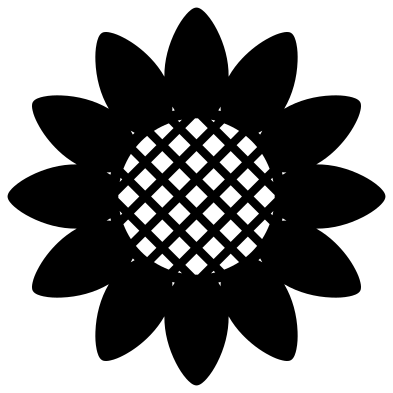 Simple sunflower with twelve petals Solid · one piece
 -
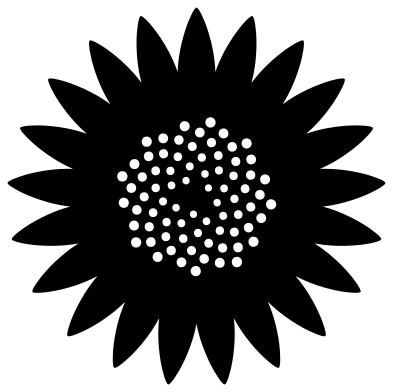 Sunflower with golden-angle seeds Solid · one piece
 -
 Sunflower with thirty-four slim petals Solid · one piece
 -
 Half sunflower Solid · one piece
 -
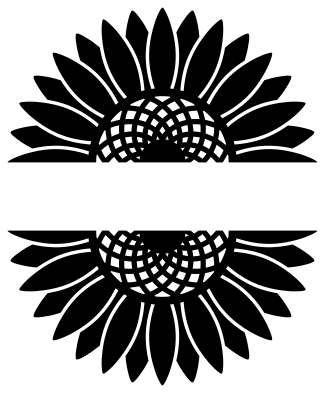 Split sunflower for a name Solid · 2 pieces
 -
 Sunflower monogram frame Solid · one piece
 -
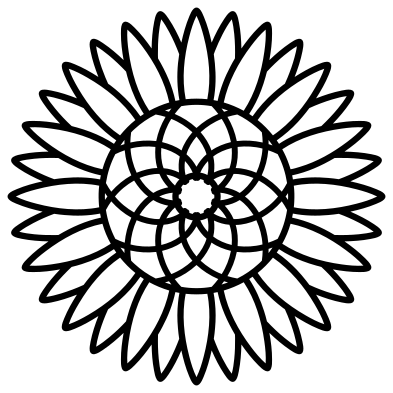 Sunflower outline Outline · one piece
 -
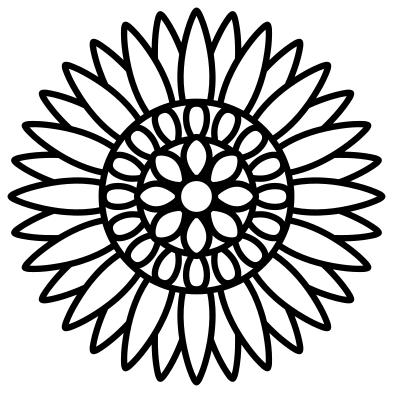 Sunflower mandala Outline · one piece
 -
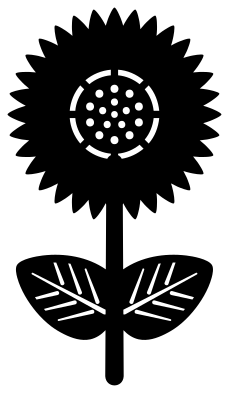 Sunflower with stem and leaves Solid · one piece
 -
 Sunflower silhouette Solid · one piece
 -
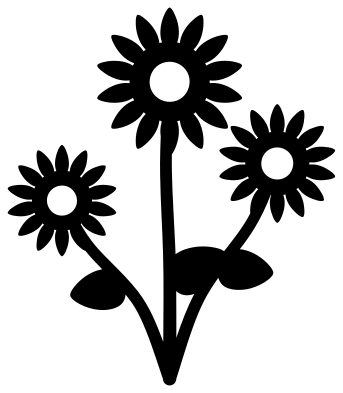 Three sunflowers on stems Solid · one piece
 -
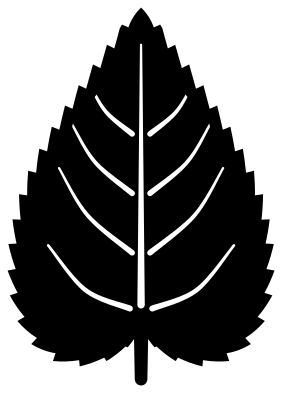 Sunflower leaf Solid · one piece
 -
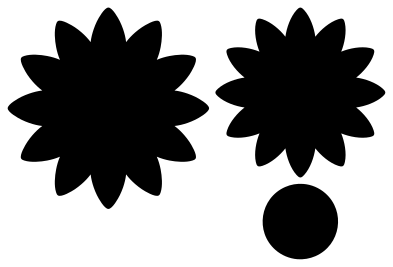 Paper sunflower template Solid · 3 pieces
 -
 Sunflower border Solid · one piece
 -
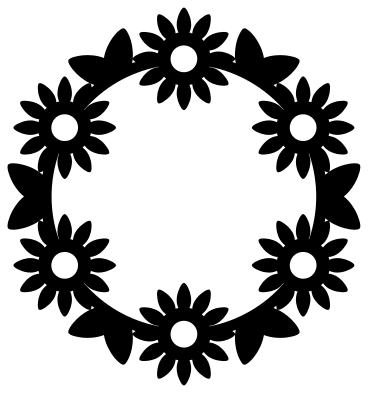 Sunflower wreath Solid · one piece
 -
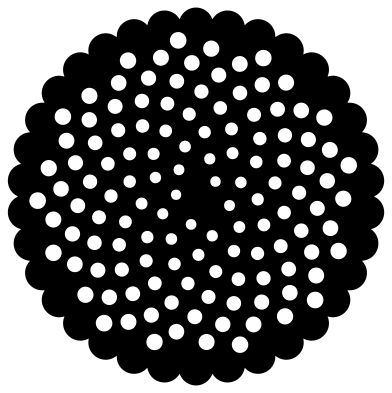 Sunflower seed head Solid · one piece
 -
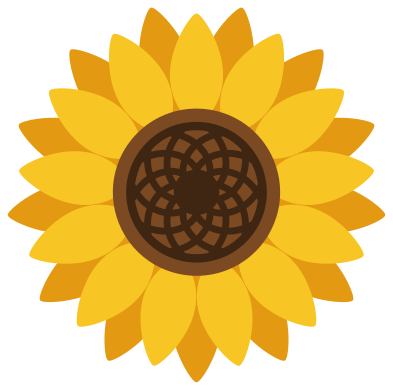 Layered sunflower in four colours Layered · 4 pieces
Seed heads and size
The seed head is where a sunflower file succeeds or fails. The lattice and the golden-angle dots are made of many small holes, and each hole has to be weeded or dropped out. At 100 mm across they are easy; below about 60 mm the bars between the holes get close to 1 mm, which is fine for vinyl but weak in card and too fine for wood. For small work pick the simple sunflower, the monogram frame or the silhouette.
Petal tips are sharp. On a blade cutter, slow the cut and use a fresh blade so the tips do not lift; on iron-on vinyl, press the tips down first when you weed.
Half and split sunflowers
The half sunflower has a straight bottom edge, so it sits on top of a line of lettering or along the edge of a sign. The split sunflower leaves a clear band through the middle: type a name in your cutting software, size it to fit the band, and weld or attach it to both halves.
How to open the files
- Cricut Design Space: choose Upload, pick the SVG, and add it to the canvas. Set the width you want; the shape is already welded.
- Silhouette Studio: Designer Edition and above open the SVG. The free Basic Edition does not, so open the DXF instead.
- LightBurn, xTool Creative Space and Glowforge: import the SVG, then set the layer to cut, score or engrave.
- Inkscape, Illustrator and Affinity: open the SVG. It is a plain filled path, so you can recolour it, add a stroke or combine it with your own work.
- Printing or sublimation: use the PNG, which has a transparent background.
Each design page lists the file’s narrowest part at seven sizes, so you can tell whether it will survive at the size you plan to cut.
Questions
How do I put a name in the split sunflower?
Open the file, add your text in the gap between the two halves and stretch it until it just overlaps both. Then weld the three together for a single piece, or keep the text separate to cut it in another colour.
What colours should I cut the layered sunflower in?
Two yellows for the petals, with the darker one at the back, a mid brown for the seed head and a dark brown for the lattice on top. The colours in the file are only a guide; each layer is its own group so you can recolour it.
Why does the seed pattern look like spirals?
A sunflower sets each new seed about 137.5 degrees round from the last one. That one rule packs the seeds evenly and makes spirals appear in both directions. The golden-angle design here is drawn with the same rule.
 Flower SVG
  Butterfly SVG
  Rose SVG
  Daisy SVG
  Leaf SVG
  Lotus SVG