Free butterfly SVG files
Free butterfly SVG files, drawn by code so the left wings mirror the right exactly and the bars between the cut-outs keep an even width. Download any of them as SVG, PNG or DXF.
20 designs. Free for personal and commercial use, no sign-up. What you can do with them.
-
 Classic butterfly with open wings Solid · one piece
 -
 Butterfly silhouette Solid · one piece
 -
 Swallowtail butterfly Solid · one piece
 -
 Swallowtail butterfly silhouette Solid · one piece
 -
 Monarch butterfly Solid · one piece
 -
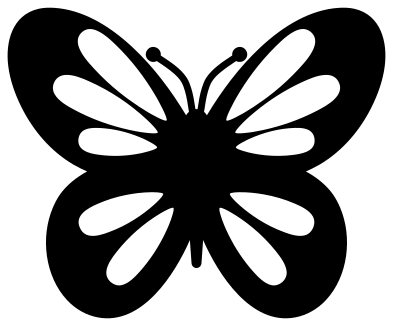 Simple butterfly with teardrop wings Solid · one piece
 -
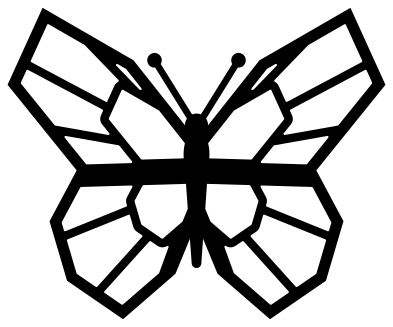 Geometric butterfly Solid · one piece
 -
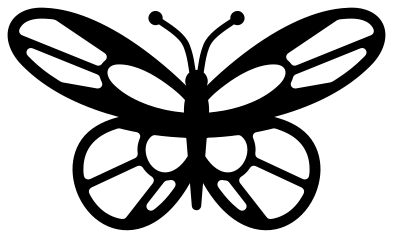 Longwing butterfly Solid · one piece
 -
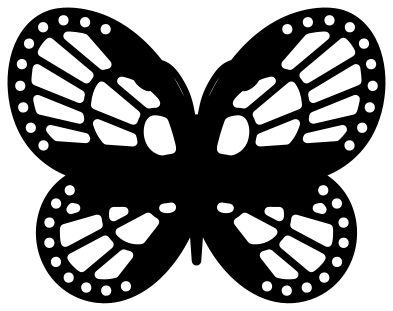 Lacy butterfly Solid · one piece
 -
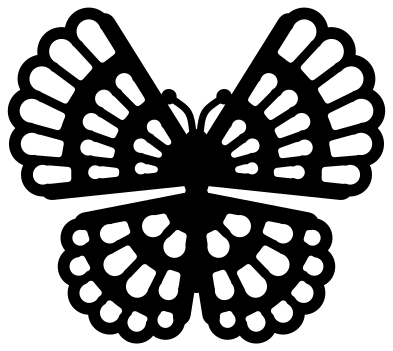 Mandala butterfly Solid · one piece
 -
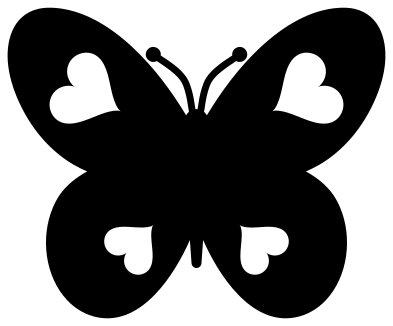 Butterfly with heart cut-outs Solid · one piece
 -
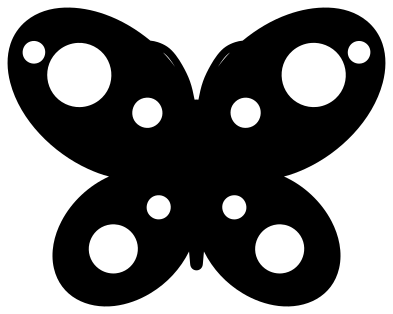 Spotted butterfly for children Solid · one piece
 -
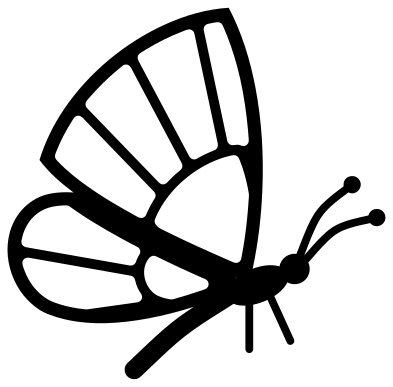 Butterfly from the side Solid · one piece
 -
 Swallowtail butterfly in a ring Solid · one piece
 -
 Three flying butterflies Solid · 3 pieces
 -
 Split butterfly for a name Solid · 2 pieces
 -
 Layered butterfly in two colours Layered · 2 pieces
 -
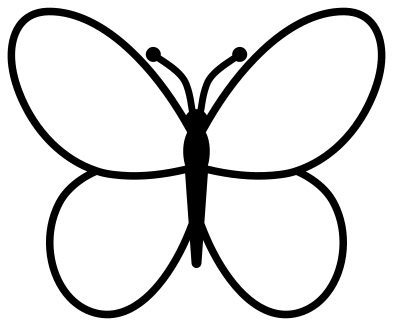 Butterfly outline Outline · one piece
 -
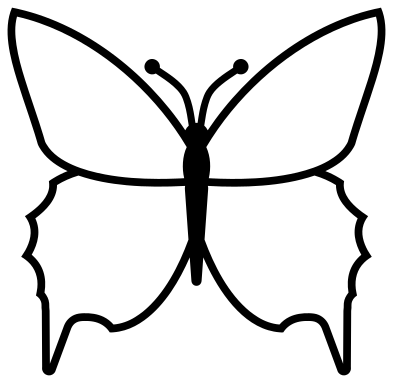 Swallowtail butterfly outline Outline · one piece
 -
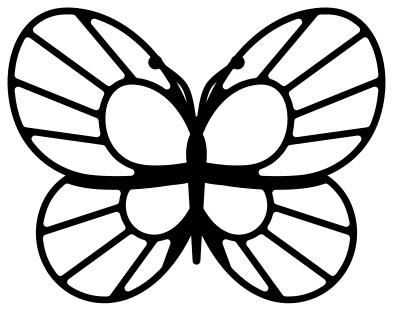 Line butterfly with veins Outline · one piece
Picking a butterfly for your material
A butterfly is two things to a cutting machine: broad wings, which are easy, and antennae, which are not. Every file here is 100 mm on its longer side, and each design page lists its narrowest part at that size. On most of these designs that part is an antenna, about 1.8 mm wide. In vinyl and card that cuts well down to half size. In 3 mm plywood or acrylic keep the butterfly at 100 mm or more, or choose the butterfly in a ring, where nothing thin sticks out.
The silhouettes and the teardrop butterfly have the least to weed, so they are the ones for small stickers, confetti and a first project. The veined, lacy and mandala butterflies have many small cells: cut them from card of 176 gsm (65 lb) or heavier, use a sharp blade and slow the machine down for the curves.
Making a butterfly stand up
For a 3D butterfly, cut the same design twice in card. Fold the wings of the top one upwards along both sides of the body and glue only the bodies together. The flat one underneath gives a shadow of colour and the folded one lifts off the page. The two-colour layered design is made for stacking flat: cut the plain butterfly in a bright colour and the veined one in black.
How to open the files
- Cricut Design Space: choose Upload, pick the SVG, and add it to the canvas. Set the width you want; the shape is already welded.
- Silhouette Studio: Designer Edition and above open the SVG. The free Basic Edition does not, so open the DXF instead.
- LightBurn, xTool Creative Space and Glowforge: import the SVG, then set the layer to cut, score or engrave.
- Inkscape, Illustrator and Affinity: open the SVG. It is a plain filled path, so you can recolour it, add a stroke or combine it with your own work.
- Printing or sublimation: use the PNG, which has a transparent background.
Each design page lists the file’s narrowest part at seven sizes, so you can tell whether it will survive at the size you plan to cut.
Questions
Which butterfly is easiest to cut and weed?
The butterfly silhouette and the swallowtail silhouette have no inside cuts at all. After those, the simple butterfly with teardrop wings has only ten cut-outs, all large and round-ended, so the waste lifts out in seconds.
Will the antennae survive on a laser cutter?
At 100 mm in 3 mm plywood they do, but they are the first thing to snap in use. For ornaments and key rings, pick the swallowtail in a ring: its wing tips and tails are welded to the ring and the antennae sit safely inside it.
How do I use the split butterfly?
It is two pieces with a clear band between them. Type a name in your cutting software, size it to fit the band and cut all three together. Keep the pieces on the transfer tape as cut and the spacing stays right.
 Flower SVG
  Sunflower SVG
  Rose SVG
  Daisy SVG
  Leaf SVG
  Lotus SVG