Free daisy SVG files
Free daisy SVG files drawn by code, so every petal matches and every shape is welded clean. There are single daisies from simple to gerbera, outlines, daisies on stems, and chains, wreaths and borders built from small ones.
18 designs. Free for personal and commercial use, no sign-up. What you can do with them.
-
 Classic daisy with sixteen petals Solid · one piece
 -
 Simple daisy with ten petals Solid · one piece
 -
 Double daisy with two rows of petals Solid · one piece
 -
 Gerbera daisy Solid · one piece
 -
 Groovy daisy with nine fat petals Solid · one piece
 -
 Daisy monogram frame Solid · one piece
 -
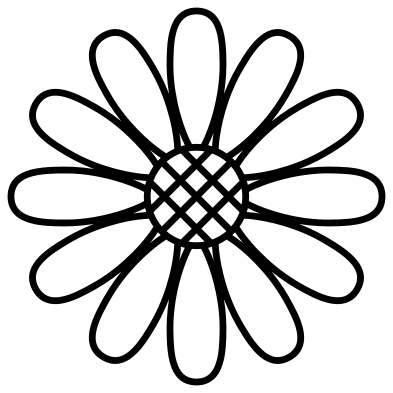 Daisy outline Outline · one piece
 -
 Daisy mandala Outline · one piece
 -
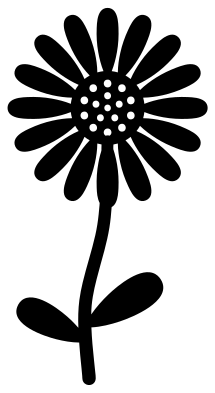 Daisy with stem and leaves Solid · one piece
 -
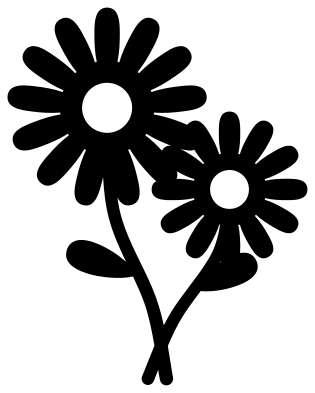 Two daisies in silhouette Solid · one piece
 -
 Half daisy Solid · one piece
 -
 Daisy with falling petals Solid · 3 pieces
 -
 Daisy chain Solid · one piece
 -
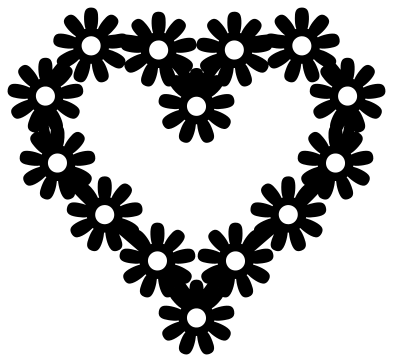 Daisy chain heart Solid · one piece
 -
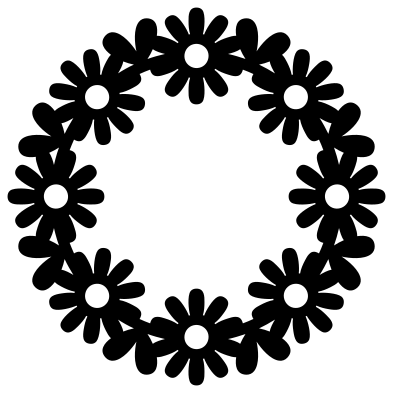 Daisy wreath Solid · one piece
 -
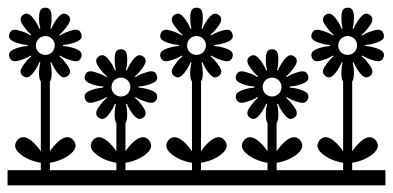 Daisy border Solid · one piece
 -
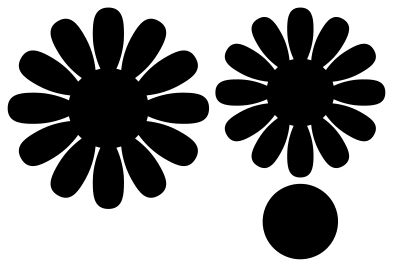 Giant paper daisy template Solid · 3 pieces
 -
 Layered gerbera daisy in four colours Layered · 4 pieces
Cutting daisies in white
A daisy is white petals round a yellow eye, and the files here are single shapes, so decide first how you want the two colours. For vinyl, cut the whole daisy in white and lay a yellow circle over the eye; the classic daisy has an eye 37 mm across when the file is cut at 100 mm. For paper, use the giant daisy template, which keeps the petals and the eye as separate pieces.
The petals stand apart, with thin gaps running in towards the eye. At 100 mm those gaps are easy to weed. Below about 50 mm choose the simple daisy or the groovy daisy, whose petals are wide and whose gaps are short.
Chains, wreaths and borders
The daisy chain, the heart, the wreath and the border are each one welded piece made of small daisies about 20 to 30 mm across at 100 mm. Cut them at 150 mm or more in card or wood so the small petals keep their strength; in vinyl they work at 100 mm.
How to open the files
- Cricut Design Space: choose Upload, pick the SVG, and add it to the canvas. Set the width you want; the shape is already welded.
- Silhouette Studio: Designer Edition and above open the SVG. The free Basic Edition does not, so open the DXF instead.
- LightBurn, xTool Creative Space and Glowforge: import the SVG, then set the layer to cut, score or engrave.
- Inkscape, Illustrator and Affinity: open the SVG. It is a plain filled path, so you can recolour it, add a stroke or combine it with your own work.
- Printing or sublimation: use the PNG, which has a transparent background.
Each design page lists the file’s narrowest part at seven sizes, so you can tell whether it will survive at the size you plan to cut.
Questions
How do I make the eye of the daisy yellow?
Add a circle in your cutting software, size it to cover the eye of the daisy, and cut it from yellow. On the simple daisy and the small daisies the eye is an open hole, so a yellow circle placed behind it shows through.
Which daisy works for a tiny sticker or a nail decal?
The simple daisy with ten petals or the groovy daisy. Both have wide petals and no fine detail in the eye, so they stay clean at 15 to 20 mm across.
Can I join daisy chains into a longer garland?
Yes. Place copies of the daisy chain end to end so the stems overlap by a millimetre or two, then weld them. The stem ends level at both sides, so the copies line up without a kink.
 Flower SVG
  Sunflower SVG
  Butterfly SVG
  Rose SVG
  Leaf SVG
  Lotus SVG