Free elf SVG files
Free elf SVG files for Christmas: an elf face, a girl elf, a whole elf waving, three elves in a row, and the parts crafters cut on their own, such as striped legs, curly-toed feet, a collar with bells and a body for the front of a shirt. Each is one welded shape unless its note says otherwise.
14 designs. Free for personal and commercial use, no sign-up. What you can do with them.
Or choose one below for its PNG, DXF and cutting sizes.
-
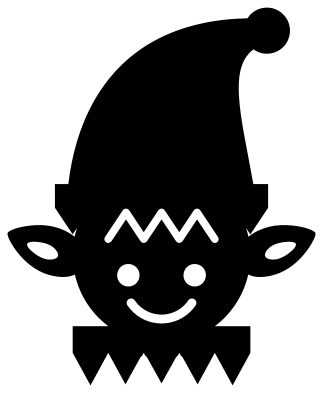 Elf face with a hat and pointed ears Solid · one piece
 -
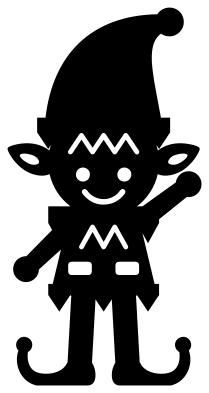 Standing elf waving Solid · one piece
 -
 Elf legs sticking up out of the snow Solid · one piece
 -
 Elf feet: a pair of curly-toed shoes Solid · one piece
 -
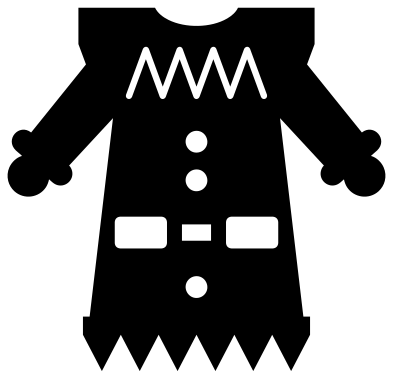 Elf body for the front of a shirt Solid · one piece
 -
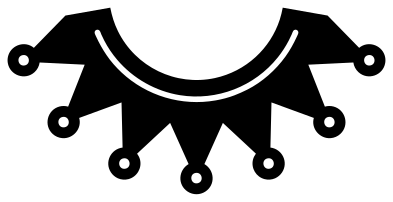 Elf collar with seven bells Solid · one piece
 -
 Elf monogram frame with hat and ears Solid · one piece
 -
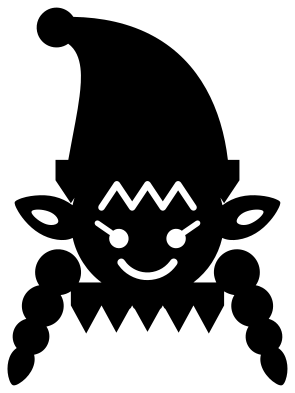 Girl elf face with braids Solid · one piece
 -
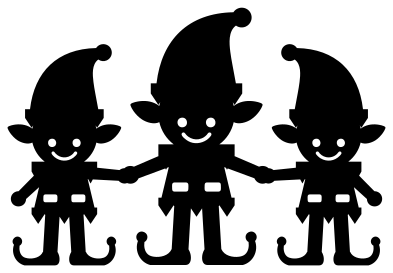 Three elves holding hands Solid · one piece
 -
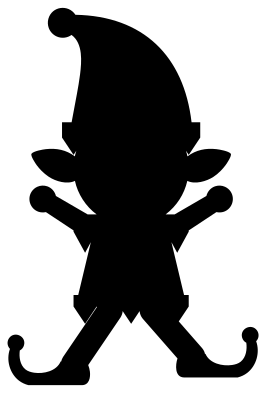 Jumping elf silhouette Solid · one piece
 -
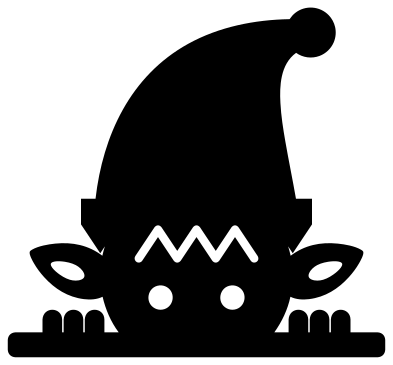 Elf peeking over an edge Solid · one piece
 -
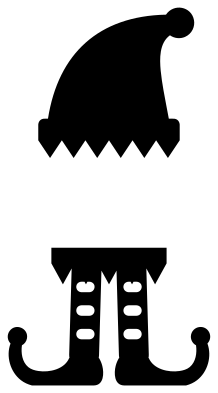 Elf hat and legs with room for a name Solid · 2 pieces
 -
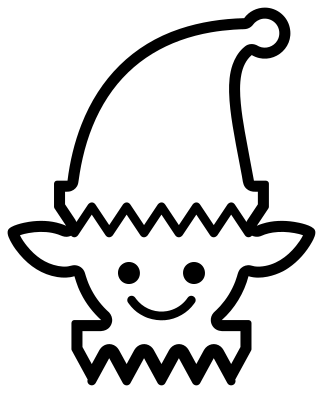 Elf face outline Outline · 4 pieces
 -
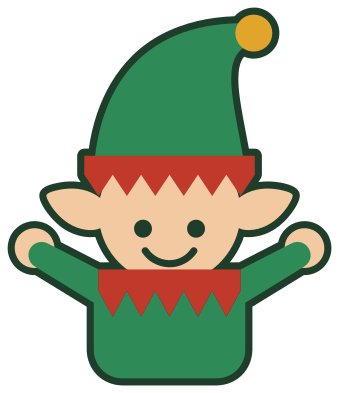 Layered elf waving both hands Layered · 12 pieces
What to make with them
Elf designs are mostly worn. The body goes on the front of a shirt or a sleepsuit so that the wearer becomes the elf, and the collar goes round the neckline of a plain top. For an adult shirt cut the body about 250 mm tall in heat transfer vinyl; for a baby vest, 110 mm is enough. The legs and the feet are for things that stand in for the elf: a pair of legs sticking out of a wreath or a plant pot, or feet under a name on a stocking. The monogram frame and the hat and legs take an initial or a name, which makes them useful for a whole class or family at once.
Cutting notes
The zigzag brim and collar are marked with slits about 2 mm wide on the faces at 100 mm, and about 1.3 mm on the standing elf, so keep the standing elf at 120 mm or taller. The striped legs have slots with a thin edge left each side to hold the stocking together: weed the slots and leave the edges. On a shirt, mirror every design before cutting heat transfer vinyl. The jumping silhouette has no inner cuts and is the one to use below 50 mm.
How to open the files
- Cricut Design Space: choose Upload, pick the SVG, and add it to the canvas. Set the width you want; the shape is already welded.
- Silhouette Studio: Designer Edition and above open the SVG. The free Basic Edition does not, so open the DXF instead.
- LightBurn, xTool Creative Space and Glowforge: import the SVG, then set the layer to cut, score or engrave.
- Inkscape, Illustrator and Affinity: open the SVG. It is a plain filled path, so you can recolour it, add a stroke or combine it with your own work.
- Printing or sublimation: use the PNG, which has a transparent background.
Each design page lists the file’s narrowest part at seven sizes, so you can tell whether it will survive at the size you plan to cut.
Questions
How do I make an elf shirt for a family?
Cut the elf body once for each person, scaled to the shirt: about 250 mm tall for an adult and 150 mm for a child. Green shirts with a red body, or red shirts with a green one, are the usual choice. Add a name above the collar in your cutting software if you want one.
What are elf legs used for?
For anything the elf appears to have fallen into: a wreath, a plant pot, a gift bag or the top of a tree. Cut the legs from card or thin plywood, colour the stripes, and stand them in the pot. On a shirt or a bag they also work flat, as a picture.
Can I add a name to the elf hat and legs?
Yes. The hat and the legs are two separate pieces with a gap between them. Type the name in your cutting software, set it in the gap and resize the gap to suit the length of the name before you cut.
 Snowflake SVG
  Christmas tree SVG
  Ornament SVG
  Snowman SVG
  Santa hat SVG
  Candy cane SVG