Free deer SVG files
Free deer SVG files: a standing buck, a doe, a spotted fawn and a leaping stag; deer heads with antlers from the front and the side; antlers on their own, as a rack, a monogram frame and with flowers; a skull, a woodland scene and tracks. All drawn by code.
18 designs. Free for personal and commercial use, no sign-up. What you can do with them.
-
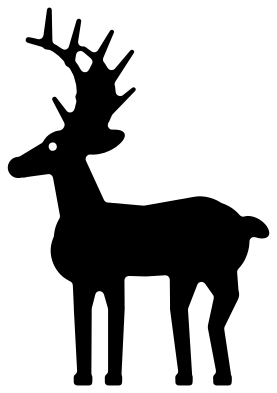 Buck deer standing Solid · one piece
 -
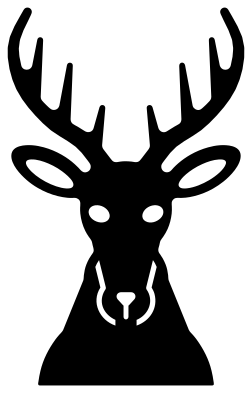 Deer head with antlers Solid · one piece
 -
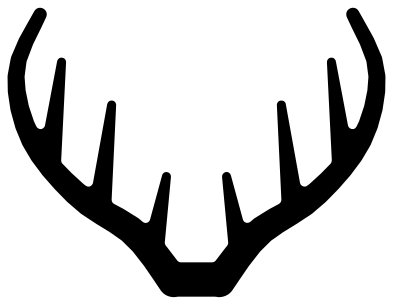 Deer antlers Solid · one piece
 -
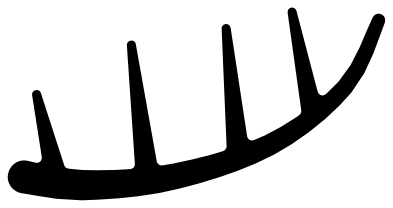 Single deer antler Solid · one piece
 -
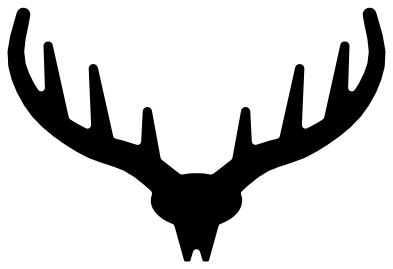 Deer rack on a skull plate Solid · one piece
 -
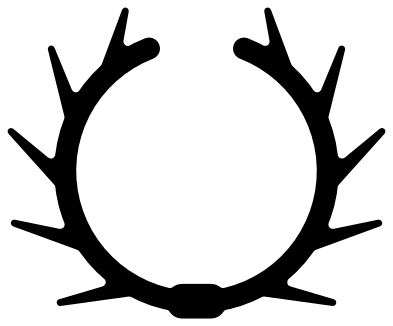 Deer antler monogram frame Solid · one piece
 -
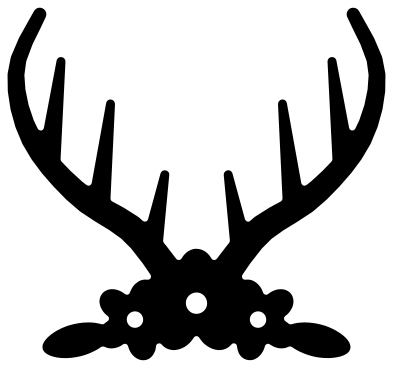 Floral deer antlers Solid · one piece
 -
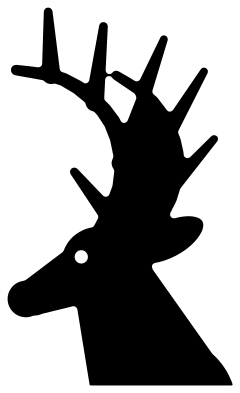 Deer head silhouette Solid · one piece
 -
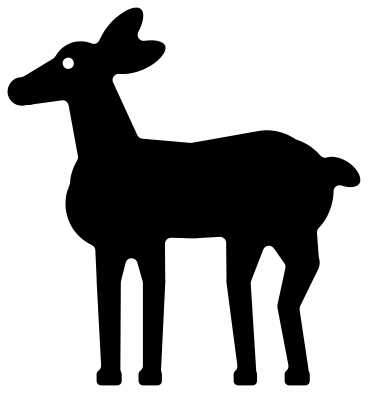 Doe deer standing Solid · one piece
 -
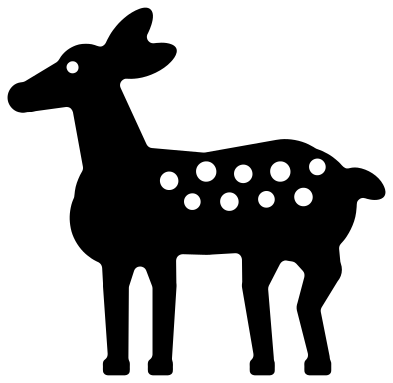 Fawn deer with spots Solid · one piece
 -
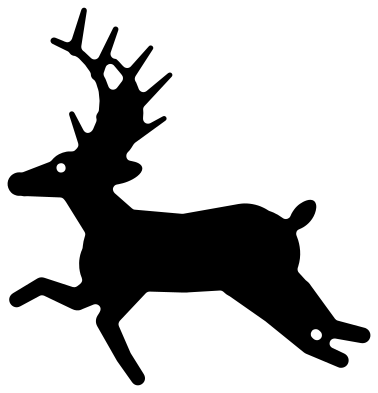 Leaping stag deer Solid · one piece
 -
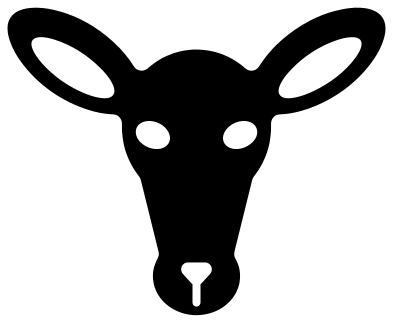 Doe deer head Solid · one piece
 -
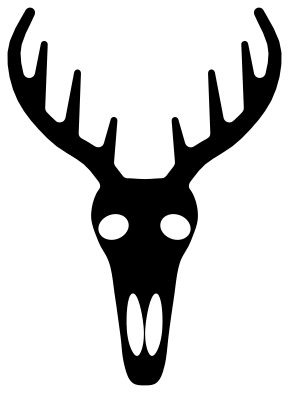 Deer skull with antlers Solid · one piece
 -
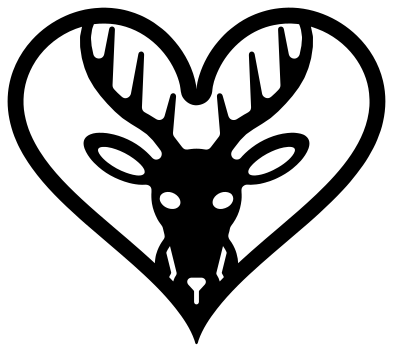 Deer head in a heart Solid · one piece
 -
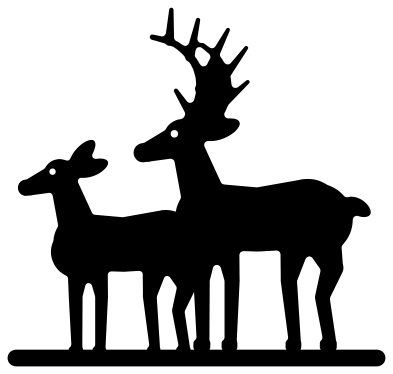 Buck and doe deer Solid · one piece
 -
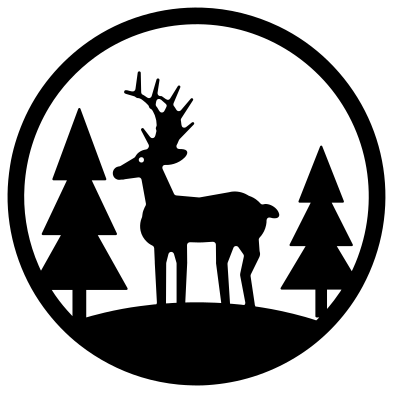 Deer scene in a ring Solid · one piece
 -
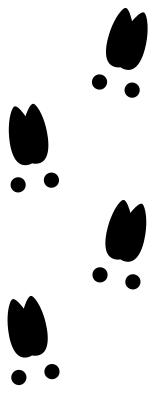 Deer tracks Solid · 12 pieces
 -
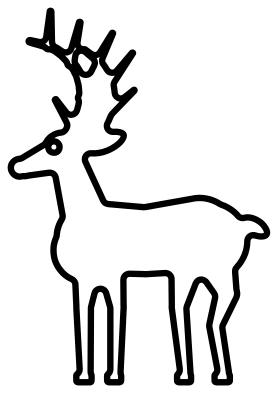 Deer outline Outline · one piece
Antlers are the fragile part
Every file is 100 mm on its longer side. On the whole deer the antlers are small: the beams are about 4 mm wide where they leave the head and the tines taper to under 2 mm. That is fine in vinyl and in card at full size, but in 3 mm plywood or acrylic the tines will snap unless the deer is 200 mm or taller. For wood, use the files where the antlers are the subject: the deer antlers, the rack on a skull plate and the head from the front all have beams 6 to 11 mm wide at full size.
When you weed a buck in vinyl, start at the hooves and pull upwards, so the antlers come off the backing last and in the direction the tines point. On a laser, antler tips are where heat builds up: raise the speed or drop the power a little for the last pass if they scorch.
The doe, the fawn and the doe head have no antlers at all and are the ones to pick for small sizes, down to about 40 mm.
How to open the files
- Cricut Design Space: choose Upload, pick the SVG, and add it to the canvas. Set the width you want; the shape is already welded.
- Silhouette Studio: Designer Edition and above open the SVG. The free Basic Edition does not, so open the DXF instead.
- LightBurn, xTool Creative Space and Glowforge: import the SVG, then set the layer to cut, score or engrave.
- Inkscape, Illustrator and Affinity: open the SVG. It is a plain filled path, so you can recolour it, add a stroke or combine it with your own work.
- Printing or sublimation: use the PNG, which has a transparent background.
Each design page lists the file’s narrowest part at seven sizes, so you can tell whether it will survive at the size you plan to cut.
Questions
Which file should I use for a deer head monogram?
For an initial inside a frame, use the antler monogram frame: two antlers curve round an open middle about 60 mm across at full size. For a name under a rack, use the plain deer antlers and set the text below the base plate. Weld the letters to the antlers if you want one piece.
How many points do the antlers have?
The front-view antlers have three tines and a beam tip on each side, which hunters would call an eight-point rack. The side-view bucks show four tines on each antler. If you want fewer points, delete a tine in your cutting software; each one is a simple tapered shape.
Can I split the deer head for a name?
Yes. Place a rectangle across the neck of the deer head with antlers, below the chin, and use Slice in your cutting software to remove a band about 15 mm tall. Put the name in the gap. The antlers and face stay in one piece and the shoulders become a second one.
 Owl SVG
  Bird SVG
  Cat SVG
  Dog SVG
  Elephant SVG
  Fish SVG