Free cowboy hat SVG files
Free cowboy hat SVG files: a classic western hat from the front with a curled brim and creased crown, a profile silhouette, an outline, a cowgirl hat with hearts, a woven straw hat, a tall hat with a star, and hats with a lasso, a feather, a horseshoe and a boot. Download as SVG, PNG or DXF.
13 designs. Free for personal and commercial use, no sign-up. What you can do with them.
-
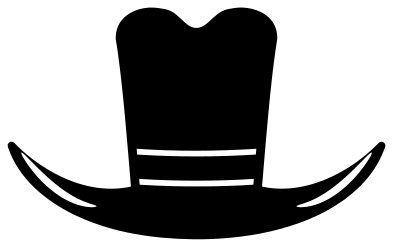 Classic cowboy hat Solid · one piece
 -
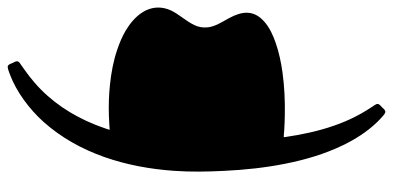 Cowboy hat silhouette Solid · one piece
 -
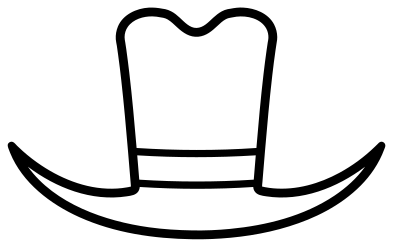 Cowboy hat outline Outline · one piece
 -
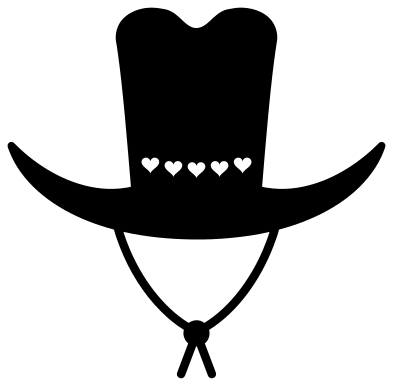 Cowgirl hat with hearts Solid · one piece
 -
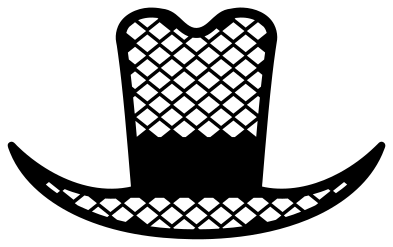 Straw cowboy hat Solid · one piece
 -
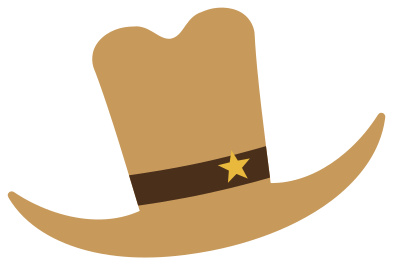
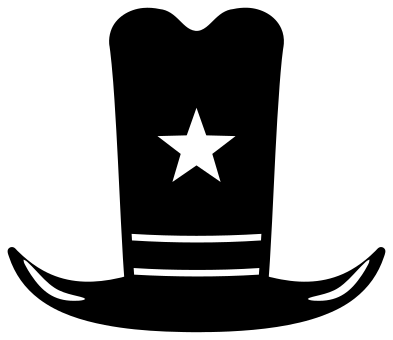 Tall cowboy hat with a star Solid · one piece
 -
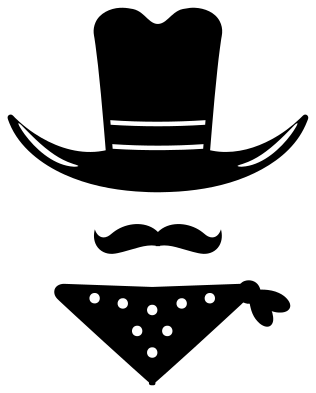 Cowboy hat with a moustache and bandana Solid · 3 pieces
 -
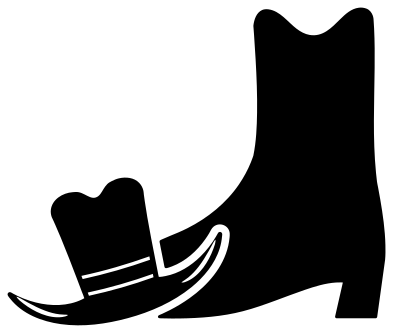 Cowboy hat and boot Solid · 2 pieces
 -
 Cowboy hat in a lasso Solid · one piece
 -
 Cowboy hat with a feather Solid · one piece
 -
 Cowboy hat monogram frame Solid · one piece
 -
 Cowboy hat on a horseshoe Solid · one piece
 -
 Layered cowboy hat in three colours Layered · 3 pieces
A hat to put on something
Nearly everyone who searches for a cowboy hat wants to set it on top of something else: a name, a cow, a gnome, a pumpkin, a skull, a letter of the alphabet. The front view is made for that. It is the same on both sides, its crown is in the exact middle, and the front of the brim dips in a smooth curve, so it sits naturally over a round head. Scale it until the crown is about as wide as the head underneath and lower it until the brim covers the top.
The profile silhouette is the one to use for a figure seen from the side, such as a rider or a horse.
Cutting notes
The band on the solid hats is two slots about 1.5 mm wide when the hat is 100 mm across; they stop short of the sides of the crown, so the hat stays in one piece. The tips of the brim are the parts that lift first in vinyl, so burnish them well. The straw hat has the most to weed: dozens of small diamonds, each under 6 mm wide in the 100 mm file, so cut that one at full size or larger and use a strong grip mat.
How to open the files
- Cricut Design Space: choose Upload, pick the SVG, and add it to the canvas. Set the width you want; the shape is already welded.
- Silhouette Studio: Designer Edition and above open the SVG. The free Basic Edition does not, so open the DXF instead.
- LightBurn, xTool Creative Space and Glowforge: import the SVG, then set the layer to cut, score or engrave.
- Inkscape, Illustrator and Affinity: open the SVG. It is a plain filled path, so you can recolour it, add a stroke or combine it with your own work.
- Printing or sublimation: use the PNG, which has a transparent background.
Each design page lists the file’s narrowest part at seven sizes, so you can tell whether it will survive at the size you plan to cut.
Questions
How do I put the hat on an animal or a letter?
Place the front-view hat over the top of the head, scale it so the crown matches the width of the head, and tilt it a few degrees for character. If both are the same colour, weld them. If the hat is a second colour, slice its shape out of the layer below so the vinyl does not double up.
Which hat is best for a small decal?
The profile silhouette or the classic front view. Both stay clear at 30 mm wide. The straw hat and the feather hat need 80 mm or more.
Is the cowboy with a moustache one piece?
No. The hat, the moustache and the neckerchief are three separate pieces with space between them where the face would be. Move them together on transfer tape to keep the spacing.
 Camera SVG
  Guitar SVG
  Music note SVG
  Stethoscope SVG
  Tooth SVG
  Light bulb SVG