Free water bottle SVG files
Free water bottle SVG files: a slim bottle with a carry loop, a sports bottle, a plastic bottle, an insulated flask, a gallon jug, a tracker bottle with tick marks and four tumblers with straws. The sides are left blank for a name, and nothing carries a maker’s mark.
16 designs. Free for personal and commercial use, no sign-up. What you can do with them.
-
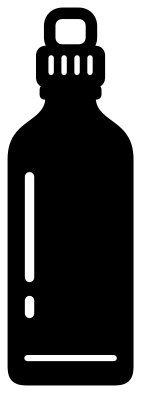 Water bottle with a carry loop Solid · one piece
 -
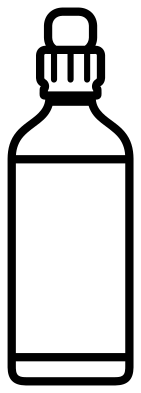 Water bottle outline Outline · one piece
 -
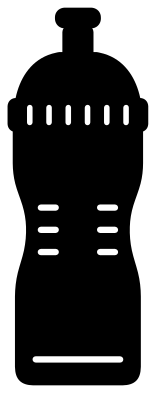 Sports water bottle Solid · one piece
 -
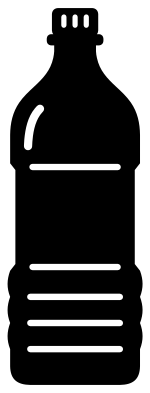 Plastic water bottle Solid · one piece
 -
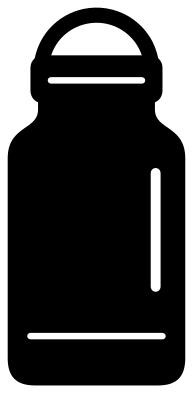 Insulated water bottle with a strap lid Solid · one piece
 -
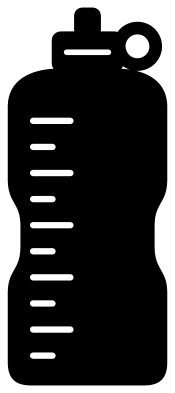 Water bottle tracker with tick marks Solid · one piece
 -
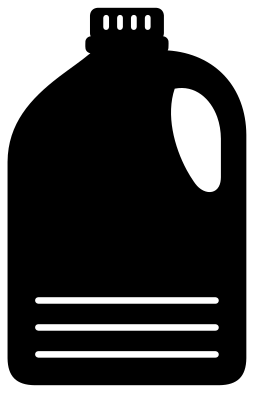 Gallon water bottle jug with a handle Solid · one piece
 -
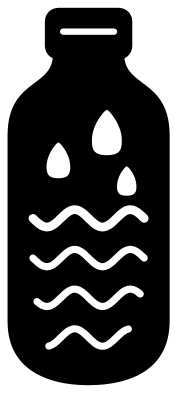 Water bottle with a wave and drops Solid · one piece
 -
 Water bottle with a heart Solid · one piece
 -
 Water bottle monogram frame Solid · one piece
 -
 Cute water bottle with a face Solid · one piece
 -
 Water bottle tumbler with a lid and straw Solid · one piece
 -
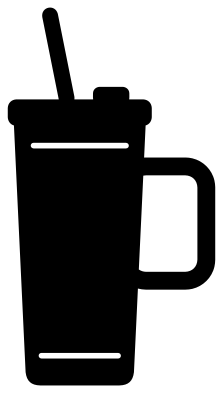 Water bottle tumbler cup with a handle Solid · one piece
 -
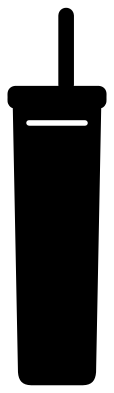 Blank skinny tumbler water bottle Solid · one piece
 -
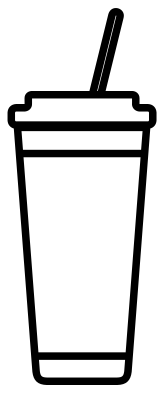 Water bottle tumbler outline Outline · one piece
 -
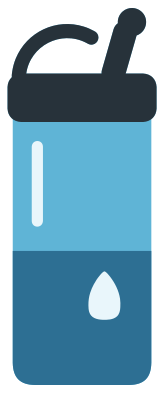 Layered water bottle in four colours Layered · 5 pieces
Blank sides, on purpose
Most people who look for a water bottle file want to put something on it: a child’s name for school, a gym slogan, a reminder to drink. So the sides of these bottles are left plain. The cuts are kept to the cap, a highlight near one edge and a line or two near the base, and the middle is clear. Add your lettering in your cutting software, then cut the bottle and the name from two colours of vinyl, or use the monogram frame, which is open all the way down.
Every bottle is a single piece with thick walls, and the straws are about 4 mm wide when a tumbler is 100 mm tall. Straws and carry loops are the parts that lift first, so burnish them well before you peel the transfer tape. The plastic bottle and the two outlines are the finest designs here: keep those at 60 mm tall or more.
Tumblers as stand-ins
The four tumblers are here because crafters use them for planning. Before you cut vinyl for a real tumbler, place your design on the blank skinny tumbler or the tapered one and check how it sits and how large it should be. A real tumbler is round, so a design that wraps more than about a third of the way round starts to disappear at the edges. The two outlines also print well on order forms and care cards.
How to open the files
- Cricut Design Space: choose Upload, pick the SVG, and add it to the canvas. Set the width you want; the shape is already welded.
- Silhouette Studio: Designer Edition and above open the SVG. The free Basic Edition does not, so open the DXF instead.
- LightBurn, xTool Creative Space and Glowforge: import the SVG, then set the layer to cut, score or engrave.
- Inkscape, Illustrator and Affinity: open the SVG. It is a plain filled path, so you can recolour it, add a stroke or combine it with your own work.
- Printing or sublimation: use the PNG, which has a transparent background.
Each design page lists the file’s narrowest part at seven sizes, so you can tell whether it will survive at the size you plan to cut.
Questions
How do I add a name to a water bottle design?
Open the file in your cutting software, type the name and turn it on its side if the bottle is slim, so that it reads up the body. For a decal, cut the bottle in one colour and the name in another and layer them. On the monogram frame the name sits inside the open band and can be cut from the same sheet.
Why does the tracker bottle have no numbers on it?
So that you can choose your own. The ten ticks are evenly spaced, long and short by turns. Label them with the hours you want to drink by, or with amounts, using vinyl lettering or a paint pen, and start at the top with the first drink of the morning.
Which tumbler should I use to preview a wrap or a decal?
The blank skinny tumbler has nearly straight sides, like the tall, narrow tumblers most wraps are made for. The tapered tumbler suits cold cups that narrow towards the base, and the tumbler cup with a handle shows how much room is left beside the handle.
 Camera SVG
  Guitar SVG
  Music note SVG
  Stethoscope SVG
  Tooth SVG
  Light bulb SVG