Free tool SVG files
Free tools SVG files: a toolbox full of tools, a closed tool box, a hand saw, crossed screwdrivers, a cordless drill, a tape measure, pliers, a saw blade, a handyman’s fan of three tools, a plane, a shadow board and a set of five in a row.
15 designs. Free for personal and commercial use, no sign-up. What you can do with them.
-
 Toolbox full of tools Solid · one piece
 -
 Closed tool box with a handle Solid · one piece
 -
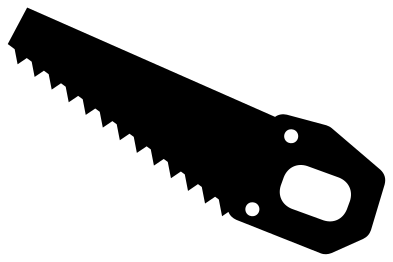 Hand saw tool Solid · one piece
 -
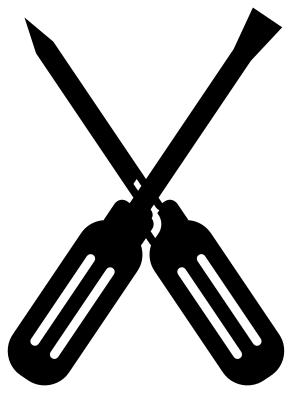 Screwdriver tools crossed Solid · one piece
 -
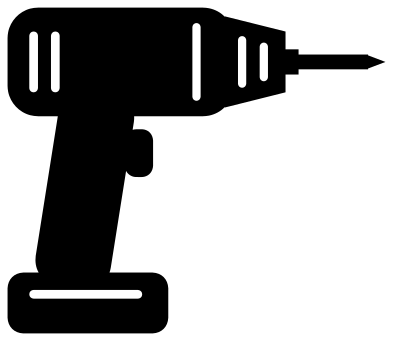 Cordless drill tool Solid · one piece
 -
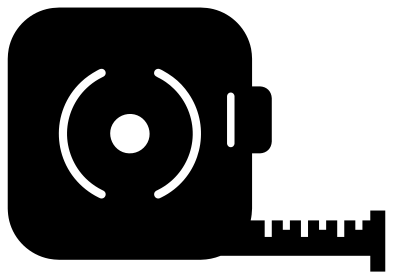 Tape measure tool Solid · one piece
 -
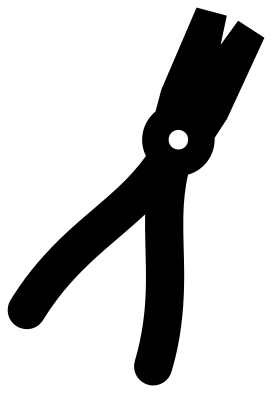 Pliers tool Solid · one piece
 -
 Circular saw blade tool Solid · one piece
 -
 Handyman tools in a fan Solid · one piece
 -
 Tool set in a row Solid · 5 pieces
 -
 Tool shadow board Solid · one piece
 -
 Woodworking plane tool Solid · one piece
 -
 Tool monogram frame Solid · one piece
 -
 Toolbox outline Outline · one piece
 -
 Layered tape measure tool in three colours Layered · 4 pieces
Tools for signs, shirts and Father’s Day
Tool designs get cut for workshop and garage signs, for shirts and mugs for the person who fixes everything, and for children’s rooms with a builder theme. The toolbox full of tools and the handyman’s fan are the two that work on their own. The set of five in a row makes a border along the top or bottom of a sign: at 100 mm wide each tool is about 57 mm tall.
The single tools are drawn so that they hold together when small. The hammer’s shaft, the screwdriver’s blade and the jaws of the pliers are all 4 mm wide or more at 100 mm, and the saw’s teeth are short and broad. Even so, in wood or acrylic keep single tools at 100 mm or more, because any long thin tool will snap across its narrowest part.
Blank spaces for your own words
The closed tool box has a plain lid and a plain front, the tape measure has no numerals on its tape, and the saw blade frame has an open middle about 67 mm across at 100 mm. All of them are left empty so that you can add a name, a date or a saying in your own lettering.
How to open the files
- Cricut Design Space: choose Upload, pick the SVG, and add it to the canvas. Set the width you want; the shape is already welded.
- Silhouette Studio: Designer Edition and above open the SVG. The free Basic Edition does not, so open the DXF instead.
- LightBurn, xTool Creative Space and Glowforge: import the SVG, then set the layer to cut, score or engrave.
- Inkscape, Illustrator and Affinity: open the SVG. It is a plain filled path, so you can recolour it, add a stroke or combine it with your own work.
- Printing or sublimation: use the PNG, which has a transparent background.
Each design page lists the file’s narrowest part at seven sizes, so you can tell whether it will survive at the size you plan to cut.
Questions
How do I use the tool shadow board design?
Cut it from one colour and stick it on a wall, a box lid or a card. The hammer, wrench and screwdriver are holes in the board, so the surface behind shows through as the tools. Cut it from wood on a laser and it becomes a small real shadow board for a toy tool set.
Can I separate the tools in the set of five?
Yes. The set is five loose pieces: hammer, screwdriver, wrench, pliers and saw. Ungroup them in your cutting software and use them one at a time, or change their order and spacing to fit a longer sign.
Why does the tape measure have marks but no numbers?
Numbers would tie the design to inches or centimetres, and none of these files carries lettering or numerals. The six marks are enough to read as a tape. Add your own numerals beside them if you want a real scale.
 Camera SVG
  Guitar SVG
  Music note SVG
  Stethoscope SVG
  Tooth SVG
  Light bulb SVG