Free holly SVG files
Free holly SVG files: sprigs of spiny leaves and round berries, single leaves, branches, a border, a corner and a swag, plus a two-colour version. Each sprig is welded into one piece with the leaf veins and berry highlights cut as holes.
17 designs. Free for personal and commercial use, no sign-up. What you can do with them.
-
 Classic holly sprig Solid · one piece
 -
 Holly sprig with three leaves Solid · one piece
 -
 Single holly leaf Solid · one piece
 -
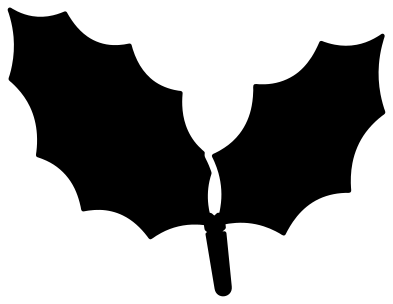 Pair of holly leaves Solid · one piece
 -
 Holly berries on a twig Solid · one piece
 -
 Bunch of holly berries with leaves Solid · one piece
 -
 Holly branch Solid · one piece
 -
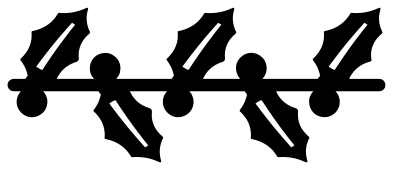 Holly border Solid · one piece
 -
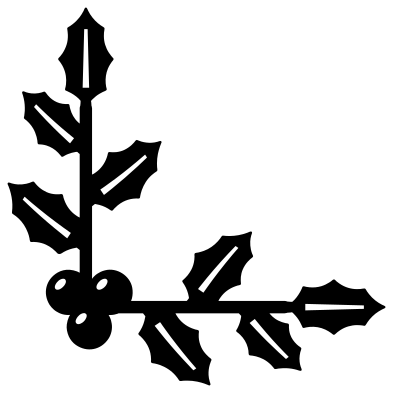 Holly corner Solid · one piece
 -
 Holly swag Solid · one piece
 -
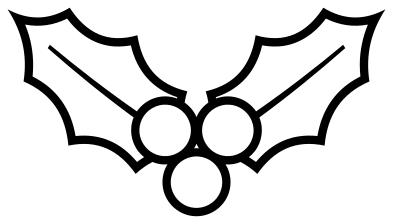 Holly outline Outline · one piece
 -
 Holly in two colours Layered · 2 pieces
 -
 Holly sprig with a bow Solid · one piece
 -
 Hanging holly sprig Solid · one piece
 -
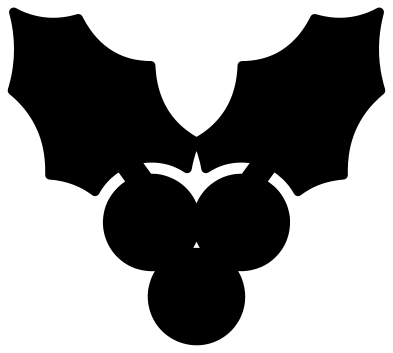 Simple holly for small cuts Solid · one piece
 -
 Holly divider Solid · one piece
 -
 Vintage holly spray Solid · one piece
Cutting holly in one colour or two
Holly is green leaves and red berries, and a single colour has to show both. In these files a thin gap, about 1.6 mm wide on the classic sprig at 100 mm, is cut round the berries where they lie on the leaves, and a small bridge on each leaf holds everything together. The midrib of each leaf is a slot and each berry has a small highlight, so the sprig reads clearly in plain green vinyl, gold foil or bare wood.
For real red and green use the holly in two colours: one layer of leaves, one of berries. The berries sit on a solid patch of the leaf layer, so there is nothing to line up by eye beyond dropping them in the middle.
Sharp spines and small sizes
The points of a holly leaf are the first thing to lift when vinyl is weeded and the first to char on a laser. The points here are rounded very slightly so a blade can turn at them, but they are still fine: press them down well before you peel the backing, and pull the waste away from the points, not towards them.
The simple holly and the pair of leaves have no veins or highlights and suit cuts under 40 mm, such as place cards and gift tags. The vintage spray and the single leaf with side veins want 100 mm or more.
How to open the files
- Cricut Design Space: choose Upload, pick the SVG, and add it to the canvas. Set the width you want; the shape is already welded.
- Silhouette Studio: Designer Edition and above open the SVG. The free Basic Edition does not, so open the DXF instead.
- LightBurn, xTool Creative Space and Glowforge: import the SVG, then set the layer to cut, score or engrave.
- Inkscape, Illustrator and Affinity: open the SVG. It is a plain filled path, so you can recolour it, add a stroke or combine it with your own work.
- Printing or sublimation: use the PNG, which has a transparent background.
Each design page lists the file’s narrowest part at seven sizes, so you can tell whether it will survive at the size you plan to cut.
Questions
How do I make a longer holly border?
Open the holly border in your cutting software, duplicate it and slide the copy along until the end of one stem overlaps the start of the next, then weld. The leaves alternate up and down, so the join does not show.
How do I use the holly corner on a frame?
Place one copy in a corner with the berries nearest the corner, then copy it three times and turn each copy a quarter turn further. The two arms are the same length, so the four corners match on a square or an oblong.
Can I cut the holly from felt or wood?
Use the simple holly or the pair of leaves, which have no veins or highlights to lose. In felt, cut at 60 mm or more so the spines keep their shape. In 3 mm plywood the classic sprig also works at 100 mm: its narrowest bridge is 3.4 mm wide at that size.
 Snowflake SVG
  Christmas tree SVG
  Ornament SVG
  Snowman SVG
  Santa hat SVG
  Candy cane SVG