Free fern SVG files
Free fern SVG files drawn by code: arching fronds with lobed leaflets, a fiddlehead unfurling, a whole clump, bracken, maidenhair, a wreath, a monogram frame, a corner and a border. Each one is a single welded piece.
14 designs. Free for personal and commercial use, no sign-up. What you can do with them.
-
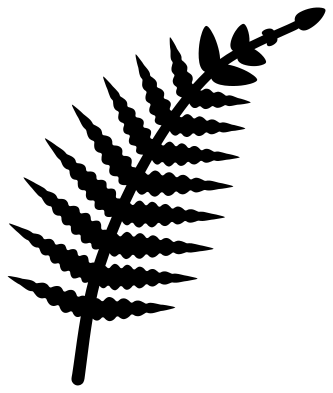 Arching fern frond Solid · one piece
 -
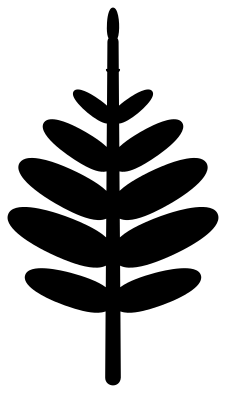 Simple fern frond Solid · one piece
 -
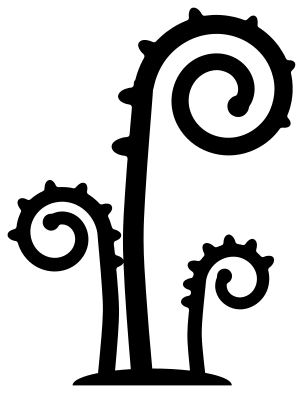 Fiddlehead, a fern unfurling Solid · one piece
 -
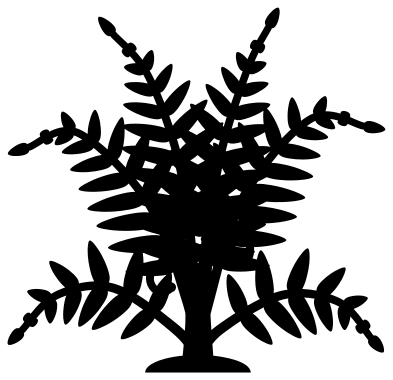 Ferns growing in a clump Solid · one piece
 -
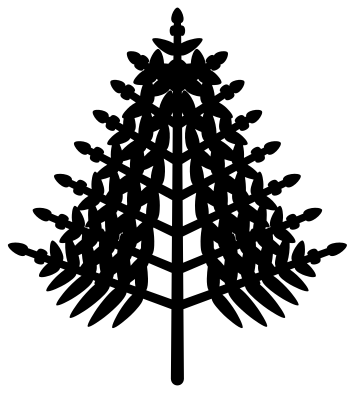 Bracken frond, three times cut Solid · one piece
 -
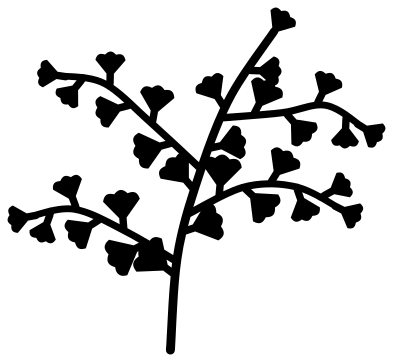 Maidenhair fern sprig Solid · one piece
 -
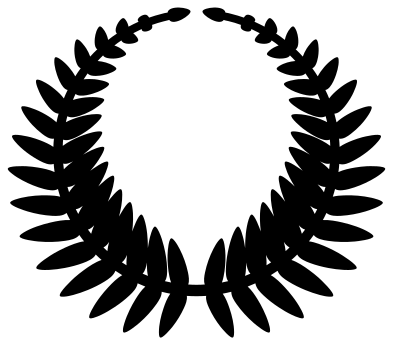 Fern wreath Solid · one piece
 -
 Fern monogram frame Solid · one piece
 -
 Fern corner spray Solid · one piece
 -
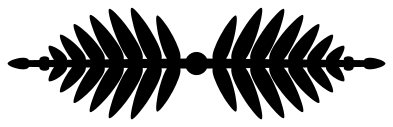 Fern border Solid · one piece
 -
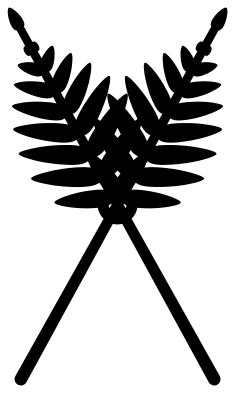 Two crossed fern fronds Solid · one piece
 -
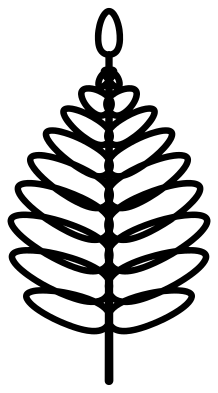 Fern frond outline Outline · one piece
 -
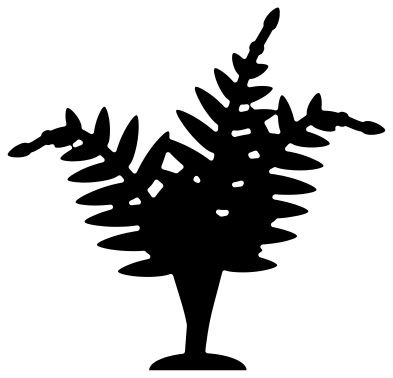 Fern silhouette Solid · one piece
 -
 Layered fern in three greens Layered · 23 pieces
Fronds, fiddleheads and three kinds of fern
A fern frond is a stalk with leaflets in pairs, longest a little way up and shrinking to the tip, and it nearly always arches. On most woodland ferns each leaflet is cut again into small round lobes; the arching frond and the monogram frame here draw those lobes, and the smaller designs use plain slim leaflets so that they still cut cleanly. New fronds come up coiled and unroll from the base, which is the fiddlehead. Bracken is the big triangular fern of hillsides, whose side branches are fronds in their own right. Maidenhair is the odd one out, with fan-shaped leaflets on stems as fine as wire.
Every leaflet joins its stalk by its full width, so there are no thin necks to tear, and the stalks are 2 to 3.6 mm wide at 100 mm. The lobed leaflets are the detail to watch: cut the arching frond at 100 mm or more in card, or use the simple fern frond below that.
Using ferns
Ferns are the easiest greenery to place because a frond has a clear direction: it grows from its stalk to its tip and bends one way. Point the tips outwards from a corner, up the sides of a frame or away from the middle of a border, as the corner, monogram and border files do. In vinyl a frond weeds quickly if you pull the waste away along the stalk from the tip end. The maidenhair sprig has stems about 2 mm wide and is best kept for vinyl and paper.
How to open the files
- Cricut Design Space: choose Upload, pick the SVG, and add it to the canvas. Set the width you want; the shape is already welded.
- Silhouette Studio: Designer Edition and above open the SVG. The free Basic Edition does not, so open the DXF instead.
- LightBurn, xTool Creative Space and Glowforge: import the SVG, then set the layer to cut, score or engrave.
- Inkscape, Illustrator and Affinity: open the SVG. It is a plain filled path, so you can recolour it, add a stroke or combine it with your own work.
- Printing or sublimation: use the PNG, which has a transparent background.
Each design page lists the file’s narrowest part at seven sizes, so you can tell whether it will survive at the size you plan to cut.
Questions
Which fern is best for a small size?
The simple fern frond, which has six pairs of plain rounded leaflets and a stalk over 3 mm wide at 100 mm, or the fern silhouette for a whole plant. Both hold in vinyl at 40 mm tall.
What is a fiddlehead?
The young frond of a fern before it opens. It comes out of the ground coiled in a tight spiral, like the scroll at the top of a violin, and unrolls as it grows. The fiddlehead file shows three at different stages; the spiral makes a good single motif for jewellery and stamps.
Can I mirror a frond to make a pair?
Yes. The arching frond bends to the right; flip it in your cutting software for one that bends to the left, and set the two stalk to stalk for a frame. The wreath, monogram frame, border and crossed fronds are already built that way.
 Flower SVG
  Sunflower SVG
  Butterfly SVG
  Rose SVG
  Daisy SVG
  Leaf SVG