Free diamond SVG files
Free diamond SVG files, each drawn by code as clean closed shapes: cut gems with their facets as slits or lines, a diamond ring, crystals, plain diamond shapes and outlines, and harlequin, argyle and stepped patterns. Download any of them as SVG, PNG or DXF.
21 designs. Free for personal and commercial use, no sign-up. What you can do with them.
-
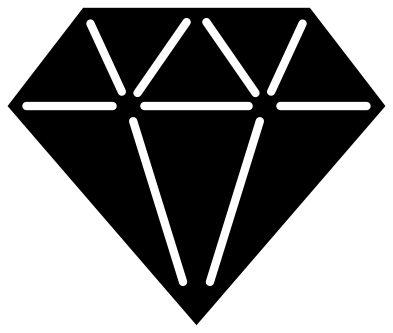 Diamond with facet cuts Solid · one piece
 -
 Solid diamond silhouette Solid · one piece
 -
 Diamond outline Outline · one piece
 -
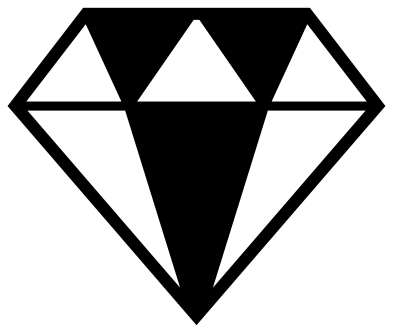 Two-tone faceted diamond Solid · one piece
 -
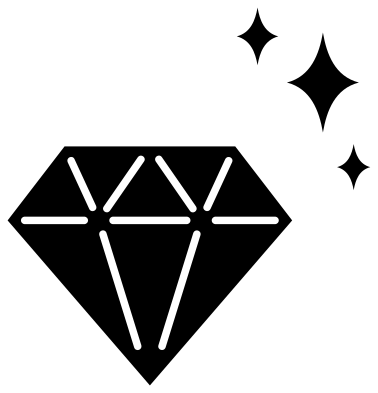 Sparkling diamond Solid · 4 pieces
 -
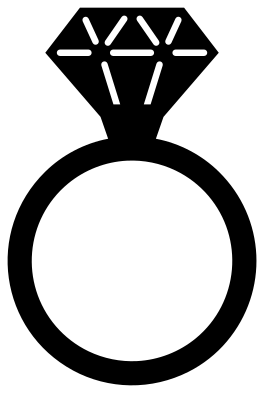 Diamond ring Solid · one piece
 -
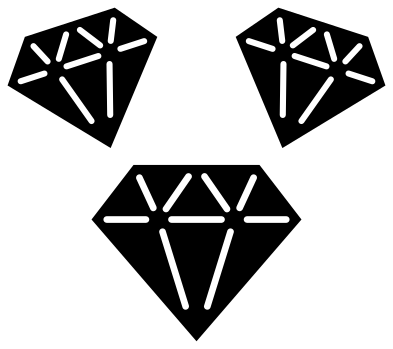 Three diamonds Solid · 3 pieces
 -
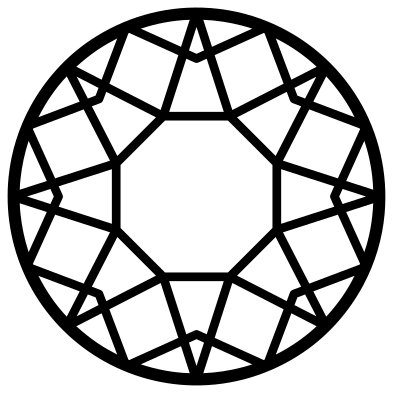 Round diamond from above Outline · one piece
 -
 Emerald-cut gemstone Outline · one piece
 -
 Kite-cut gem Solid · one piece
 -
 Crystal cluster Solid · one piece
 -
 Diamond shape Solid · one piece
 -
 Diamond shape outline Outline · one piece
 -
 Playing card diamond Solid · one piece
 -
 Nested diamonds Solid · one piece
 -
 Diamond monogram frame Outline · one piece
 -
 Diamond border Solid · one piece
 -
 Harlequin diamond pattern Solid · one piece
 -
 Argyle panel Solid · one piece
 -
 Diamond plate pattern Solid · one piece
 -
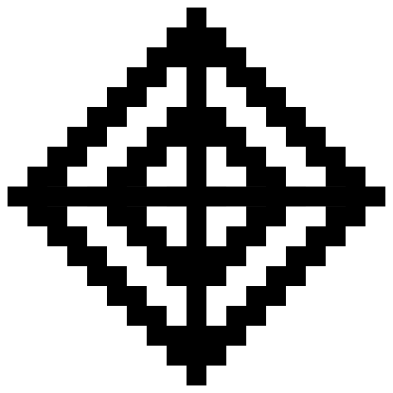 Aztec stepped diamond Solid · one piece
Two kinds of diamond
People search for a diamond and mean one of two things: the cut gemstone, with its flat table, wide girdle and pointed base, or the plain four-sided shape from a pack of cards. This set has both. The gems come as a solid silhouette, as a line drawing, and with the facets cut as slits, which is the version that works best in a single colour of vinyl because it shows the cut and still lifts in one piece.
On the diamond with facet cuts the slits are about 2 mm wide at the full 100 mm size. Scale it down and the slits scale too: below about 40 mm across they get hard to weed in vinyl and may close up when lasered, so switch to the solid silhouette at small sizes. The line drawings have lines of 2 to 3.5 mm at 100 mm and suit pen plotters and foil.
Patterns and panels
The harlequin, argyle and diamond plate designs are square panels 100 mm on a side. Cut them as stencils, or tile them in your software to cover a larger area. Each has its own border, so tiled copies show a frame round every tile: overlap the borders if you want the pattern to run on.
How to open the files
- Cricut Design Space: choose Upload, pick the SVG, and add it to the canvas. Set the width you want; the shape is already welded.
- Silhouette Studio: Designer Edition and above open the SVG. The free Basic Edition does not, so open the DXF instead.
- LightBurn, xTool Creative Space and Glowforge: import the SVG, then set the layer to cut, score or engrave.
- Inkscape, Illustrator and Affinity: open the SVG. It is a plain filled path, so you can recolour it, add a stroke or combine it with your own work.
- Printing or sublimation: use the PNG, which has a transparent background.
Each design page lists the file’s narrowest part at seven sizes, so you can tell whether it will survive at the size you plan to cut.
Questions
Why are the facets cut as slits that do not meet?
If the facet lines met, every facet would be cut free and the diamond would fall into loose triangles. Stopping each slit a few millimetres short leaves small bridges at the corners, so the whole stone comes off the mat as one piece and keeps its shape on transfer tape.
How do I make a two-colour diamond?
Cut the solid diamond silhouette in the darker colour and the diamond outline in the lighter one, both at the same size, and stack the outline on top. The two files share the same outer edge, so they line up exactly.
What size should I cut the diamond ring?
The stone on the ring is small, so its facet slits are fine. Cut the ring at 80 mm tall or more in vinyl, and larger still in wood. For a small charm, the kite-cut gem or the solid silhouette is a better choice.
 Heart SVG
  Star SVG
  Arrow SVG
  Triangle SVG
  Square SVG
  Rectangle SVG