Free square SVG files
Free square SVG files, each drawn by code so every side is equal and every corner is true: plain and rounded outlines, double and dashed frames, scalloped, stitched and zigzag edges, corner brackets, nested squares and a grid. Download any of them as SVG, PNG or DXF.
17 designs. Free for personal and commercial use, no sign-up. What you can do with them.
-
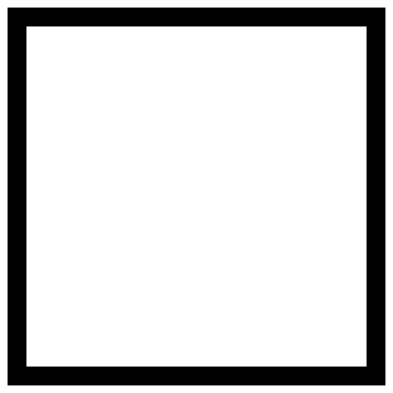 Square outline Outline · one piece
 -
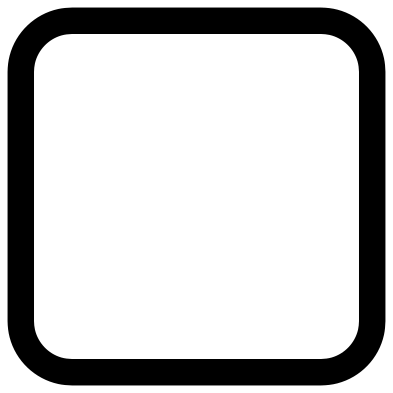 Rounded square outline Outline · one piece
 -
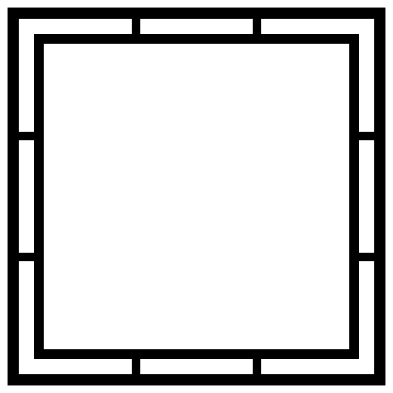 Double square monogram frame Outline · one piece
 -
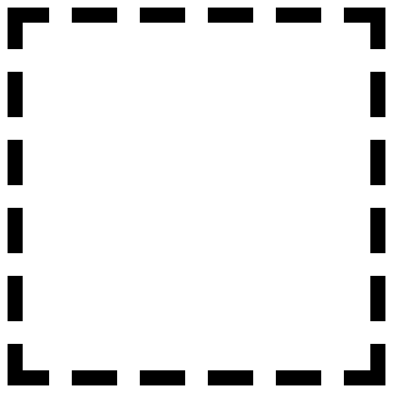 Dashed square Outline · 20 pieces
 -
 Stitched square patch Solid · one piece
 -
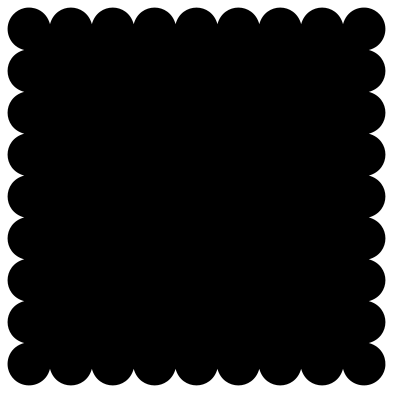 Scalloped square Solid · one piece
 -
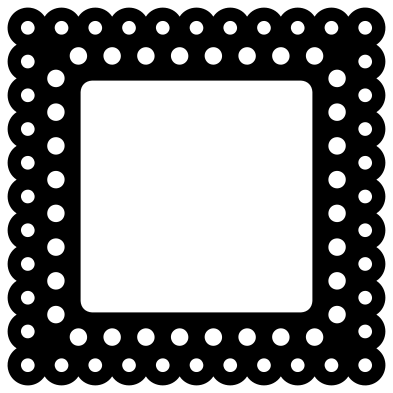 Square doily frame Outline · one piece
 -
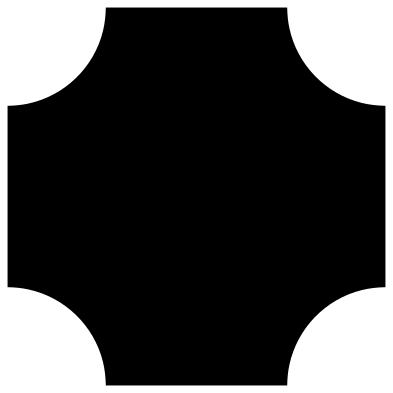 Square plaque with scooped corners Solid · one piece
 -
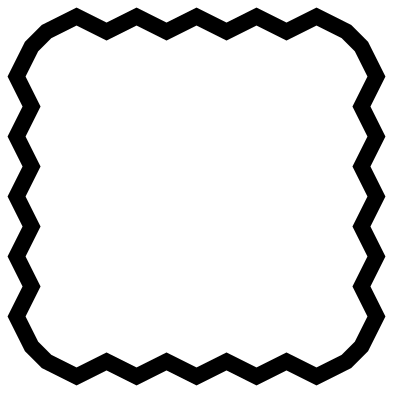 Zigzag square border Outline · one piece
 -
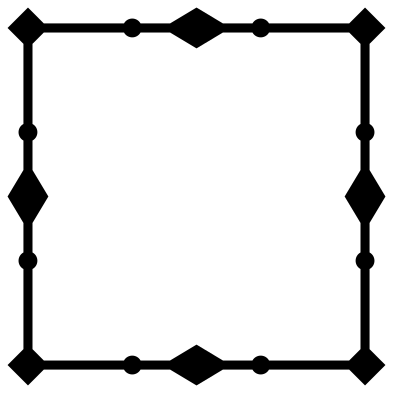 Square border with diamonds Outline · one piece
 -
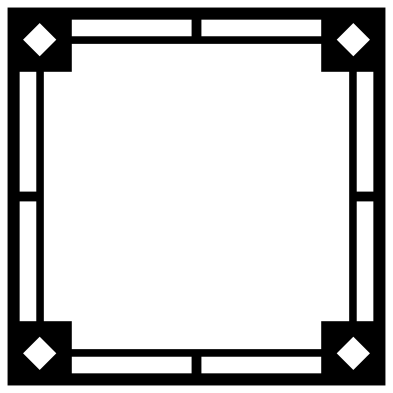 Square frame with corner blocks Outline · one piece
 -
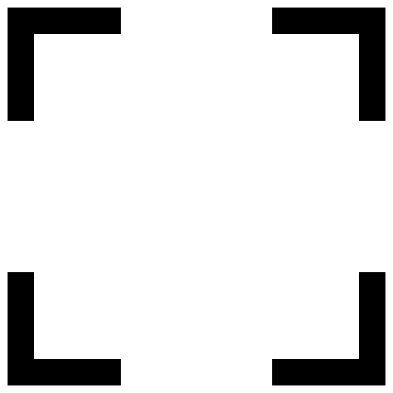 Square corner brackets Outline · 4 pieces
 -
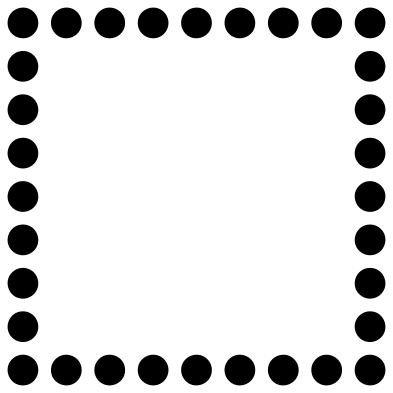 Square of dots Outline · 32 pieces
 -
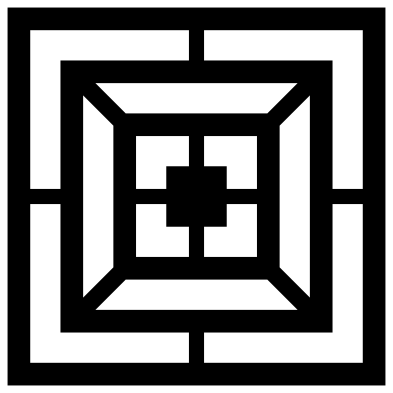 Nested squares Solid · one piece
 -
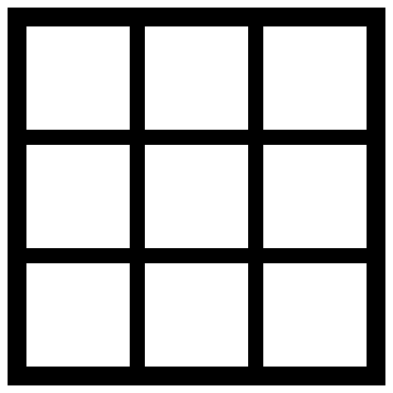 Square grid with nine windows Outline · one piece
 -
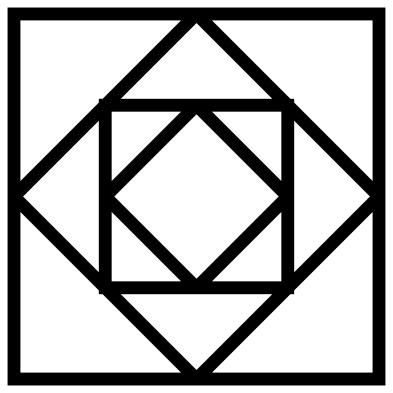 Square in a square Outline · one piece
 -
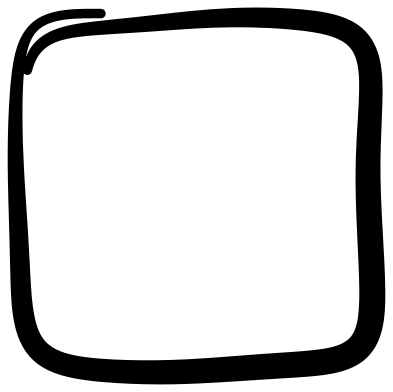 Hand-drawn square Outline · one piece
Using a square as a base, a frame or a tile
Every design here is exactly 100 mm on each side, so any two scaled by the same amount still line up edge to edge. Lay the square outline over the stitched patch for a raised rim, or set the corner brackets round a photo cut to the same size. At full size a square is just under 4 inches, a snug fit on a 4 inch coaster or tile, and at 254 percent it is 10 inches across.
The frames leave a square opening for a monogram, a house number or a photo. Each design page gives the narrowest part at 100 mm: the double frame and the border with diamonds have lines of about 2 mm, which are fine in vinyl and card at any size but should be cut at full size or larger in wood. The rounded square outline, at 7 mm wide, is the one to choose for anything that has to be handled.
Squares with loose pieces
The dashed square, the corner brackets and the square of dots are made of separate pieces, because that is the design. Cut them in adhesive vinyl or iron-on and lift them together with transfer tape so the spacing stays exact. For paper, wood or acrylic choose the stitched patch or the doily frame instead: they give a broken-line or dotted look in a single piece.
How to open the files
- Cricut Design Space: choose Upload, pick the SVG, and add it to the canvas. Set the width you want; the shape is already welded.
- Silhouette Studio: Designer Edition and above open the SVG. The free Basic Edition does not, so open the DXF instead.
- LightBurn, xTool Creative Space and Glowforge: import the SVG, then set the layer to cut, score or engrave.
- Inkscape, Illustrator and Affinity: open the SVG. It is a plain filled path, so you can recolour it, add a stroke or combine it with your own work.
- Printing or sublimation: use the PNG, which has a transparent background.
Each design page lists the file’s narrowest part at seven sizes, so you can tell whether it will survive at the size you plan to cut.
Questions
Why is there no plain solid square?
A plain square is one click in any cutting program: choose Square from the Shapes menu in Cricut Design Space, or hold Shift while you draw a rectangle in Silhouette Studio. The files here are the versions that take some drawing. Make your plain square 100 mm on each side and it will match every frame in the set.
How do I keep a square from turning into a rectangle when I resize it?
Keep the proportions locked. In Cricut Design Space leave the padlock above the size boxes closed, and in Silhouette Studio drag a corner handle, not a side handle. Type the same number for width and height if you want to be sure.
Can I tile these squares into a pattern?
Yes. The scalloped square, the square in a square and the nested squares all repeat well. Copy the design, move the copy exactly 100 mm (or the size you scaled to) across or down, and repeat. Weld the copies if you want them to cut as one sheet.
 Heart SVG
  Star SVG
  Arrow SVG
  Diamond SVG
  Triangle SVG
  Rectangle SVG