Free rectangle SVG files
Free rectangle SVG files, each drawn by code with true right angles and even corners: rounded rectangles and outlines in 3:2, 4:3 and 2:1, a hollow rectangle, dashed, stitched, scalloped and beaded versions, and label shapes such as a name plate and a ticket. Download any of them as SVG, PNG or DXF.
16 designs. Free for personal and commercial use, no sign-up. What you can do with them.
-
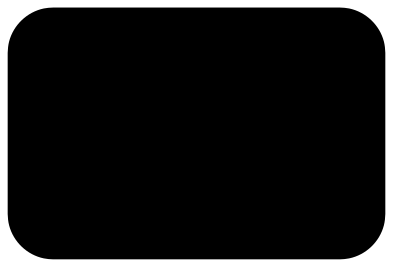 Rounded rectangle Solid · one piece
 -
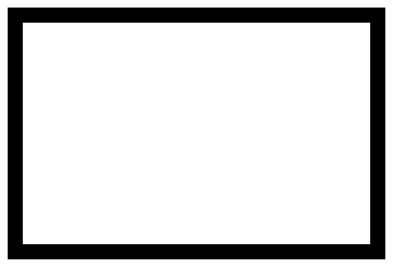 Rectangle outline Outline · one piece
 -
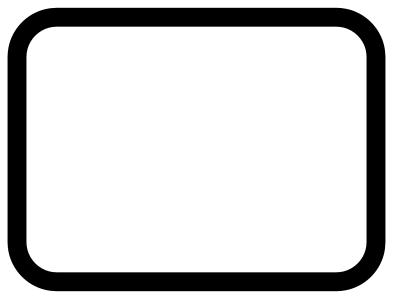 Rectangle outline with rounded corners Outline · one piece
 -
 Hollow rectangle Outline · one piece
 -
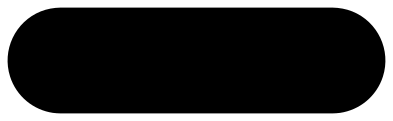 Round-ended rectangle Solid · one piece
 -
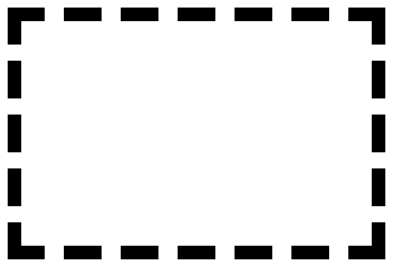 Dashed rectangle Outline · 20 pieces
 -
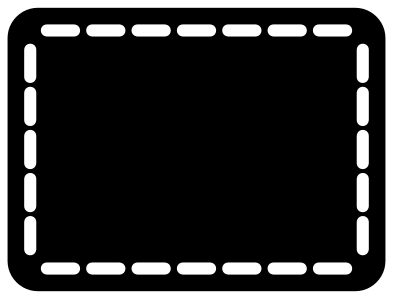 Stitched rectangle patch Solid · one piece
 -
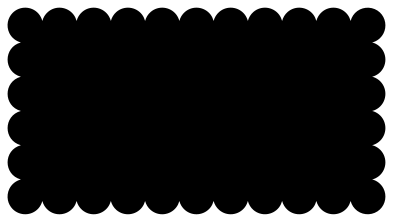 Scalloped rectangle Solid · one piece
 -
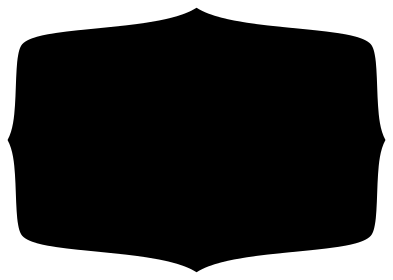 Fancy rectangle label Solid · one piece
 -
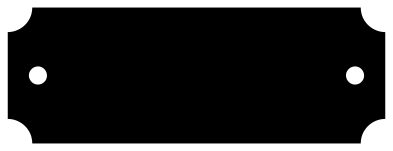 Rectangle name plate Solid · one piece
 -
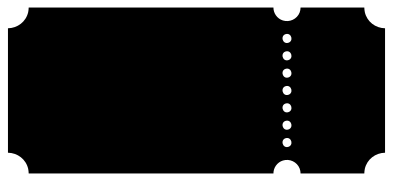 Rectangle ticket Solid · one piece
 -
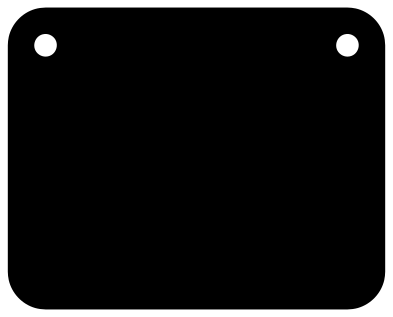 Rectangle sign blank with two holes Solid · one piece
 -
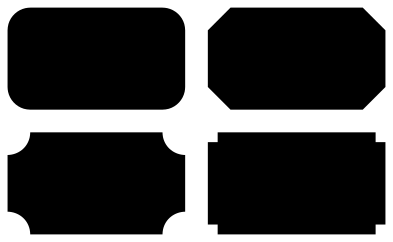 Rectangle label shapes, set of four Solid · 4 pieces
 -
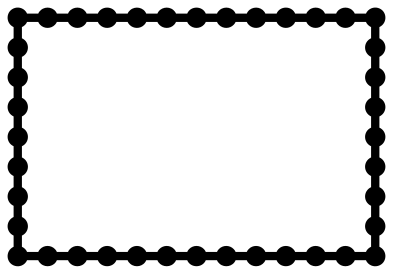 Beaded rectangle border Outline · one piece
 -
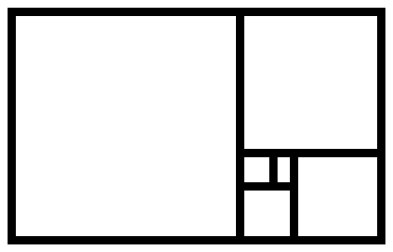 Golden rectangle Outline · one piece
 -
 Hand-drawn rectangle Outline · one piece
Choosing a proportion
A rectangle is defined by its proportion, so each file says which one it uses. The 3:2 rectangle (100 by 66.7 mm) matches a 6 by 4 inch photo or index card. The 4:3 rectangle (100 by 75 mm) is the shape of older screens and many tablets. The 2:1 rectangle is twice as wide as it is tall and suits signs and name plates. The golden rectangle, about 1.618 to 1, has long been a favourite of artists and designers.
If you need a different proportion, it is better to choose the file whose shape is closest than to stretch one. Stretching makes the top and bottom of an outline a different width from its sides, and turns round corners, scallops and beads into ovals. Scale these files with the proportions locked. For an odd size with plain square corners, draw the rectangle in your cutting software and type in its width and height.
Labels, plates and tickets
The label shapes are solid, so they cut as a base to put lettering on: cut the label in one colour and the words in another, or engrave the words into a wooden plate. The name plate has two holes of 4.8 mm at 100 mm wide, which take a small screw or a ribbon. On the ticket, the row of holes that marks off the stub is fine: each hole is 2.4 mm across, so cut it at full size or larger, or delete the holes for a small ticket.
How to open the files
- Cricut Design Space: choose Upload, pick the SVG, and add it to the canvas. Set the width you want; the shape is already welded.
- Silhouette Studio: Designer Edition and above open the SVG. The free Basic Edition does not, so open the DXF instead.
- LightBurn, xTool Creative Space and Glowforge: import the SVG, then set the layer to cut, score or engrave.
- Inkscape, Illustrator and Affinity: open the SVG. It is a plain filled path, so you can recolour it, add a stroke or combine it with your own work.
- Printing or sublimation: use the PNG, which has a transparent background.
Each design page lists the file’s narrowest part at seven sizes, so you can tell whether it will survive at the size you plan to cut.
Questions
How do I change the corner radius of a rounded rectangle?
The radius is part of the outline, so it scales with the file: at 50 mm wide the 12 mm corners become 6 mm. For a different radius at the same size, draw a rectangle in your software and use its own corner control: the corner handles in Silhouette Studio, or the Rx and Ry boxes in Inkscape.
What size is a 3:2 rectangle in inches?
Any size where the width is one and a half times the height: 3 by 2, 6 by 4, 9 by 6 or 12 by 8 inches. To fit a 6 by 4 inch photo, scale the 100 mm file to 152.4 percent.
Which rectangle should I use as a base for a name or a word?
For a short word, the round-ended rectangle or the name plate, which are long and low. For two or three lines, the rounded rectangle or the fancy label. Size the base first, then scale the lettering to leave a margin of about a tenth of the height all round.
 Heart SVG
  Star SVG
  Arrow SVG
  Diamond SVG
  Triangle SVG
  Square SVG