Free banner SVG files
Free banner SVG files: ribbon banners with folded ends, curved and wavy ribbons, bunting rows, a scroll and plain shapes to put your own words on. Each is drawn by code, so the folds are square and both ends match, and each downloads as SVG, PNG or DXF.
20 designs. Free for personal and commercial use, no sign-up. What you can do with them.
-
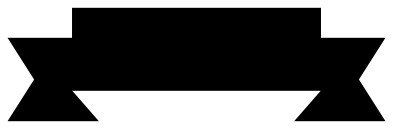 Ribbon banner with folded ends Solid · one piece
 -
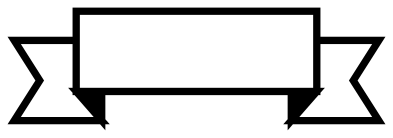 Ribbon banner outline Outline · one piece
 -
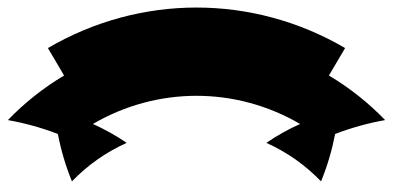 Curved ribbon banner Solid · one piece
 -
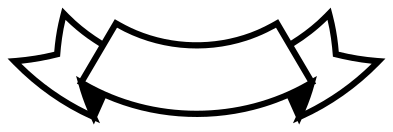 Curved banner outline, sagging Outline · one piece
 -
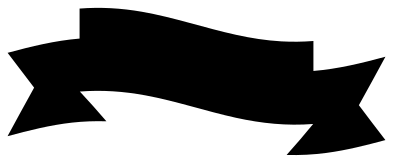 Wavy ribbon banner Solid · one piece
 -
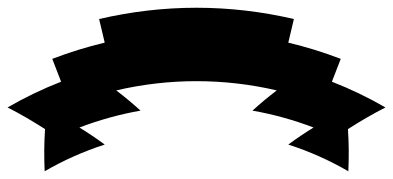 Fancy double-fold banner Solid · one piece
 -
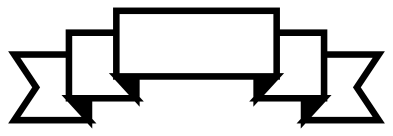 Double-fold banner outline Outline · one piece
 -
 Plain banner with notched ends Solid · one piece
 -
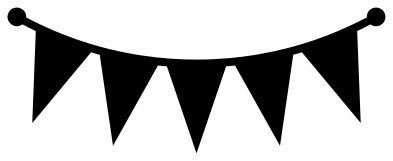 Pennant bunting Solid · one piece
 -
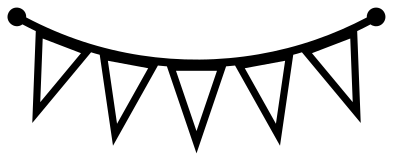 Pennant bunting outline Outline · one piece
 -
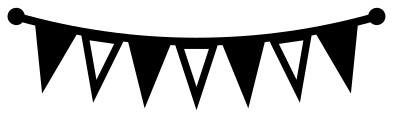 Triangle banner in solid and open flags Solid · one piece
 -
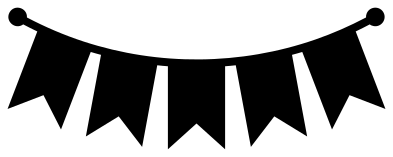 Swallowtail bunting Solid · one piece
 -
 Scalloped bunting Solid · one piece
 -
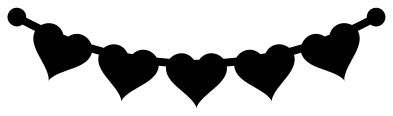 Heart bunting Solid · one piece
 -
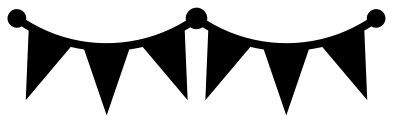 Party bunting with two swags Solid · one piece
 -
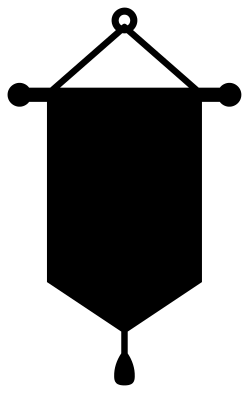 Hanging pennant banner on a rod Solid · one piece
 -
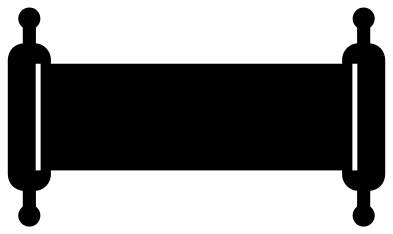 Scroll banner with rolled ends Solid · one piece
 -
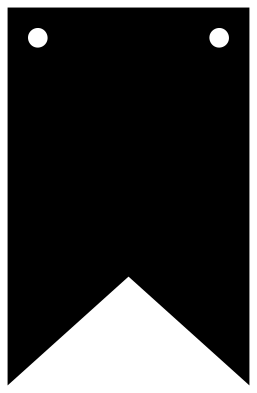 Banner flag template with string holes Solid · one piece
 -
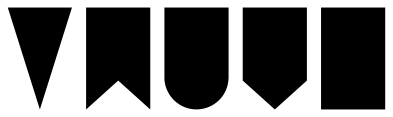 Banner shapes, set of five Solid · 5 pieces
 -
 Layered ribbon banner in three colours Layered · 4 pieces
Putting words on a banner
Every ribbon here has an empty front band for text. On the classic ribbon the band is 66 mm long and 22 mm tall at the file size of 100 mm wide, which takes one short line: a name, a date or a two-word greeting. Scale the whole banner up rather than squeezing the letters, and keep the text height to about half the height of the band so it does not crowd the edges.
For the curved banners, type the text and use the curve or text-on-path tool in your cutting software until the letters follow the band. To cut the words out of the ribbon, slice the text from the band. To add them in a second colour, cut the text on its own and layer it on top.
Ribbons, bunting and real hanging banners
The bunting rows are single pieces: the flags are welded to the string, so they cut as one decal, card topper or cake topper. They are pictures of a banner, not a banner to hang.
To make a banner that hangs, use the flag template. Scale it to the height you want, cut one flag per letter from card of 200 gsm or more, and thread string through the two holes. At 150 mm tall each flag is 96 mm wide, so two fit side by side on a sheet of A4 or US Letter.
When cutting ribbons from vinyl, weed from the band outwards. The inside corner where each tail meets the band is sharp, and pulling towards it keeps the tails from lifting.
How to open the files
- Cricut Design Space: choose Upload, pick the SVG, and add it to the canvas. Set the width you want; the shape is already welded.
- Silhouette Studio: Designer Edition and above open the SVG. The free Basic Edition does not, so open the DXF instead.
- LightBurn, xTool Creative Space and Glowforge: import the SVG, then set the layer to cut, score or engrave.
- Inkscape, Illustrator and Affinity: open the SVG. It is a plain filled path, so you can recolour it, add a stroke or combine it with your own work.
- Printing or sublimation: use the PNG, which has a transparent background.
Each design page lists the file’s narrowest part at seven sizes, so you can tell whether it will survive at the size you plan to cut.
Questions
How do I make text follow a curved banner?
Type the text in your cutting or drawing software, then use its curve or text-on-path tool and adjust the amount until the letters sit parallel to the band. Use the arched ribbon for text that curves upwards and the sagging one for text that curves downwards.
Can I cut a ribbon banner in two colours?
Yes. The layered ribbon banner has the ribbon, its two fold shadows and a pale panel for the band as separate layers. Cut each from its own colour and stack them. With any of the solid ribbons you can also cut a second copy in a darker colour and trim it down to the tails.
How do I make a hanging banner with one letter on each flag?
Use the banner flag template. Make one copy per letter, place a letter in the square upper part of each flag, and cut. The two holes near the top corners take string or thin ribbon; thread it behind each flag so the flags sit flat.
 Crown SVG
  Bow SVG
  Gift tag SVG
  Heart SVG
  Star SVG
  Arrow SVG