Free gift tag SVG files
Free gift tag SVG files: blank tags in more than ten outlines, tags with a heart, star, tree or snowflake cut from them, and sheets of four. Every tag has its string hole already in place and cuts as a clean closed shape.
21 designs. Free for personal and commercial use, no sign-up. What you can do with them.
-
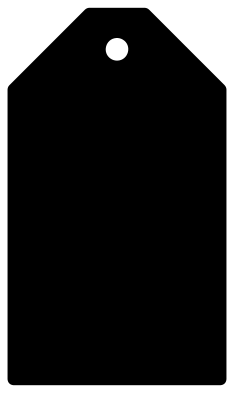 Classic gift tag Solid · one piece
 -
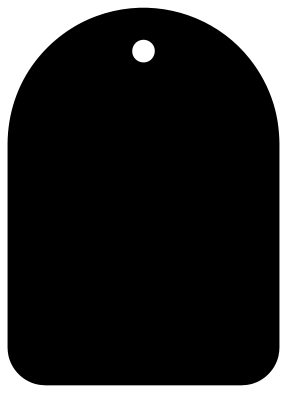 Round-top gift tag Solid · one piece
 -
 Pointed hang tag Solid · one piece
 -
 Ticket gift tag with scooped corners Solid · one piece
 -
 Gift tag with a bracket top Solid · one piece
 -
 Scalloped rectangle gift tag Solid · one piece
 -
 Scalloped round gift tag Solid · one piece
 -
 Round gift tag with a tab Solid · one piece
 -
 Hexagon gift tag Solid · one piece
 -
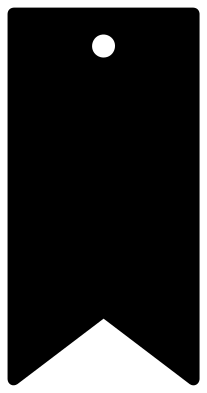 Banner gift tag with a swallowtail Solid · one piece
 -
 Price tag Solid · one piece
 -
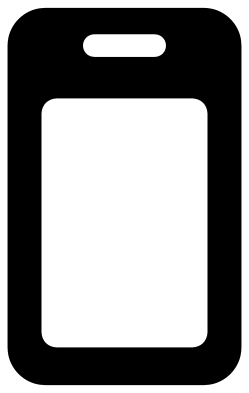 Luggage tag with a window Solid · one piece
 -
 Gift tag with a heart cut-out Solid · one piece
 -
 Gift tag with a star cut-out Solid · one piece
 -
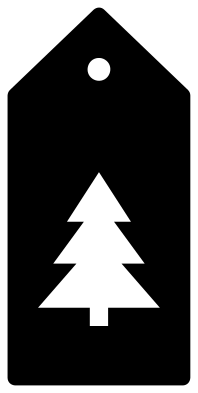 Gift tag with a Christmas tree cut-out Solid · one piece
 -
 Round gift tag with a snowflake Solid · one piece
 -
 Stocking gift tag Solid · one piece
 -
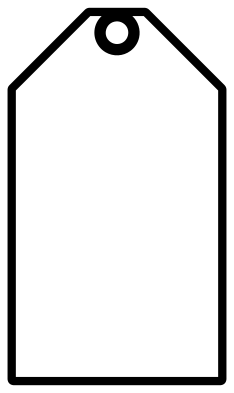 Classic gift tag outline Outline · one piece
 -
 Scalloped gift tag outline Outline · one piece
 -
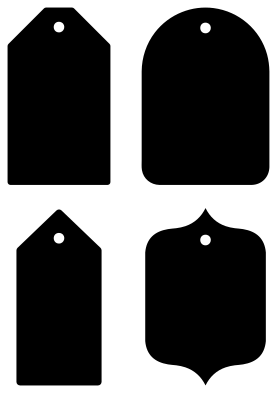 Sheet of four gift tag shapes Solid · 4 pieces
 -
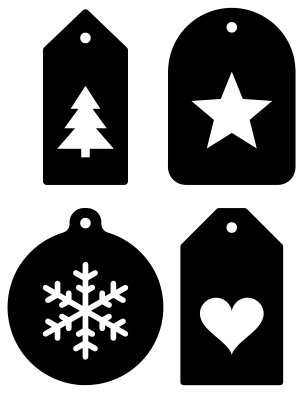 Sheet of four Christmas gift tags Solid · 4 pieces
Sizes, card and string
Each single tag is 100 mm on its longer side, a little larger than a shop tag, with a string hole about 6 mm across. For a standard tag, scale it to 80 or 90 mm: the hole comes down to about 5 mm, which still takes baker’s twine, raffia and 3 mm ribbon. Below 50 mm the hole gets tight for anything but thread.
Cut tags from card of 250 gsm or heavier so they hang flat, or from kraft card for a parcel look. They also cut well from 1.5 mm and 3 mm plywood, leather and acrylic, where the plain outlines have no thin parts to worry about.
Tags with cut-outs
The heart, star, tree and snowflake tags have the shape cut right through. Glue a second tag in a contrasting colour behind, or leave it open so the wrapping paper shows. Keep these at 70 mm or taller, so the card between the cut-out and the edge of the tag stays strong.
How to open the files
- Cricut Design Space: choose Upload, pick the SVG, and add it to the canvas. Set the width you want; the shape is already welded.
- Silhouette Studio: Designer Edition and above open the SVG. The free Basic Edition does not, so open the DXF instead.
- LightBurn, xTool Creative Space and Glowforge: import the SVG, then set the layer to cut, score or engrave.
- Inkscape, Illustrator and Affinity: open the SVG. It is a plain filled path, so you can recolour it, add a stroke or combine it with your own work.
- Printing or sublimation: use the PNG, which has a transparent background.
Each design page lists the file’s narrowest part at seven sizes, so you can tell whether it will survive at the size you plan to cut.
Questions
How do I write or print on a tag before cutting it?
In your cutting software, put your text or picture on top of the tag and use print then cut: the printer prints the artwork and the machine cuts the tag outline round it. With a pen tool, set the writing to draw and the tag outline to cut, and both happen in one pass.
How many tags fit on one sheet?
At 80 mm tall the classic tag is about 46 mm wide, so an A4 or US Letter sheet takes twelve: three rows of four, with room to spare at the edges. For a mixed set, the two sheets of four small tags here are already laid out to cut together.
Can I add a fold to make a small card tag?
Yes. Mirror a copy of the tag along one long side, weld the two, and change the shared line to a score line. Delete one of the two holes if you want the string to go through the front only.
 Crown SVG
  Banner SVG
  Bow SVG
  Heart SVG
  Star SVG
  Arrow SVG