Free 3D snowflake SVG files
Free 3D snowflake SVG templates: snowflakes in two and three pieces that slot together, a sheet of two ornaments, the big hanging snowflake rolled from six slit squares, a snowflake that folds into relief, a ball of eight vanes, a snowflake on a stand and a stacked one in three layers.
10 designs. Free for personal and commercial use, no sign-up. What you can do with them.
-
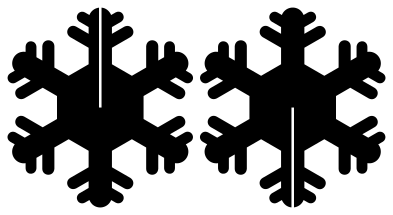 3D snowflake in two slotted pieces Solid · 2 pieces
 -
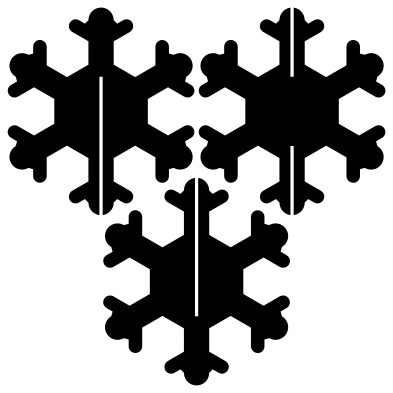 3D snowflake in three slotted pieces Solid · 3 pieces
 -
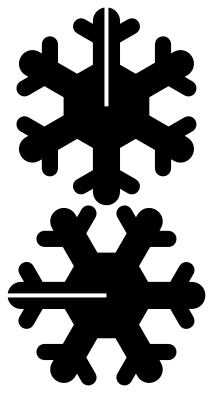 Simple 3D snowflake for small hands Solid · 2 pieces
 -
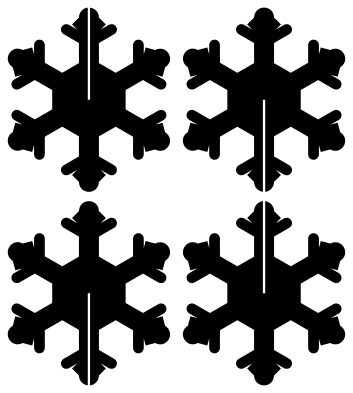 3D snowflake ornaments: two on one sheet Solid · 4 pieces
 -
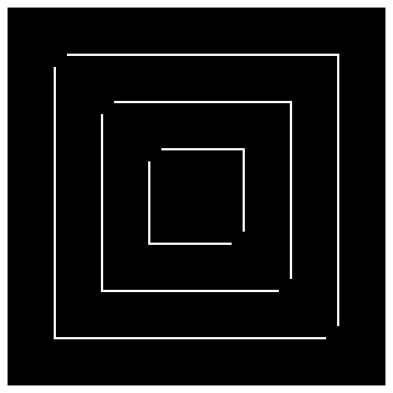 3D snowflake arm from a slit square Solid · one piece
 -
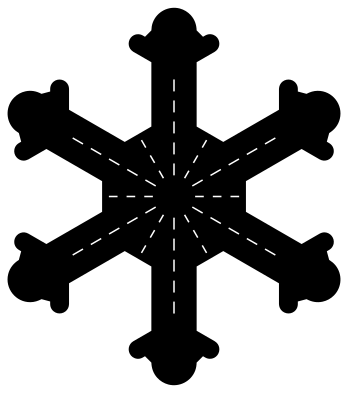 3D snowflake to fold into relief Solid · one piece
 -
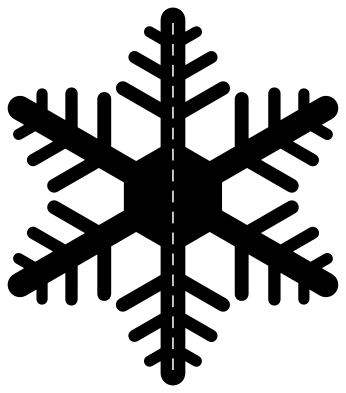 3D snowflake ball from folded halves Solid · one piece
 -
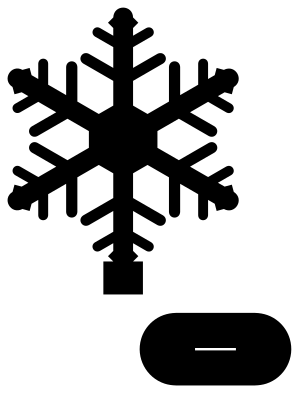 3D snowflake on a slotted stand Solid · 2 pieces
 -
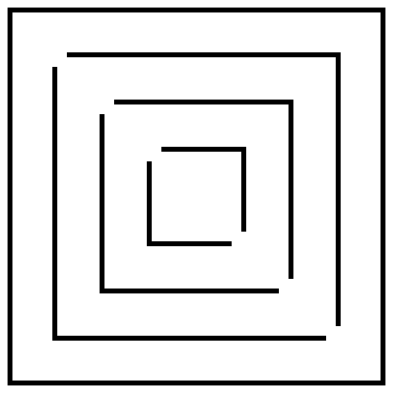 3D snowflake arm to print and cut by hand Outline · 7 pieces
 -
 3D snowflake in three stacked layers Layered · 3 pieces
How each one becomes 3D
The slotted snowflakes are flat pieces with a narrow slot along the upright arm. In the two-piece ones, one slot runs from the top tip to the middle and the other from the bottom tip to the middle, so the pieces slide into each other and lock at right angles. In the three-piece one each piece is left solid along a different third of the axis, and the three cross sixty degrees apart.
The rolled snowflake is the classroom classic made exact: six squares, each with three nested squares cut in it that stay joined at two opposite corners. Rolling the free corners of each nested square together, first to the front and then to the back, turns the square into a twisted arm. The relief snowflake and the ball need no slots at all, only the fold lines, which are cut as rows of short slits.
Matching the slot to your material
A slot has to be as wide as the material is thick, or a little wider. The slots are 0.6 mm wide in the file at 100 mm, so they grow with the size you cut: each note gives the slot width at its suggested size. For 3 mm plywood on a laser, scale a two-piece snowflake until its slot measures 3 mm, which makes each piece about 240 mm tall, or widen the slot in your software before cutting smaller.
For paper and thin card, a slot wider than the card is no problem: add a dot of glue where the pieces cross. The rolled snowflake wants ordinary 80 to 120 gsm paper, which rolls without creasing; card is too stiff for it. Hang any of them by a thread through the gap at the top of a slot or round an arm.
How to open the files
- Cricut Design Space: choose Upload, pick the SVG, and add it to the canvas. Set the width you want; the shape is already welded.
- Silhouette Studio: Designer Edition and above open the SVG. The free Basic Edition does not, so open the DXF instead.
- LightBurn, xTool Creative Space and Glowforge: import the SVG, then set the layer to cut, score or engrave.
- Inkscape, Illustrator and Affinity: open the SVG. It is a plain filled path, so you can recolour it, add a stroke or combine it with your own work.
- Printing or sublimation: use the PNG, which has a transparent background.
Each design page lists the file’s narrowest part at seven sizes, so you can tell whether it will survive at the size you plan to cut.
Questions
How big is the rolled snowflake?
Each arm is as long as the diagonal of its square, so six squares of 150 mm make a snowflake about 420 mm across, and six squares of 210 mm, the width of A4, make one about 590 mm across.
Do the slotted pieces need glue?
Not if the slot matches the material: friction holds them. In thin card, where the slot is wider than the card, put a dot of glue at the middle where the pieces cross.
Which way do I fold the relief snowflake?
The six lines that run along the arms fold up into ridges, and the six short lines between the arms fold down into valleys. Crease all twelve before you shape it.
 Snowflake SVG
  Christmas tree SVG
  Ornament SVG
  Snowman SVG
  Santa hat SVG
  Candy cane SVG