Free wave SVG files
Free wave SVG files: curling ocean waves, rolling swells, wave borders, a seamless wave pattern and waves in a circle. Every curve is smooth and every shape is closed, ready to download as SVG, PNG or DXF.
15 designs. Free for personal and commercial use, no sign-up. What you can do with them.
-
 Curling ocean wave Solid · one piece
 -
 Simple wave Solid · one piece
 -
 Crashing wave with foam Solid · one piece
 -
 Two waves Solid · one piece
 -
 Wave border Solid · one piece
 -
 Wave in a circle Solid · one piece
 -
 Wave and sun Solid · one piece
 -
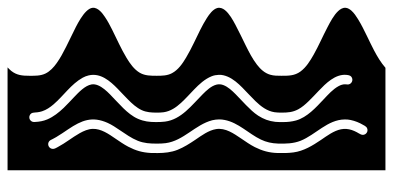 Rolling ocean waves Solid · one piece
 -
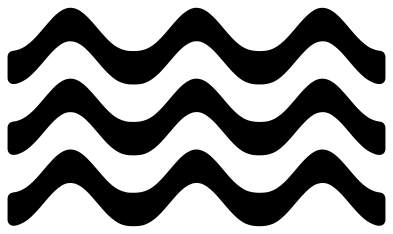 Three water waves Solid · 3 pieces
 -
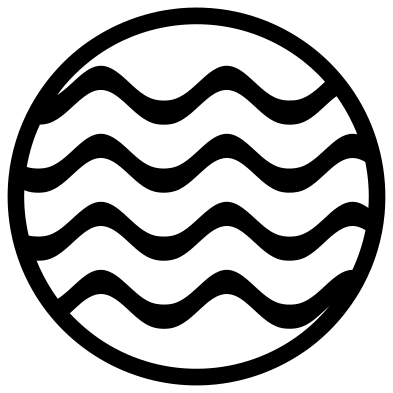 Wave lines in a circle Solid · one piece
 -
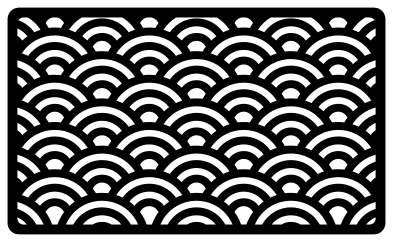 Seamless wave pattern Solid · one piece
 -
 Layered sea waves in three blues Layered · 3 pieces
 -
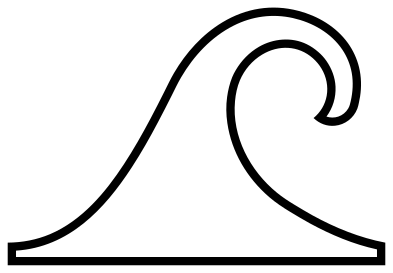 Ocean wave outline Outline · one piece
 -
 Sine wave line Outline · one piece
 -
 Sound wave Solid · one piece
Smooth curves are the whole point
A wave is nothing but curves, so a rough file shows at once: flat spots on the crest, or a blade that stutters round the lip. These waves are written as a small number of long curves, with a sharp corner only where the lip turns in. That keeps a cutting machine moving steadily, which matters most in vinyl and when drawing with a pen.
The curling waves are solid and bold. The stripes inside them are about 2.3 mm wide at the 100 mm size of the file and end before the outline, so the wave never falls apart. At 50 mm wide they are near the limit for card; below that, use the simple wave, which has no stripes.
Borders, patterns and loose pieces
The wave border is made to repeat: both ends finish at the same height on a flat base, so copies placed end to end weld into one strip. The seamless wave pattern is a framed panel; cut it as it is for a coaster or card front. The three water waves are separate bands, so keep them on transfer tape to hold their spacing.
How to open the files
- Cricut Design Space: choose Upload, pick the SVG, and add it to the canvas. Set the width you want; the shape is already welded.
- Silhouette Studio: Designer Edition and above open the SVG. The free Basic Edition does not, so open the DXF instead.
- LightBurn, xTool Creative Space and Glowforge: import the SVG, then set the layer to cut, score or engrave.
- Inkscape, Illustrator and Affinity: open the SVG. It is a plain filled path, so you can recolour it, add a stroke or combine it with your own work.
- Printing or sublimation: use the PNG, which has a transparent background.
Each design page lists the file’s narrowest part at seven sizes, so you can tell whether it will survive at the size you plan to cut.
Questions
Which way does the wave break?
To the right in every design here. To make it break to the left, flip the design horizontally in your cutting software. Nothing in the files depends on direction.
How do I make a longer wave border?
Duplicate the wave border, move the copy along until its base overlaps the first by a millimetre or two, and weld. Each copy adds four waves and 100 mm of length at the file size.
Is the wave pattern a single piece?
Yes. Every arc touches the scales that overlap it and the frame holds the edges, so the panel lifts off the mat in one piece. It has many small openings, so cut it at 100 mm wide or more.
 Flower SVG
  Sunflower SVG
  Butterfly SVG
  Rose SVG
  Daisy SVG
  Leaf SVG