Free Trick or Treat SVG files
“Trick or Treat” as 13 cut files, set in seven typefaces and finished six ways: welded scripts, block capitals, an outline, a stencil plate and a two-colour version. Each is drawn from the letter shapes and measured.
13 designs. Free for personal and commercial use, no sign-up. What you can do with them.
-
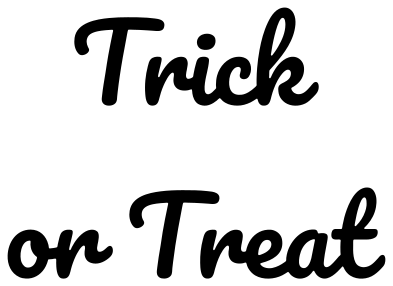 Trick or Treat in Pacifico Solid · 6 pieces
 -
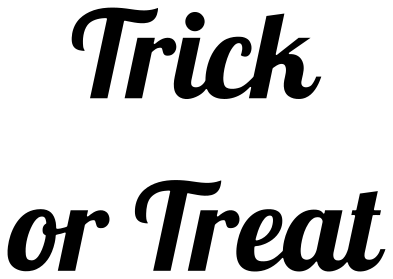 Trick or Treat in Lobster Solid · 8 pieces
 -
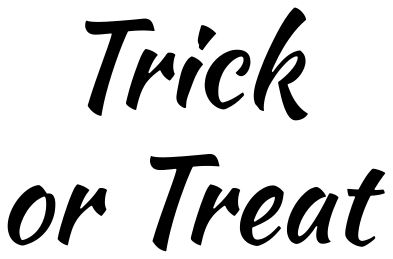 Trick or Treat in Kaushan Script Solid · 13 pieces
 -
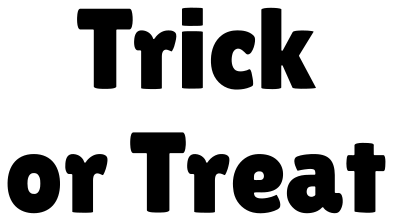 Trick or Treat in Lilita One Solid · 13 pieces
 -
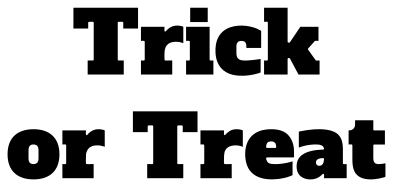 Trick or Treat in Alfa Slab One Solid · 13 pieces
 -
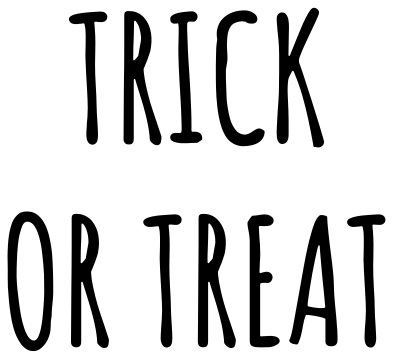 Trick or Treat in Amatic SC Solid · 12 pieces
 -
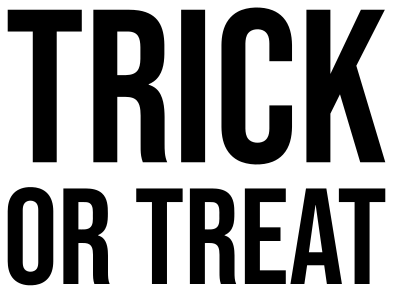 Trick or Treat in block capitals Solid · 12 pieces
 -
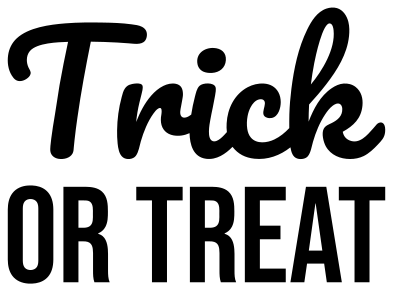 Trick or Treat in script and capitals Solid · 10 pieces
 -
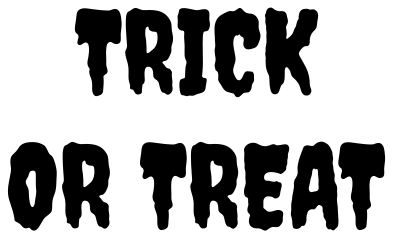 Trick or Treat in Creepster Solid · 12 pieces
 -
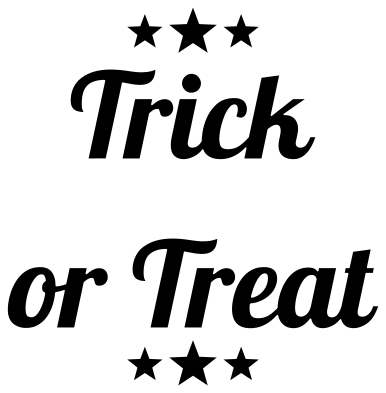 Trick or Treat with stars Solid · 14 pieces
 -
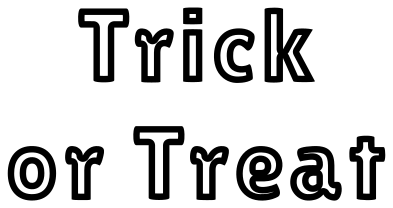 Trick or Treat outline lettering Outline · 14 pieces
 -
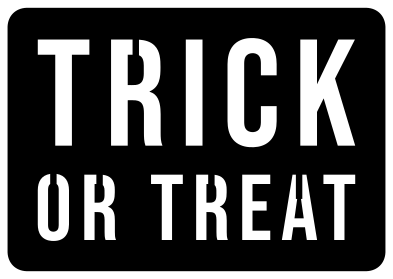 Trick or Treat stencil plate Solid · one piece
 -
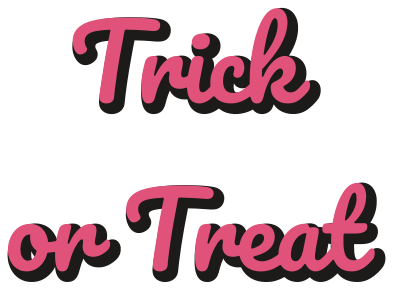 Trick or Treat with a drop shadow Layered · 11 pieces
Using “Trick or Treat”
What goes on the bag itself. A tote or pillowcase for collecting sweets takes a design 200 to 250 mm wide in heat-transfer vinyl; mirror it before cutting. For a bucket or a pumpkin pail, permanent vinyl at 100 mm follows the curve without creasing.
Which version cuts most easily
Lettering is many small pieces, and the count differs by typeface. The stencil plate is always a single piece. The script versions weld the letters of each word together, leaving only dots and separate words loose. The block capitals and slab versions are one piece per letter, with thick strokes that weed easily. Each design’s page lists its piece count and its narrowest part at seven sizes.
How to open the files
- Cricut Design Space: choose Upload, pick the SVG, and add it to the canvas. Set the width you want; the shape is already welded.
- Silhouette Studio: Designer Edition and above open the SVG. The free Basic Edition does not, so open the DXF instead.
- LightBurn, xTool Creative Space and Glowforge: import the SVG, then set the layer to cut, score or engrave.
- Inkscape, Illustrator and Affinity: open the SVG. It is a plain filled path, so you can recolour it, add a stroke or combine it with your own work.
- Printing or sublimation: use the PNG, which has a transparent background.
Each design page lists the file’s narrowest part at seven sizes, so you can tell whether it will survive at the size you plan to cut.
Questions
Should I mirror it for a tote bag?
Yes, for heat-transfer vinyl, which is cut from the back. Lettering shows a mirror mistake at once, so check the preview before cutting.
Can I change the wording or the typeface?
Not on this page: each file is finished artwork. The typefaces are Pacifico, Lobster, Kaushan Script, Lilita One, Alfa Slab One, Amatic SC and Bebas Neue, all free to install, so you can set your own words in the same lettering in your cutting software.
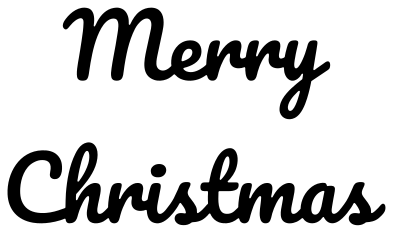 Merry Christmas
 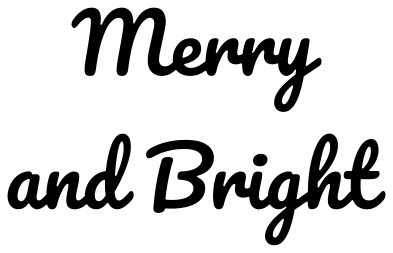 Merry and Bright
 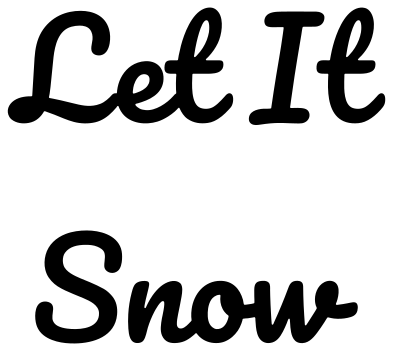 Let It Snow
  Ho Ho Ho
  Joy
Joy  Believe