Free location pin SVG files
Free location pin SVG files: the teardrop map marker with a hole, solid and in outline, on its shadow, as a square marker and as a frame, with a heart-shaped pin, a home pin and a pair with a heart and a star, plus a push pin, a folded map, a route between two pins and a target sign. A generic marker, drawn from a circle and two tangents.
14 designs. Free for personal and commercial use, no sign-up. What you can do with them.
-
 Classic location pin Solid · one piece
 -
 Solid location pin Solid · one piece
 -
 Location pin outline Outline · 2 pieces
 -
 Location pin on its shadow Solid · one piece
 -
 Square map marker with a location pin point Solid · one piece
 -
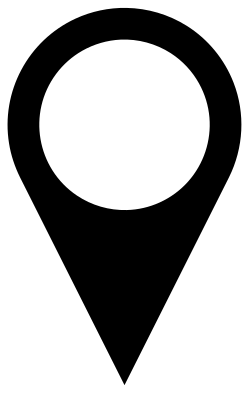 Location pin frame for an initial Solid · one piece
 -
 Two location pins with a heart and a star Solid · one piece
 -
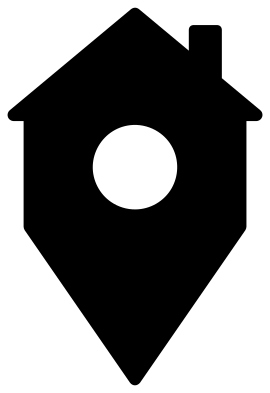 Home location pin Solid · one piece
 -
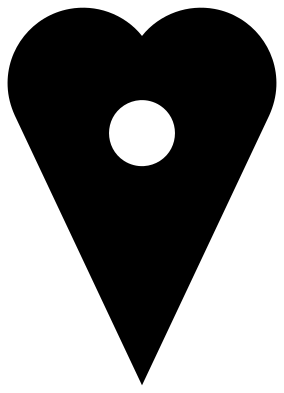 Heart-shaped location pin Solid · one piece
 -
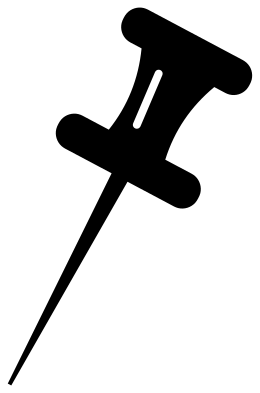 Push pin for a location on a map Solid · one piece
 -
 Location pin on a folded map Solid · one piece
 -
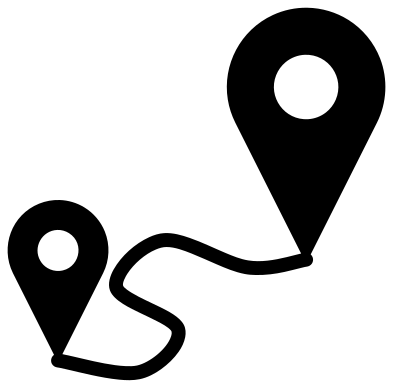 Location pin route from start to finish Solid · one piece
 -
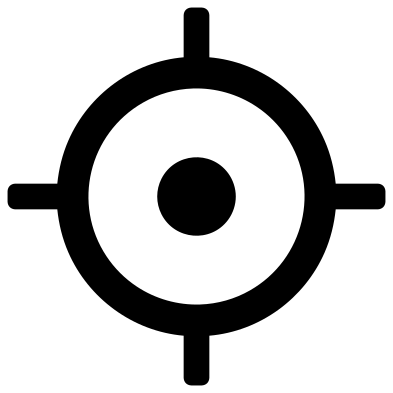 Location pin target sign Solid · 2 pieces
 -
 Layered location pin in three colours Layered · 3 pieces
A circle and two straight lines
The map pin is a circle with two straight sides that leave it as tangents and meet in a point. Drawn that way there is no bump where the head becomes the tail, which is what makes a pin look right. In these files the head is 62 mm across when the pin is 100 mm tall, and the hole is 25 mm. The point is sharp, so on vinyl press it down last and on a laser expect a slightly rounded tip.
For a map of places you have been, cut the solid pin at 10 to 15 mm tall in permanent vinyl, in two colours. At that size leave out the hole: use the solid pin. From 25 mm up the classic pin weeds cleanly.
Wedding maps, address cards and travel pages
The pair of pins with a heart and a star marks where a couple met and married on a map print. The home pin is for change-of-address cards and housewarming gifts. The frame pin has a 45 mm opening for an initial or a photograph, and the route joins two pins with a winding line for a road trip page. The push pin is the odd one out: it is the real object, for cork boards and classroom displays.
How to open the files
- Cricut Design Space: choose Upload, pick the SVG, and add it to the canvas. Set the width you want; the shape is already welded.
- Silhouette Studio: Designer Edition and above open the SVG. The free Basic Edition does not, so open the DXF instead.
- LightBurn, xTool Creative Space and Glowforge: import the SVG, then set the layer to cut, score or engrave.
- Inkscape, Illustrator and Affinity: open the SVG. It is a plain filled path, so you can recolour it, add a stroke or combine it with your own work.
- Printing or sublimation: use the PNG, which has a transparent background.
Each design page lists the file’s narrowest part at seven sizes, so you can tell whether it will survive at the size you plan to cut.
Questions
How do I point the pin at an exact spot on a map?
The point of the pin is the bottom middle of the file. In your cutting software, snap that point to the place on the map, not the centre of the head. The design with a shadow has a small oval at the point that covers the spot itself.
Can I use this pin in an app or on a website?
Yes. It is a generic teardrop marker drawn from a circle and two tangent lines, in no particular colour, and it copies no map service’s own marker. Recolour it to match your design.
Why is the dot of the target sign a separate piece?
Because nothing joins it to the ring in the real sign. On vinyl, lift both with one piece of transfer tape. If you need a single piece, leave the dot out: the ring with its four ticks still reads as a find-me sign.
 Cross SVG
  Paw print SVG
  Shamrock SVG
  Anchor SVG
  Compass SVG
  Gear SVG