Free paw print SVG files
Free paw print SVG files: dog, cat, puppy and bear prints, paws with hearts, a trail, a border and one-piece designs for wood. Each is drawn by code, so the left and right toes match exactly.
16 designs. Free for personal and commercial use, no sign-up. What you can do with them.
-
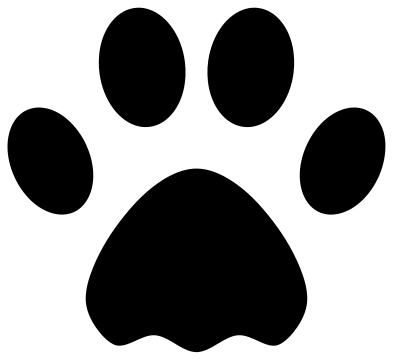 Dog paw print Solid · 5 pieces
 -
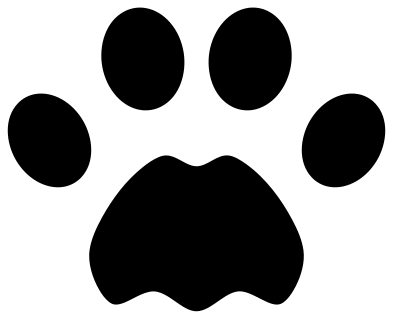 Cat paw print Solid · 5 pieces
 -
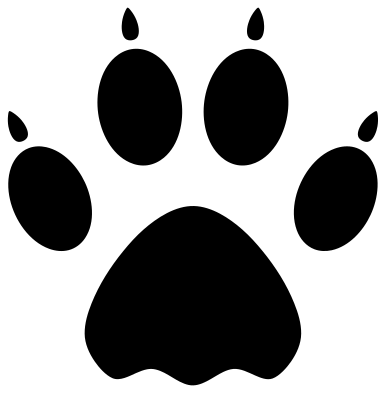 Dog paw print with claws Solid · 9 pieces
 -
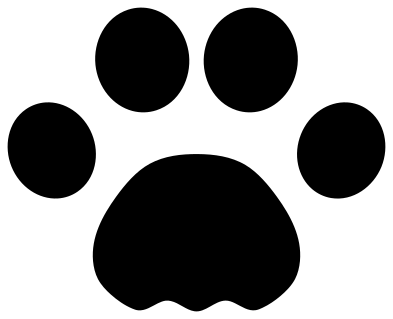 Puppy paw print Solid · 5 pieces
 -
 Bear paw print Solid · 11 pieces
 -
 Paw print outline Outline · 5 pieces
 -
 Cat paw outline Outline · 5 pieces
 -
 Paw print with a heart Solid · 5 pieces
 -
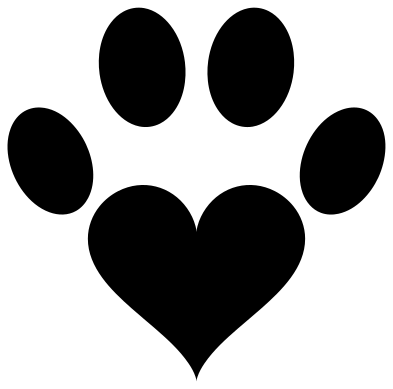 Paw print with a heart pad Solid · 5 pieces
 -
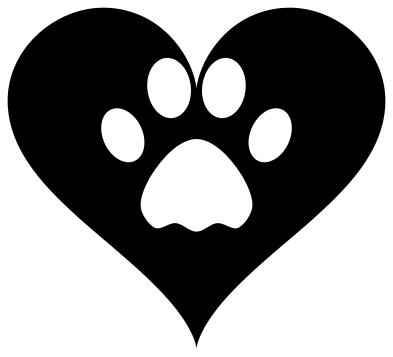 Heart with a paw print cut out Solid · one piece
 -
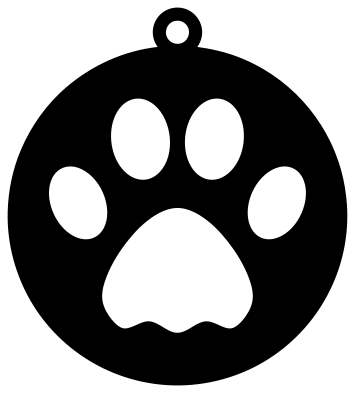 Paw print ornament Solid · one piece
 -
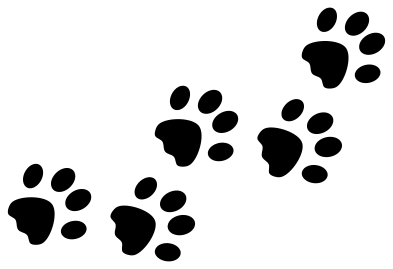 Paw print trail Solid · 25 pieces
 -
 Paw print border Solid · 25 pieces
 -
 Paw print circle frame Solid · 50 pieces
 -
 Split paw print for a name Solid · 8 pieces
 -
 Paw print mandala Solid · 5 pieces
Loose pads or one piece
A paw print is five separate marks, and most of these files keep it that way: a main pad and four toes, with nothing joining them. That is right for vinyl, heat transfer and paper, where transfer tape or a backing sheet holds the pads in position. Weed round the pads and lift the whole print in one go; do not place the toes one by one.
For wood, acrylic and leather, where loose pads would fall away, use the two one-piece designs instead: the heart with a paw print cut out and the paw print ornament. In both the paw is a hole in a solid shape.
Sizes
Every file is 100 mm on its longer side. The plain prints have no thin parts at all, so they can be cut as small as your machine allows: 15 mm prints work for nail decals and planner stickers. The trail, border and circle frame hold several prints each, so each print in them is about a fifth to a quarter of the file size. The mandala print has lines under 2 mm wide and wants 100 mm or more.
How to open the files
- Cricut Design Space: choose Upload, pick the SVG, and add it to the canvas. Set the width you want; the shape is already welded.
- Silhouette Studio: Designer Edition and above open the SVG. The free Basic Edition does not, so open the DXF instead.
- LightBurn, xTool Creative Space and Glowforge: import the SVG, then set the layer to cut, score or engrave.
- Inkscape, Illustrator and Affinity: open the SVG. It is a plain filled path, so you can recolour it, add a stroke or combine it with your own work.
- Printing or sublimation: use the PNG, which has a transparent background.
Each design page lists the file’s narrowest part at seven sizes, so you can tell whether it will survive at the size you plan to cut.
Questions
What is the difference between a dog and a cat paw print?
A dog print is longer than it is wide, with oval toes, and usually shows claw marks because a dog cannot draw its claws in. A cat print is rounder, with small round toes held close to the pad, and shows no claws. In real tracks a cat’s main pad has three lobes along its back edge and a dog’s is more triangular; these drawings are stylised.
How do I keep the toes in the right place when I apply the decal?
Weed away everything except the five pads, then lay transfer tape over the whole print and burnish it before lifting. The tape carries the pads across with their spacing intact. For iron-on vinyl the clear carrier sheet does the same job.
Can I cut a paw print from wood?
Yes, with one of the one-piece designs. The heart with a paw print cut out and the paw print ornament are each a single part with the paw as an opening, so nothing drops out except the pad shapes themselves.
 Cross SVG
  Shamrock SVG
  Anchor SVG
  Compass SVG
  Gear SVG
  Lightning bolt SVG