Free anchor SVG files
Free anchor SVG files: classic, bold and skinny anchors, anchors with rope, chain, a heart or a bow, a ship anchor, and frames and split designs for names. Each is drawn by code, so the two arms and flukes mirror exactly.
14 designs. Free for personal and commercial use, no sign-up. What you can do with them.
-
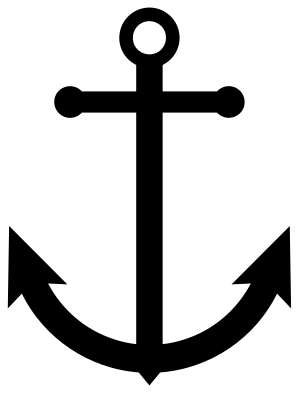 Classic anchor Solid · one piece
 -
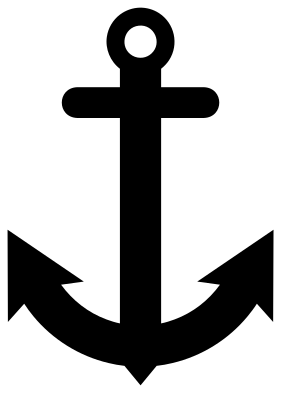 Bold anchor Solid · one piece
 -
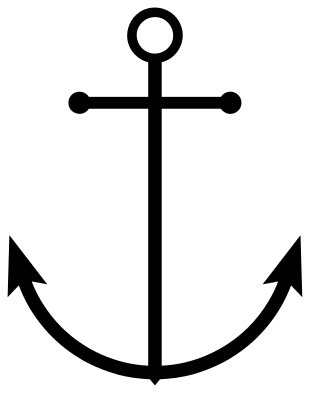 Skinny anchor Solid · one piece
 -
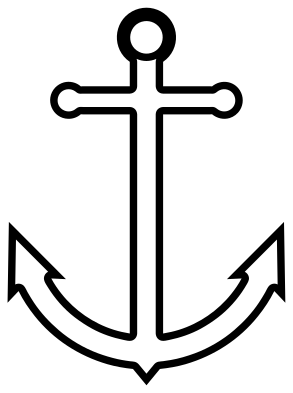 Anchor outline Outline · one piece
 -
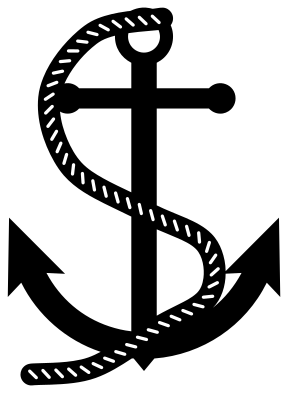 Anchor with rope Solid · one piece
 -
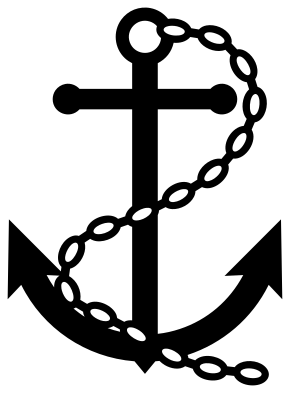 Anchor with chain Solid · one piece
 -
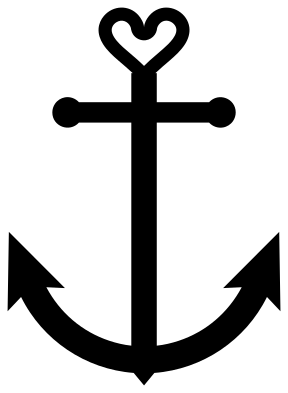 Anchor with a heart top Solid · one piece
 -
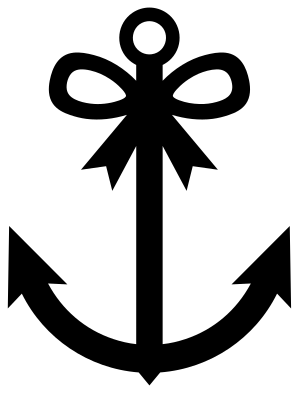 Anchor with a bow Solid · one piece
 -
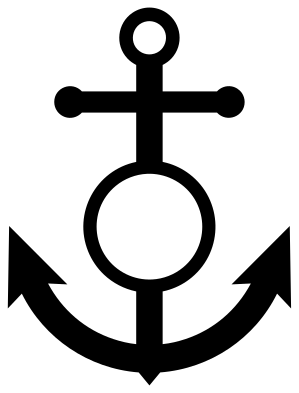 Anchor with a monogram ring Solid · one piece
 -
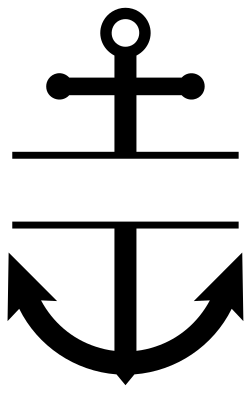 Split anchor for a name Solid · 2 pieces
 -
 Anchor in a rope frame Solid · one piece
 -
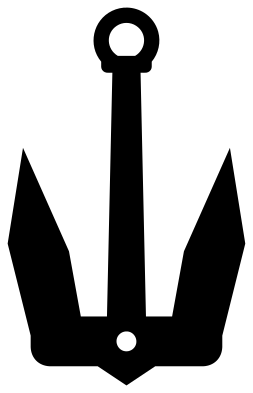 Ship anchor without a stock Solid · one piece
 -
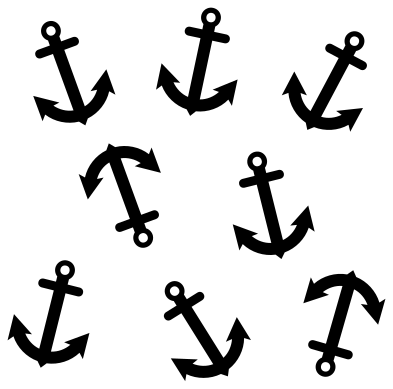 Anchor pattern Solid · 8 pieces
 -
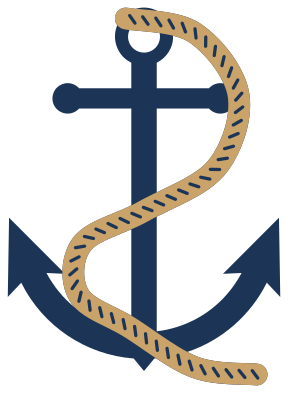 Layered anchor with a rope in two colours Layered · 2 pieces
The parts of an anchor, and which design to pick
A traditional anchor has a ring at the top for the cable, a stock (the crossbar under the ring), a long shank, and two curved arms ending in pointed flukes. The classic, bold and skinny designs here are the same anchor at three weights. Pick by size: the bold anchor for anything under 40 mm tall, the classic for general use, and the skinny one for 80 mm and up, where its fine lines still have enough body.
The ship anchor is a different pattern: it has no stock, and its two flukes pivot on a heavy crown. It is the anchor seen on the bow of a modern ship.
Cutting and materials
Every single anchor is 100 mm tall. The inside of the ring is the only enclosed hole on the plain anchors, so they weed quickly. The rope and chain designs have many small slots and link holes; cut those at 100 mm or more and weed the slots before lifting the outside away.
For wood and acrylic, the bold anchor and the anchor in a rope frame are the strongest. The tips of the flukes are sharp points on every design, which is right for an anchor but worth sanding on a child’s toy or a key ring.
How to open the files
- Cricut Design Space: choose Upload, pick the SVG, and add it to the canvas. Set the width you want; the shape is already welded.
- Silhouette Studio: Designer Edition and above open the SVG. The free Basic Edition does not, so open the DXF instead.
- LightBurn, xTool Creative Space and Glowforge: import the SVG, then set the layer to cut, score or engrave.
- Inkscape, Illustrator and Affinity: open the SVG. It is a plain filled path, so you can recolour it, add a stroke or combine it with your own work.
- Printing or sublimation: use the PNG, which has a transparent background.
Each design page lists the file’s narrowest part at seven sizes, so you can tell whether it will survive at the size you plan to cut.
Questions
What does an anchor stand for?
Steadiness and hope. An anchor holds a ship in place, and it has been used as a sign of hope since early Christian times. That is why it turns up on wedding, family and memorial designs as well as nautical ones.
How do I add a name or initials to an anchor?
Use the split anchor for a name: it has a clear band across the middle, between two rules. Use the anchor with a monogram ring for a single initial. Add the text in your cutting software and centre it in the space.
Which anchor suits a small decal, such as on a tumbler or a phone case?
The bold anchor. Its narrowest part, the band of the ring, is 5 mm wide at 100 mm tall, so at 30 mm tall nothing is thinner than 1.5 mm, and there is only one hole to weed.
 Cross SVG
  Paw print SVG
  Shamrock SVG
  Compass SVG
  Gear SVG
  Lightning bolt SVG