Free lightning bolt SVG files
Free lightning bolt SVG files: classic zigzag bolts thick and thin, rounded icons, forked lightning, storm clouds, outlines and two-colour layered bolts. Each is drawn by code with clean straight edges and downloads as SVG, PNG or DXF.
18 designs. Free for personal and commercial use, no sign-up. What you can do with them.
-
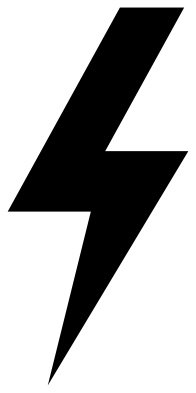 Classic lightning bolt Solid · one piece
 -
 Rounded lightning bolt icon Solid · one piece
 -
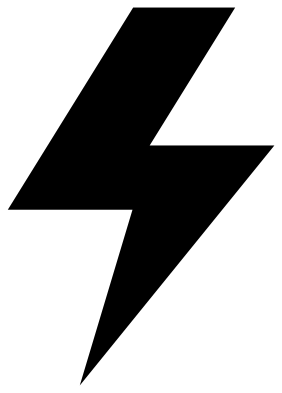 Chunky lightning bolt Solid · one piece
 -
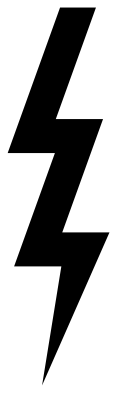 Slim lightning bolt with three zigzags Solid · one piece
 -
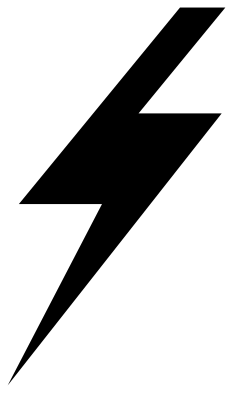 Sharp slanted lightning bolt Solid · one piece
 -
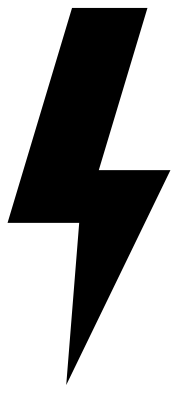 Upright lightning bolt Solid · one piece
 -
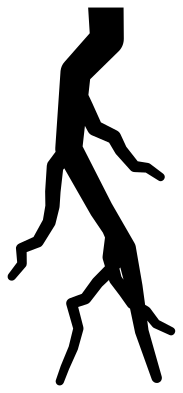 Forked lightning Solid · one piece
 -
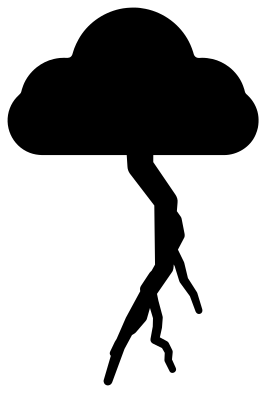 Lightning strike from a cloud Solid · one piece
 -
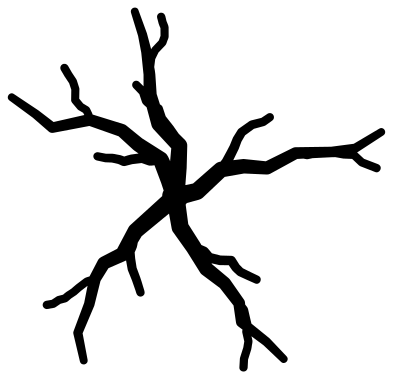 Lightning cracks Solid · one piece
 -
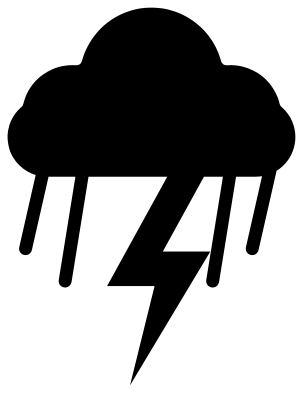 Thunderstorm cloud with a bolt Solid · one piece
 -
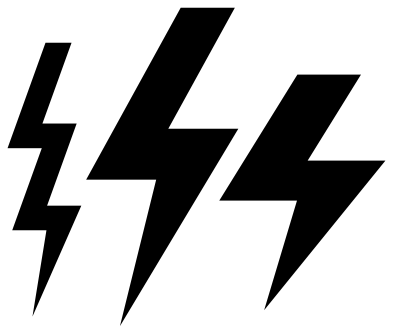 Set of three lightning bolts Solid · 3 pieces
 -
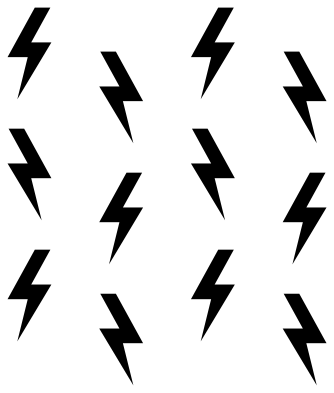 Lightning bolt pattern Solid · 12 pieces
 -
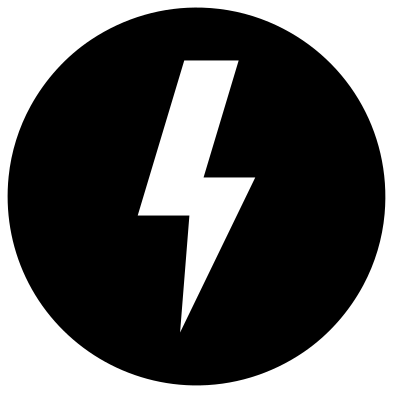 Lightning bolt in a circle Solid · one piece
 -
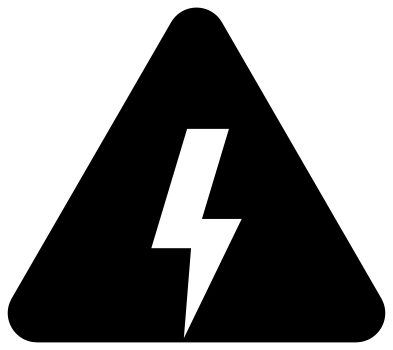 High voltage warning triangle Solid · one piece
 -
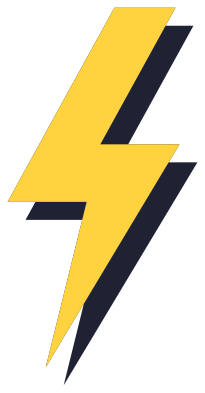 Lightning bolt with a drop shadow Layered · 2 pieces
 -
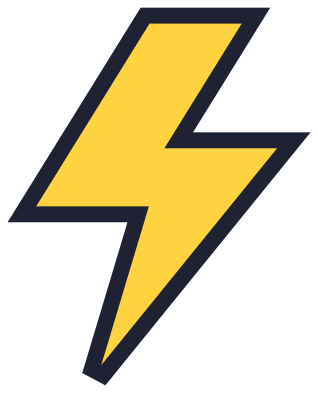 Lightning bolt with a border Layered · 2 pieces
 -
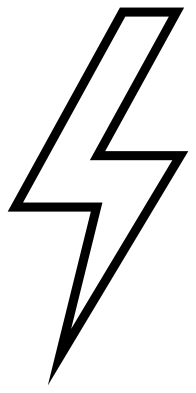 Lightning bolt outline Outline · one piece
 -
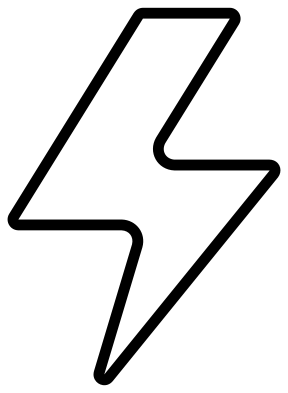 Rounded lightning bolt outline Outline · one piece
Straight edges and sharp points
A zigzag bolt is about the quickest shape there is to cut: the classic bolt is seven straight edges and nothing else. Every file here is 100 mm on its longer side. The points are the only weak spots. In vinyl they are the corners most likely to lift, so press them down well. In wood and acrylic a long needle point, like the ones on the sharp slanted bolt, can chip. The rounded icon and the chunky bolt are the sturdy choices.
Forked lightning, the strike from a cloud and the lightning cracks are a different kind of drawing: thin, wandering lines that narrow towards their ends. Cut those three at 100 mm or larger, and move them with transfer tape so the branches keep their shape.
The two layered bolts come as two layers each, a yellow bolt and a dark piece behind it. Cut the dark layer first, then centre the bolt on it. The set of three and the pattern are loose pieces.
How to open the files
- Cricut Design Space: choose Upload, pick the SVG, and add it to the canvas. Set the width you want; the shape is already welded.
- Silhouette Studio: Designer Edition and above open the SVG. The free Basic Edition does not, so open the DXF instead.
- LightBurn, xTool Creative Space and Glowforge: import the SVG, then set the layer to cut, score or engrave.
- Inkscape, Illustrator and Affinity: open the SVG. It is a plain filled path, so you can recolour it, add a stroke or combine it with your own work.
- Printing or sublimation: use the PNG, which has a transparent background.
Each design page lists the file’s narrowest part at seven sizes, so you can tell whether it will survive at the size you plan to cut.
Questions
Which lightning bolt works best at small sizes?
The chunky bolt or the rounded icon for decals and stickers, because they are wide all the way down. For earrings and other long, narrow pieces use the slim bolt with three zigzags.
How do I make a bolt in two colours?
Use one of the two layered designs, or pair a solid bolt with its outline: the lightning bolt outline has the same shape as the classic bolt, and the rounded outline matches the rounded icon. Cut each in a different colour and stack them.
Can I use the warning triangle as a real safety sign?
No. It is a decoration in the style of the electrical hazard sign. A sign that warns of a real danger has to meet the safety sign standard that applies where you live, including its size, colours and material.
 Cross SVG
  Paw print SVG
  Shamrock SVG
  Anchor SVG
  Compass SVG
  Gear SVG