Free kangaroo SVG files
Free kangaroo SVG files: a kangaroo standing upright, hopping, with a joey in her pouch, a joey on its own, the crossing sign, an origami version, a mandala, a head in profile and a kangaroo in the outback. Each one is drawn by code as clean closed shapes.
12 designs. Free for personal and commercial use, no sign-up. What you can do with them.
-
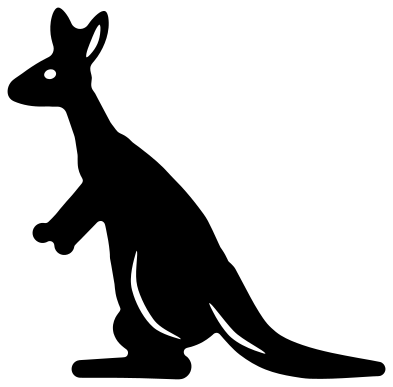 Kangaroo standing upright Solid · one piece
 -
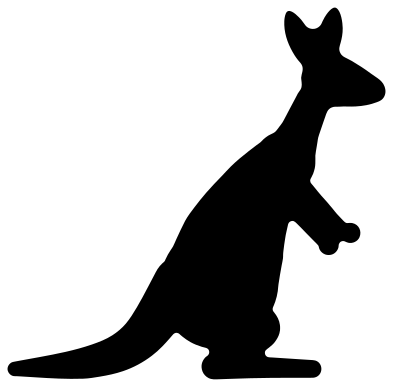 Kangaroo silhouette Solid · one piece
 -
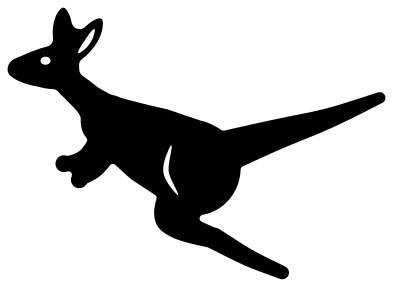 Hopping kangaroo Solid · one piece
 -
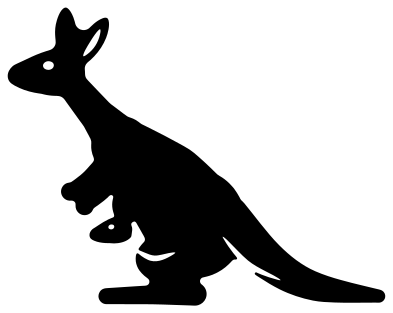 Kangaroo with a joey in her pouch Solid · one piece
 -
 Cute baby kangaroo Solid · one piece
 -
 Kangaroo crossing sign Solid · one piece
 -
 Origami kangaroo Solid · one piece
 -
 Mandala kangaroo Solid · one piece
 -
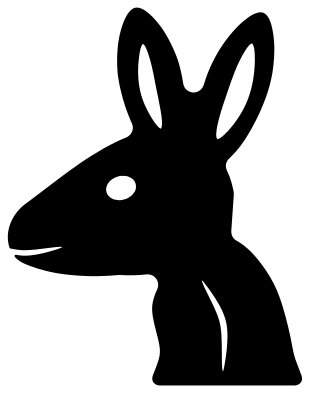 Kangaroo head from the side Solid · one piece
 -
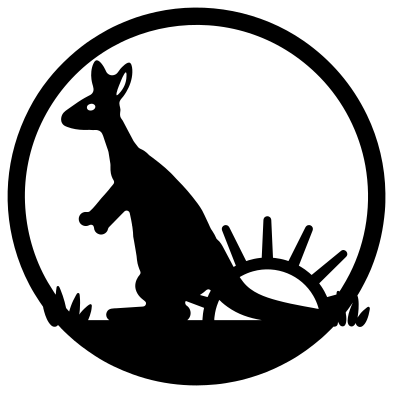 Kangaroo in the outback Solid · one piece
 -
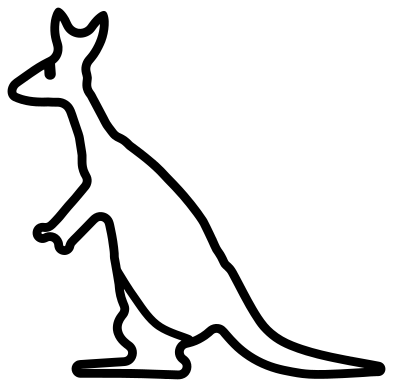 Kangaroo outline Outline · one piece
 -
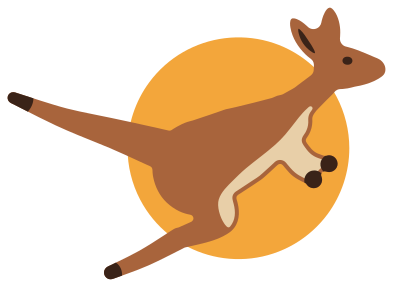 Layered kangaroo with a setting sun Layered · 9 pieces
Arms, ears and a tail: what to watch when cutting a kangaroo
A kangaroo is top-light and bottom-heavy: a small head, a narrow chest and two short arms above a big haunch, a long foot and a tail as thick as a leg. The thin parts are all at the top. Every file is 100 mm on its longer side, and at that size the arms of the standing kangaroo are about 4 mm wide at the wrist, the ears about 6 mm across and the tail ends in a tip just under 4 mm wide. Vinyl and card hold that down to about 50 mm. In 3 mm plywood keep it at 100 mm or more, and sand the arms lightly: they are short grain whichever way you turn the sheet.
The hopping kangaroo has no flat base, so it suits shirts, car windows and cards. For anything that has to stand up, such as a shadow box layer or a shelf sitter, use the standing kangaroo or the silhouette, where the foot and the end of the tail rest on one line.
Australia Day, baby showers and road trips
The kangaroo with a joey in her pouch is the one people ask for most: it turns up on baby shower invitations, maternity shirts and Mother's Day cards. The crossing sign is a traveller's souvenir: cut the frame and kangaroo from black and lay them on a yellow diamond. The origami kangaroo and the mandala are for wall art, where the cut lines can show a second colour behind.
How to open the files
- Cricut Design Space: choose Upload, pick the SVG, and add it to the canvas. Set the width you want; the shape is already welded.
- Silhouette Studio: Designer Edition and above open the SVG. The free Basic Edition does not, so open the DXF instead.
- LightBurn, xTool Creative Space and Glowforge: import the SVG, then set the layer to cut, score or engrave.
- Inkscape, Illustrator and Affinity: open the SVG. It is a plain filled path, so you can recolour it, add a stroke or combine it with your own work.
- Printing or sublimation: use the PNG, which has a transparent background.
Each design page lists the file’s narrowest part at seven sizes, so you can tell whether it will survive at the size you plan to cut.
Questions
Can the standing kangaroo be cut to stand up on its own?
Yes, in wood or acrylic. The foot and the end of the tail touch one level line, about 80 mm from toe to tail tip when the kangaroo is 100 mm wide, so glue those two edges to a base strip. Use the silhouette, which has no inside cuts to weaken it.
Does the joey come as a separate piece?
No. In the kangaroo with a joey the little head is welded to the mother where it leaves the pouch, so the pair cuts as one piece. If you want a loose joey to place yourself, use the cute baby kangaroo, which is its own design.
How do I make the kangaroo crossing sign look right?
Cut the design from black, then cut a plain square of yellow a little smaller than the frame and turn it on its corner behind. The real signs are yellow diamonds with a black border and a black kangaroo hopping to the left, which is how this one is drawn.
 Owl SVG
  Bird SVG
  Cat SVG
  Dog SVG
  Elephant SVG
  Fish SVG